

Have you ever taken a photo of a menu in a foreign country and watched your phone translate it on the spot? Or scanned a receipt and seen the total pulled out automatically? That small moment of magic hides a serious piece of technology. When a system can explain text from an image, it is doing far more than copying letters. It is finding words inside a messy visual scene, decoding them, and then telling you what they mean in plain language. This article walks through how that process works, where it succeeds, where it stumbles, and what to watch out for if you plan to use it.
What “Explain Text From Image” Actually Means
The phrase gets used loosely, so it helps to separate two jobs. The first is transcription: turning pixels that look like letters into actual characters. The second is interpretation: producing a natural-language explanation of what that text says and what it implies.
A basic tool stops at step one. It hands you a wall of characters and lets you sort out the meaning. A more capable system reads the characters, understands the layout, and answers a question like “what is the return deadline on this receipt?” That gap between copying and explaining is where most of the interesting engineering lives.
There is no single agreed definition of the task across research papers and products. The terminology shifts depending on whether a system is built for scanned documents, street signs, screenshots, or handwritten notes. What stays constant is the goal: convert visual text into something a human or another program can act on.
The Foundation: How Optical Character Recognition Works
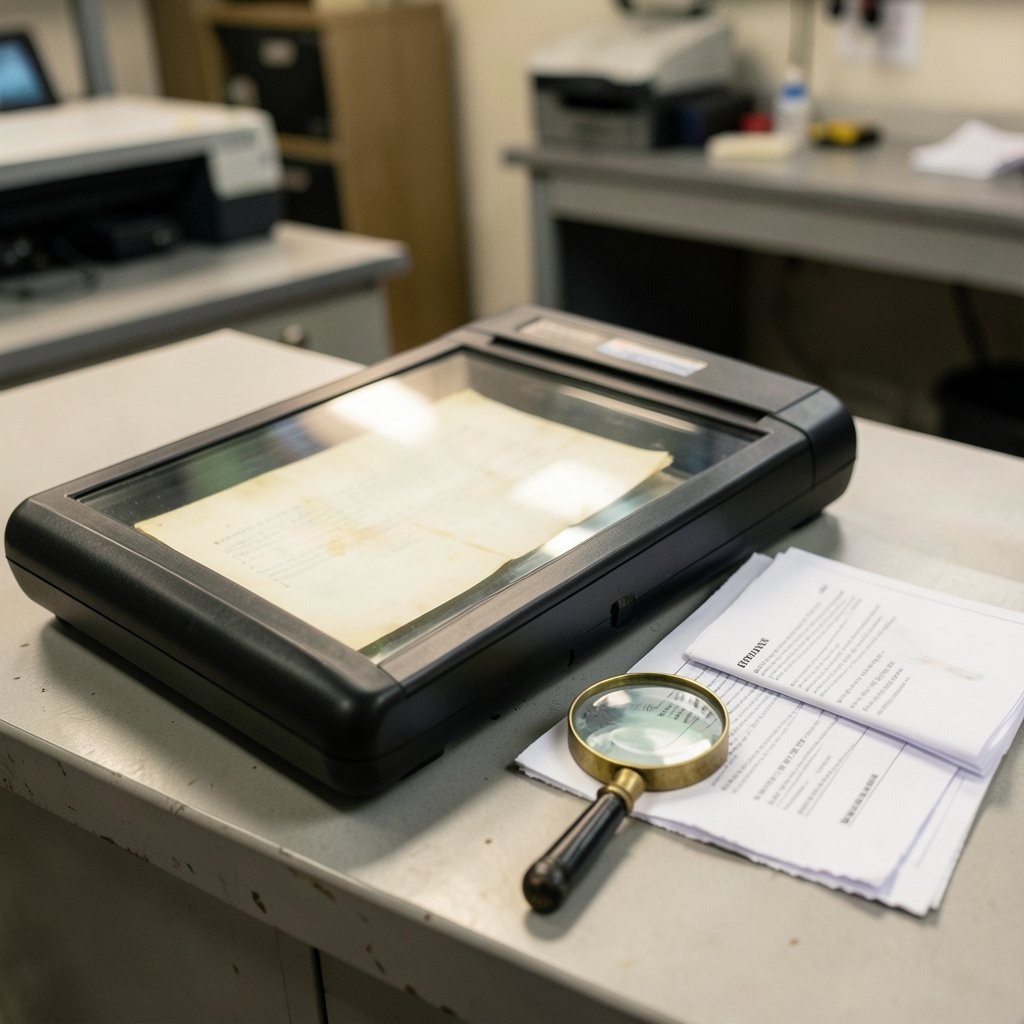
Optical character recognition, usually shortened to OCR, is the transcription layer underneath everything else. A typical OCR pipeline has two stages. First comes text detection, which locates the regions of an image that contain text and draws boxes around them. Then comes recognition, which decodes the characters inside each box.
Tesseract is the best-known open-source engine. It began life at Hewlett-Packard around 1985, was released as open source in 2005, and has been maintained by Google since 2006. It remains a workhorse for scanned documents because it is free, well documented, and reasonably accurate on clean pages.
The catch is that clean pages are not the real world. Text photographed on a street corner bends with perspective, fades in bad light, blurs when hands shake, and hides behind glare. Fonts vary wildly. Words run at angles. Layouts overlap. Researchers have spent two decades building benchmark datasets specifically to measure how well systems handle this chaos, and the results on natural scenes have always lagged behind results on flat scans.
From Reading Characters to Understanding Meaning
Once text is transcribed, the harder question arrives: what does it mean in context? A string of characters pulled from a form is useless without knowing which field it belongs to. A total on a receipt means nothing unless you know it is a total.
Modern systems solve this by modeling three things together: the words, their spatial layout, and the visual appearance of the page. Research on document understanding showed that feeding a model the coordinates of each word alongside the text dramatically improved tasks like reading forms and receipts. Later versions added image features and richer pretraining. The lesson is simple and important: position carries meaning. A number in the top-right corner of an invoice is probably a date, not a quantity.
A parallel line of work skipped OCR entirely. Instead of transcribing first and reasoning second, some models look at the whole image and generate answers directly. This OCR-free approach avoids the error cascade that happens when a transcription mistake poisons everything downstream. It also handles unusual layouts and languages more gracefully. The tradeoff is that you lose the clean, searchable text output that traditional OCR gives you.
Why Text in Photos Is So Much Harder Than Text on Paper
It helps to see the specific failure points. Scene text breaks OCR in predictable ways:
| Challenge | What Happens | Practical Effect |
|---|---|---|
| Low contrast | Letters blend into background | Characters get dropped or swapped |
| Perspective distortion | Text photographed at an angle | Recognition accuracy falls sharply |
| Small text | Words occupy few pixels | Fine print disappears entirely |
| Stylized fonts | Decorative or handwritten lettering | Model guesses wrong letters |
| Cluttered layout | Text overlaps images or other text | Detection boxes merge or split |
| Motion blur | Camera moved during capture | Edges soften beyond recovery |
Anyone who has tried to pull a phone number off a blurry photo of a business card has met several of these at once. The practical fix is usually boring: better lighting, a straight-on angle, and a steady hand beat almost any software upgrade.
What Good Systems Do With the Text They Find
Transcription is the starting line, not the finish. Once a system has the words, several useful things become possible.
Question answering. You can ask what a document says and get a direct answer instead of a transcript. Benchmarks built around visual question answering have pushed models to read text inside images rather than rely on general knowledge. Separate benchmarks focus on dense documents and on charts, where the model must connect numbers to labels and axes.
Structured extraction. Forms, invoices, and receipts have predictable shapes. A system that understands layout can pull out the vendor, date, line items, and total without a human retyping anything.
Translation and accessibility. Point a camera at a sign and hear it read aloud, or see it in your own language. For blind and low-vision users, this is one of the most consequential applications of the technology. Screen readers paired with OCR turn the physical world into something audible.
Search. Text locked inside a screenshot or a scanned PDF is invisible to search until something extracts it. Running OCR over an archive makes years of documents findable in seconds.
If you are curious how adjacent tools handle visual input more broadly, the same underlying models power many image and video systems. A look at the best AI video generators from text and images shows how far multimodal understanding has come in a short time.
Hallucination: The Failure Mode That Bites Hardest
Here is the uncomfortable truth about systems that explain rather than transcribe. When a model is asked to interpret text it cannot clearly read, it may invent something plausible. A smudged expiration date becomes a confident but wrong date. A faded label becomes a guess presented as fact.
This is not a rare glitch. It is a structural risk of any system trained to produce fluent output. Fluency and accuracy are different goals, and the fluent answer is often the wrong one.
The defense is straightforward but requires discipline. Keep the raw transcription beside the interpretation so you can check the source. Treat any extracted number that matters—such as a price, a dosage, or a deadline—as unverified until a human confirms it. When accuracy is critical, prefer a system that shows exactly which pixels it read rather than only the conclusion it reached.
Privacy: Text in Images Is Still Personal Data
A photo of a passport, a medical label, a bank statement, or a receipt contains exactly the kind of information that data-protection rules exist to guard. Running that image through a third-party service means sending personal data to someone else’s servers.
Under the EU GDPR, which has applied since 2018, processing personal data requires a lawful basis and carries obligations around storage and transfer. In the United States, health information falls under HIPAA when it involves covered entities. The specifics depend on your jurisdiction and your use case, but the practical rule is universal: know where the image goes, how long it is kept, and whether it is used for training. Self-hosted open-source OCR sidesteps many of these questions because the data never leaves your machine.
Practical Tips That Actually Improve Results
Most accuracy gains come from the input, not the model. A few habits make a real difference.
- Fill the frame. Crop tight around the text so it occupies as many pixels as possible.
- Shoot straight on. Square the camera to the page to reduce perspective distortion.
- Light it evenly. Diffuse, indirect light beats a harsh lamp that creates glare.
- Raise the resolution. Most engines need roughly 300 dots per inch on a scan to read small print reliably.
- Deskew before processing. Straightening a tilted scan is a one-click fix that pays off immediately.
- Check the language setting. Telling the engine which language to expect cuts bizarre errors.
- Keep the original. Never discard the source image until the extracted text is verified.
A common mistake is assuming a fancy AI model will rescue a terrible photo. It usually will not. Another is trusting a single pass. Running two different engines and comparing outputs catches a surprising share of errors.
Where This Technology Is Heading
The direction of travel is clear: less pipeline, more end-to-end understanding. Instead of detect, recognize, then reason, newer models look at an image and answer directly. That simplifies the stack and handles messy layouts better, but it makes verification harder because there is no clean intermediate transcript.
The other shift is toward text as a visual prompt. Screenshots, memes, slides, and infographics all carry meaning that lives in the combination of words and design. Systems that parse these formats are becoming genuinely useful. If you want to see how text prompts drive visual output in the opposite direction, the best AI text to image generator free tools show the same multimodal machinery working in reverse. For a different creative angle, an AI anime generator that creates anime images from text demonstrates how precisely these models now follow written instructions.
Conclusion
Explaining text from an image sounds like a single trick, but it is really a chain: detect the words, decode the characters, understand the layout, and then say something useful about what it all means. Each link in that chain can break, and the weakest link usually decides the outcome. Clean, straight, well-lit photos still outperform clever software. Raw transcripts still beat confident interpretations when accuracy matters. And personal data in images still deserves the same care you would give any sensitive document.
The technology is genuinely impressive and getting better fast. Used with a healthy skepticism, it turns the physical world into searchable, readable, translatable text. Used carelessly, it produces fluent nonsense. The difference is not the model. It is the person checking the output.
Frequently Asked Questions
What is the difference between OCR and explaining text from an image?
OCR only transcribes characters from pixels into machine-readable text. Explaining goes further: it interprets what the text means, often answering questions or extracting structured details like dates and totals. OCR is the foundation; explanation is the layer built on top.
Can AI read text from a photo accurately?
Often yes, especially with clear, straight, well-lit images. Accuracy drops sharply with blur, low contrast, odd angles, small print, and decorative fonts. Always verify critical numbers against the original image rather than trusting the extracted text alone.
Why does AI sometimes invent text that isn’t in the image?
Models trained to produce fluent language will sometimes generate plausible output when the input is unclear. This is called hallucination. It happens most with smudged, faded, or partially obscured text. Keeping the raw transcription visible lets you catch these errors before they cause problems.
Is it safe to upload images containing personal information?
It depends on the service. Images of IDs, medical labels, or financial documents contain personal data, and uploading them sends that data to a third party. Check retention policies and whether your images are used for training. Running open-source OCR locally avoids sending data anywhere.
What image quality do I need for reliable text extraction?
Aim for around 300 dots per inch on scans, shoot straight on to avoid perspective distortion, and use even lighting without glare. Fill the frame with the text so it occupies enough pixels. Better input almost always beats a better model.
Can these tools read handwriting?
Modern systems handle handwriting far better than older OCR engines did, but accuracy still trails printed text considerably. Neat, consistent handwriting in good light works reasonably well. Cursive, rushed notes, and mixed scripts remain genuinely difficult and should be checked carefully.



