
Quick Answer: Which budget gaming mice are worth buying?
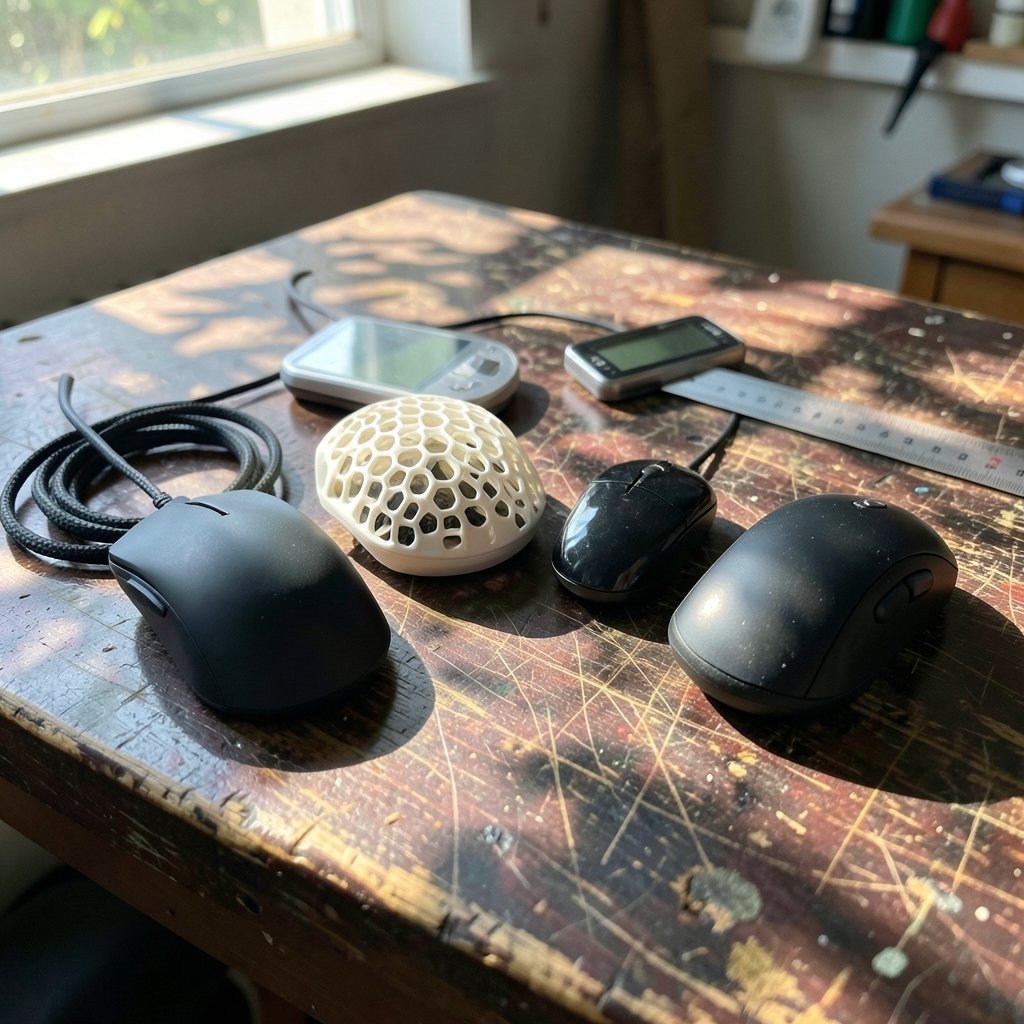
A budget gaming mouse is worth buying when it pairs a proven optical sensor with a comfortable shape, low click latency, and reliable switches, rather than when it promises the longest feature list. Shoppers can find genuinely capable options from established peripheral brands and from value-focused manufacturers that publish full sensor specifications. Wired models usually deliver more performance per dollar than wireless ones at the same price, while lightweight honeycomb designs and compact shapes suit different grip styles. Before buying, compare sensor model and DPI range, polling rate, click latency, weight, shape and size, switch type, cable quality, and software requirements.
A cheap mouse can be a smart purchase or a false economy, and the difference rarely shows up in the marketing photos. It shows up in the sensor under the shell, the switches under the buttons, and whether the shape fits the hand that will hold it for hours. The good news is that the entry-level market has improved dramatically, and a careful buyer can spend modestly and still get a mouse that tracks accurately and survives years of use.
What “budget” really means for a gaming mouse
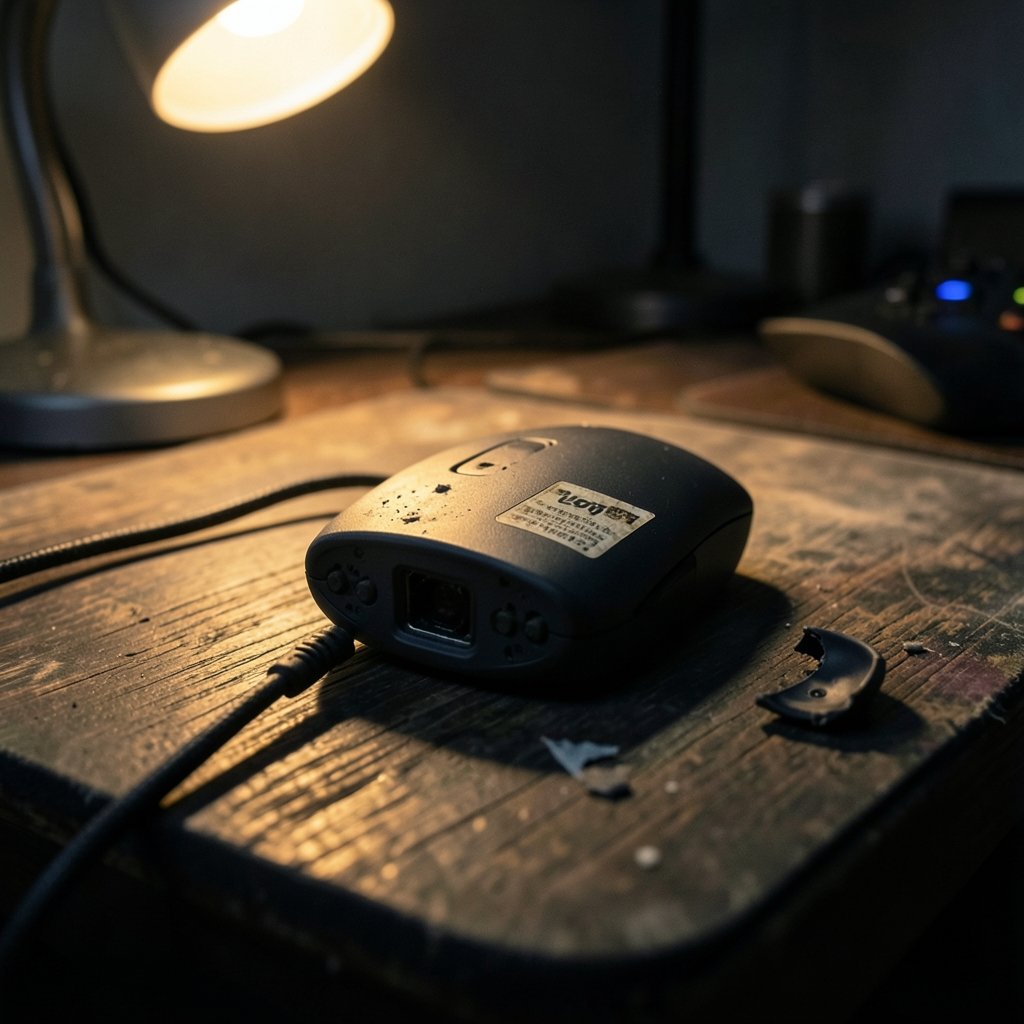
Budget is a moving target. For some shoppers it means the cheapest mouse that will not fall apart in a month. For others it means the sweet spot just below flagship pricing, where you give up bragging rights but keep the essentials. Either way, the practical definition is the same: a mouse that delivers accurate aiming, consistent clicks, and a comfortable grip without charging for features you will never use.
That framing matters because the budget tier is full of traps. Manufacturers cut costs somewhere, and the smart shopper’s job is to figure out where. A cheaper shell material or a simpler cable is a fair trade. A no-name sensor with unpredictable acceleration is not. Learning to tell those apart is most of the battle, and it applies whether you are shopping for a mouse or weighing other entry-level gear, such as the tradeoffs covered in this guide to a gaming monitor worth buying for beginners.
The parts that actually matter
The sensor
The sensor is the heart of the mouse. It converts movement into cursor motion, and a weak sensor produces jitter, smoothing, or acceleration that no amount of practice can fix. The reliable approach is to look for a named sensor from a known manufacturer rather than a vague DPI number. High maximum DPI is a marketing number; most players never exceed a fraction of it. What matters is that tracking stays stable at the speeds you actually use and that the sensor does not add unwanted acceleration.
Polling rate and click latency
Polling rate describes how often the mouse reports its position to the computer. Higher rates mean smoother, more responsive tracking, but they also demand more from the system. Click latency is the delay between pressing a button and the game registering it. Both numbers are worth checking, and both are frequently overstated in product listings. A mouse with a solid sensor and clean firmware will feel responsive even without headline-grabbing specs.
Switches and durability
Mechanical switches wear out, and the classic failure mode is the dreaded double-click, where one press registers twice. Optical switches avoid that specific problem by using light instead of physical contact, though they have their own tradeoffs in feel. Either type can be good. What matters is that the switches come from a recognizable supplier and that the brand has a track record of honoring warranties.
Shape, weight, and grip
This is where spec sheets fail completely. A mouse can be technically flawless and still feel wrong in your hand. Weight affects how quickly you can flick and stop, and lightweight designs suit fast-paced games. Shape determines comfort over long sessions. Buyers should think about their grip style, hand size, and whether they prefer a palm, claw, or fingertip hold before falling in love with a number on a box.
| Factor | What to check | Why it matters |
|---|---|---|
| Sensor | Named model from a known maker | Accurate tracking without acceleration |
| Polling rate | Reported rate and stability | Smoother, more responsive aim |
| Switches | Type and supplier | Fewer double-click failures |
| Weight | Grams, and balance | Flick speed and control |
| Shape | Length, width, hump position | Comfort and grip fit |
| Cable or wireless | Flexibility or battery life | Freedom of movement vs. upkeep |
Wired versus wireless on a budget
At the entry level, wired mice generally win on value. A good braided or paracord-style cable adds negligible drag, and you never think about charging. Wireless mice at the same price often compromise on battery life, build quality, or sensor performance to hit the number.
That said, wireless has become genuinely viable in the budget tier, and a well-implemented low-latency connection can feel indistinguishable from a cable for most players. The question to ask is whether the wireless model you are considering cuts corners elsewhere. If the answer is yes, a wired mouse with better internals is the smarter buy.
Common mistakes buyers make
The first mistake is chasing DPI. A mouse advertising an enormous maximum sensitivity is not better; it is usually just louder. The second is ignoring shape in favor of specs. The third is buying from a brand with no support presence, which turns a small saving into a disposable purchase. The fourth is trusting sponsored rankings over hands-on testing.
Another frequent error is overlooking the software. Some budget mice require bloated drivers that run in the background, conflict with other peripherals, or store settings only on the computer rather than on the mouse. A mouse with onboard memory and optional software is far more pleasant to live with.
Finally, many buyers forget the accessories. Cheap mouse feet drag, and a stiff cable snags. Budgeting a little extra for replacement skates or a mouse bungee can transform a mediocre mouse into a good one, and it costs far less than upgrading the mouse itself.
How to evaluate a budget mouse before buying
- Identify the exact sensor model and search for independent tracking tests.
- Check the polling rate and whether it holds steady under load.
- Confirm the switch type and look for reports of double-click issues.
- Measure your hand and compare it to the mouse’s length, width, and height.
- Read reviews from players who share your grip style and game genre.
- Verify warranty length and whether support is reachable in your region.
- Check whether settings save to onboard memory.
This process takes twenty minutes and saves months of frustration. It is the same discipline that pays off when choosing other budget tech, from the advice on a tablet worth buying for everyday use to picking a webcam worth buying for beginners.
Where budget mice fit in a wider setup
A mouse never exists alone. It sits next to a keyboard, a monitor, and often a headset, and the weakest link shapes the experience. Someone building a first setup on a tight budget should think about the whole picture rather than optimizing one component. The same logic applies to portable gear: if you are weighing a handheld for commutes, the comparisons in this look at the best handheld gaming consoles in 2026 follow the same value-first reasoning.
For players who split time between a desk and a couch, a budget mouse paired with a capable laptop can cover a lot of ground. Buyers researching a machine to match should read up on gaming laptops under 1000 that actually fit a budget before committing, since peripheral savings only matter if the rest of the setup keeps up.
What actually works in practice
In real use, the differences between a well-chosen budget mouse and a premium one are smaller than the marketing suggests. Most players notice shape and weight long before they notice sensor specifications. A comfortable mouse with a competent sensor will outperform an uncomfortable flagship every time.
Practical experience points to a few durable rules. Buy the lightest mouse you can comfortably control, not the lightest one available. Prefer a shape you have used before over an exotic new design. Keep a spare cable or set of mouse feet on hand, because those are the parts that fail first. And treat software as part of the product: if the driver is unpleasant, the mouse will be too.
It also helps to buy from a retailer with a generous return policy. Shape preference is personal, and no review can fully predict how a mouse will feel after three hours. A trial period turns uncertainty into a low-risk experiment.
When spending a little more makes sense
There is a point where stretching the budget pays off. Moving from the absolute cheapest tier to a well-regarded entry model often buys a better sensor, improved switches, and real warranty support. Beyond that point, returns diminish quickly for most players.
The exception is competitive play at a high level, where marginal gains in latency and consistency can matter. Even then, the gains are small compared with the improvements that come from practice and a good chair. Buyers should be honest about their needs rather than shopping for a hypothetical version of themselves.
For collectors and hobbyists, value can also mean something different entirely. Someone who enjoys the hunt for rare finds might apply the same patience to a state quarter worth money as to a discontinued mouse. The principle is identical: know what you are looking at, verify the details, and do not pay for hype.
Conclusion
A budget gaming mouse is worth buying when the money goes into the parts that shape daily use: a trustworthy sensor, dependable switches, a shape that fits your hand, and support you can actually reach. Fancy specifications and aggressive styling are not substitutes for those fundamentals. Shoppers who check the sensor model, confirm the polling rate and click behavior, measure their grip, and buy from a retailer with a fair return window will almost always end up with a mouse that feels far more expensive than it was. The entry tier is no longer a compromise; it is a genuinely sensible place to shop.
FAQ
Are cheap gaming mice good enough for competitive play?
Many are, provided the sensor tracks accurately and the click latency is low. Competitive players should prioritize a proven sensor and a shape they can control, then practice. A modest mouse with clean tracking will not hold most players back.
Is a higher DPI always better?
No. Maximum DPI is mostly a marketing figure. Stability, lack of acceleration, and consistent tracking at the sensitivities people actually use matter far more than a big number on the box.
Should I choose wired or wireless on a tight budget?
Wired usually delivers more performance per dollar at entry prices. Wireless is viable if the model maintains low latency and decent battery life without cutting corners on the sensor or build quality.
How long should a budget gaming mouse last?
A well-made model with quality switches typically lasts several years of regular use. The first parts to wear are usually the mouse feet and the cable, both of which are inexpensive to replace.
Do I need special software for a budget mouse?
Not necessarily. Look for onboard memory so settings save to the mouse itself. Software should be optional, lightweight, and free of background processes that interfere with other peripherals.
What is the biggest mistake when buying a budget mouse?
Buying for specifications instead of fit. Shape and weight affect comfort and control far more than headline numbers, and a mouse that feels wrong will disappoint no matter how good its sensor is.



