
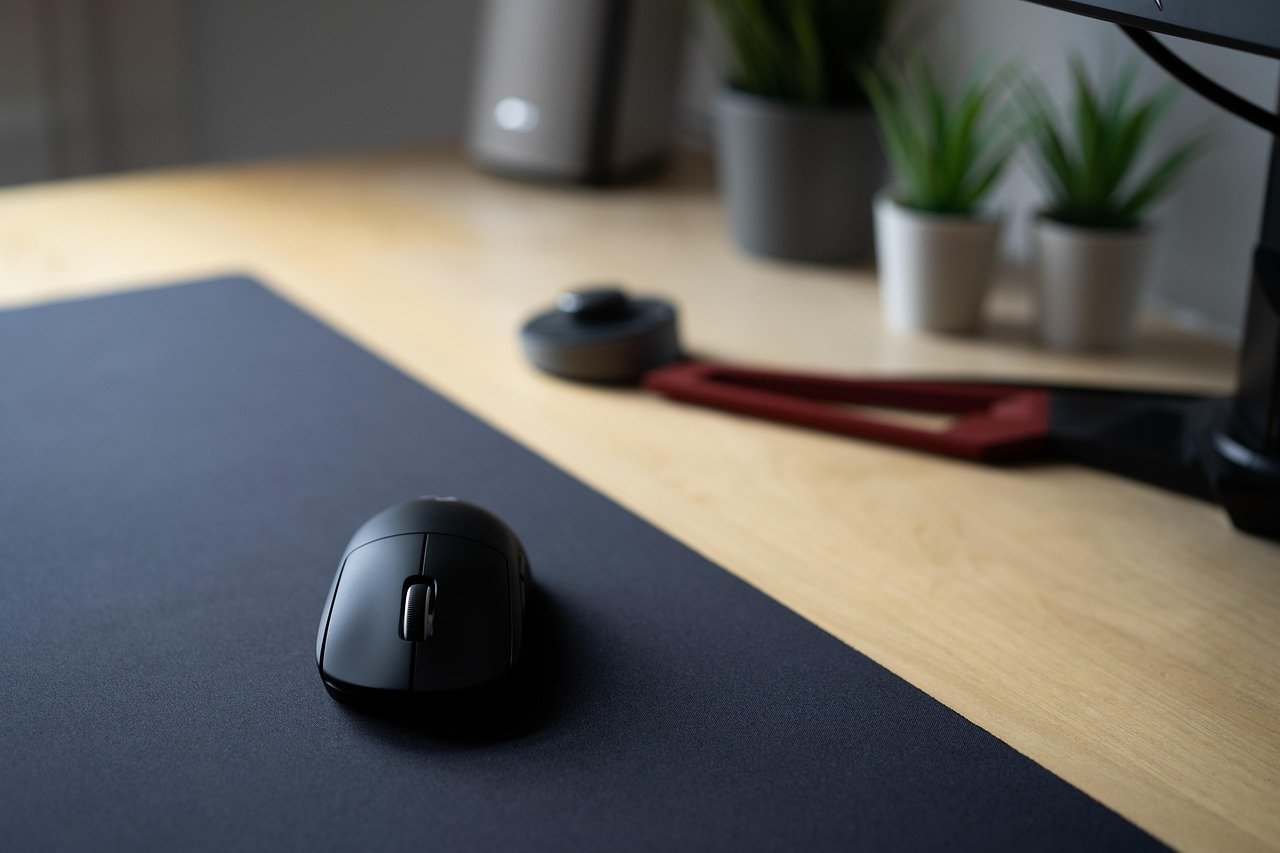
Quick Answer: How do I choose gaming mice?
Choosing a gaming mouse comes down to matching shape, weight, and sensor behavior to how you actually hold and move the mouse, not to the biggest number on the box. Start with your grip style and hand size, then pick a sensor type (optical is the safer default), a weight class, and a connection method that suits your play.
Wireless and wired models are both competitive now, and 2.4 GHz wireless is generally considered on par with wired for gaming, while Bluetooth adds latency you do not want in fast play. Lightweight shells under roughly 70 grams and heavier ergonomic shapes both have loyal fans, so the right answer depends on your preferences rather than a universal winner.
Before buying, compare grip style, hand length, weight, sensor type, polling rate, switch type, cable or wireless standard, and software support.
Why the Mouse Is the One Upgrade You Actually Feel
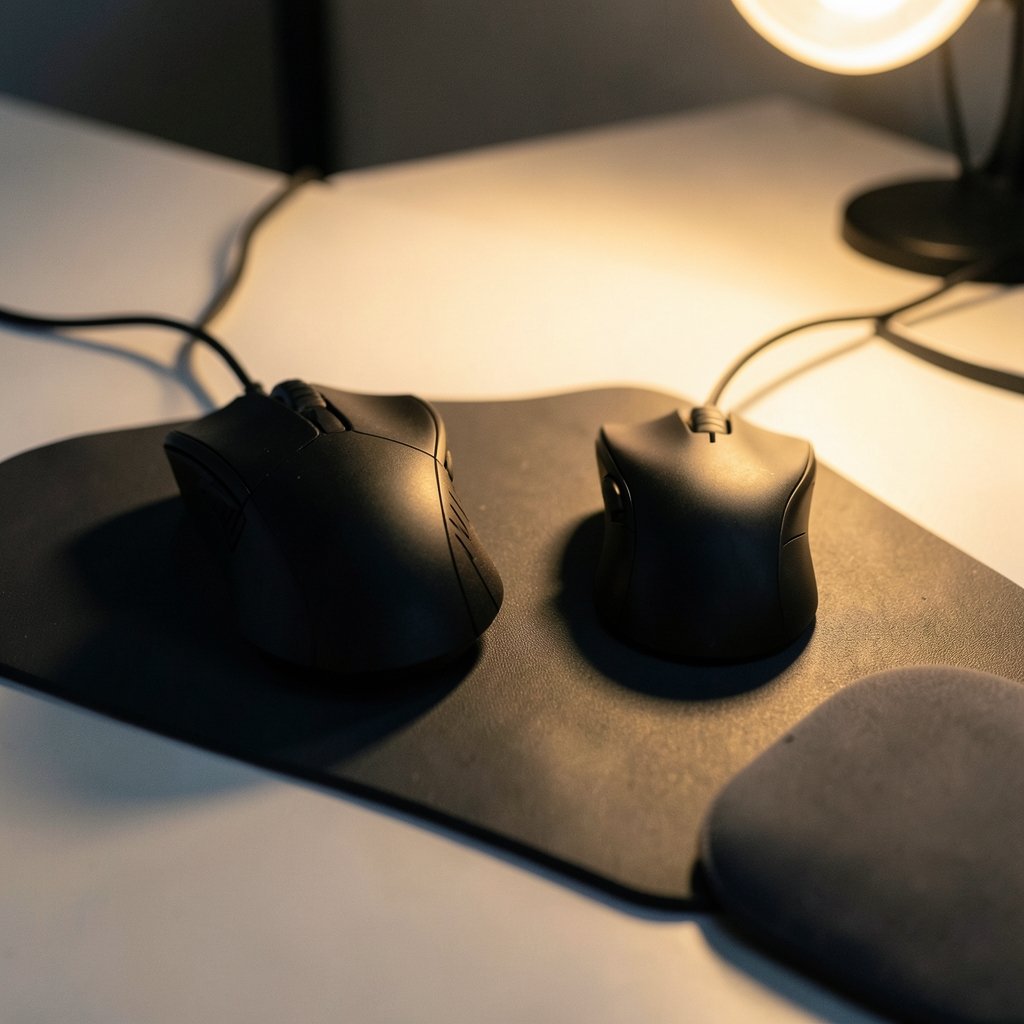
Ever wondered why two players with identical PCs can have completely different accuracy? The mouse is the most personal piece of gear in a setup. A monitor changes what you see and a keyboard changes how you type, but the mouse sits in your hand for hours and translates every twitch into movement. Get it wrong and you fight your own hardware all night.
The trap is that shopping pages push numbers: 26,000 DPI, 8,000 Hz polling, 50-million-click switches. Those specs sell mice, but they rarely decide whether you play well. What decides it is whether the shell fits your hand, whether the weight matches your arm speed, and whether the sensor tracks cleanly when you flick. This guide walks through each decision in the order that actually matters, with the mistakes people make most often.
Start With Your Grip, Not the Spec Sheet
Grip style is the foundation. Everything else, from shape to button placement, hangs off it.
There are three main grips. Palm grip means your whole hand rests on the mouse, with the palm in contact and fingers flat on the buttons. Claw grip arches the hand so the palm touches only near the base while fingers curl onto the buttons. Fingertip grip keeps the palm off the shell entirely, with control coming from the fingertips.
Each grip pushes you toward different shapes. Palm grip usually wants a longer, taller, ergonomic shell with a pronounced hump. Claw grip tends to suit medium ambidextrous shapes with a flatter profile. Fingertip grip works best with short, narrow mice that leave room to move the fingers.
A practical test: sit at your desk, relax your hand, and notice where it naturally lands. If your palm drops flat, do not buy a tiny fingertip mouse because a reviewer loved it. If you can, handle a display model before buying. Failing that, measure your hand from the base of the palm to the tip of the middle finger, then compare that against the mouse’s listed length. Most people land between 17 and 20 cm, and a mouse that is too long for your hand forces an awkward stretch that shows up as wrist fatigue within an hour.
Weight: Light Is Not Automatically Better
Lightweight mice became a major category around 2019 to 2021, and the marketing has not slowed since. Sub-70-gram shells are common, and some dip far lower.
Here is the balanced view. Lighter mice are easier to stop and start, which helps low-sensitivity players who move their whole arm. Heavier mice feel more planted and can suit high-sensitivity players who mostly use the wrist. Neither is superior. What matters is consistency: a mouse that is too light for your grip can feel twitchy, and one that is too heavy wears your arm down in long sessions.
Weight also interacts with shape. A 60-gram mouse with a bad hump for your hand is worse than an 85-gram mouse that fits like it was molded for you. If you are unsure, aim for the middle, somewhere around 70 to 90 grams, and adjust from there.
Sensor Type and DPI: Read Past the Hype
Modern gaming mice use optical or laser sensors. Optical sensors are generally preferred for low-sensitivity play because they track more consistently at high speeds. Laser sensors can be sensitive to surface quirks, which is one reason optical has become the default in competitive circles.
Then there is DPI, also called CPI. It measures sensitivity, not quality. A higher DPI number does not mean a better sensor, and most competitive players run somewhere between 400 and 1,600 DPI. A mouse advertising 30,000 DPI is not more accurate than one advertising 12,000; it just has a wider adjustable range you will probably never use.
The lesson is simple: ignore the DPI headline and look for a well-regarded optical sensor, then set sensitivity to what feels natural. If you are also sorting out what you look at while you play, our guide on how to choose a gaming monitor that matches the panel you actually play pairs well with this decision, because aim is a partnership between hand and screen.
Polling Rate and Wireless: What Actually Matters
Polling rate is how often the mouse reports its position to the PC. For years, 1,000 Hz (about once per millisecond) was the standard. Then 4,000 Hz and 8,000 Hz mice arrived around 2021 to 2023.
Higher polling rates sound impressive, but the returns diminish quickly, and they raise CPU load. Independent testing has debated how much benefit 4,000 and 8,000 Hz actually deliver. For most players, a solid 1,000 Hz mouse is plenty, and the money is better spent on shape and build quality.
On the wireless question: modern 2.4 GHz wireless is generally considered competitive with wired for gaming. Bluetooth, however, is not recommended for competitive play because of higher latency. If you want a clean desk, a 2.4 GHz dongle is the way to go. If you want zero charging anxiety, a wired mouse with a flexible cable is still a perfectly good choice. Our breakdown of Logitech vs Razer vs ROG wireless gaming mice digs into how the big brands compare on exactly this point.
Switches, Buttons, and Build Quality
Mechanical switches, such as the widely used Omron units, are the standard. Optical switches spread from around 2019 and are marketed for lower double-click failure rates. One honest caveat: longevity figures like “100 million clicks” are mostly manufacturer-reported and not independently standardized, so treat them as vendor claims rather than guarantees.
What you can judge for yourself is button layout and feel. Side buttons should sit under your thumb without a stretch. The scroll wheel should click firmly and scroll without wobble. The main buttons should have a crisp, predictable actuation that does not feel mushy.
Build quality shows up in the shell too. A hollow-feeling mouse with creaky panels will annoy you for years. Give the sides a squeeze in the store if you can, and read owner reviews that mention long-term durability rather than unboxing excitement.
Wired or Wireless, and the Cable Detail
The wired-versus-wireless debate is mostly settled, but the details still matter. A wired mouse needs a flexible, low-drag cable; stiff braided cables can tug during fast swipes, which is why some players add a bungee. A wireless mouse needs a reliable 2.4 GHz connection and a battery strategy, whether that is a rechargeable cell or a swappable battery.
USB standards affect compatibility and charging, though for a mouse the practical concerns are simple: use the dongle in a direct port rather than a hub when possible, and keep the receiver close to reduce interference. If you are building out the rest of your desk, the same logic applies to your keyboard choice, and our comparison of mechanical vs membrane keyboards for gaming and everyday use covers that decision in detail.
The Comparison Table Worth Bookmarking
| Factor | What to Check | Common Mistake |
|---|---|---|
| Grip style | Palm, claw, or fingertip; match shell length and hump | Buying a shape a reviewer loved but your hand does not fit |
| Hand size | Measure palm base to middle fingertip (cm) | Ignoring length and fighting an awkward stretch |
| Weight | Roughly 70 to 90 g as a safe middle ground | Assuming lighter is always better |
| Sensor | Optical, well-regarded model | Chasing a huge DPI number |
| Polling rate | 1,000 Hz is enough for most players | Paying extra for 8,000 Hz with diminishing returns |
| Connection | 2.4 GHz wireless or a flexible wired cable | Using Bluetooth for competitive play |
| Switches | Crisp, predictable actuation | Trusting vendor click-count claims as guarantees |
| Software | Optional profiles, no forced bloat | Ignoring software if you remap buttons |
Ergonomics: The Part Nobody Talks About
A mouse can be spec-perfect and still hurt. Repetitive-strain guidance from occupational-health bodies generally recommends neutral wrist posture and avoiding prolonged static grip. In practice, that means a few things.
Keep your wrist roughly straight rather than bent upward or sideways. Support your forearm so your elbow is near a right angle. Take short breaks every hour, even thirty seconds of shaking out the hand helps. And if a mouse causes numbness or tingling that persists, stop using it and see a professional rather than pushing through.
Ergonomic shapes with thumb rests and pronounced arches are not limited to office workers. Players who log long sessions often find a comfortable ergonomic shell beats a flat, low-profile one, even if the flat one looks faster on paper.
Software, Skates, and the Small Stuff
Software is the quiet differentiator. Good software lets you remap buttons, set DPI stages, and store profiles on the mouse itself so settings travel with the hardware. Bad software runs in the background, nags for updates, and forgets your settings.
Also check the mouse feet, or skates. Smooth PTFE skates glide better on a cloth pad, and swapping them is a cheap upgrade. Speaking of pads, surface matters: a control pad slows the glide and adds stopping power, while a speed pad favors fast flicks. Match the pad to your mouse weight and grip.
A final practical tip: buy from a seller with a real return window. Shape is the one thing specs cannot tell you, and a week of actual play is worth more than any review. If the mouse does not disappear into your hand, return it and try another shape. Our roundup of the best gaming mice in 2026 and what actually matters when you buy is a useful starting shortlist once you know your grip and weight preference.
Conclusion
Choosing a gaming mouse is a process of elimination, not a hunt for the highest number. Start with grip and hand size, pick a weight range that matches how you move, choose an optical sensor and a sensible 1,000 Hz polling rate, and decide between 2.4 GHz wireless and a flexible wired cable based on your desk and habits. Then check switches, software, and build quality, and buy somewhere you can return the mouse if the shape does not click.
The best mouse is the one you stop noticing. When your hand relaxes and your aim feels like an extension of your arm, the spec sheet stops mattering. Take the time to get the fit right, and every session gets a little smoother.
Frequently Asked Questions
Is a higher DPI mouse more accurate?
No. DPI measures sensitivity range, not sensor quality. A 30,000 DPI mouse is not more accurate than a 12,000 DPI one, and most competitive players use between 400 and 1,600 DPI anyway. Look for a well-regarded optical sensor instead of a big number.
Do I need an 8,000 Hz polling rate mouse?
For most players, no. A 1,000 Hz mouse reports position about once per millisecond, which is plenty. Higher polling rates raise CPU load, and independent testing has debated how much real benefit 4,000 and 8,000 Hz deliver. Spend the difference on shape and build quality.
Is wireless good enough for competitive gaming?
Modern 2.4 GHz wireless is generally considered competitive with wired. The exception is Bluetooth, which adds latency and is not recommended for fast play. Use the 2.4 GHz dongle in a direct port and keep the receiver close to avoid interference.
How do I know which grip style I use?
Relax your hand at your desk and watch where it lands. Palm grip rests the whole hand on the shell, claw grip arches the hand with only the base touching, and fingertip grip keeps the palm off entirely. Match the mouse shape to that natural position rather than forcing a new grip.
Are optical switches better than mechanical ones?
They are marketed for lower double-click failure, but the longevity figures behind those claims are mostly manufacturer-reported and not independently standardized. Judge switches by how crisp and predictable they feel in your hand, not by the click-count number on the box.
How heavy should a gaming mouse be?
There is no single right weight. Lightweight shells under about 70 grams suit low-sensitivity arm aimers, while heavier mice feel more planted for wrist players. If you are unsure, aim for roughly 70 to 90 grams and adjust based on comfort and consistency.



