
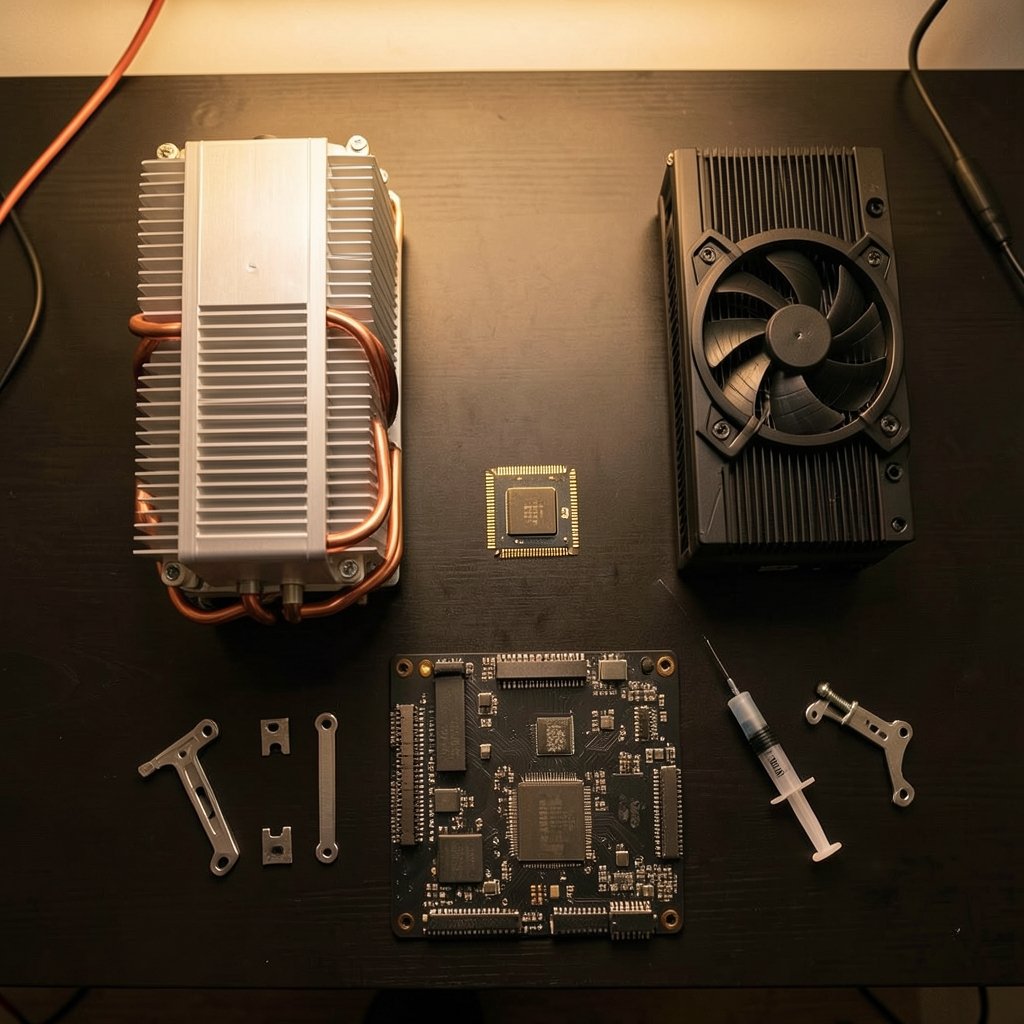
Quick Answer: Which gaming CPU coolers are best for competitive gaming?
For most competitive gamers, a large dual-tower air cooler is the best pick because it keeps the CPU below its thermal limit during esports titles, costs less than liquid, and has no pump to fail. If you want lower noise or have a cramped case with room for a radiator, a 240 mm or 280 mm all-in-one liquid cooler is a solid alternative.
Liquid coolers move heat to the case edge and can run quieter under load, while air coolers are simpler to install and maintain over years of use. Neither is automatically faster in a game.
Before buying, compare socket compatibility, measured noise, radiator or heatsink height, case airflow, mounting hardware, and your CPU’s actual power draw under gaming load rather than its box rating.
Why Esports Loads Change the Cooling Math
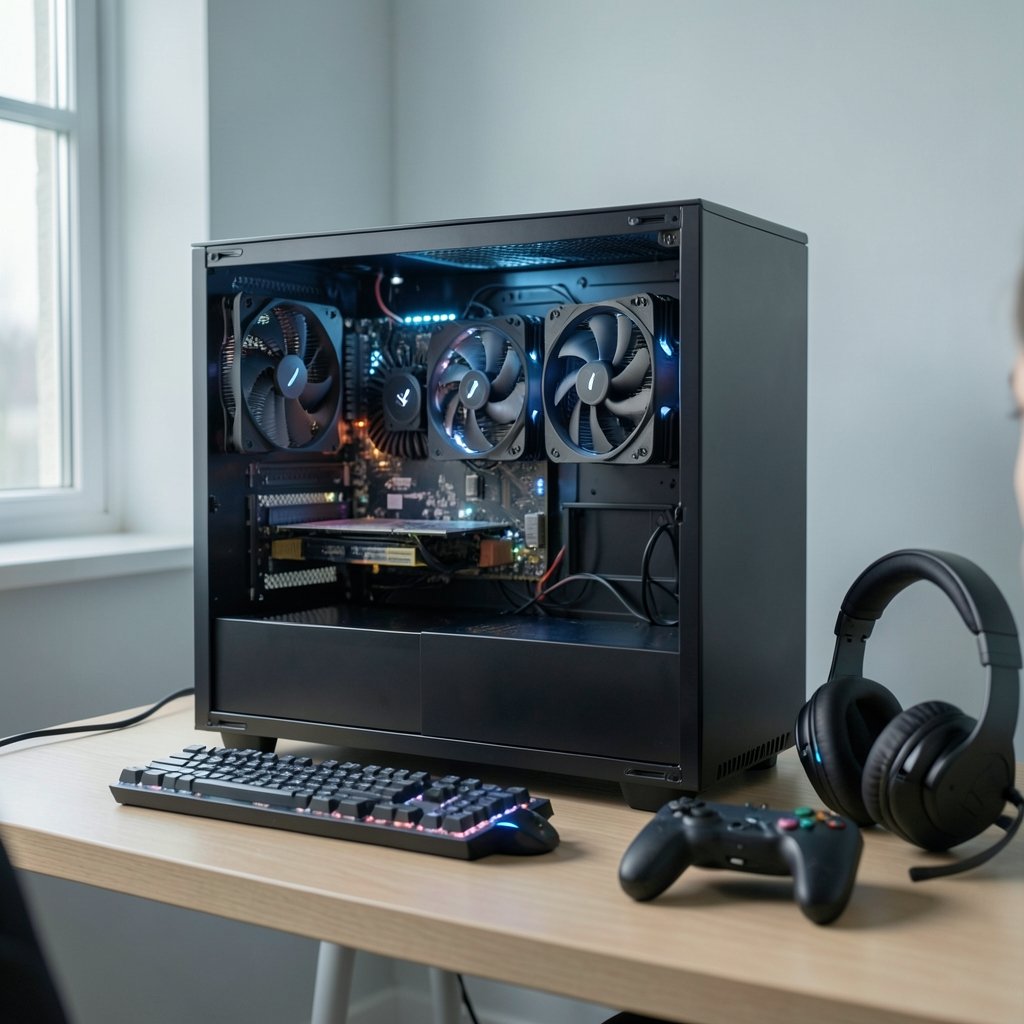
Walk into any competitive gaming forum and you will find people arguing about coolers as if everyone is running a 30-minute all-core stress test. That is not what happens when you queue for a match. Titles like CS2, Valorant, League of Legends, and Overwatch 2 tend to hammer a few cores hard rather than loading every core at once. The result is that sustained package power usually sits well below the all-core torture-test number.
That matters because a cooler’s real job in competitive play is simple: keep the CPU away from its maximum junction temperature so it never downclocks mid-round. Modern Intel desktop chips throttle near 100 °C, and AMD Ryzen 7000 and 9000 parts throttle around 95 °C. Any cooler that holds you comfortably under those ceilings during a two-hour session is doing its job, even if it loses a benchmark shootout.
The trap is buying based on stress-test reviews alone. A cooler that struggles in a synthetic all-core test may be completely unbothered by an esports workload. Read reviews that show per-game or lightly threaded results, and do not judge solely by the worst-case chart.
Air vs. Liquid: The Gap Is Smaller Than the Marketing
Here is the part that surprises people. Big dual-tower air coolers from the Noctua NH-D15 class and the Thermalright Peerless Assassin class land within a few degrees of 240 mm and 280 mm all-in-one liquid coolers in many independent roundups. They cost less, and there is no pump to wear out or fail.
| Factor | Dual-tower air cooler | 240/280 mm AIO liquid cooler |
|---|---|---|
| Cooling performance | Within a few degrees of mid-size AIOs | Slightly ahead in some cases, similar in others |
| Noise | Fan noise only | Fan noise plus a constant pump noise floor |
| Failure risk | Fan bearing wear over years | Pump wear or failure, plus fan wear |
| Installation | Bulky, can block RAM slots | Pump block is compact, radiator needs case space |
| Cost | Generally lower | Generally higher |
| Long-term upkeep | Dust cleaning only | Dust cleaning, occasional pump concern |
Neither column wins outright. Air wins on simplicity and price. Liquid wins on case layout flexibility and sometimes on noise under sustained load. For a competitive player who cares about frame consistency and not much else, the cheaper air cooler usually frees up budget for something that actually changes your experience, like a faster display. That trade-off comes up constantly in comparisons like the best gaming monitors competitive gaming actually wins you, where a few hundred dollars moved from cooling to refresh rate does far more for your results.
Noise Is a Competitive Stat Whether You Admit It Or Not
Competitive players wear headsets, often open-back ones, and talk in voice chat for hours. Fan whine and pump hum cut straight through that. Reviewers handle this by measuring noise-normalized performance, meaning they compare how cool each cooler runs at the same decibel level rather than at full fan speed.
In practice, a cooler that hits identical temperatures at a lower noise level is the better buy for long sessions. This is where large air coolers and 280 mm AIOs tend to separate themselves from small 120 mm units, which have to spin fast to move enough heat and get loud doing it. If you play late at night in a shared space, noise should be a top-three criterion, not an afterthought.
A practical tip: set a custom fan curve that stays flat until about 70 °C, then ramps up. Esports loads rarely push past that, so the cooler stays quiet through most matches while still having headroom for heavier titles.
Socket Compatibility and Mounting: Where Builds Go Wrong
The most common mistake is not a bad cooler. It is a good cooler mounted badly or bought for the wrong socket.
Intel’s LGA1700 socket, used across 12th to 14th gen Core chips, and AMD’s AM5 socket for Ryzen 7000 and 9000 require specific brackets. Some older coolers ship with the right hardware. Others need a free or paid mounting kit, and a few need one you have to request separately. Check the cooler maker’s compatibility list before you order, not after the box arrives.
Mounting pressure matters too. Uneven or insufficient pressure can raise temperatures by several degrees, which is exactly the margin that separates a quiet fan curve from a noisy one. Tighten in a diagonal pattern, a little at a time, until the screws stop. Do not crank them down.
Thermal paste is a smaller factor but still real. Pre-applied paste versus aftermarket paste usually differs by single-digit degrees Celsius, and cold-plate flatness varies between individual units. If your temperatures look off compared to reviews, remounting with fresh paste is a cheap first step before you blame the cooler.
Case Airflow Can Beat Cooler Choice
A top-tier cooler in a sealed box is worse than a mid-tier cooler with fresh air. In small or restricted cases, a huge heatsink can fail to exhaust heat, and a radiator mounted against a solid panel does the same. Reviewers increasingly test in standardized cases precisely because case airflow swings results so much.
Before upgrading the cooler, check three things. Does the case have intake fans feeding the CPU area? Is there clearance for the heatsink height or radiator plus fans? Can hot air actually leave? If the answer to any of those is no, fix airflow first. It is often cheaper than a new cooler and sometimes more effective.
For liquid coolers, orientation matters. Mount the radiator so the pump sits at the lowest point in the loop. That keeps air from collecting in the pump, which is the usual cause of gurgling and early pump death. Top-mounted radiators generally satisfy this. Front-mounted ones work if the tubes run to the bottom of the radiator.
Matching the Cooler to Your Actual CPU
Vendor TDP numbers are not comparable across brands. Intel and AMD define thermal and power limits differently, and cooler makers rate their products against whichever number looks best. The reliable approach is to look at independently measured wattage for your specific CPU under gaming load, then pick a cooler that handles that figure with headroom.
A rough guide for competitive builds:
- Identify your CPU’s measured package power in the games you play, not its box TDP.
- Add 20 to 30 percent headroom so summer room temperatures and dust do not push you into throttling.
- Check independent reviews that include noise-normalized results and a standardized case.
- Confirm socket support and whether a mounting kit is included or must be ordered.
- Measure your case clearance for heatsink height or radiator plus fan thickness.
- Set a sensible fan curve after installation and verify temperatures in a real match rather than only in a stress test.
If you are still deciding on the platform itself, the broader hardware picture affects cooling choices too. A compact console-style setup has very different thermal constraints than a tower, which is why pieces like the best handheld gaming consoles 2026 which one actually fits and the best gaming consoles 2026 which system actually fits your are worth reading alongside desktop cooling guides. And if you are weighing a desktop against a console for your next upgrade, the ps5 pro vs gaming pc which one actually fits your setup comparison covers the trade-offs directly.
Don’t Forget the Rest of the Chain
Cooling is one link. Network stability and input latency shape competitive performance just as much, and a stuttering connection will cost you more rounds than a CPU running five degrees warmer. Wired versus wireless is a genuine decision point, covered in ethernet vs wi fi gaming which connection actually wins. If you stream your matches, platform choice matters too, and the twitch vs kick vs youtube gaming which platform wins your breakdown helps there.
Budget allocation is the underlying theme. A player with a mid-range CPU and a tight budget gets more from a solid air cooler plus a better monitor than from a premium AIO plus a mediocre display. Spending decisions compound, and cooling is rarely the bottleneck in an esports setup once you clear the throttling threshold.
Common Mistakes That Cost Degrees and Dollars
Buying a 360 mm AIO for a CPU that never exceeds 90 watts in game is the classic overspend. So is buying a tiny low-profile cooler for a high-power chip because it looked neat in a small case. Both mistakes come from matching on vibes instead of measured load.
Other frequent errors:
- Skipping the compatibility check and discovering the bracket does not fit on build day.
- Mounting a front radiator with tubes at the top, inviting pump noise and early failure.
- Forgetting to peel the protective film off the cold plate. It happens more than anyone admits.
- Ignoring case intake and wondering why a great cooler performs like an average one.
- Judging noise from a stress test instead of a real gaming session.
Each of these is fixable in an afternoon, and none requires buying new hardware.
Conclusion
For competitive gaming, the best CPU cooler is the one that keeps your chip below its thermal limit during real esports loads, stays quiet enough to hear your teammates, fits your socket and case, and does not drain budget you could spend on a monitor or a stable connection. For most players, that means a large dual-tower air cooler. A 240 mm or 280 mm AIO is a reasonable alternative when case layout or noise preferences point that way.
The hierarchy is clear: airflow first, compatibility second, measured performance third, and brand loyalty last. Get those right and your cooler fades into the background, which is exactly what you want when the match is on the line.
FAQ
Do I need liquid cooling for competitive gaming?
No. Esports titles rarely load every core, so a good dual-tower air cooler handles them without throttling. Liquid cooling makes sense when you want a specific look, have a case that suits a radiator, or run a high-power CPU in sustained heavy workloads beyond gaming.
How much does cooler choice actually affect frame rates?
Once the CPU stays below its throttle point, a better cooler adds little to average frame rates. The difference shows up in consistency. A cooler that lets the chip throttle causes clock drops and stutter, while an adequate one keeps frame times steady.
Is a 240 mm AIO enough for a modern gaming CPU?
For most gaming loads, yes. A 240 mm radiator handles the sustained package power of typical esports sessions comfortably. If you also run long all-core workloads or live in a hot climate without air conditioning, a 280 mm unit or a large air cooler gives more headroom.
How often should I repaste my CPU cooler?
Every two to four years is reasonable, or whenever temperatures climb noticeably compared to when the build was new. Check for dust first, since clogged fins mimic worn paste. If cleaning does not restore temperatures, remounting with fresh paste is the next step.
Does cooler noise really matter for competitive play?
It does. Open-back headsets and long voice-chat sessions make fan and pump noise very audible. Reviewers measure noise-normalized performance for this reason. A cooler that hits the same temperature at a lower decibel level is the better long-session choice.
Can my case make a good cooler perform badly?
Absolutely. Restricted intake or poor exhaust means hot air recirculates, and even a top-tier cooler cannot fix that. Before upgrading the cooler, confirm the case has intake fans feeding the CPU area, enough clearance for the heatsink or radiator, and a clear path for hot air to leave.



