
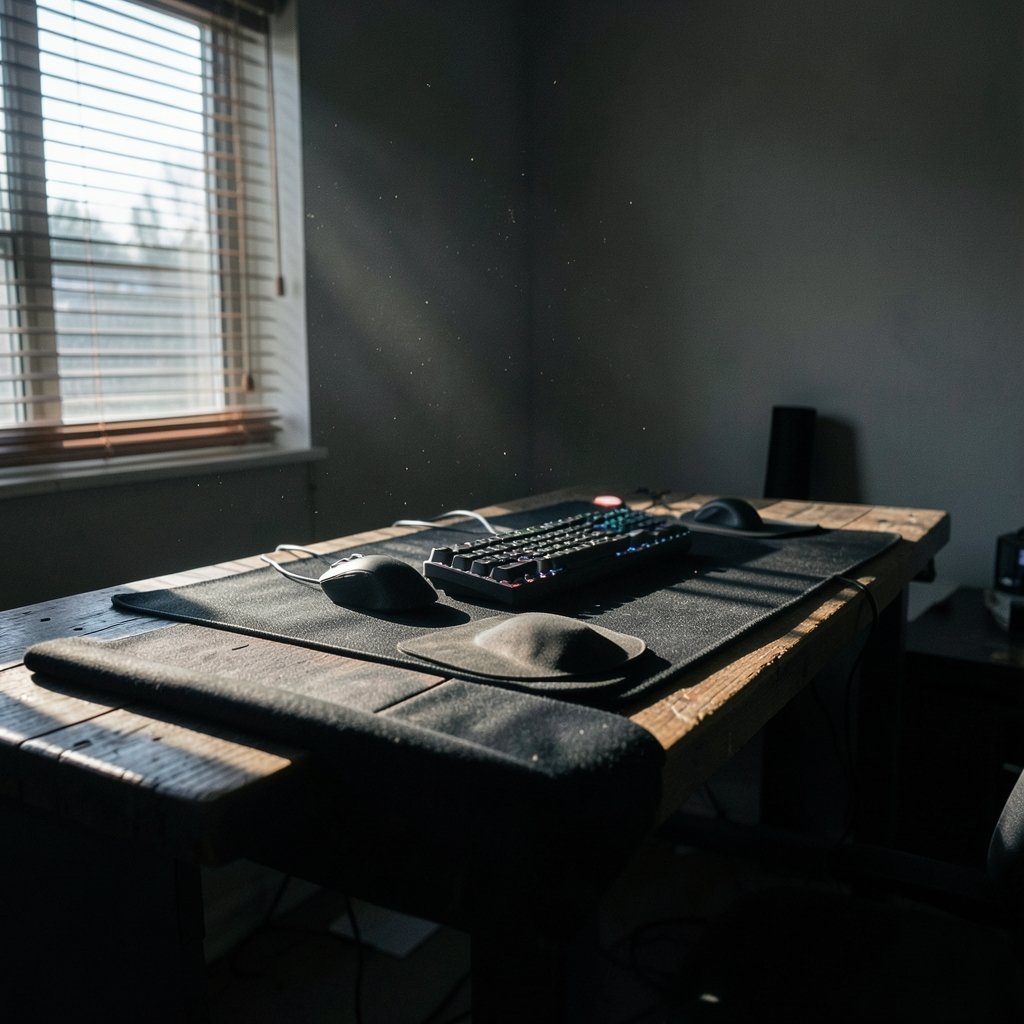
What if the biggest upgrade to your aim costs less than a new game? That is often the case with mouse pads. Players spend hundreds on mice and then drag them across a worn, undersized pad that fights every flick. The pad is the ground your mouse plays on, and it shapes speed, stopping power, and comfort more than most people expect.
Quick Answer: How do I choose gaming mouse pads?
Choosing a gaming mouse pad means matching the surface, size, and thickness to how you actually move your mouse. Start with the surface type: cloth for control and stopping power, hard pads for fast glide. Then measure your swipe distance at your real in-game sensitivity and buy a pad with room to spare.
Alternatives include desk mats that cover the keyboard area and hybrid pads that blend cloth feel with a faster surface. Each trades control, speed, and coverage differently, so the right pick depends on your game genre and grip style.
Before buying, compare surface material, dimensions, thickness, edge stitching, base grip, and cleaning needs.
Why the Pad Matters More Than You Think

A mouse sensor reads movement relative to the surface beneath it. Change the surface and you change the friction under the mouse feet. Cloth pads generally give more stopping control, while hard pads made of plastic, glass, or aluminum generally produce lower friction and a faster glide. Those are broad product-category traits, not measured standards, but they explain why swapping pads can feel like swapping sensitivities.
There is no widely adopted formal standard for “speed” or “control” ratings. Vendors use those words as marketing language. That means the label on the box tells you less than the material and weave in your hand.
The practical takeaway: treat the pad as part of your input chain, alongside your mouse and keyboard. If you are already tuning other gear, the same logic applies as when you choose a gaming monitor that matches the panel you actually play on. Every link in the chain either supports your habits or quietly works against them.
Start With Surface Material
Surface material is the first fork in the road. Everything else follows from it.
Cloth pads
Cloth is the default for most players. It offers moderate friction, a soft feel, and forgiving stopping power. Weaves vary: tighter weaves tend to glide a little faster, looser or textured weaves add drag. Cloth also tends to be quieter and gentler on mouse feet.
The trade-off is maintenance. Cloth collects dust, skin oils, and crumbs, and a dirty pad changes feel. Many cloth pads are hand-washable in cool water and air-dried, but cleaning guidance is usually manufacturer-specific, so check the label before you dunk anything.
Hard pads
Hard pads deliver low friction and consistent glide. They suit players who want speed and minimal resistance, and they are easy to wipe clean. The catch is stopping power: with less friction, your hand does more of the braking work. Hard surfaces can also feel less forgiving if your aim is still developing.
Hybrid and coated pads
Hybrid pads try to split the difference, pairing a cloth base with a smoother or coated top. They can feel fast out of the box, though coatings may wear over time. If you like the idea of speed with a softer feel, this is the middle path worth testing.
| Surface type | Glide speed | Stopping control | Cleaning | Best for |
|---|---|---|---|---|
| Cloth | Moderate | High | Hand wash, air dry | Tactical shooters, mixed play |
| Hard (plastic, glass, metal) | Fast | Lower | Wipe with cloth | Fast-paced tracking, low friction |
| Hybrid or coated | Fast to moderate | Moderate | Usually wipe or gentle wash | Players who want both |
Measure Before You Buy
Size is where most buyers guess, and guessing is how people end up with a pad that runs out of room mid-flick. The fix is simple: measure the horizontal and vertical distance your hand travels during a typical swipe at your in-game sensitivity, then add margin. A few minutes with a ruler and your normal setup beats any size chart.
Low-sensitivity players who arm-aim need much more space than high-sensitivity wrist players. If your sensitivity is low and your desk is small, a large pad may push your keyboard off to the side. That is a real trade-off, not a minor detail.
Common size categories help you shop, though exact dimensions vary by brand:
- Small pads suit high-sensitivity players with limited desk space.
- Medium pads cover most casual and mixed-genre setups.
- Large and extended pads give arm-aimers room and often span under the keyboard.
- Desk mats cover the widest area but may use a different weave than dedicated pads.
That last point matters. A desk mat and a mouse pad involve a trade-off between size and coverage, and the surface weave on a big mat is not always identical to a focused pad. If glide feel is your priority, compare the weave rather than the footprint alone.
Thickness, Base, and Edge Quality
Thickness affects feel as well as comfort. Common cloth pads run roughly 2 to 6 mm thick, and thicker pads with rubber bases tend to damp desk vibration and soften edges. A thicker pad can also smooth out an uneven desk surface. A thin pad sits closer to the desk and may feel more direct.
The base matters as much as the top. A rubber base with good grip keeps the pad from sliding during aggressive swipes. Check reviews for slippage complaints, especially on glass or polished desks.
Stitched, anti-fray edges are widely marketed to reduce cloth edge peeling. There is no independent test data confirming a quantified lifespan benefit, so treat stitching as a reasonable durability feature rather than a guarantee. It is usually worth having, but it will not rescue a cheap weave.
Match the Pad to Your Games and Grip
Genre shapes needs. Tactical shooters reward stopping control, which points toward cloth. Fast arena shooters and tracking-heavy games reward smooth glide, which points toward hard or hybrid surfaces. Strategy and casual games barely care, so comfort and size win.
Grip style matters too. Wrist aimers with high sensitivity can live happily on a medium pad. Arm aimers with low sensitivity need space and a surface that lets long swipes start and stop predictably.
There is a related lesson from peripheral tuning: small spec changes shift feel in ways players notice immediately. The same is true when you choose the best polling rate for your mouse, since a faster report rate can make surface inconsistencies more obvious. A pad with uneven wear will feel worse on a high-polling-rate mouse than on a basic one.
If your budget is tight and you are weighing gear priorities, it helps to choose a mouse that works without wasting money first, then spend what is left on a pad that suits it. A great pad cannot fix a mouse that fights your grip.
Sensor Compatibility and Mouse Feet
For modern optical mice, sensor compatibility is rarely a real constraint. Optical sensors track on most cloth and hard surfaces. Laser sensors have historically been more sensitive to reflective or glass surfaces, so if you use an older laser mouse, avoid highly reflective pads.
Mouse feet interact with the surface as much as the sensor does. Many mice ship with PTFE feet, a low-friction material, and the combination of feet and pad determines the glide you actually feel. New feet on a fresh cloth pad can feel faster than broken-in feet on the same pad. If your aim feels inconsistent after a pad swap, give both a week before judging.
Common Mistakes That Waste Money
Buying blind is the classic error. A few habits separate good purchases from regret:
- Skipping the measurement step. Buyers pick a size by vibes, then discover their swipes run off the edge.
- Chasing “speed” labels. Since speed and control ratings are vendor terminology, not standardized measurements, compare materials instead.
- Ignoring the desk surface. A grippy base on a slick desk still slides. Check the base rather than the top alone.
- Neglecting cleaning. A grimy cloth pad changes feel within weeks. Plan for maintenance from day one.
- Overbuying coverage. A giant desk mat looks great but may not match the weave you liked on a dedicated pad.
There is a parallel in other gear decisions: the flashy spec rarely decides satisfaction. The same judgment applies when people choose a mechanical or membrane keyboard and judge it for everyday gaming use, where feel and durability matter more than marketing claims.
A Practical Buying Checklist
Before checkout, run through this sequence:
- Note your main game genre and whether you need control or speed.
- Measure your typical swipe distance and add margin.
- Confirm the pad fits your desk alongside your keyboard.
- Check the base material for grip on your desk surface.
- Look for stitched edges if durability matters to you.
- Read the cleaning instructions and decide if you will actually follow them.
- Compare the weave or surface finish as well as the size.
If you are building a full setup, the same fit-first thinking shows up elsewhere, such as when readers choose gaming laptops under 1000 that actually fit the budget without overspending on specs they will never use.
Conclusion
Choosing a gaming mouse pad comes down to matching surface, size, and thickness to how you actually move. Cloth gives control, hard pads give speed, and hybrids sit between. Measure your swipes, check the base and edges, and plan for cleaning. None of this requires a big budget. It requires paying attention to the surface under your mouse, which is exactly the part most players ignore. Get the pad right, and every flick, track, and stop starts from solid ground.
Frequently Asked Questions
Is a cloth or hard mouse pad better for FPS games?
Cloth pads generally suit FPS players who want stopping control, especially in tactical shooters. Hard pads favor players who prefer fast glide and minimal friction. The right answer depends on whether your aim struggles more with stopping or with starting movement.
How thick should a gaming mouse pad be?
Common cloth pads run roughly 2 to 6 mm thick. Thicker pads with rubber bases tend to damp desk vibration and soften edges, while thinner pads sit closer to the desk and feel more direct. Thickness is a comfort and feel choice, not a performance requirement.
Do stitched edges actually make a mouse pad last longer?
Stitched, anti-fray edges are widely marketed to reduce cloth edge peeling, but there is no independent test data confirming a quantified lifespan benefit. Treat stitching as a sensible durability feature rather than a guarantee, and judge the weave quality too.
Can I wash a gaming mouse pad?
Many cloth pads are hand-washable in cool water and air-dried, while hard pads are usually wiped clean. Cleaning guidance is typically manufacturer-specific, so check the label first. Avoid hot water and harsh detergents, which can damage the surface.
Does my mouse sensor work on any mouse pad?
Modern optical sensors track on most cloth and hard surfaces, so compatibility is rarely a real constraint. Laser sensors have historically been more sensitive to reflective or glass surfaces, so older laser mice deserve extra care when pairing with shiny pads.
Is a desk mat the same as a gaming mouse pad?
Not exactly. A desk mat covers a wider area, often including the keyboard, but may use a different surface weave than a dedicated mouse pad. If glide feel matters to you, compare the weave and finish rather than assuming the coverage is the only difference.



