
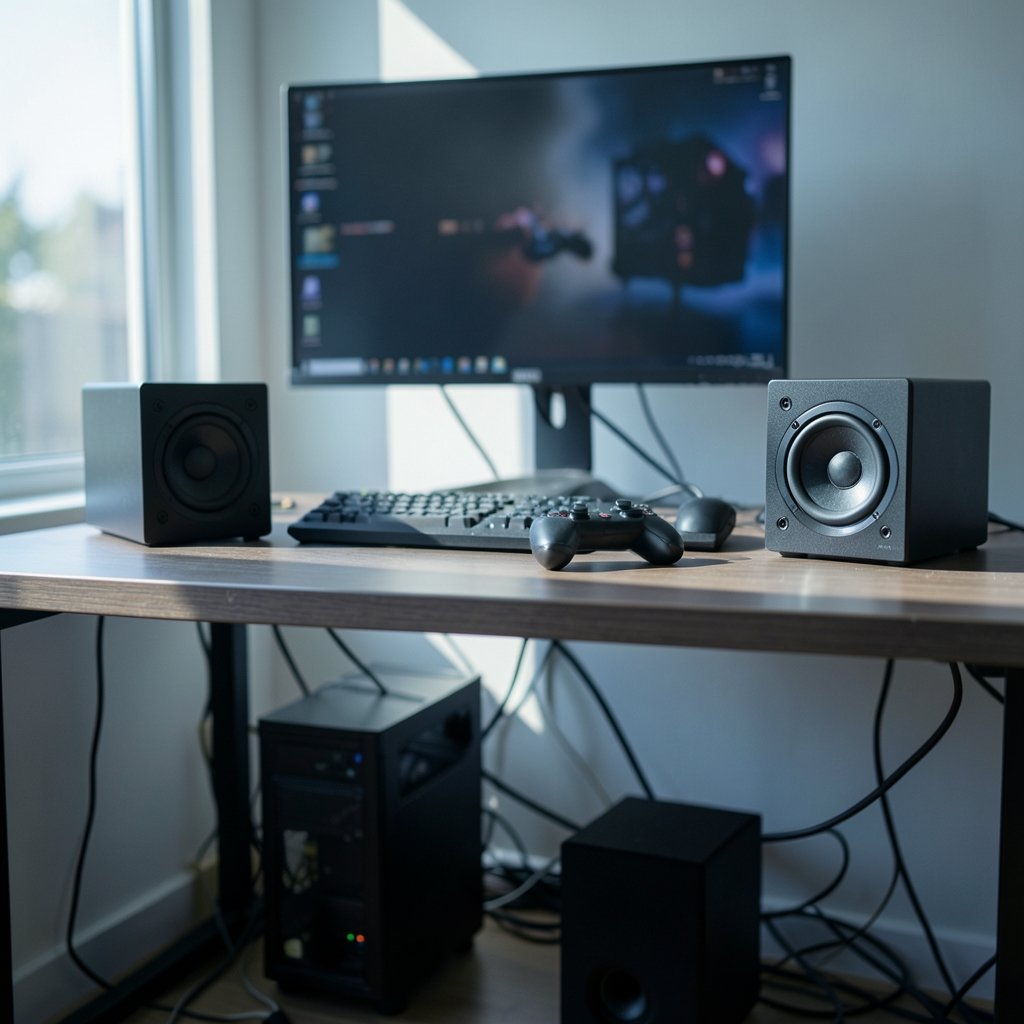
Quick Answer: How do I choose gaming speakers?
Choosing gaming speakers comes down to matching three things: your source device, your room, and how much space you have. Start by confirming what outputs your PC or console offers, then pick a stereo or 2.1 setup that fits the desk rather than chasing surround sound you cannot place correctly.
A simple powered 2.0 pair is the reliable default for most desks, while a 2.1 set with a subwoofer suits players who want punchy bass in a larger room. Bluetooth and surround options exist but add latency or setup complexity that many players never need.
Before buying, compare frequency response with a stated tolerance, RMS power rather than peak wattage, impedance and sensitivity, connectivity options, physical size, and placement flexibility.
Why Speakers Still Beat a Headset for Some Players
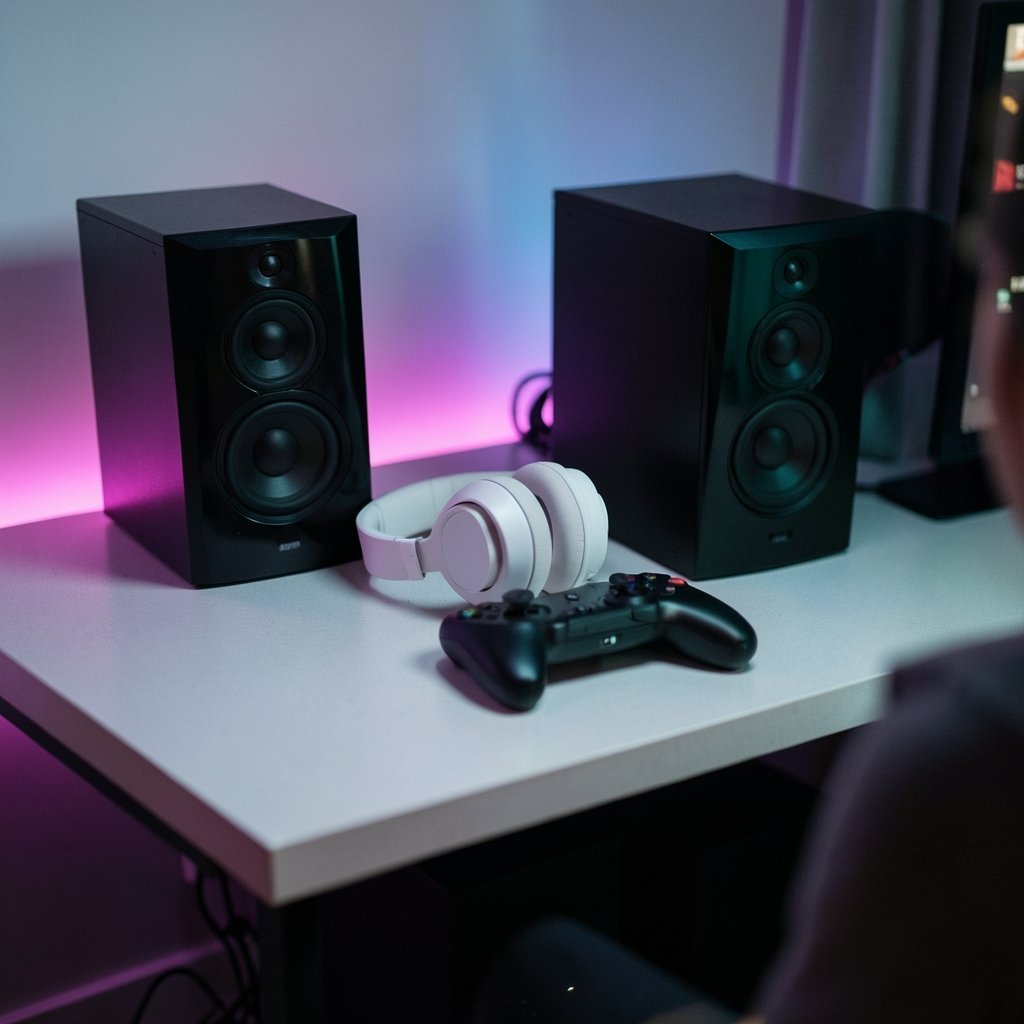
Can a pair of speakers really change how a game feels? For plenty of players, yes. A headset locks sound to your ears, which is great for late-night sessions and competitive shooters. Speakers, though, fill the room. Explosions land in your chest, ambient soundtracks wrap around the desk, and you stop noticing the clamp on your skull after hour three.
The trade-off is honest: speakers leak sound, they interact with your room, and they demand a bit more thought before you buy. That is exactly why so many people get it wrong. They grab the flashiest box with the biggest wattage number and wonder why dialogue sounds muddy and the bass rattles their desk.
This guide walks through what actually matters, in the order that matters. No spec-sheet worship, no brand cheerleading. Just the decisions that separate a setup you love from one you tolerate.
Start With Your Source, Not the Speakers
Before you look at a single product page, figure out what your device can actually output. This one step eliminates most bad purchases.
A desktop PC usually gives you a 3.5 mm analog jack, sometimes optical, and often USB. A laptop may have dropped the headphone jack entirely, which is a real trend worth checking before you buy. Consoles are pickier: they tend to push audio through HDMI, and getting that signal into a pair of speakers may need an extractor or a display with an audio output.
If you are building a whole desk around a new machine, it helps to think about the display at the same time. A guide on how to choose a gaming monitor that matches the panel you actually play pairs naturally with speaker planning, since both depend on how far you sit and how the desk is arranged.
Practical rule: count your available outputs first, then only shop for speakers that connect to one of them without an adapter chain. Every dongle is a future troubleshooting session.
Stereo, 2.1, or Surround: Pick What Your Room Can Hold
Most PC games output stereo or a surround format, and a 2.0 or 2.1 stereo pair is the simplest reliable choice. Here is how the three common layouts compare in real rooms.
| Layout | Best for | Watch out for |
|---|---|---|
| 2.0 stereo | Small desks, apartments, dialogue-heavy games | Limited bass without a subwoofer |
| 2.1 with subwoofer | Larger rooms, action games, music | Subwoofer placement and neighbor complaints |
| 5.1 or 7.1 surround | Dedicated rooms with correct speaker placement | Needs compatible decoding and space behind you |
Surround sound sounds impressive on paper. In practice, it only works if you can put speakers behind and beside you at roughly the right angles. A 7.1 set crammed onto one desk shelf is worse than a clean stereo pair, because the imaging collapses and you paid extra for channels you cannot hear properly.
If space is tight, a 2.1 system is usually the sweet spot. You get full-range sound without needing six boxes.
Read the Specs Like Someone Who Knows the Tricks
Spec sheets are marketing documents. They are not lies, exactly, but they are chosen to flatter. Here is how to read them without getting fooled.
Frequency response needs a tolerance
A speaker rated “20 Hz to 20 kHz” may only meet that range at a very loose tolerance. Without a stated figure like ±3 dB, the range tells you almost nothing. Two speakers with identical ranges can sound wildly different. When a brand publishes a tight tolerance, that is a genuine signal of confidence.
Compare RMS power, never peak
Power ratings come in flavors: peak, RMS, and continuous. Peak figures are often two to four times the continuous rating, which makes cheap speakers look mighty. Compare RMS or continuous wattage only, and remember that a well-designed 30 W system can beat a sloppy 100 W one.
Impedance and sensitivity decide your amplifier needs
Low-impedance powered speakers, roughly under 32 ohms, run happily from a PC’s headphone jack. High-impedance passive speakers need a separate amplifier. If you are unsure which category a product falls into, that is a question worth asking before checkout, not after.
Certifications are tests, not guarantees
THX certification, which dates back to 1983, means a product was tested against a published specification. Dolby Atmos for gaming requires licensed decoding. Both tell you something was measured. Neither promises the sound will suit your ears or your room.
Wired, Wireless, or Bluetooth: The Latency Question
Connectivity is where gaming speakers differ most from music speakers, and where casual buyers get burned.
Wired analog through a 3.5 mm jack is the lowest-latency, most reliable option. It just works.
USB sidesteps a missing headphone jack and often carries clean digital audio. Good choice for laptops.
2.4 GHz wireless avoids cables and keeps latency low enough for gaming. It usually needs its own dongle.
Bluetooth is convenient but typically adds 100 to 300 milliseconds of delay unless it uses a low-latency codec such as aptX Low Latency or LE Audio. For competitive play, that gap between trigger and sound is noticeable. For casual strategy games, it rarely matters.
A simple test: if you play anything where audio cues tell you where danger is, stay wired or go 2.4 GHz.
Placement and Room Acoustics Beat Most Upgrades
Here is the uncomfortable truth. Where you put speakers changes the sound more than most spec upgrades do. Tweeters should aim roughly at ear height. Bass response swings wildly depending on how close a speaker sits to a wall or corner. A hard, empty desk reflects sound; a rug and some soft furniture tame it.
Common mistakes worth avoiding:
- Placing both speakers on the same side of the monitor, which destroys stereo imaging.
- Tucking a subwoofer into a corner and wondering why bass booms.
- Pushing speakers against the wall behind the monitor, muddying the midrange.
- Setting volume by feel instead of by what the room can handle.
Lighting and room conditions affect perception too. The same principle shows up in display advice: just as room lighting changes how a monitor or TV looks, the surfaces around your speakers change what you hear. Treat the room as part of the audio system.
What About the Rest of the Desk?
Speakers do not exist alone. The peripherals around them shape the experience, and a little consistency helps. If you are deciding on input gear at the same time, a breakdown of mechanical versus membrane keyboards for gaming and everyday use is a useful companion read, because desk space and noise both matter when speakers are in the mix.
Budget planning matters too. If the whole setup is being built at once, a look at gaming laptops under 1000 that actually fit a budget can help you see where money is best spent. Speakers are one line item among several, and overspending there while skimping on the machine rarely pays off.
Matching Speakers to How You Actually Play
Ask yourself three questions before buying.
First, how loud can you be? Apartment walls are thin. A subwoofer is a commitment to your neighbors as much as your ears.
Second, how long are your sessions? Long sessions favor speakers with relaxed treble that do not fatigue your ears.
Third, what do you play? Competitive shooters reward precise imaging and clear mids. Cinematic single-player games reward bass extension and wide soundstage.
A player who mostly chats with friends while playing strategy games needs something very different from someone chasing ranked placements in a tactical shooter. Neither is wrong. They just need different boxes on the desk.
Testing Before You Commit
Buy from a seller with a return window, and use it. Give any new pair a week of real use, not ten minutes of demo music.
Listen for dialogue clarity in a cutscene. Check whether footsteps read clearly. Turn the volume down and see if the sound stays balanced. Crank it once and listen for distortion. Move the speakers a few inches and notice the difference, because placement tweaks are free.
If something sounds off, adjust position before blaming the hardware. Most disappointing speaker setups are placement problems wearing a product-problem costume.
Conclusion
Choosing gaming speakers is less about finding the “best” model and more about matching three realities: what your device outputs, what your room allows, and how you actually play. A modest 2.0 or 2.1 system, correctly placed and honestly specced, will beat a flashy surround kit jammed into a space that cannot support it. Read frequency response with a tolerance, compare RMS power, check impedance and connectivity, and spend your first hour on placement rather than shopping. Do that, and the upgrade you hear will be real, not imagined.
FAQ
Do I need a subwoofer for gaming?
Not necessarily. A good 2.0 pair handles dialogue, music, and most game audio well. A subwoofer adds low-end weight for action games and cinematic titles, but it also adds placement challenges and noise that travels through walls. In small rooms or apartments, skip it unless bass matters deeply to you.
Are gaming speakers better than a headset?
Neither is universally better. Speakers fill a room, feel more comfortable over long sessions, and suit single-player games. Headsets isolate sound, keep late sessions private, and often provide clearer positional cues for competitive play. Many players keep both and switch depending on the game and the hour.
What wattage do I actually need?
For a desk setup in a normal room, 20 to 50 watts RMS per channel is plenty. Higher figures mostly matter for large rooms or very inefficient speakers. Compare RMS or continuous ratings only, since peak wattage numbers are inflated and tell you little about real loudness.
Can I use gaming speakers with a console?
Often yes, but check the connection path first. Many consoles send audio over HDMI, so you may need an audio extractor or a display with an audio output. Speakers that assume a PC headphone jack will not connect directly without help.
Does Bluetooth add too much delay for gaming?
It usually adds 100 to 300 milliseconds unless the speaker and source both support a low-latency codec. That is fine for casual and turn-based games but noticeable in fast action. Wired analog or 2.4 GHz wireless is the safer pick for anything timing-sensitive.
How much desk space should I leave for speakers?
Plan for at least a few inches on each side of the monitor so the speakers can angle toward your ears. Cramming them behind the screen or stacking them on one side ruins stereo imaging. Measure before buying, especially if you are considering a subwoofer as well.



