
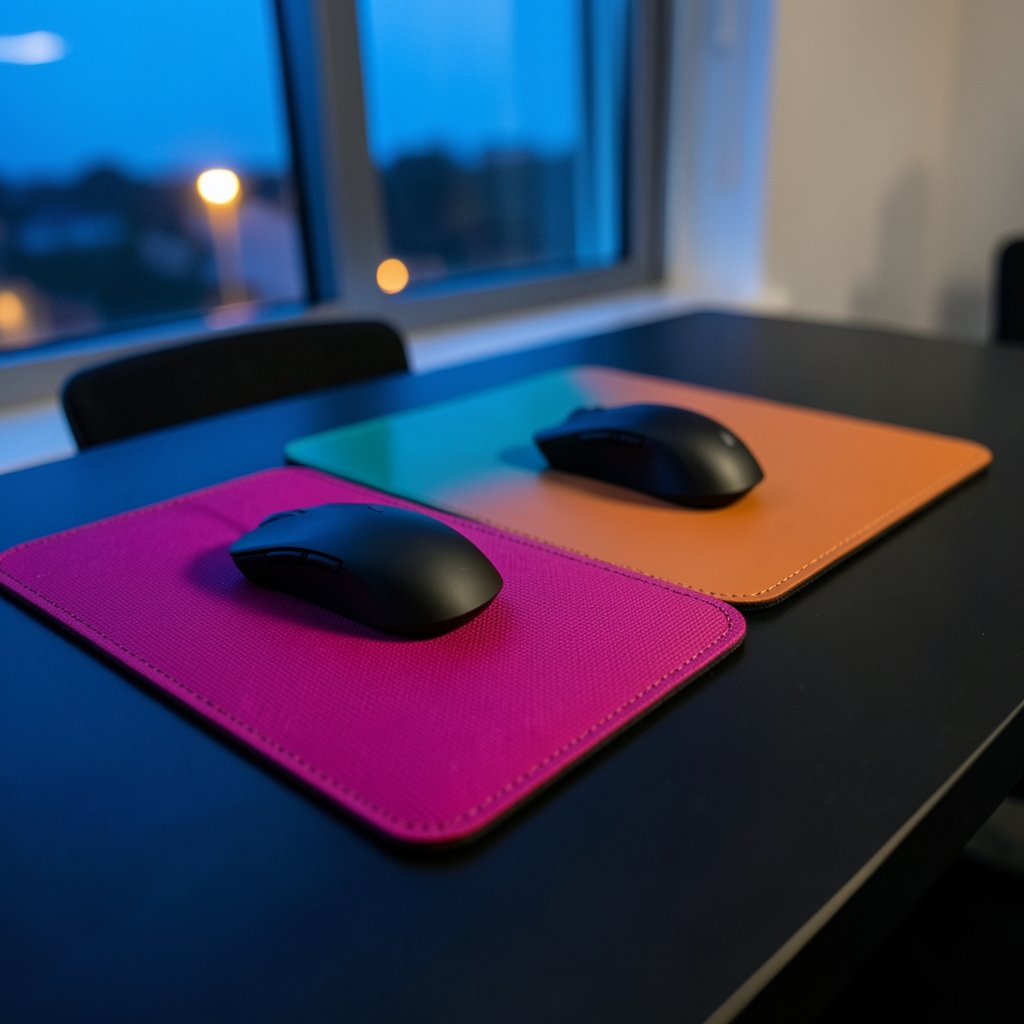
Quick Answer: What should I check before paying for gaming mouse pads?
Before paying for a gaming mouse pad, check the surface type, base grip, thickness, edge stitching, dimensions, and sensor compatibility with your mouse. These factors matter more than brand names or flashy marketing claims. A speed pad and a control pad can cost the same and suit completely different players.
The category splits into cloth pads, hard pads, and hybrid designs, and each behaves differently depending on your mouse sensor and desk surface. Return policy and warranty deserve as much attention as the spec sheet, because surface feel is subjective.
Key factors to compare: surface friction, base material, thickness, stitched versus unstitched edges, pad size against your desk and mouse travel, cleaning instructions, material safety disclosures, price versus independent reviews, and the retailer’s return window.
Why the Mouse Pad Deserves More Than Five Minutes of Shopping
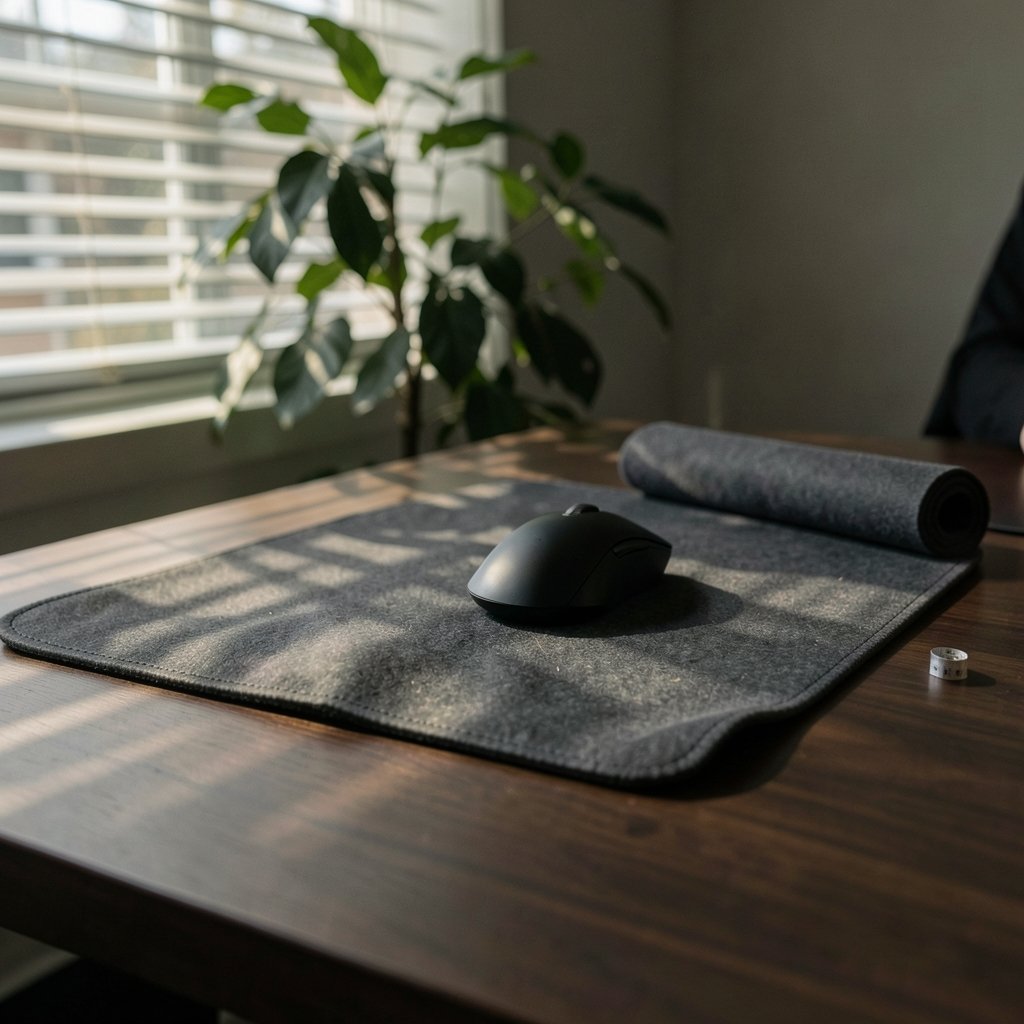
Ever watched a player miss a flick shot and blame the mouse, then buy a new one, and still miss? The pad underneath rarely gets a second thought. Yet it is the one piece of gear in constant contact with every movement a player makes. It shapes glide, stopping power, and even wrist comfort over a long session.
The strange part is how little scrutiny the category gets. Shoppers will compare sensor DPI for an hour, then grab whatever pad is on sale. That order is backwards. A pad with the wrong friction profile can make a great mouse feel unpredictable, and a pad that slides across the desk mid-fight can ruin a round faster than any hardware limitation.
This guide walks through the checks that actually separate a good purchase from a regret. No hype, no brand worship, just the details worth confirming before money changes hands.
Surface Friction: Speed Pads Versus Control Pads
The first fork in the road is surface friction. Pads are broadly marketed as speed (low friction, fast glide) or control (higher friction, more stopping precision). This is a preference trade-off, not a quality ranking. Neither type is better; they suit different play styles and different sensitivities.
Low-sensitivity players who sweep their arm across a wide area often prefer control surfaces, because the extra drag helps them stop precisely where they intend. High-sensitivity players who make small, fast wrist movements often lean toward speed surfaces for effortless tracking. The catch is that marketing language is loose. One company’s “control” pad may feel faster than another’s “speed” model.
The practical check is to read several independent reviews and see whether they describe the friction consistently. If reviewers disagree wildly, that is a signal the feel is unusual or the marketing is inflated. Look for descriptions like “noticeable drag” or “very slick” rather than star ratings alone.
Base Material and Desk Grip
A pad that shifts mid-session is worse than a cheap pad that stays put. The base material decides this. Rubber and silicone bases with textured undersides resist sliding well. Cheap foam bases and smooth undersides can slip on glass or polished desks, especially during fast arm sweeps.
Desk surface matters here. A textured base grips a wooden desk nicely but may behave differently on glass, laminate, or a desk mat. If the desk is glossy, check whether reviewers mention sliding. Some pads use a suction-like textured rubber that holds firmly; others rely on weight alone.
There is also a maintenance angle. Rubber bases can degrade if repeatedly soaked or exposed to heat, so a base that grips well but cleans poorly is a mixed blessing. The same “check before you buy” discipline applies to other gear purchases where fine print hides real-world problems, much like the bmg money reviews borrowers should check before signing that flag contract details people skim past.
Thickness and Edge Construction
Common pad thicknesses run roughly from 2 mm to 5 mm. Thickness changes feel in subtle ways. Thicker pads soften hard desk edges and can feel plusher under the wrist, but they may also feel slightly less stable during aggressive movements. Thinner pads sit flatter and transmit desk feedback more directly.
Edge construction is the durability story. Stitched edges resist fraying and peeling over time. Unstitched edges are more prone to delamination, where the cloth surface starts lifting from the base. If a pad will see daily use for years, stitching is usually worth prioritizing.
A quick physical check works if the pad is on display: run a finger along the edge and look for loose threads or glue lines. Online, zoom into product photos of the corners. Corners are where cheap construction shows first.
Dimensions: Match the Pad to Your Desk and Your Mouse Travel
Size is where many buyers get burned, and it is entirely avoidable. Measure the desk space first, then think about mouse travel. Low-sensitivity FPS players often sweep 30 cm or more in a single motion. A small pad forces constant repositioning, which breaks aim flow.
Extended and desk-mat sizes are common for exactly this reason. They cover the keyboard area too, which keeps the whole setup consistent. The trade-off is desk real estate and cleaning effort. A giant cloth mat collects dust and needs more careful washing.
| Pad Size Category | Typical Use Case | Watch Out For |
|---|---|---|
| Small | High-sensitivity play, tight desks | Frequent repositioning during big swipes |
| Medium | General gaming and office mixed use | May feel cramped for low-sensitivity FPS |
| Extended / desk mat | Low-sensitivity FPS, full desk coverage | Harder to clean, needs desk space |
| Hard pad (any size) | Consistent glide, easy wiping | Surface wear over time, sensor quirks |
The check is simple: measure your typical mouse movement, add margin, and compare with the listed dimensions. Manufacturers list length and width, but photos can be misleading, so trust the numbers.
Sensor Compatibility: Will Your Mouse Track Properly?
Modern optical and laser mice generally track fine on cloth and hard pads. Problems tend to appear on very glossy hard surfaces, and some glass pads can cause tracking issues with certain sensors. If a pad is glass or coated, confirm the listing describes compatibility with your mouse’s sensor type.
This is also where it pays to know your mouse. A sensor that lifts off early or struggles on reflective surfaces will behave differently across pads. If the mouse is due for an upgrade anyway, it is worth checking compatibility before spending on a pad, similar to how buyers weigh the amd vs intel cpu check compatibility before upgrade 2027 question before committing to a platform.
A simple test after purchase: run slow circles and fast flicks in a practice range and watch for jitter, spin-outs, or cursor jumps. If tracking misbehaves, return the pad rather than assuming the mouse is faulty.
Cleaning, Durability, and Material Safety
Cloth pads are typically hand-washable with mild soap and air-dried. Machine washing and heat can damage the base or the edges, so check the manufacturer’s care instructions before buying. Hard pads are usually wiped clean with a damp cloth, which is easier but comes with surface wear over time.
Material safety deserves a mention, even if the evidence is thin. Some imported soft goods have been subject to chemical-safety regulations, including restrictions on certain phthalates and flame retardants in some jurisdictions. It is not possible to confirm which specific mouse-pad products carry certifications, so buyers who care should look for material disclosures or safety markings. Regulatory landscapes vary by country, and checking locally is the safe move.
A practical habit: air out a new cloth pad for a day or two before heavy use. Odor is not proof of harm, but a strong chemical smell is a reasonable prompt to check the packaging for material information.
Price Versus Performance: What the Premium Actually Buys
There is no authoritative public dataset showing that higher-priced pads perform better. Much of the “gaming” premium is branding, packaging, and aesthetics. That does not make expensive pads bad; it means the price tag is not a performance guarantee.
What premium pads often do offer is better stitching, more consistent surfaces, and nicer base materials. Whether that is worth the markup depends on how hard the pad will be used. A casual player may be perfectly served by a mid-range cloth pad with stitched edges.
The check is to compare independent reviews across price tiers and see whether the differences are described as meaningful or marginal. If reviewers say a budget pad feels nearly identical to a flagship, believe them. The same skepticism about inflated claims applies to other gadget categories, such as the nvidias ai box pitch buyers should actually check before accepting headline promises at face value.
Return Policy and Warranty: The Most Underrated Check
Because surface feel is subjective, the return window is often more valuable than any spec sheet. A pad can look perfect on paper and feel wrong in the hand. A generous return policy turns a risky purchase into a low-stakes experiment.
Check the warranty length too. Stitched edges and quality bases tend to come with longer coverage, which is a rough proxy for manufacturer confidence. Retailer policies vary, so confirm the window before paying, not after the pad arrives.
This habit of checking terms before committing shows up everywhere in consumer buying, from school planning guides like the 2026 2027 school calendar parents should check before booking time off to rillabox review buyers should know before ordering breakdowns that surface the fine print. Gear is no different.
Ergonomics and Desk Setup
A pad that is too small forces repositioning, and a pad that is too thick can raise wrist height slightly. Both affect comfort over long sessions. Consider desk height and wrist posture when choosing thickness.
General ergonomics guidance favors a neutral wrist position, with the forearm roughly level and the wrist not bent upward. A thick, plush pad can push the wrist into extension, which some players find uncomfortable after an hour. A thinner pad keeps the hand closer to desk level.
The check is to think about the whole setup, not the pad in isolation. A wrist rest, chair height, and desk depth all interact. Buyers who plan a full desk refresh may want to compare gear categories together, as with the best gaming headsets 2026 actually matters before you buy roundups that weigh comfort alongside performance. The same logic applies to what sits under the mouse.
Common Mistakes Buyers Make
The most common error is buying on looks alone. Aesthetic pads with printed artwork often use different surface coatings than plain ones, and the art can affect texture.
The second mistake is ignoring desk surface. A pad that grips a wooden desk may slide on glass. The third is skipping the return window check, which removes the safety net for a subjective purchase. The fourth is assuming price equals performance without reading independent reviews.
The fifth, and sneakiest, is buying a pad that is too small for the player’s sensitivity. It is an easy fix at purchase time and an annoying one afterward.
Conclusion
A gaming mouse pad is a small purchase with an outsized effect on how a mouse feels. The checks that matter are unglamorous: surface friction, base grip, thickness, edge stitching, dimensions, sensor compatibility, cleaning instructions, material disclosures, price versus independent reviews, and the return window.
None of these require deep technical knowledge. They require a few minutes of reading and a measuring tape. Do that homework, and the pad under the mouse becomes one less variable to blame when a shot goes wide.
Frequently Asked Questions
Is a hard mouse pad better than a cloth pad?
Neither is universally better. Hard pads offer consistent glide and are easy to wipe clean, while cloth pads provide more stopping control and a softer feel. The right choice depends on play style, sensitivity, and how much maintenance the buyer is willing to do.
How thick should a gaming mouse pad be?
Most pads range from about 2 mm to 5 mm. Thinner pads sit flatter and keep the wrist closer to desk level, while thicker pads feel plusher and soften hard desk edges. Wrist comfort and stability preference should guide the choice.
Do stitched edges really matter?
They do for durability. Stitched edges resist fraying and peeling, while unstitched edges are more prone to delamination over time. For a pad used daily for years, stitching is usually worth prioritizing.
Can a mouse pad affect mouse sensor tracking?
It can, in specific cases. Very glossy hard surfaces and some glass pads can cause tracking issues with certain sensors. Cloth and standard hard pads generally work fine with modern optical and laser mice, but checking compatibility is wise before buying.
How should a cloth gaming mouse pad be cleaned?
Hand washing with mild soap and air drying is the typical recommendation. Machine washing and heat can damage the base or edges. Checking the manufacturer’s care instructions before buying avoids unpleasant surprises later.
Does a more expensive mouse pad perform better?
Not automatically. Much of the premium is branding and aesthetics, and there is no authoritative public data showing that higher prices deliver better performance. Independent reviews and the return policy are more reliable guides than the price tag.



