
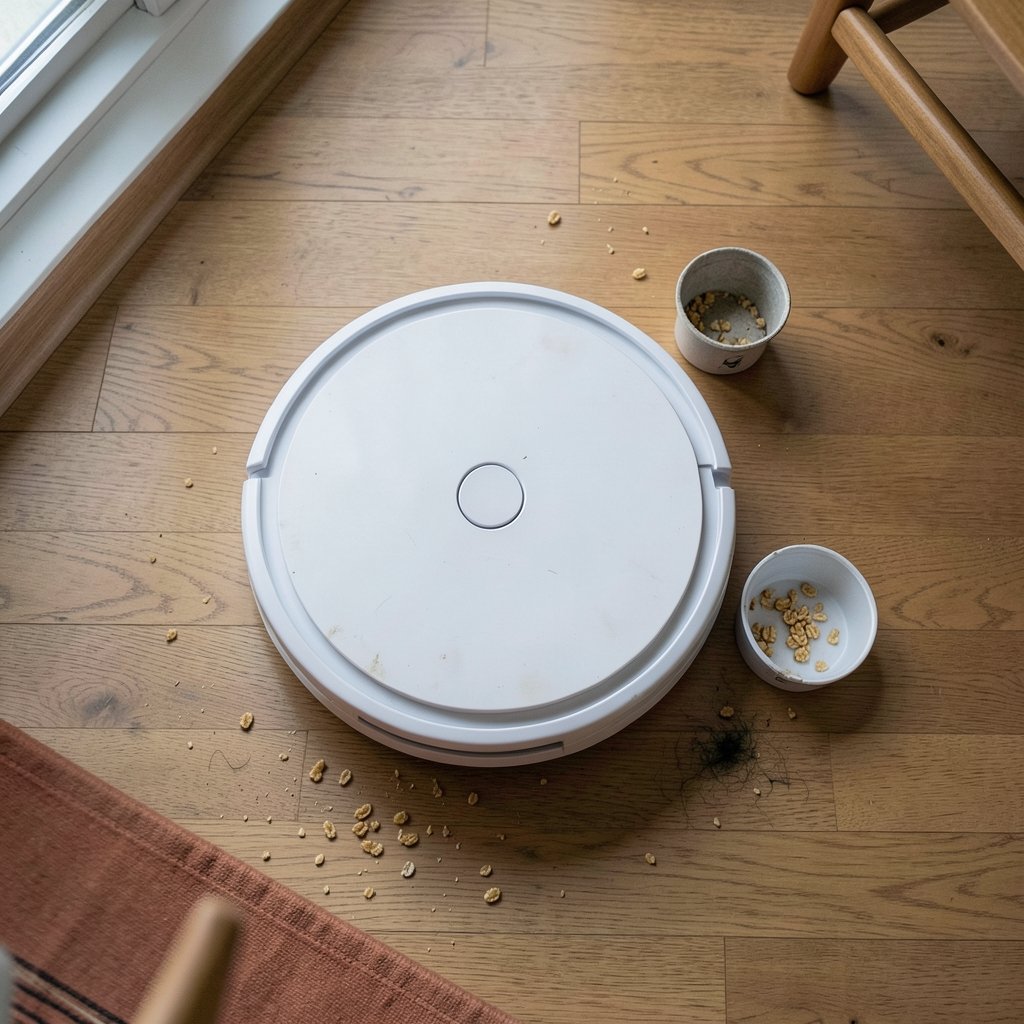
What if the biggest difference between a $200 robot vacuum and a $900 one isn’t cleaning power at all, but whether you picked the right machine for your floors? That’s the uncomfortable truth about budget robot vacuums. The cheap end of the market has improved dramatically, and a well-chosen affordable model can handle daily crumbs, pet hair, and hardwood dust just fine. The trick is knowing which features actually matter, which ones are marketing noise, and where budget models quietly cut corners.
This guide walks through what “affordable” really buys, how to compare specs that matter, the mistakes that trip up most first-time buyers, and the practical habits that keep a budget vacuum running for years.
What “Affordable” Actually Means in Robot Vacuums
There’s no official price line, but the market sorts itself into rough tiers. Entry-level machines sit at the bottom, mid-range models add smarter navigation and better apps, and premium flagships pile on self-emptying docks and mopping systems.
| Tier | Typical Price Band | What You Usually Get |
|---|---|---|
| Entry-level | Lowest | Bump navigation, basic app, shorter runtime, smaller dustbin |
| Budget-plus | Slightly higher | LiDAR or camera navigation, room mapping, app scheduling |
| Mid-range | Moderate | Stronger suction, mop combo, better filters and brushes |
| Premium | Highest | Self-emptying base, advanced obstacle avoidance, auto mop washing |
The sweet spot for most households is the budget-plus tier. You get the navigation intelligence that makes a robot vacuum genuinely useful, without paying for dock automation you may not need. The key insight: navigation quality affects satisfaction more than raw suction numbers. A vacuum that maps your home and cleans in tidy rows will outperform a stronger machine that wanders randomly and misses half the kitchen.
Why Navigation Matters More Than Suction Specs
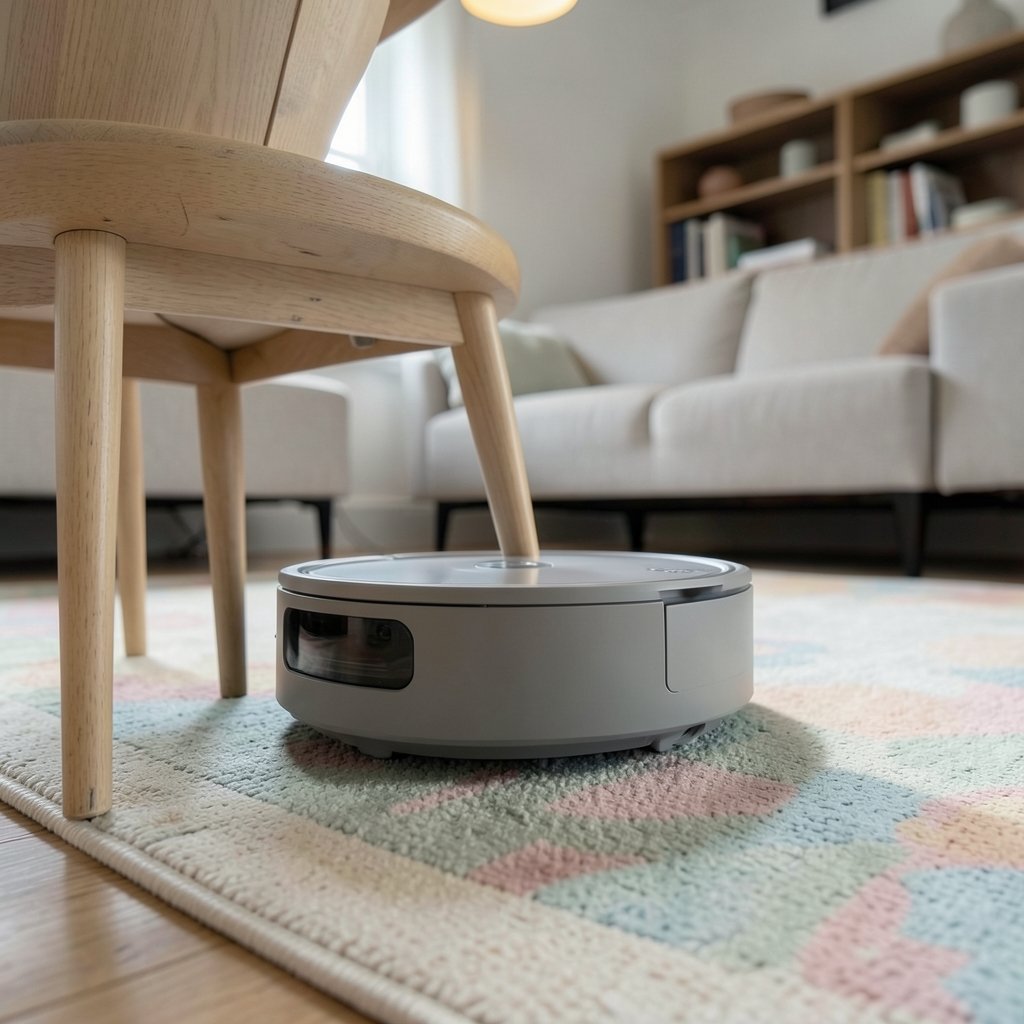
Suction is measured in Pascals, and budget models often advertise numbers that look impressive on a box. In practice, once a vacuum reaches a reasonable suction level, the gains from higher numbers are modest on hard floors and low-pile carpet. What separates a frustrating robot from a helpful one is how it finds its way around.
LiDAR navigation uses a spinning laser to build a precise map. Camera navigation uses visual landmarks. Both beat old-school bump-and-turn navigation, which basically ricochets off furniture until the battery dies. If you want to understand the trade-offs in detail, this breakdown of robot vacuum lidar vs camera navigation key differences to pick is worth reading before you buy.
Why does this matter so much? Mapping enables no-go zones, room-specific cleaning, and scheduled runs that actually finish. Without a map, you can’t tell the robot to skip the pet bowl area or clean only the hallway. On a budget, prioritize mapping over extra accessories.
The Features Worth Paying For (and the Ones to Skip)
Budget vacuums tempt buyers with long feature lists. Some features earn their place; others are filler.
Worth paying for:
- Mapping and app control. Scheduling and room selection separate a gadget from a tool.
- A decent battery runtime. Look for enough minutes to cover your main living area on one charge.
- Tangle-resistant brushes. Rubber rollers handle hair far better than bristle brushes.
- Washable filters. Cheaper to maintain over the machine’s life.
- Good cliff sensors. Needed if you have stairs.
Usually safe to skip:
- Self-emptying docks. Convenient, but they add cost and consume expensive bags.
- Built-in mops on very cheap models. A damp cloth dragged around rarely cleans well. If mopping matters, a proper combo unit is the better route, and this guide to the best robot vacuum mop combos that actually clean the floor explains what separates real mopping from token wiping.
- Voice assistant gimmicks. Nice when included, never a reason to choose one model over another.
Matching the Vacuum to Your Floors and Home
The best affordable robot vacuum for one home can be the wrong pick for another. Floor type drives the decision more than brand loyalty.
Hard floors and low-pile rugs. Almost any budget model with mapping works here. Focus on brush type and dustbin size.
Wall-to-wall carpet. You need stronger suction and a machine that handles carpet transitions without stalling. Budget models can do this, but check reviews for carpet-specific performance.
Deep-pile and shag rugs. This is where cheap vacuums struggle. High-pile fibers can stall brushes, trigger false cliff-sensor readings, or simply overwhelm the motor. If your home has thick rugs, read up on how a robot vacuum handles shag rugs and deep pile before committing, and consider whether a budget model is realistic for your setup.
Homes with pets and long hair. Hair wraps around brushes and clogs wheels. Rubber rollers help, but maintenance habits matter just as much. This piece on robot vacuum long human hair and what actually works covers the practical fixes.
Multi-level homes. Budget robots usually can’t store multiple floor maps well, so plan on carrying the vacuum between levels and expect some re-mapping.
Dark Floors and Sensor Quirks
One underrated issue: cliff sensors can misfire on very dark carpet or rugs, because they read the surface as a drop-off and refuse to move. It’s a common complaint among budget buyers. Understanding why robot vacuum cliff sensors fail on black carpet and what works can save you a return.
Common Mistakes Budget Buyers Make
Most disappointing robot vacuum purchases trace back to a handful of avoidable errors.
- Buying on suction numbers alone. A 4,000 Pa vacuum with random navigation cleans worse than a 2,500 Pa model that maps.
- Ignoring the app. Read recent app reviews. A clunky app ruins scheduling, and budget brands are hit-or-miss here.
- Skipping the consumables budget. Filters, brushes, and bags add up. Check replacement prices before buying.
- Forgetting about furniture clearance. Robots need roughly 3 to 4 inches of clearance under sofas and beds to clean beneath them.
- Expecting perfection on the first run. Budget robots need a few passes to learn a home, and they will occasionally get stuck.
- Not checking the return window. Test the vacuum thoroughly in the first two weeks while you can still send it back.
Maintenance Habits That Keep a Cheap Vacuum Running
A budget robot vacuum that’s cared for can last years. Neglected, even an expensive one dies early. The routine is simple:
- Empty the dustbin after every run. Full bins reduce suction and strain the motor.
- Clear the brushes weekly. Cut away wrapped hair with scissors rather than pulling, which damages bristles.
- Wipe the sensors monthly. Dirty cliff and bumper sensors cause erratic behavior and false errors.
- Wash or replace filters regularly. A clogged filter is the most common cause of weak suction.
- Check the wheels. Hair and debris wrapped around wheel axles cause the dreaded stuck-wheel error, and this guide to fixing a robot vacuum wheel stuck error fast walks through the fix.
When the Map Goes Missing
Budget models occasionally lose their saved map after a firmware update or a long power-off. It’s annoying but usually fixable. If your robot vacuum keeps deleting its map, the usual culprits are a moved charging dock or a software glitch, both solvable without a new machine.
Cleaning Solutions and Water Tanks
If your budget model has a water tank, resist the urge to pour in floor cleaner. Most manufacturers specify plain water because suds and residues clog the spray nozzles. For those experimenting with additives, these robot vacuum cleaning solution alternatives that actually work are a safer starting point than improvising with household products.
How to Test a New Robot Vacuum in the First Week
The return window is your safety net, so use it deliberately. Run the vacuum on each floor type in your home and watch for these signals:
- Does it finish a full run without getting stuck? One rescue per run is tolerable; five is a design problem.
- Does the map match reality? Rooms should be recognizable and editable.
- Does it handle transitions? Watch how it crosses from hardwood to rug and back.
- Is the app responsive? Laggy controls and dropped schedules are red flags.
- Does suction hold up? Check the dustbin after a run on carpet. If it’s nearly empty after a visibly dirty floor, something’s wrong.
If a machine fails two or more of these checks, return it. The budget segment has enough good options that you don’t need to tolerate a dud.
Where to Save and Where to Spend
The smartest budget strategy is to spend on the parts you interact with daily and save on the parts you don’t.
Spend on: navigation, brush design, and app quality. These shape every single run.
Save on: self-emptying docks, mop functions, and premium branding. A well-reviewed budget model from a brand with a solid app often beats a stripped-down flagship from a premium name.
Also consider refurbished units from reputable sellers. A refurbished mid-range vacuum at a budget price can outperform a new entry-level model, provided the warranty is intact. Just confirm the return policy covers defects.
Conclusion
The best affordable robot vacuum isn’t the one with the biggest suction number or the longest feature list. It’s the one with navigation smart enough to clean your actual floor plan, brushes that survive your household’s hair situation, and an app that lets you schedule runs without fighting it. Get those basics right, match the machine to your floor types, and stay on top of filter and brush maintenance, and a budget vacuum will quietly do its job for years. Spend where it counts, skip the gimmicks, and test thoroughly while the return window is open.
Frequently Asked Questions
How much should I expect to spend on a good budget robot vacuum?
Prices shift constantly, so check current listings rather than trusting fixed figures. The practical guidance is tier-based: entry-level machines cost the least but often lack mapping, while the budget-plus tier costs somewhat more and includes LiDAR or camera navigation. That middle band is where most buyers get the best value, because mapping transforms usability far more than extra suction does.
Is LiDAR better than camera navigation on a budget vacuum?
LiDAR tends to be more consistent in low light and builds accurate maps quickly, which suits most homes. Camera navigation can work well but sometimes struggles in dark rooms or with reflective surfaces. At the budget tier, either is a major upgrade over bump navigation. The right choice depends on your lighting conditions and whether the specific model’s app handles mapping well.
Can a cheap robot vacuum handle pet hair?
Yes, with caveats. Rubber rollers resist hair wrapping better than bristle brushes, and most budget models can pick up pet hair from hard floors and low-pile carpet. The bigger issue is maintenance: hair accumulates around wheels and brush ends, so clean them weekly. Homes with multiple heavy-shedding pets may do better moving up one tier for stronger suction and better brushes.
Do budget robot vacuums work on thick or shag rugs?
Often poorly. Deep-pile fibers can stall brushes, block movement, and trigger false cliff-sensor readings. Some budget models manage medium-pile rugs fine but fail on shag. If thick rugs cover much of your home, check owner reports for that specific model on high-pile carpet before buying, or accept that the robot may only handle the hard-floor areas.
Why does my robot vacuum refuse to clean dark carpet?
Cliff sensors use light reflection to detect drop-offs. Very dark surfaces absorb that light, so the sensor reads the floor as a cliff and the vacuum backs away. It’s a known limitation, not necessarily a defect. Workarounds include placing tape over the sensors on single-level homes or choosing models with adjustable sensor sensitivity.
How long should a budget robot vacuum last?
With regular maintenance, several years is realistic. The battery is usually the first component to degrade, followed by brushes and filters, all of which are replaceable. Longevity depends more on care than price: emptying the bin each run, clearing hair from brushes and wheels, and replacing filters on schedule will keep a budget machine running far longer than a neglected premium one.



