
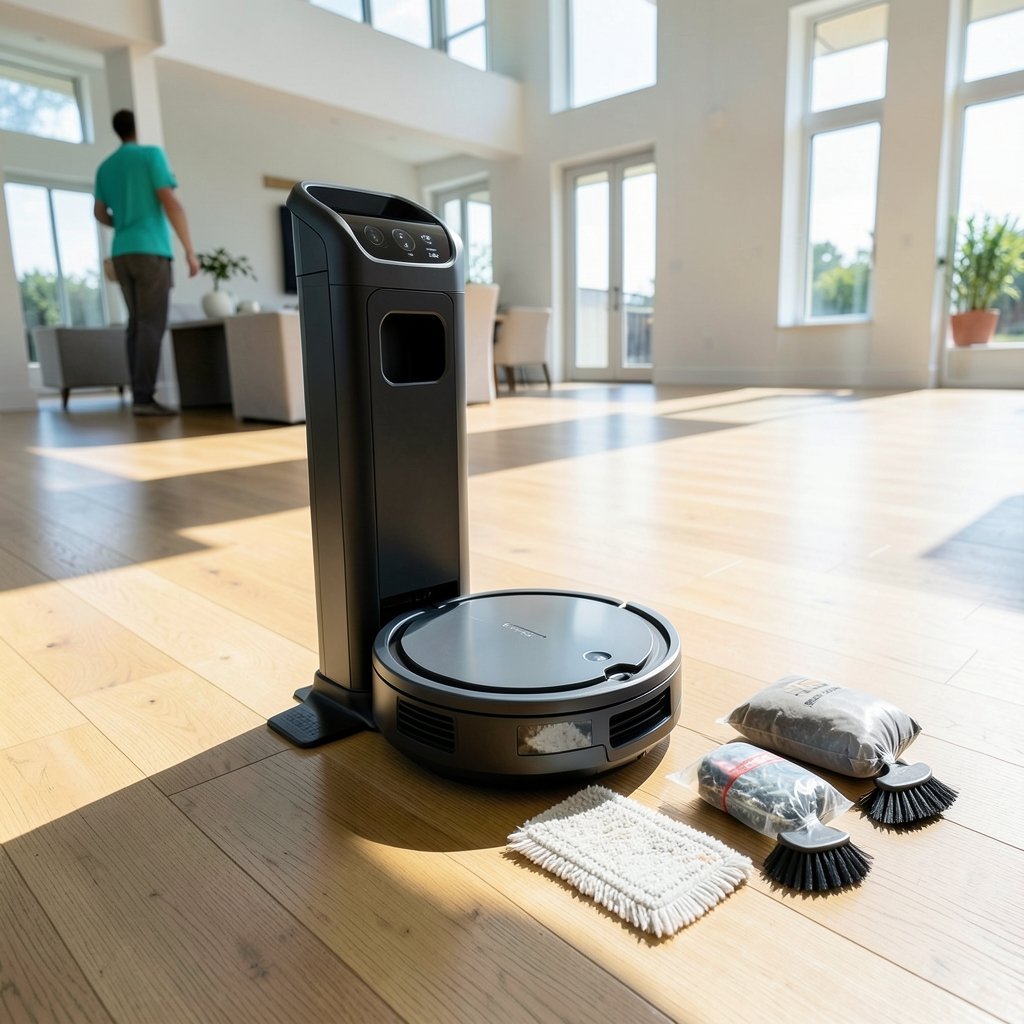
What if the biggest chore in owning a robot vacuum isn’t the vacuuming at all? It’s the part nobody advertises loudly enough: emptying the bin, untangling brushes, and scrubbing a mop pad that smells faintly of last week’s kitchen floor. That’s the promise behind every “self-cleaning” robot vacuum on the shelf. The trouble is that the label means wildly different things depending on the box you’re holding.
Some robots empty themselves into a dock bag. Some also wash and dry their mop pads. A few do neither well. This guide breaks down what the term really covers, which features matter for which homes, and how to pick a model that keeps its promise after the novelty wears off.
What “Self-Cleaning” Actually Means on a Robot Vacuum
There’s no industry standard for the phrase, which is exactly why it’s confusing. In practice, it describes one of two features, or both together.
Auto-empty docks pull debris from the robot’s small onboard bin into a larger bag or canister in the base. Manufacturers often quote figures like roughly 60 days of debris before you need to change the bag, but treat those numbers as marketing claims rather than measured results. Your mileage depends on pet hair volume, carpet, and how often the robot runs.
Self-washing mop docks go further. They rinse the mop pads, sometimes with hot water, then dry them with hot air. This is a newer, premium feature concentrated in flagship lines from brands like Roborock, Ecovacs, and Dreame. Availability shifts constantly by model and region, so verify the exact configuration before buying.
A robot with both features is the closest thing to a hands-off floor cleaner. A robot with only auto-empty still leaves you washing mop pads by hand. Knowing which camp a model falls into is the single most important buying decision.
The Features That Separate a Good Dock From a Gimmick
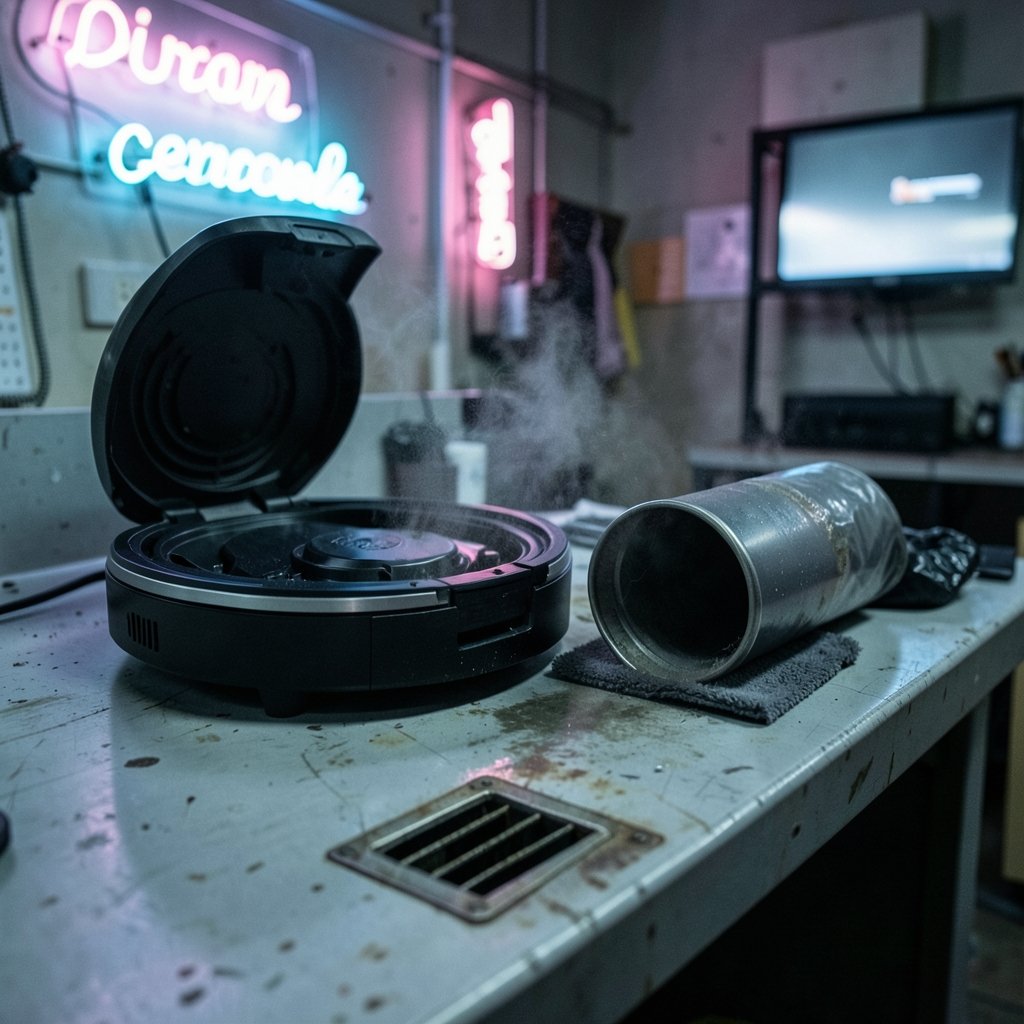
Dock design is where cheap models quietly fall apart. A few details deserve close attention.
Bagged versus bagless docks
Bagged docks trap debris in a sealed bag, which is tidier for allergy sufferers but adds a recurring consumable cost. Bagless docks use a canister you tip into the trash, which saves money but can release a puff of dust when you open it. Neither is wrong. Budget for bags if you choose bagged.
Mop washing and drying quality
Hot-air drying matters more than most buyers realize. A wet mop pad left in a closed dock grows odor fast. Look for docks that dry pads thoroughly, not just briefly. Some models also wash with heated water, which helps with greasy kitchen residue.
Dock maintenance you can’t skip
Even the best self-cleaning dock needs attention. Dock bags are consumables. The base itself collects dust and hair around the intake. And clogs happen. If your dock stops pulling debris, a robot vacuum self empty dock clogged clear it fast guide will save you a service call, because most clogs are user-fixable in minutes.
Match the Robot to Your Floor, Not the Spec Sheet
Suction is quoted in Pascals, and higher numbers look better on a box. But test methods differ between brands, so a higher Pa rating does not reliably mean better pickup. The same caution applies to battery runtime claims. Instead of chasing specs, match the machine to the surface it will actually clean.
| Floor situation | What matters most | Dock feature to prioritize |
|---|---|---|
| Mostly hard floors with occasional mopping | Mop pad washing and drying | Self-washing dock with hot-air dry |
| Wall-to-wall carpet | Brush design and suction consistency | Auto-empty with large bag capacity |
| Pet households | Hair handling and bin size | Auto-empty, plus tangle-resistant brushes |
| Deep-pile or shag rugs | Climb height and brush type | Auto-empty; mop washing is optional |
| Mixed floors with thresholds | Navigation reliability | Either dock type; prioritize mapping |
Deep-pile rugs deserve a special mention. Many robots struggle to climb them or get bogged down in the pile. If your home has shag, read up on how a robot vacuum shag rugs actually works deep pile before assuming any flagship will cope. Long human hair is the other common dealbreaker, and a robot vacuum that handles long human hair well usually earns its keep in households with shedding humans and pets alike.
Navigation: The Feature That Quietly Decides Everything
A self-cleaning dock is useless if the robot misses half the room. Navigation quality drives coverage, and two technologies dominate.
LiDAR robots spin a laser sensor to build a precise map. They work in the dark and tend to be methodical. Camera-based robots use visual recognition, which can identify obstacles like cables or pet waste, but performance varies more in low light. If you’re weighing the two, this breakdown of robot vacuum lidar vs camera navigation key differences pick is worth five minutes before you spend flagship money.
One practical warning: camera-equipped robots with cloud connectivity raise privacy questions. Check the manufacturer’s data policy before inviting a camera into your living room. LiDAR-only models sidestep some of that concern since they don’t capture images.
The Maintenance Reality Nobody Mentions
Self-cleaning does not mean maintenance-free. It means less frequent maintenance. Plan for these tasks regardless of which model you buy:
- Replace or empty dock bags every one to three months, depending on use.
- Clean the dock’s intake and sensors monthly; dust builds up quietly.
- Rinse or replace mop pads even on self-washing models, since docks don’t remove every stain.
- Clear hair from brushes and wheels weekly in pet homes.
- Replace filters on the schedule the manufacturer specifies.
Two failure points trip up new owners constantly. First, wheels jam on rug edges, loose cables, or threshold strips, triggering an error mid-clean. If that happens, a guide on what to do when a robot vacuum wheel stuck error it happens fix it fast walks through the usual fixes. Second, cliff sensors can misread dark surfaces and cause the robot to refuse to move. If your robot avoids a black rug or dark tile, the explanation behind why robot vacuum cliff sensors fail black carpet works is almost always the sensor, not the floor.
And a small but real cost saver: you don’t need branded cleaning solution. There are robot vacuum cleaning solution alternatives that actually work, which matters once you’re refilling a dock reservoir every few weeks.
Choosing by Use Case, Not by “Best Overall”
Rankings shift every few months, and a model that tops one list may be wrong for your home. A more durable approach is to pick by scenario.
Pet households should prioritize auto-empty capacity and hair handling. A dock that fills in two weeks defeats the purpose. Look for tangle-resistant brush designs and a genuinely large bag or canister.
Hard-floor apartments benefit most from mop washing and drying. If mopping is the main event, a best robot vacuum mop combos actually cleans floor comparison will steer you toward combos whose mop function isn’t an afterthought.
Carpet-heavy homes can often skip the mop dock entirely and put the savings toward better navigation and a bigger auto-empty bin.
Budget buyers should know that auto-empty docks have spread into mid-range models, so the feature is no longer premium-only. What you sacrifice at lower prices is usually mop washing, dock build quality, and navigation sophistication.
Privacy-conscious buyers may prefer LiDAR-only models, or at minimum should read the privacy policy of any camera-based robot before purchase.
Where Manufacturer Claims End and Reality Begins
Independent testing bodies like Consumer Reports and Which? publish robot vacuum results, and their methodologies and rankings differ from each other, so cross-checking two sources beats trusting one. Their coverage is limited, though, and models turn over fast. A “best” pick from eighteen months ago may no longer be sold.
The honest position is this: no single robot is best for everyone, and any list of specific winners ages quickly. What doesn’t age is the framework. Decide whether you need auto-empty, mop washing, or both. Match navigation to your floor plan. Budget for consumables. Then read current independent testing before you commit.
Conclusion
The best self-cleaning robot vacuum isn’t the one with the longest feature list. It’s the one whose dock matches how you actually live. If mopping is your daily battle, a self-washing dock with proper hot-air drying earns its price. If pet hair is the enemy, a large auto-empty bin and tangle-resistant brushes matter more than a mop reservoir you’ll rarely fill. And if your floors are mostly carpet, you can skip half the premium features and spend the difference on better navigation.
Whatever you choose, go in knowing that “self-cleaning” means less work, not zero work. Empty the bag, clean the sensors, rinse the pads, and clear the brushes. Do that, and a good robot quietly removes one chore from your week for years. Skip it, and you’ll join the ranks of people whose expensive dock sits in a corner, unplugged and slightly dusty. The machine does the vacuuming. You still run the household.
Frequently Asked Questions
Do self-cleaning robot vacuums really empty themselves?
Yes, if they have an auto-empty dock. The robot returns to its base and the dock pulls debris from the onboard bin into a larger bag or canister. You still need to replace the bag or empty the canister periodically, typically every one to three months depending on use.
What’s the difference between self-emptying and self-washing?
Self-emptying refers to the dustbin being emptied into the dock. Self-washing refers to mop pads being rinsed and dried inside the dock. Premium models often do both, but many mid-range robots only self-empty. Check the exact feature list before buying, since the term “self-cleaning” covers both.
Are self-cleaning robot vacuums worth the extra money?
For most households with a mix of hard floors and carpet, yes, if the dock solves a real pain point. Auto-empty reduces how often you touch the bin. Mop washing removes the smelliest chore. If you have mostly carpet and no mopping routine, a mop-washing dock may be money you never recoup.
How often do I need to maintain a self-cleaning robot?
Plan on weekly brush and wheel checks in pet homes, monthly dock cleaning and sensor wiping, and bag or canister changes every one to three months. Filters and mop pads need replacement on the manufacturer’s schedule. The dock reduces frequency but doesn’t eliminate maintenance.
Why does my robot avoid dark rugs or black flooring?
Cliff sensors use light reflection to detect drops, and very dark surfaces can absorb that light, making the robot think there’s a ledge. It’s a sensor limitation, not a mapping bug. Some models handle dark floors better than others, so check reviews that specifically test black carpet.
Can I use regular cleaning solution in a robot vacuum dock?
Not always. Some manufacturers specify their own solution, and using alternatives can void warranties or clog internal lines. That said, several safe alternatives exist, including diluted options that many owners use successfully. Check your manual first, then explore alternatives that suit your floor type.
Before you buy, check one last thing: the dock’s footprint and clearance. Self-emptying and self-washing docks are considerably larger than standard charging bases, and they need side and overhead room for the lid to open and the water tanks to lift out. Measure the intended corner, confirm the robot can still reach it without blocking a doorway, and verify the dock’s power requirements. A dock that doesn’t fit quietly turns a flagship purchase into a hallway obstacle. With the dock placed, the framework above holds: match the machine to your floors, prioritize navigation, budget for consumables, and let current independent testing be your final filter.



