What if the biggest obstacle to a smarter apartment isn’t your budget or your technical skill, but your roommate’s habit of unplugging everything and your landlord’s ban on drilling holes? That’s the reality for most people sharing a rental. You can’t rewire a switch, you can’t install a permanent doorbell, and you definitely can’t count on everyone in the flat to remember how the app works.
The good news: a whole category of gadgets has grown up around exactly this problem. They plug in, peel off, screw in, or sit on a shelf. They move with you when the lease ends. And in 2027, standards like Matter and Thread make them cooperate far better than the patchwork of the past few years. Here are the options that actually earn their shelf space in a shared flat, plus the honest limitations nobody mentions in the product photos.
Quick comparison of the top picks
| Gadget | Best for | Setup effort | Key limitation | Price |
|---|---|---|---|---|
| Smart plug (Kasa, Wyze, Amazon) | Beginners, shared lamps and fans | Plug in, done | Can’t control speed or settings | $10–$25 each |
| Smart bulbs (Tapo, IKEA TRÅDFRI, Wyze) | Lamps you control yourself | Screw in | Guests hit the wall switch and kill power | $8–$15 per bulb |
| Lutron Aurora dimmer | Shared rooms with Hue bulbs | Fits over existing switch | Philips Hue bulbs only | Not stated |
| Ring Peephole Cam 2K | Apartment fire doors | Replaces the peephole | Monthly fee for recordings | $99.99, or $119.99 with chime; about $5/month |
| Smart speaker (Echo Dot, Nest Mini, HomePod Mini) | Voice control for everyone | Plug in | Wi-Fi congestion in dense buildings | $25–$50 |
| Adhesive door and window sensors | Rental security basics | Peel and stick | Battery swaps, no drilling | $15–$25 each |
| Smart lock with keypad | Shared entry and dog walkers | Reversible retrofit | Needs a landlord heads-up | $70–$200 |
| Smart thermostat | Cutting bills in a shared flat | Varies by model | Landlord approval usually required | Check official page |
1. Smart plugs: the cheapest win in any shared flat
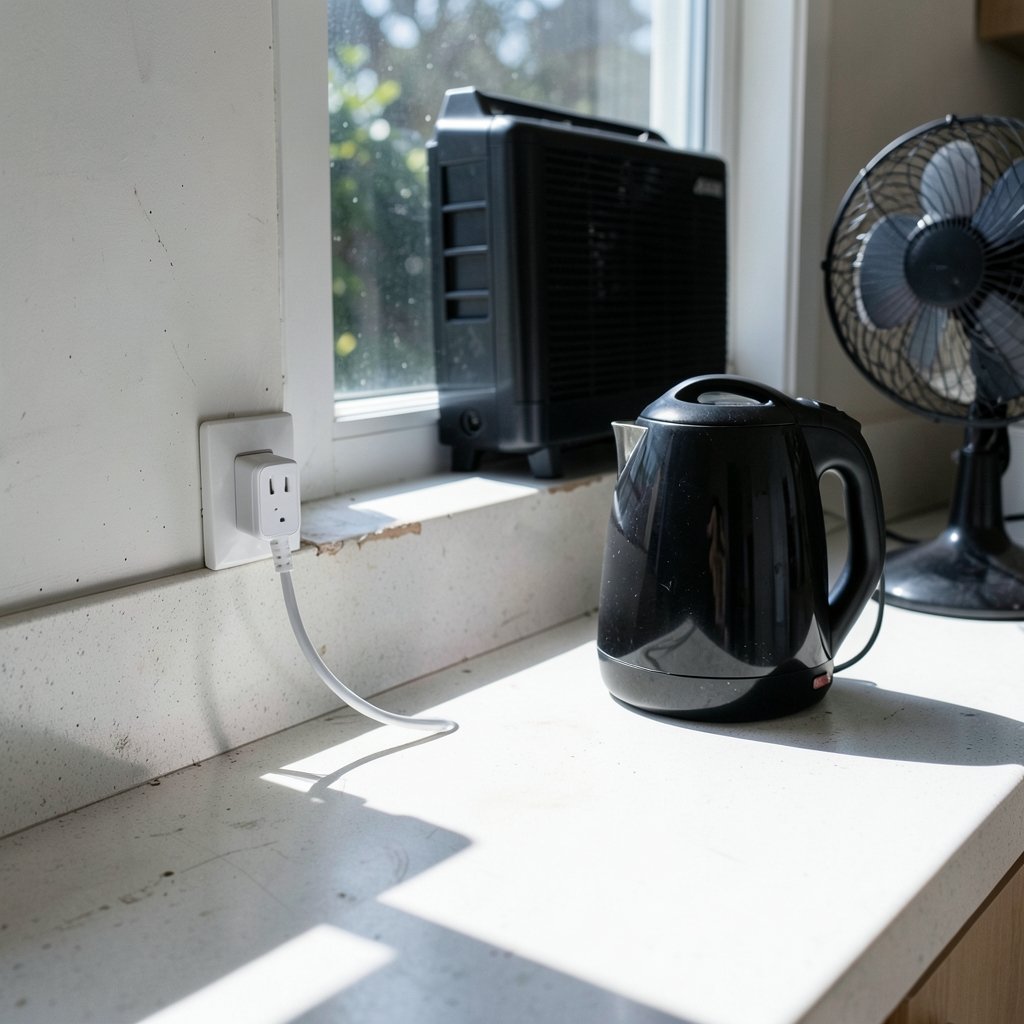
If three people share a kitchen, a smart plug is the least controversial gadget you can buy. It needs nothing but an outlet, so no permission is required. A $15 Kasa plug or a $10 Wyze plug turns a lamp, a window AC unit, a fan, or a coffee maker into something you can schedule and switch off from your phone.
The practical use case in a shared apartment is the window AC unit. You can cool the place down before you get home without leaving it running all day. The limitation is real, though: a plug only gives on and off. It won’t add speed control to a fan, and it won’t make a dumb appliance smart in any deeper sense. Follow the plug maker’s electrical rating and appliance guidance rather than assuming any device is safe to connect.
One mistake people make constantly: putting the plug on a lamp that someone else switches off at the wall. Then the plug is useless until the switch goes back on. Pick a lamp that stays powered.
2. Smart bulbs: control the light without touching the wiring
Smart bulbs are the second easiest entry point. You screw one in, store the original bulb in a drawer, and screw it back in at move-out. Dimmable warm-white bulbs are the most practical choice for bedrooms and living rooms, and tunable white is genuinely useful in a home office where you want cool light by day and warm light at night. Reliable options run $8–$15 per bulb from TP-Link Tapo, IKEA TRÅDFRI, and Wyze.
The shared-apartment catch is the wall switch. A roommate flips it off out of habit, and your smart bulb goes offline. That’s fine for a bedroom lamp you control yourself. It’s a daily annoyance in a living room.
3. Lutron Aurora: the fix for the wall-switch problem
This is the gadget that solves the problem above, and it deserves its own entry. The Lutron Aurora fits over the existing switch, keeps the bulbs powered, and works as a dimmer you press and rotate. Guests can still use the switch the way they always have, which is exactly what you want in a shared space.
The limitation is significant: it only works with Philips Hue bulbs, so you have to buy into that ecosystem, and Hue costs more than budget bulbs. If you’re deciding between bulbs and switches for your place, weigh that trade-off before committing. But for a shared living room where nobody can be trained, the Aurora is the closest thing to a real dimmer that a renter can install.
4. Ring Peephole Cam 2K: a doorbell for fire doors
Many apartment doorways have fire doors, and drilling holes in them can affect the door’s fire resistance. The Ring Peephole Cam 2K sidesteps this entirely by replacing your current peephole. Nothing gets drilled.
It costs $99.99, or $119.99 with a chime, and saving recordings runs about $5 a month. That subscription is the limitation worth flagging up front, because the hardware alone doesn’t store video. For a shared flat where four people come and go at different hours, a camera at the door is more useful than it sounds, and it doesn’t modify the door in any permanent way.
5. A smart speaker: the control layer everyone can use
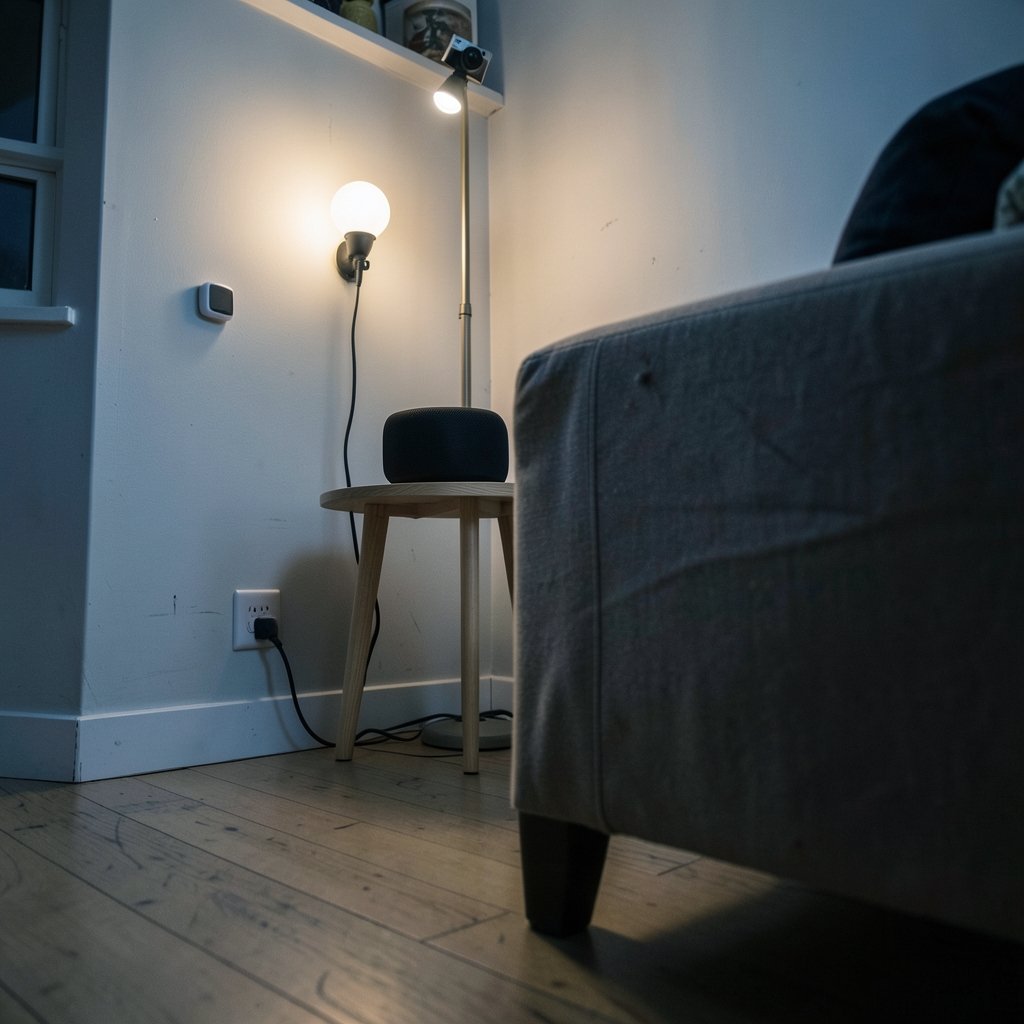
Voice control is the great equalizer in a shared apartment. Nobody has to install an app or learn a routine. An Echo Dot (5th Gen), Google Nest Mini, or Apple HomePod Mini costs $25–$50, plugs in, and needs no permission. The HomePod Mini also doubles as a Thread border router for Matter-compatible devices, which matters more than it used to.
If you’re building a voice-first setup, it’s worth reading up on the best smart speaker picks for multiple smart home devices before you buy, since the speaker you choose effectively locks in your assistant. Screen models like the Echo Show or Nest Hub add video calls, camera feeds, and recipes, which suit a shared kitchen well.
The limitation in shared buildings is Wi-Fi congestion. A crowded apartment block can make the 2.4GHz band that most smart home products rely on painfully slow, or leave devices inert. This is where Thread earns its keep. It’s a low-power mesh that doesn’t fight for the same congested spectrum, and it’s the reason a 2027 setup behaves better than a 2022 one.
6. Adhesive door and window sensors: security deposit insurance
Small contact sensors from Aqara, Ring Alarm, and similar brands stick to a door or window frame with adhesive and alert your phone when something opens. They cost $15–$25 each, run on batteries that last a year or more, and peel off cleanly at move-out.
The backbone of a renter-friendly security setup is simple: one on the front door, one on the bedroom window. Pair them with a smart speaker and you get an audible alert too. A water leak sensor is the unglamorous pick that can save your security deposit, since a slow leak under a shared sink is exactly the kind of thing nobody notices until the floor warps.
7. A smart lock with a keypad: end the key-copying circus
A retrofit smart lock with a keypad typically runs $70–$200. You send a temporary code to a guest or a dog walker instead of copying keys, and at move-out the original thumb-turn goes right back on.
This is the one gadget on the list that genuinely warrants a landlord heads-up, because it modifies the lock mechanism, even if reversibly. Most landlords say yes when they hear their master key still works. Get that in writing. For anyone weighing a bigger platform decision across a shared household, the Home Assistant vs SmartThings comparison is a useful starting point before you standardize on one app.
8. A smart thermostat: the shared-bill argument settler
A smart thermostat can cut bills and fit the way your home actually runs, but in a rental it’s the gadget most likely to need approval, since it usually replaces existing hardware. Check your lease first, then check the model’s requirements.
In a shared flat, the real value isn’t the scheduling. It’s the end of the “who turned the heat up” argument, because the app shows a history. If you’re renting and can’t touch the thermostat at all, a temperature and humidity sensor in each room gives you data without modifying anything.
How to choose without wasting money
Start with the constraint, not the gadget. Ask three questions in order.
- Does it require drilling, wiring, or landlord approval? If yes, put it at the bottom of the list.
- Will a roommate break it by accident? Anything behind a wall switch fails this test unless you use a switch-mounted dimmer.
- Does it move with you? If you can’t unplug it and carry it out, treat it as a gift to the apartment.
Then decide on your hub and assistant early, because that choice is stickier than any single device. The best smart home hub options for 2027 are worth reviewing before you accumulate a dozen gadgets from four different apps. And if you want the bigger picture on where the standards are heading, this explainer on whether Matter and Thread finally unified smart home standards covers what actually changed and what didn’t.
One more practical note: avoid the common smart home mistakes that trip up renters, like buying a doorbell that needs wiring in a flat where the door is a fire door. If your entryway is the problem, there’s a specific approach that works for smart doorbells in apartments without wiring. And if energy bills are the real motivation, look at whether a smart thermostat that cuts bills and fits your home is even installable in your building before you shop.
Conclusion
The best smart home setup for a shared apartment in 2027 isn’t the most ambitious one. It’s the one that survives four people, a landlord inspection, and a move. Smart plugs and bulbs get you started for under $50. A Lutron Aurora fixes the wall-switch problem if you’re in the Hue ecosystem. A peephole camera covers the door without drilling. Adhesive sensors and a keypad lock handle security and access. Everything on this list can leave with you, which is the only feature that truly matters when the lease is temporary.
FAQ
Do I need my landlord’s permission for smart home gadgets?
For plugs, bulbs, speakers, and adhesive sensors, no. For anything that modifies the unit, such as a keypad lock or a thermostat, get a heads-up first. A reversible lock retrofit usually gets approved once the landlord knows their master key still works.
Will smart bulbs work if my roommate uses the wall switch?
The bulb loses power and goes offline until the switch is back on. The workaround is a switch-mounted dimmer like the Lutron Aurora, which keeps bulbs powered and lets everyone use the switch normally. It only works with Philips Hue bulbs.
Is a smart speaker worth it in a shared apartment?
Yes, because voice control means nobody has to install an app or learn a routine. A $25–$50 Echo Dot, Nest Mini, or HomePod Mini plugs in and needs no permission. The HomePod Mini also acts as a Thread border router for Matter devices.
What’s the cheapest useful smart home gadget for renters?
A smart plug at $10–$25. It turns a lamp, fan, or window AC unit into something you can schedule, and it requires nothing but an outlet. It won’t add speed control, though, so check the plug’s electrical rating against the appliance.
Can I install a video doorbell if my apartment has a fire door?
Drilling a fire door can affect its fire resistance, so avoid it. A peephole camera like the Ring Peephole Cam 2K replaces your existing peephole instead. It costs $99.99, or $119.99 with a chime, and saving recordings runs about $5 a month.
Why does Thread matter in a crowded apartment building?
Most smart home products rely on the 2.4GHz Wi-Fi band, which gets badly congested in dense buildings and can leave devices slow or unresponsive. Thread is a low-power mesh that doesn’t compete for that same spectrum, so devices respond more reliably.