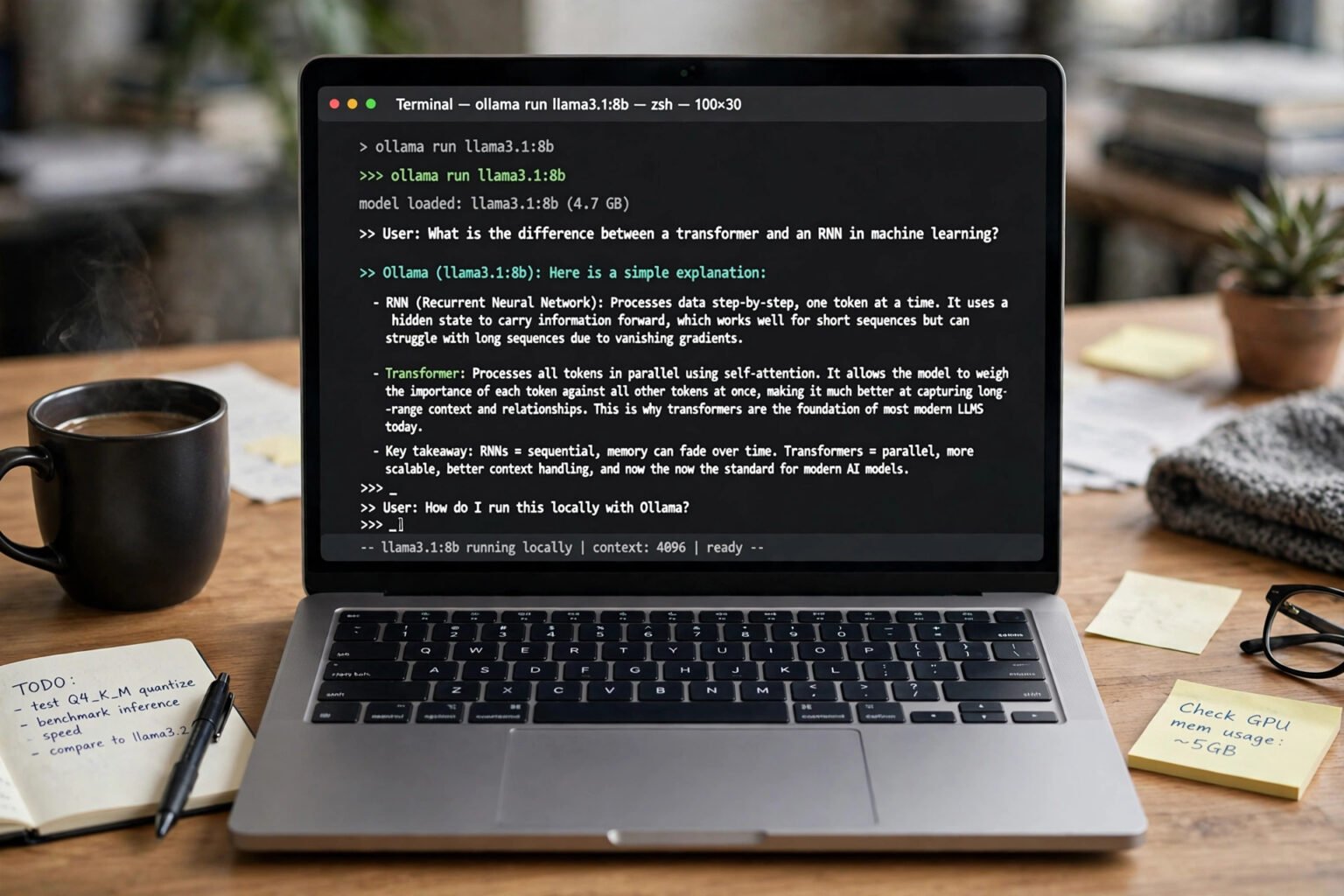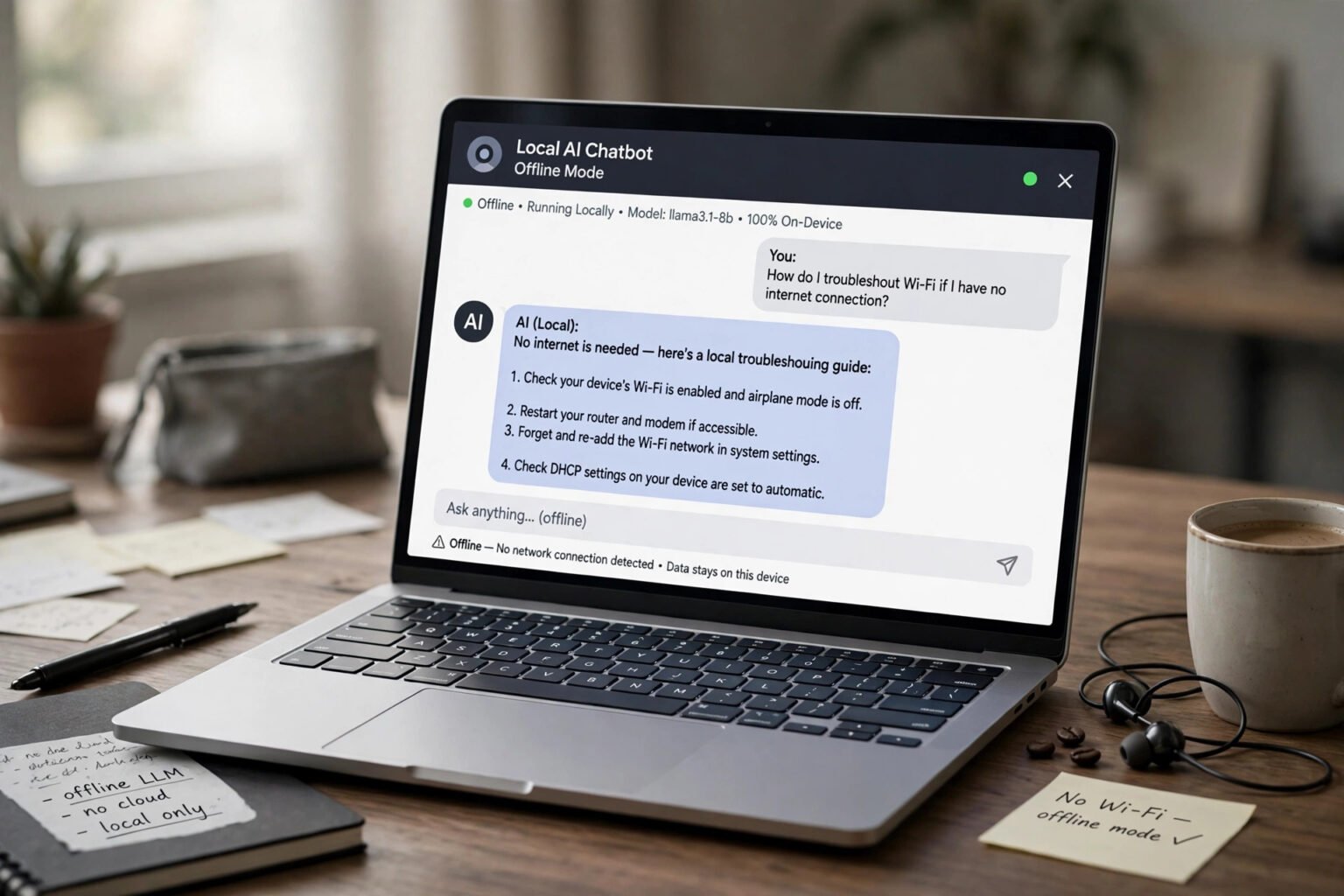
AI meeting notes and privacy start with a simple question: who else is listening when a notetaker joins your call? AI meeting notes and privacy matter because Otter, Fireflies and Zoom AI do not just take notes — they record audio, make a transcript, send it to the cloud for a summary, and store a copy. The short answer is that all three record and keep meeting content, but they differ on training: Otter says it trains its own models on de-identified recordings, while Fireflies and Zoom say they do not use meeting content for training.
Consent, retention and sharing change the risk as much as training does. This guide compares the three tools on what their own policies state.
Key takeaways
- All three tools record audio and keep transcripts and summaries in the cloud.
- Otter states that it trains proprietary AI on de-identified audio and transcripts.
- Fireflies and Zoom state that they do not train on meeting content.
- A visible bot is notice, not consent. In all-party consent states and under GDPR, you need a lawful basis and a chance for people to object.
- Retention is often indefinite until you delete a meeting. Check delete and retention settings first.
- Prices and limits change often. Confirm the current plan on the vendor’s pricing page.
What each tool actually records
An AI notetaker is a recording device. It captures voices, identifies speakers, and turns speech into searchable text.
Otter.ai: live transcription, with a visible bot
Otter sends a notetaker, often called OtterPilot, into Zoom, Microsoft Teams and Google Meet. Otter states that it joins as a visible participant and cannot join anonymously. It transcribes live and produces a summary with action items. Otter also offers a desktop app that can record without a bot joining the call, so tell people yourself. Otter stores recordings on Amazon Web Services in the United States, with AES-256 encryption. Best for: live transcription and captions during the call.
Fireflies.ai: a bot called Fred, plus bot-free capture
Fireflies sends Fred, its notetaker bot, into Zoom, Google Meet, Microsoft Teams and other platforms. It records audio and video, transcribes in more than 100 languages, and produces summaries. Fireflies also offers bot-free capture through a Chrome extension and desktop Take Notes mode. A bot-free recording is still processed on Fireflies’ servers. Best for: teams that want notes pushed into Slack, Notion, HubSpot or Salesforce.
Zoom AI: built in, no separate bot to spot
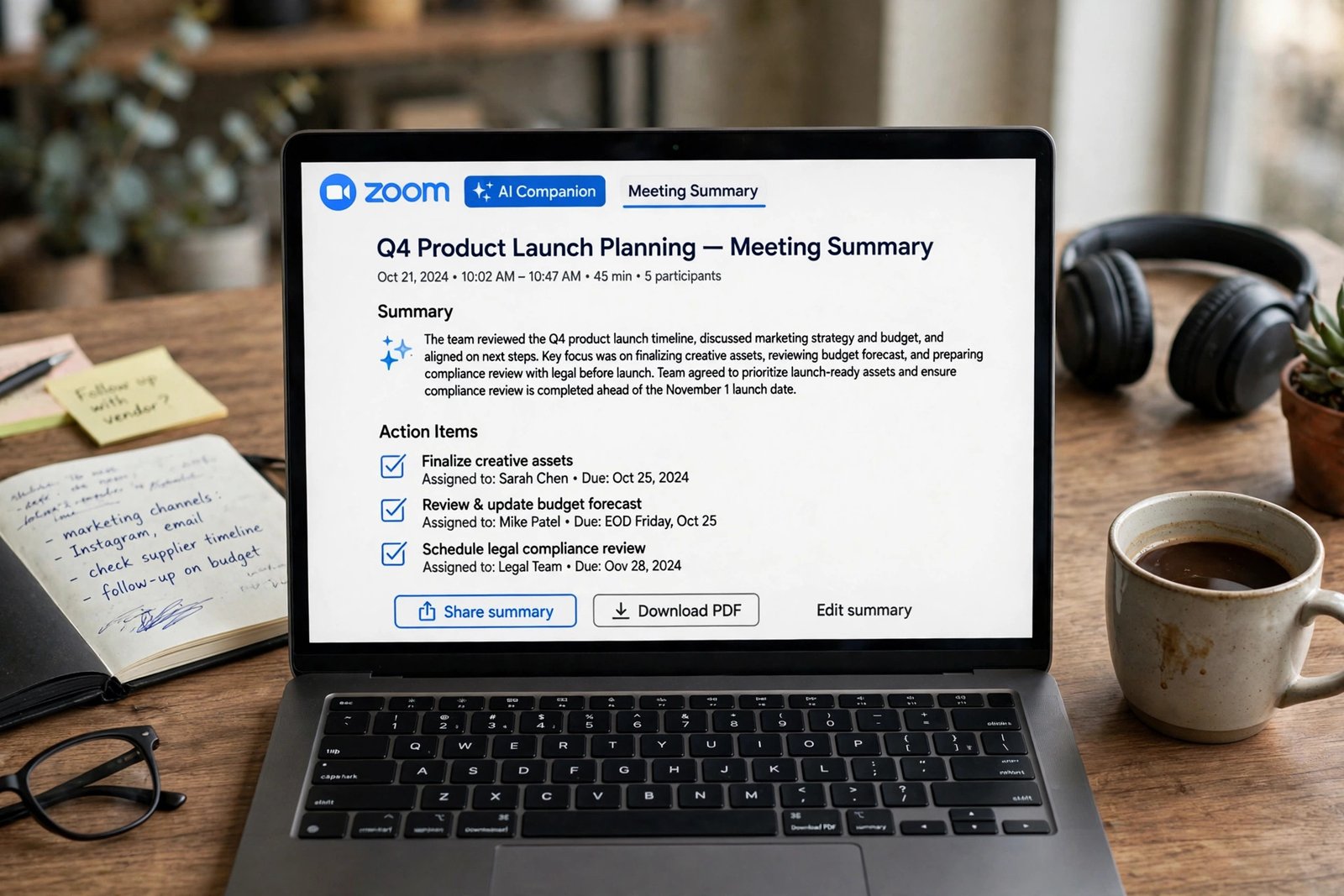
The features once branded Zoom AI Companion — meeting summary, in-meeting questions, smart recording and My Notes — are now built into Zoom Workplace. Zoom retired the brand in June 2026, and ZoomMate is a separate paid assistant. There is no extra participant to warn people, so the host must start the summary and tell the room. The recording stays inside your Zoom account, but still leaves your device and is processed in Zoom’s cloud. Best for: teams that meet almost entirely on Zoom.
Does each tool train on your meetings?
Training is not the same as storage. A tool can promise not to train on your calls and still keep every transcript. Otter’s privacy policy, effective 16 June 2026, lists training proprietary AI on de-identified audio and transcriptions. Otter says it de-identifies data before training and that training is automatic. Sources disagree on the opt-out: some say you can request one by email, others report none below Enterprise. Get it in writing before sensitive calls. Fireflies takes the opposite position. Its privacy policy states that it does not use personal information for AI model training and contractually prohibits its vendors from doing so. Its terms still allow it to derive usage and statistical data from your content for internal business purposes. Zoom’s position is also a no. Zoom states in its terms of service, section 10.2, in force since 11 August 2023, that it does not use audio, video, chat, screen sharing, attachments or other communications-like customer content to train Zoom’s or third-party AI models. Zoom sends content to third-party models including OpenAI, Anthropic and Google to produce summaries, and says those providers are under zero data retention policies. Some reviews report retention of up to 30 days for trust and safety.
How the three tools compare
Verify the row that matters most on the vendor’s own policy page.
| Tool | Trains on meeting content? | How it joins the meeting | Retention in plain terms |
|---|---|---|---|
| Otter.ai | Yes, de-identified audio and transcripts | Visible bot; bot-free desktop app | Kept until you delete it; Trash for 30 days |
| Fireflies.ai | No; vendors contractually barred | Bot called Fred; bot-free extension and desktop mode | Kept while your account is active |
| Zoom AI (formerly AI Companion) | No | Built into Zoom Workplace; no separate bot | Kept until deleted |
Otter, Fireflies and Zoom AI compared on training, capture and retention in late 2026.
Consent: a bot in the room is not consent
The law treats an AI notetaker as a recording device. In many places, recording without the right notice or agreement is unlawful. In the United States, federal law under 18 U.S.C. § 2511(2)(d) is one-party consent. Most states follow that rule — 37 states plus Washington, D.C. Thirteen states require all-party consent: California, Connecticut, Delaware, Florida, Illinois, Maryland, Massachusetts, Montana, Nevada, New Hampshire, Oregon, Pennsylvania and Washington. Follow the strictest rule. In the UK and EU, GDPR treats a recording or transcript containing an identifiable person’s voice or words as personal data. You need a lawful basis under Article 6, clear notice before recording, and a data processing agreement with the vendor. This is general information, not legal advice. Put AI notes in the invite, announce it at the start, and stop if anyone objects. If you need a written policy, the steps in how to write an AI policy for a small business give you a structure for who can record and how long notes are kept. In In re Otter.AI Privacy Litigation, No. 5:25-cv-06911-EKL, plaintiffs alleged Otter’s notetaker recorded non-users without consent. On 13 August 2026, a judge let wiretap, California privacy and Illinois voiceprint claims proceed. These are allegations, not findings, as is a September 2026 allegation against Zoom.
Retention, sharing and deletion: the copy you forget
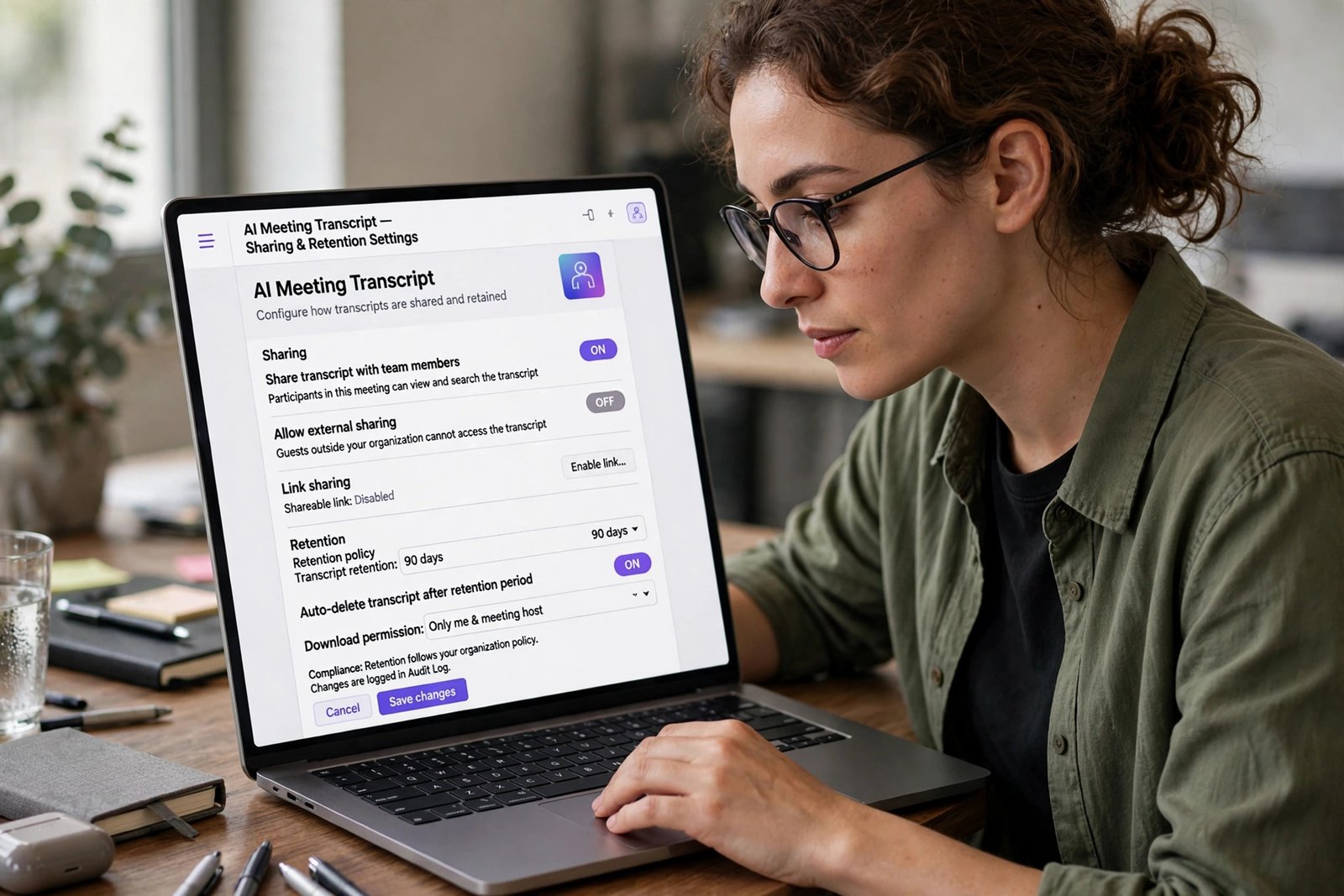
Retention is where most privacy problems happen. A transcript in a shared workspace can be searched or forwarded. Otter keeps audio and transcripts until you act. Deleting a conversation moves it to Trash, where it is deleted after 30 days. Closing an account deletes user content within 30 days. Custom retention is an Enterprise control. Fireflies keeps personal information while your account is active and deletes it within 30 days after closure. Its free plan is limited to 400 minutes of storage per team. Zoom keeps summaries until deleted, or until an admin’s auto-delete period ends. Transcripts are not enabled by default. Before you record, decide who can see the transcript, how long it will be kept, and who can delete it. If you cannot answer all three, do not record. The guidance in how to use AI safely at work without sharing private data covers redaction and work accounts.
Pricing and limits: what to check before you pay
Prices change often, so treat every figure below as checked in late 2026 and confirm it on the vendor’s pricing page. Otter Basic is free: 300 minutes a month, 30 minutes per meeting. Pro is $8.33 per user a month on annual billing, or $16.99 monthly, with 1,200 minutes a month and a 90-minute cap. Business is $19.99 a month on annual billing, or $30 monthly. Sources differ on whether Business minutes are unlimited or capped at 6,000 a month. Enterprise is custom priced. Fireflies Free offers unlimited transcription but only 400 minutes of storage per team. Pro is $10 per seat a month on annual billing, or $18 monthly, with 8,000 minutes of storage per seat. Business is $19 a seat a month on annual billing, or $29 monthly. Enterprise is $39 a seat a month on annual billing only. Zoom’s built-in AI is included at no extra cost on paid Workplace plans, with three meeting summaries a month on free Basic. Workplace Pro is $14.16 per user a month on annual billing, or $16.99 monthly; Business is $18.33 on annual billing, or $21.99 monthly. ZoomMate starts at $20 per user a month. All three claim SOC 2 Type II and GDPR compliance. HIPAA is narrower: Fireflies offers it on Enterprise, Otter as an Enterprise add-on, and Zoom on Pro and above.
A seven-point check before you record
Use this framework before you switch on any AI notetaker. If you answer no to any point, do not record.
- Have you told everyone? Put AI notes in the invite and announce it.
- Do you have a lawful basis? Know whether you rely on consent or legitimate interest.
- Is this the right tool and plan? Check whether the plan trains on your data.
- Is the meeting suitable? Do not record disciplinary, health, legal or sensitive meetings without a policy.
- Who can see it? Set sharing to participants only by default.
- How long will it be kept? Set a deletion date and delete the audio once checked.
- Can you turn it off? Know how to stop the bot before the call starts.
The training controls for chatbots differ. The steps in how to turn off AI training on ChatGPT, Claude and Gemini show where those settings live.
Frequently asked questions
Does Otter.ai train on my meetings?
Yes, according to its privacy policy. Otter states that it trains proprietary AI on de-identified audio and transcripts. Sources disagree on the opt-out, so get it in writing before sensitive calls.
Does Fireflies.ai train on my meetings?
No, according to Fireflies. It states that it does not use personal information for training and contractually prohibits its vendors from doing so.
Does Zoom AI Companion train on my meetings?
No, according to Zoom. Zoom states that it does not use audio, video, chat, screen sharing, attachments or other communications-like content to train its own or third-party AI models. Zoom retired the AI Companion brand in June 2026.
Do I need everyone’s consent to use an AI notetaker?
In many places, yes in practice. Thirteen US states require all-party consent, GDPR requires a lawful basis and notice, and a visible bot is notice, not agreement. Announce it and stop if anyone objects.
Can I delete a meeting transcript after it is recorded?
Yes, but the path differs. Otter moves deleted conversations to Trash for 30 days. Fireflies deletes account data within 30 days of account closure. Zoom keeps summaries until deleted. Delete the audio too.
Which AI notetaker is best for privacy?
There is no single winner. Fireflies and Zoom state that they do not train on meeting content, a clear advantage over Otter. Zoom is simplest if you already meet on Zoom, and Fireflies is strongest across platforms.
The bottom line
AI meeting notes are useful, and they are not free. The price is a recording, a transcript and a copy in someone else’s cloud, and the terms are written by the vendor, not by you. Otter’s training position makes it the riskiest choice for sensitive calls. Fireflies and Zoom both promise not to train on your meetings, but both still store them. Choose the tool that fits where you meet, read the training and retention rows before the price, and tell everyone before you record. Start with one step this week. Open the notetaker you already use, check its training and retention settings, and add a one-line AI notes notice to your meeting invite template. If any answer on the seven-point check is no, record your own notes instead.