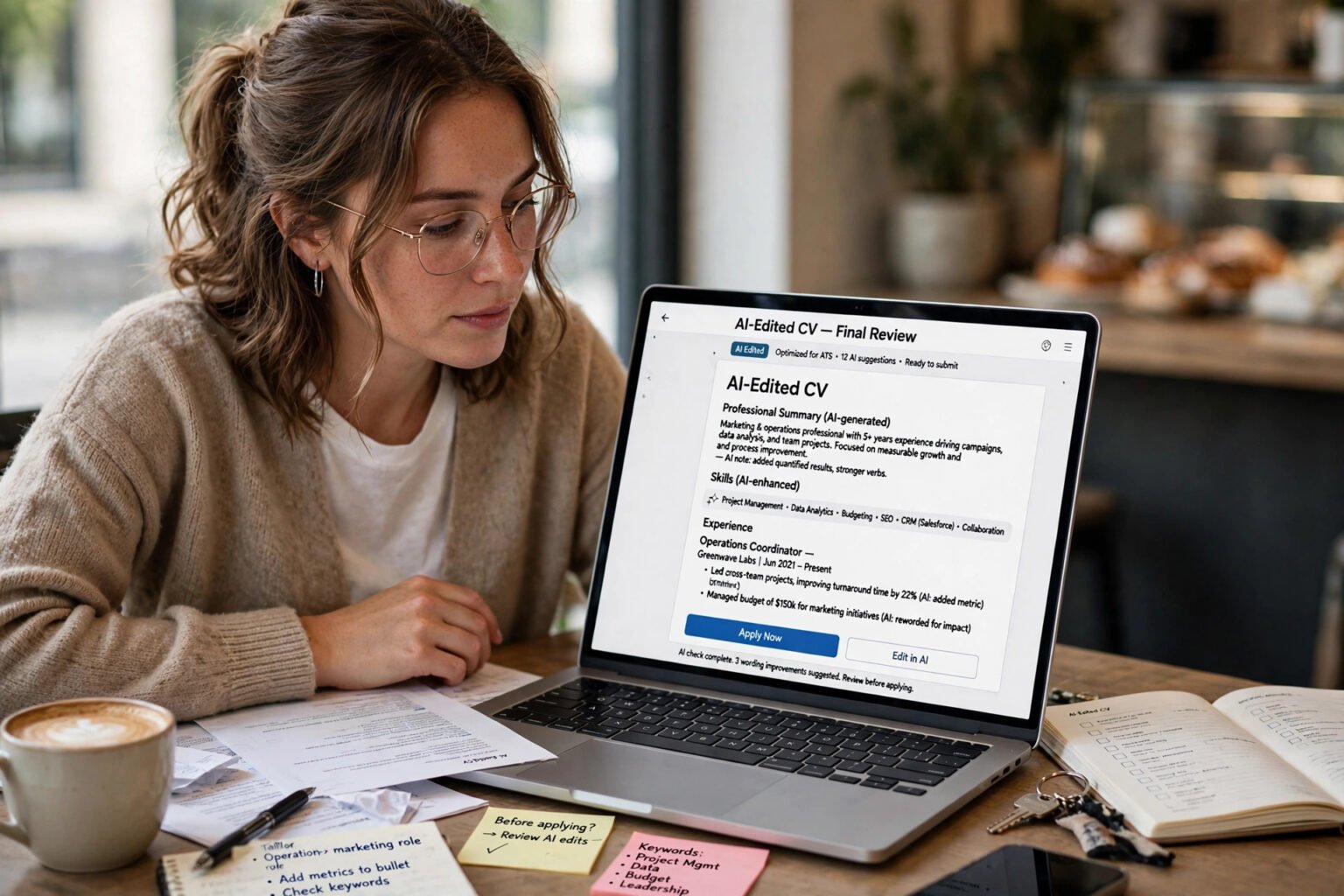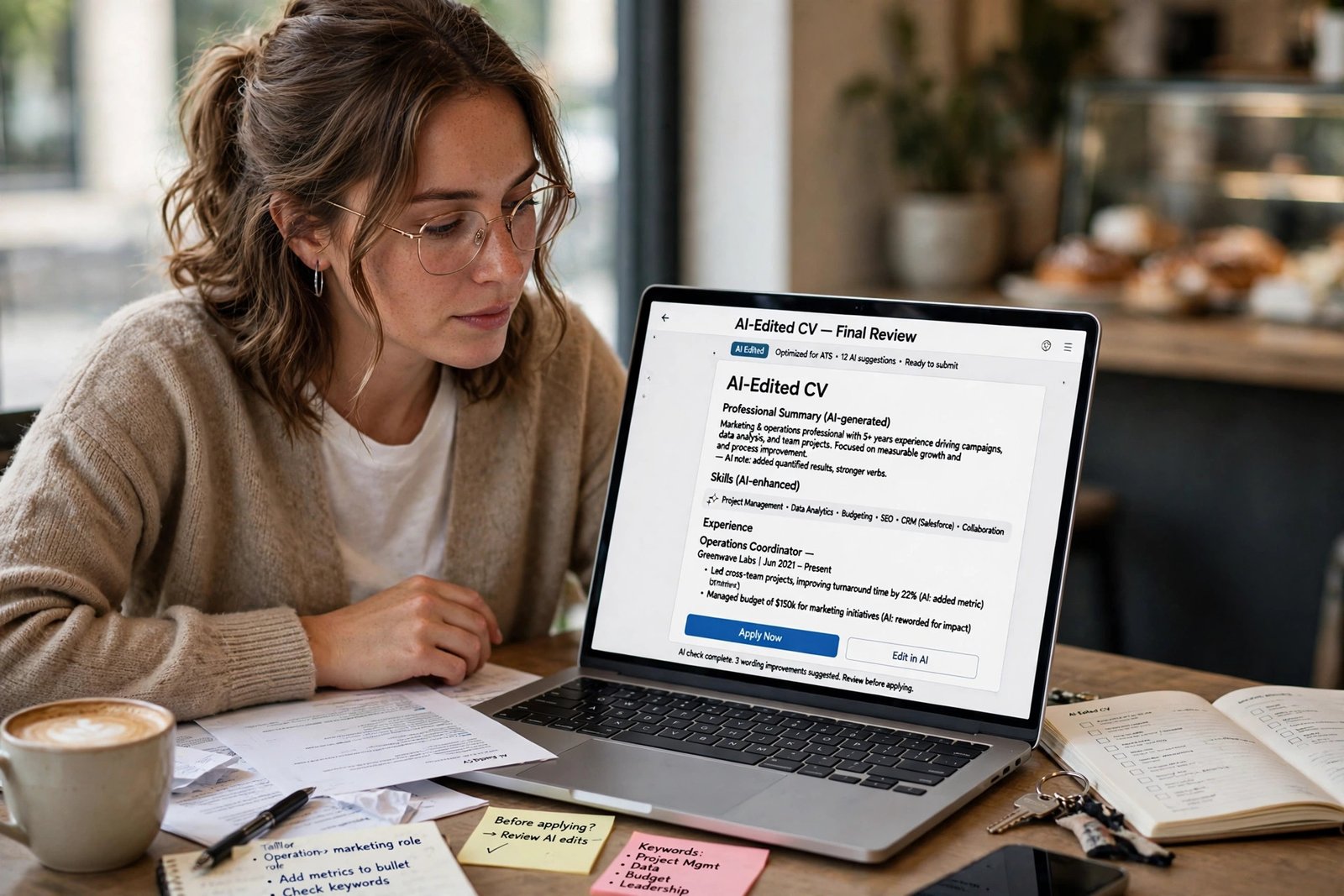
Learning how to use AI for job applications without getting rejected starts with one rule: you write first, AI edits second. Supply your own real experience, tailor it honestly to each role, and check every line before you submit.
That is the short answer. AI itself is not the usual reason applications fail. A generic CV, or one claiming skills you do not have, is.
Key takeaways
- Start with your own draft and real achievements.
- Use AI to tighten, tailor and proofread, not to invent your career.
- An applicant tracking system mainly parses and stores your CV.
- Automatic rejection usually comes from screening questions, not from a keyword score.
- Most employers that publish rules allow AI for grammar, structure and tailoring.
- They forbid invented experience and wholesale AI-generated text pasted in unchanged.
- Never claim a skill or result you cannot prove in an interview.
- Read every AI draft aloud and check names, dates and numbers before you submit.
Why AI applications get rejected
AI has made applying fast. LinkedIn now receives about 11,000 applications per minute, a 45% surge driven by generative AI, according to a figure reported by The New York Times and cited by Enhancv. Recruiters are reading more applications that look alike. A National Bureau of Economic Research field experiment found job seekers given algorithmic writing help won 7.8% more work in their first month than a control group, with the largest gains among non-native English speakers. Used well, AI clarifies experience. Used lazily, it hides it. Surveys point the same way. A Resume.io study of 3,000 hiring managers, reported in 2026, found 49% would automatically dismiss a CV they believed was AI-generated. Greenhouse’s 2025 report found 65% had caught applicants using AI deceptively.
How an ATS actually works in 2026
An ATS is not usually a robot judge that scores your CV and bins the low scorers. It is a database that collects applications, parses CVs into searchable fields, and lets recruiters search and track candidates. Parsing matters first. The system copies your file into fields: name, contact details, job titles, employers, dates, education and skills. If parsing fails, no recruiter search may ever find your experience.
What actually triggers an automatic rejection
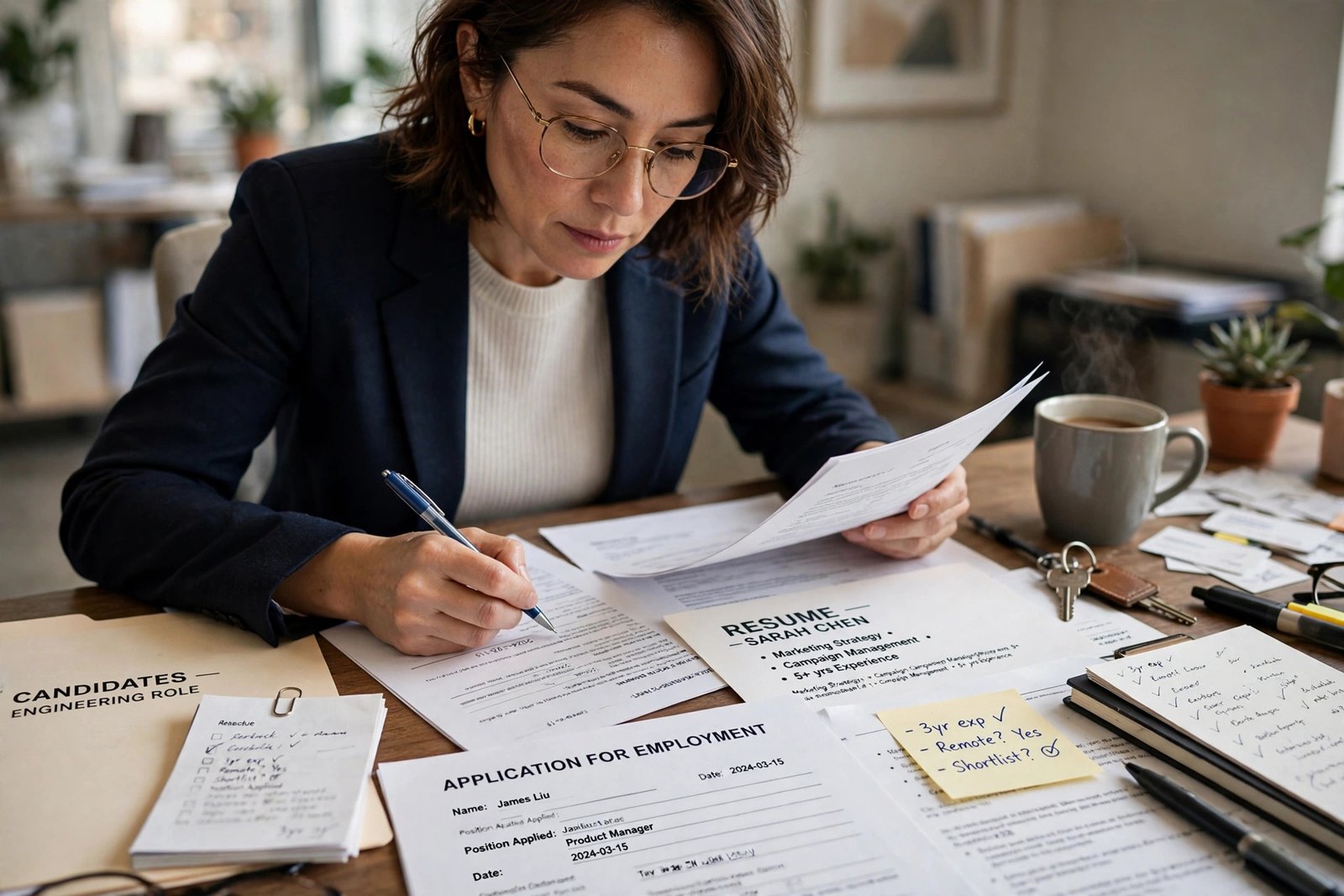
Automatic rejection usually comes from screening questions, not your CV. Greenhouse’s help pages state its matching feature does not auto-reject anyone. A disqualifying answer about work authorisation, location or a required qualification can archive an application at once. Answer those questions carefully.
What recruiters search for
Once parsed, recruiters search by job title, skills, tools and location, using terms from the job description. Some rank candidates by match, so the best-fitting are read first. The fix is honest tailoring: use the employer’s words for skills you genuinely have, in context. Use a single-column CV, with standard headings, and no important text in headers, footers or graphics.
What employers actually allow — and what they ban
Employers that publish AI rules draw a similar line. A 2026 review found most allow AI to polish a CV or cover letter you wrote yourself, and forbid invented experience and wholesale AI-generated text pasted in. Some also ask you to confirm the application is true and accurate, or that tests were completed without AI. Anthropic allows refining a first draft you wrote, but not inventing experiences you have not had. Cisco allows structuring thoughts and checking readability, but not copying AI responses into a CV. IBM allows improving grammar and tone, but not generating entire CVs without personal input, or inventing qualifications. Deloitte allows refining structure and grammar, provided everything is accurate. The UK Civil Service allows refining ideas and checking spelling, but not inflating experience or using AI to complete ability and judgement tests. If an employer says nothing, use the same line as your default. Polish is safe. Invention is not. If an advert, form or test says not to use AI, follow that exactly. If you run a small business, setting out how to write an AI policy for small business in advance removes that guesswork.
Safe AI uses vs risky AI uses
Use this table as a quick sense-check before you prompt. The left-hand uses help you. The right-hand uses are where rejections start.
| AI use | Safe or risky? | Why it helps or hurts |
|---|---|---|
| Tightening bullets you wrote | Safe | Keeps your facts and voice |
| Extracting keywords from the advert | Safe | Shows which honest skills to emphasise |
| Proofreading and grammar checks | Safe | Removes errors, keeps the facts |
| Researching the employer and role | Safe | Helps you write a specific application |
| Tailoring a rough draft | Safe, if you verify every line | Helps ATS search and human readers |
| Writing the whole CV from an advert | Risky | Generic claims, no evidence |
| Adding skills you do not have | Risky | Easy to expose in interview |
| Pasting AI output unchanged | Risky | Reads generic, signals low interest |
| Using AI to complete a test | Risky, often banned | Many employers treat it as dishonesty |
| Hiding prompts in a CV | Risky | 22% of hiring managers had caught this, per Greenhouse |
Safe AI uses keep you as the author. Risky uses replace your judgement, your facts, or both.
A workflow that keeps you honest and ATS-friendly
Start with raw material, not a blank chat box. Gather your job titles, employers, dates and three to five real achievements per role, with numbers where you have them. Do not invent a percentage. Next, ask AI to analyse the job description, not to write your CV. Ask it to list and rank the ten most important skills. The overlap with your own record is your tailoring plan. Anything you do not have stays off your CV. Then draft first, in your own words. Write each achievement plainly: what you did, what changed, and what it meant. Ask AI for three tighter versions of each bullet, starting with a strong action verb. Keep the version that sounds most like you. Finally, check consistency: your CV, cover letter and LinkedIn profile should tell the same story.
Your CV
Keep it to one or two pages: a short profile naming the role you want and the evidence for it, then work experience in reverse chronological order, then skills and education. Start every bullet with an action verb, name the tool where it matters, and give the outcome. Do not paste salary details or referees’ private contact details into a personal chatbot. Redact first, and check the training settings. The same how to use AI safely at work without sharing private data rules apply: remove identifiers you do not need to share, and never paste passwords or bank details.
Your cover letter and LinkedIn profile
A cover letter must show why this role, at this employer, now. Ask AI to help structure it, not write it. Use three short paragraphs: why this role fits, one specific example, and why this employer. The same approach that helps freelancers use AI to write client proposals faster applies here: lead with the client’s problem and prove you have solved it before. Use AI to audit your LinkedIn profile, not to invent it. Ask it to compare your profile with your CV and flag mismatches and vague adjectives. Replace words such as visionary or dynamic with outcomes and named tools.
Application answers and tests
Draft short application answers first, then ask AI to tighten them. Give a real example, with a setting, an action and a result. If a test says no AI, do not use it. Greenhouse found 65% of hiring managers had caught applicants using AI deceptively.
How to make AI output sound like you
Recruiters spot AI-written CVs less by running a detector than by reading. The tells are consistent: predictable sentence rhythm, every bullet following the same formula, adjective bloat such as spearheaded or transformative, and achievements with no anchors. Perfect alignment with the advert, with zero original information about how you did the work. AI detectors add another risk. Vendors advise against using a detector score alone to make an employment decision. Research summarised in 2026 also suggested detectors flag non-native English speakers as AI-generated far more often than native speakers. Read your final draft aloud. If a sentence sounds like a corporate brochure, rewrite it plainly. If a bullet could belong to anyone, add the detail only you could know. If you cannot explain a claim in an interview, remove it.
A five-point check before you submit
Use this framework for every application. If you answer no to any point, fix it before you press submit.
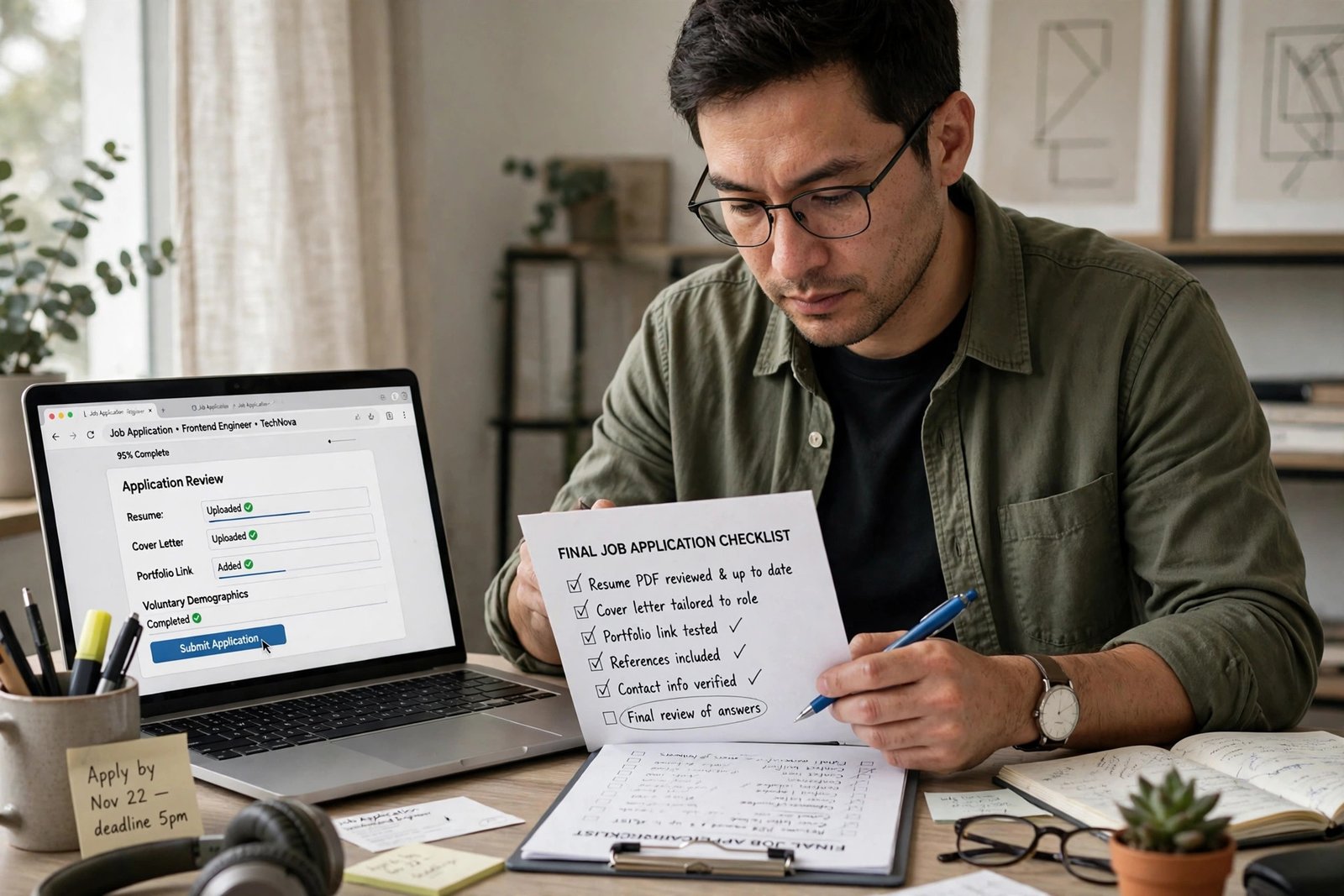
- Is every claim mine? Can I prove each skill, date and result in an interview or with a reference?
- Did I write the first draft? Did AI edit my material, rather than inventing it from the advert?
- Is it tailored to this role? Does the CV use this employer’s language for skills I have, and does the cover letter name a specific reason for this employer?
- Does it parse cleanly? Is it a simple single-column CV, with standard headings and no hidden text?
- Have I followed the employer’s AI rules? Did I avoid AI entirely where the employer said not to use it?
Five questions fit into the pause before you submit.
Frequently asked questions
Will an ATS reject my CV because AI helped write it?
Usually not. An ATS mainly parses and stores your CV, and recruiters then search it. Automatic rejection usually comes from screening questions. A CV is more likely to fail because it parses badly or reads as generic.
Do employers use AI detectors on CVs and cover letters?
Some do, often through add-on tools rather than a built-in ATS detector. Greenhouse’s 2025 survey found 61% of US hiring managers said they used software to detect AI use in hiring, a question that also covers deepfakes and scripted interviews.
Should I tell an employer I used AI?
Disclose it if the employer asks, and follow any instruction in the advert or form. If no disclosure is requested, you do not usually need a note, provided AI only edited material you wrote and verified. Never hide AI use where a test forbids it.
Is it safe to paste my CV into ChatGPT or Claude?
It is safer if you redact first and check the training settings. Remove referees’ details and other identifiers you do not need to share, and do not paste identity documents, bank details or passwords.
How much should I tailor my CV for each job?
Tailor the profile, bullet order and skills section to each role, using the employer’s terms for skills you have. Do not rewrite your whole career history each time. A focused pass keeps your dates and claims consistent.
The bottom line
Using AI for job applications is not a shortcut around proving you can do the job. It is a way to present proof more clearly, once you have it. The candidates who get rejected are rarely the ones who used AI at all. They are the ones who let AI replace the evidence that makes an application believable. Start with your next application. Write your three strongest achievements in plain sentences, ask AI to tighten them, and run the five-point check before you submit.