What is agentic AI? It is software you give a goal to, which then plans the steps, uses tools to carry them out, and adjusts when something goes wrong. A chatbot answers and waits; an agentic AI system keeps working until the job is done, or until it needs your help.
That difference — answering versus doing — is the whole story. Ask a chatbot to plan a holiday and it will write an itinerary. Give the same goal to an agent and it can check flight prices and compare hotels. There is no single official definition, so this guide explains what it is and where it still needs a human in charge.
Key takeaways
- Agentic AI is goal-driven: it plans, acts with tools, checks the result, and repeats until the task is finished.
- A chatbot replies once and waits. An agent takes many steps on its own, so a mistake becomes a wrong action.
- An AI agent is one autonomous unit on one task. Agentic AI usually describes the wider system, often several agents together.
- Real examples include ChatGPT Agent, Microsoft Copilot agents, and AutoGPT-style tools.
- Agents suit multi-step, repeatable work. Keep approvals on payments, deletions, and messages sent in your name.
What agentic AI means in plain English
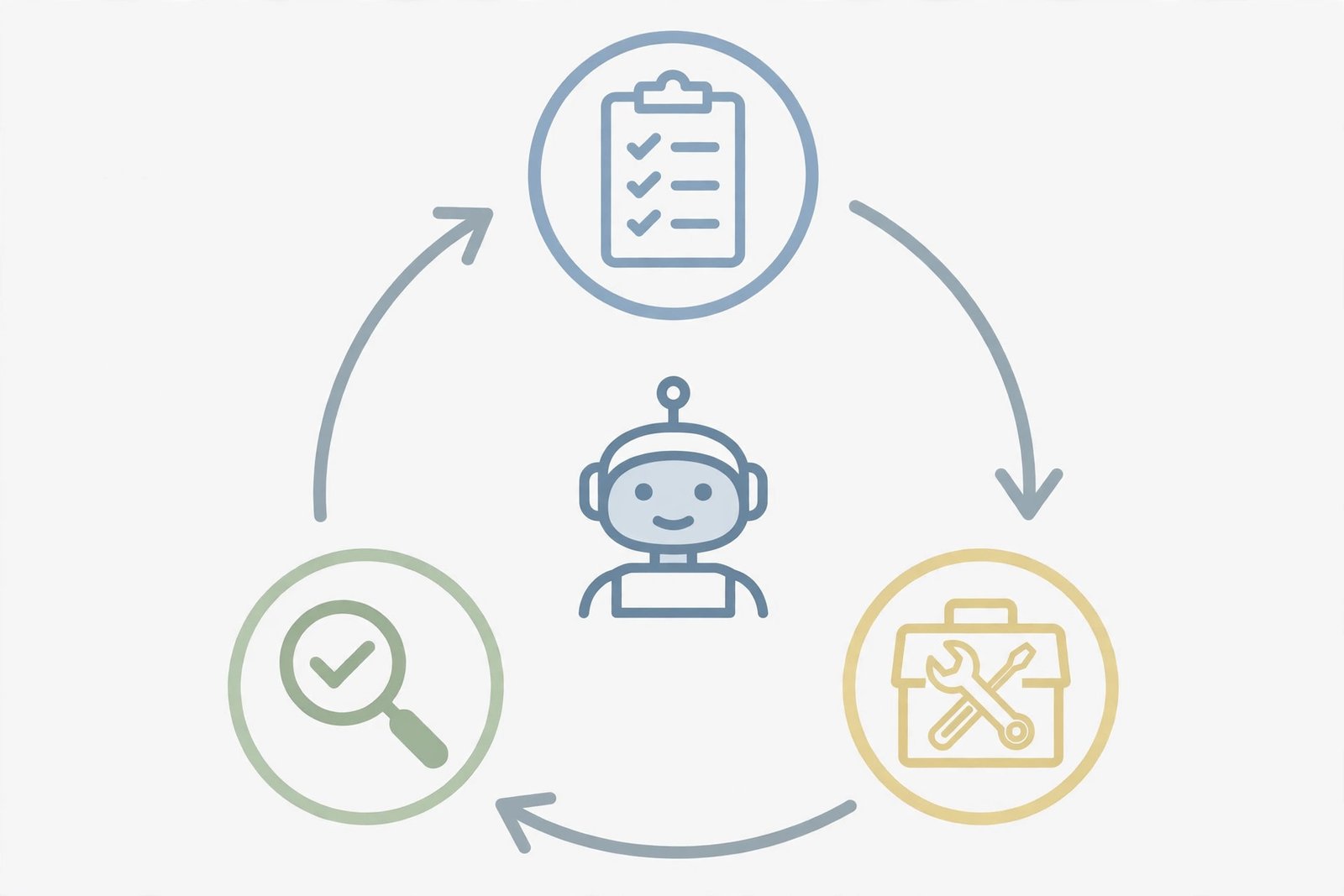
The word comes from “agency”, the capacity to act independently and with purpose. An agentic AI system has a goal, a way to plan, and tools to act with. It runs in a loop: plan, act, check the result, and decide what to do next. Anthropic’s Agent SDK documentation puts it well: an agent is an application that completes a task by planning its own steps and calling tools that read files, run commands, or edit code.
Three terms are often confused. Generative AI creates content in response to a prompt. Conversational AI holds a dialogue. An AI agent is a single autonomous unit that can perceive, reason, and act on a defined task. Agentic AI is the broader pattern, often several agents in a workflow.
How an agent actually works
Most agents follow the same pattern. First, it understands the goal. “Research three laptops under £800 and produce a shortlist” is a goal. “Tell me about laptops” is not. Second, it plans: search for current models, check prices, and compare battery life and weight. A good agent shows you that plan first. Third, it uses tools: connections to real software such as a browser, calendar, or spreadsheet. Every action leaves a trace you can review. Fourth, it checks and adapts. After each step, the result comes back into the loop. A page failed to load, so it tries another source. Memory matters too: an agent needs to remember what it has already done and what you have approved.
Agentic AI vs chatbot vs copilot vs automation
The same model can play all four roles. What changes is how much it can touch, and who decides.

| System | What it does | Who decides | When it stops |
|---|---|---|---|
| Rule-based automation | Follows fixed rules for one narrow task | Human sets it up | When the script ends |
| Chatbot | Answers a prompt with text, images, or code | Human, at every turn | After one reply |
| Copilot | Suggests actions, drafts, and edits inside your work | Human approves each suggestion | When you stop accepting suggestions |
| AI agent | Plans, acts with tools, and adapts until a goal is met | Human sets the goal and approves sensitive steps | When the goal is done |
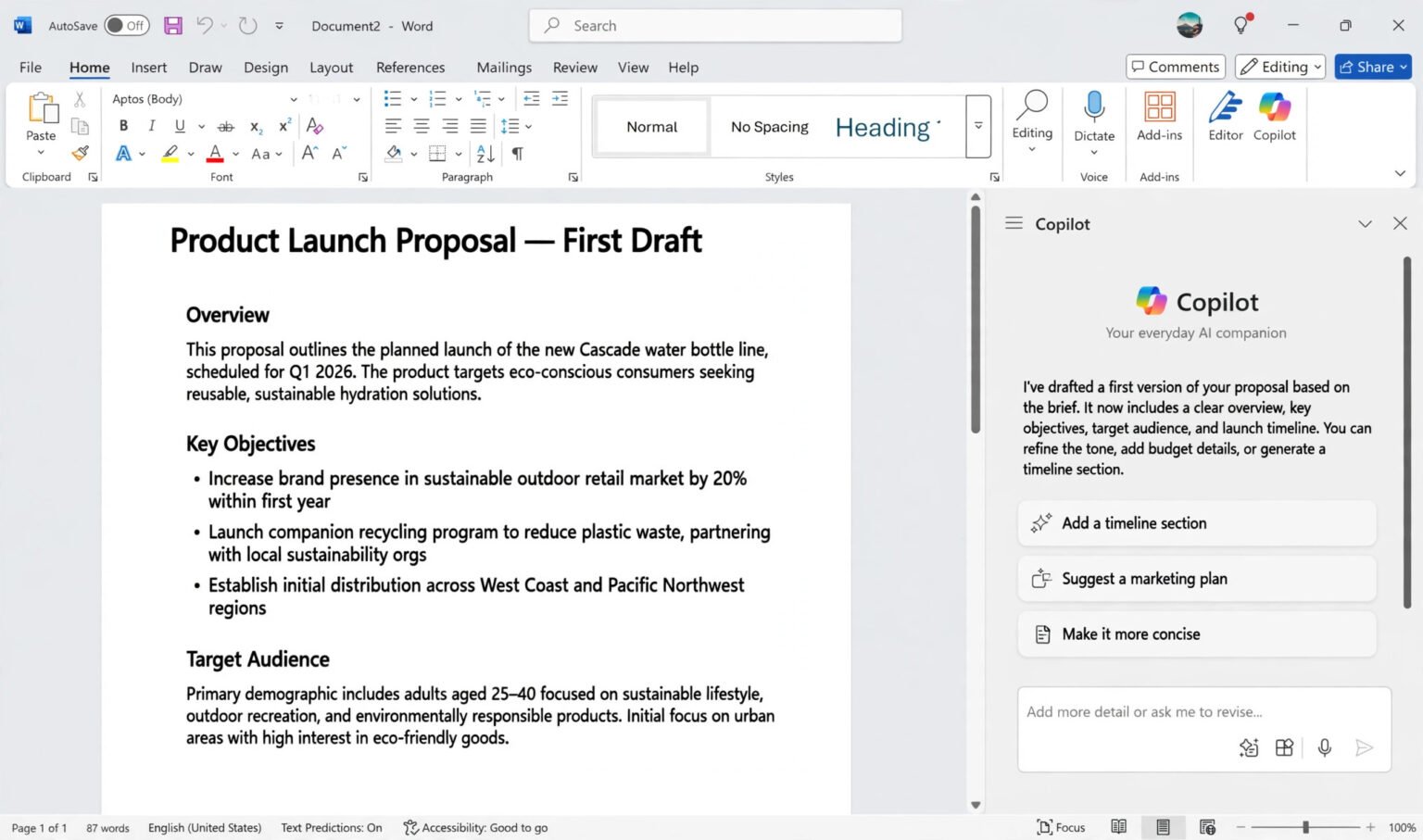
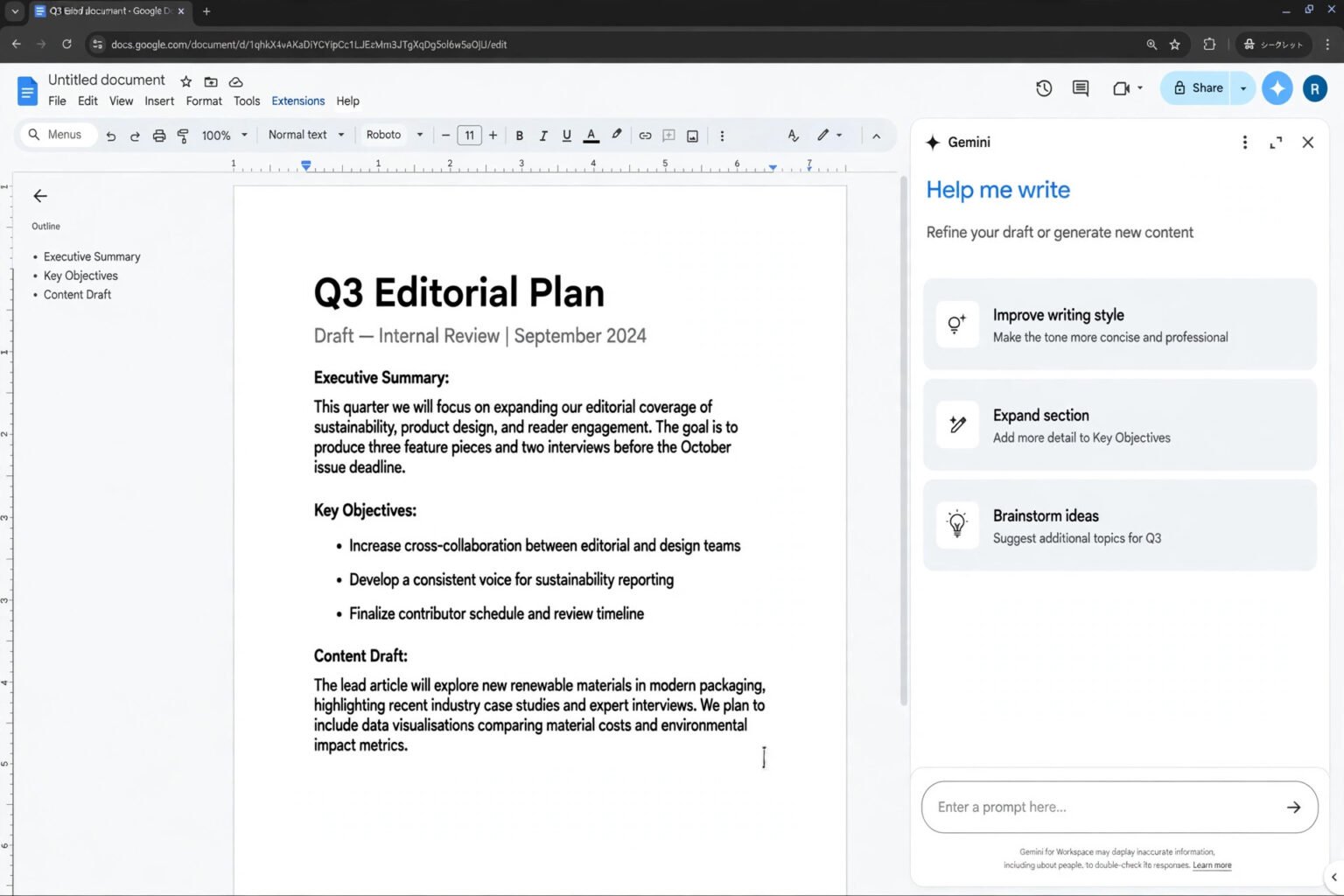
A copilot sits between a chatbot and an agent. It proposes code or drafts an email, while you remain in control. An agent crosses that line: instead of proposing the next step, it executes its own plan. That is why agents need permissions, limits, and logs.
Automation does the same thing every time, as long as nothing unexpected happens. An agent is slower, but it can cope when a website changes.
Real examples you can try today
ChatGPT Agent

OpenAI launched ChatGPT Agent on 17 July 2025, combining Operator, which could click and type on websites, and deep research, which could read many sources and write a report. The agent ran on its own virtual computer, with visual and text browsers and a terminal for code and files. Give it a task such as “brief me on next week’s client meetings”, and it would work through the steps itself and produce a finished file, asking permission before consequential actions. OpenAI has since reorganised this under ChatGPT Work.
Best for: multi-step research ending in a document you can review first.
Microsoft Copilot agents
Microsoft offers agents in three overlapping forms. Agents inside Microsoft 365 Copilot include ready-made research agents, plus simple agents anyone can create from SharePoint sites or files. Copilot Studio is the low-code platform for building custom agents that connect to business systems and run on a trigger, such as a new email. The distinction is scope. A Microsoft 365 Copilot agent answers questions from your company’s content. A Copilot Studio agent can follow a defined workflow, act on a trigger without a human prompt, and work across Teams, SharePoint, and Microsoft 365. That trigger is the agentic part. If you already use Microsoft 365, learn how to use Copilot in Excel and Word for beginners first.
Best for: teams already inside Microsoft 365.
AutoGPT and open-source agents
AutoGPT is the open-source project that helped popularise the whole idea. Released on 30 March 2023 by Toran Bruce Richards, it takes a high-level goal, breaks it into steps, and executes them with tools such as a browser and APIs, chaining one model call after another until the task is done or it gets stuck. The original became famous, then notorious: it got stuck in loops, hallucinated results, and consumed API credits at an alarming rate, because every step required another model call. It has since been rebuilt as an agent platform, with a visual builder and scheduled runs. It remains a learning tool, not a finished product. Run it in a sandbox, with hard spending limits, and never with live credentials.
Best for: developers who want to see the agent loop working safely.
Where agentic AI actually helps
Agents are at their best when the work is multi-step, repeatable, and tool-driven, and when a wrong step is easy to spot and cheap to fix. Research is the clearest win: an agent can gather prices from a dozen sources, compare them, and flag the gaps for you to check. Routine office work is next. Triaging an inbox, drafting replies, or chasing a missing invoice are multi-step jobs with a clear end point. An agent can do the chasing and drafting, and leave the sending to you. Customer support follows the same pattern: a system that can look up an order and issue a refund within a set limit is doing real work. Larger refunds still need a person.
The limits: what agents still get wrong
Vendors rarely lead with this. An agent inherits every weakness of the language model underneath it, and adds new ones of its own. Hallucination is the first. A language model can produce confident text that is not true, and when that text drives a tool, the error becomes an action: a wrong figure in a report, or a wrong summary sent to a client. Errors also accumulate, because the agent treats its own output as the basis for the next step. That is why every result needs a human check, and why you should learn what AI hallucination is and how to check AI answers before you trust it.
Loops and runaway costs are the second. An agent can keep restating a step without recognising that it is not making progress, and every step costs another model call. Early AutoGPT users reported simple goals leading to hundreds of dollars in token usage. Always set a step limit, a spending cap, and a timeout.
Prompt injection is the third: instructions hidden in a web page or email can try to trick an agent into sending your data elsewhere. Security follows from all three. Never give an agent live credentials, full customer records, or anything covered by a non-disclosure agreement on a personal account. If you use AI at work, read how to use AI safely at work without sharing private data first, and give it the smallest permissions that let it do the job.
Should you use agentic AI? A quick decision framework
Use this checklist before handing a task to any agent. If you answer “no” to any question, change the task or tighten the permissions.
- Is the goal clear and checkable? Can you write the result in one sentence? If not, start with a chatbot.
- Is the work multi-step and repeatable? Repeated research, triage, and drafting are where agents earn their keep.
- Can a mistake be undone? Drafts are safe. Payments, deletions, and messages sent in your name need approval first.
- Are the permissions minimal? Give read-only access where you can, and require approval for every write or purchase.
- Is there a spending cap and a step limit? Set both first.
- Can you review the log? If you cannot see what it did and what it spent, do not let it act for you.
- Is the data safe to share? No passwords, no customer records, no unredacted contracts, and no health or financial details on a personal account.
If a task passes all seven, it is a good first task. If it fails more than one, use a chatbot.
Frequently asked questions
What is agentic AI in simple terms?
It is software you can hand a goal to, and it works out how to get it done. It plans the steps, uses tools, checks the results, and keeps going until the task is finished.
What is the difference between agentic AI and a chatbot?
A chatbot replies once and waits. An agent takes many steps on its own, using tools to act. When a chatbot is wrong, you read something untrue. When an agent is wrong, something has happened.
Is agentic AI the same as an AI agent?
Not exactly. An AI agent is one autonomous unit on one task. Agentic AI is the broader description, often several agents in a workflow. Neither term has an official definition.
Can agentic AI work without a human?
It can work for stretches without approving each step, but not without human supervision. Give it freedom for low-risk, reversible steps, and require approval for payments, deletions, and anything sent outside your organisation.
Is agentic AI safe to use?
It can be, with limits. Use a work-approved tool, give minimal permissions, set spending and step caps, require approval for consequential actions, and check the result first.
What are the best agentic AI tools for beginners?
Start with the agent in a tool you already use: ChatGPT Agent (now under ChatGPT Work), or a Microsoft Copilot agent if you work in Microsoft 365. Try AutoGPT only in a sandbox.
The bottom line
Agentic AI is not a smarter chatbot. It takes a goal, plans the steps, uses tools to act, and checks its own work. That makes it useful for multi-step, repeatable jobs such as research and drafting, and risky for anything irreversible, because a mistake stops being a wrong sentence and starts being a wrong action. Start small, with a clear goal, minimal permissions, a spending cap, and a human check. Pick one task this week — a shortlist or a first draft — and review the log when it finishes.