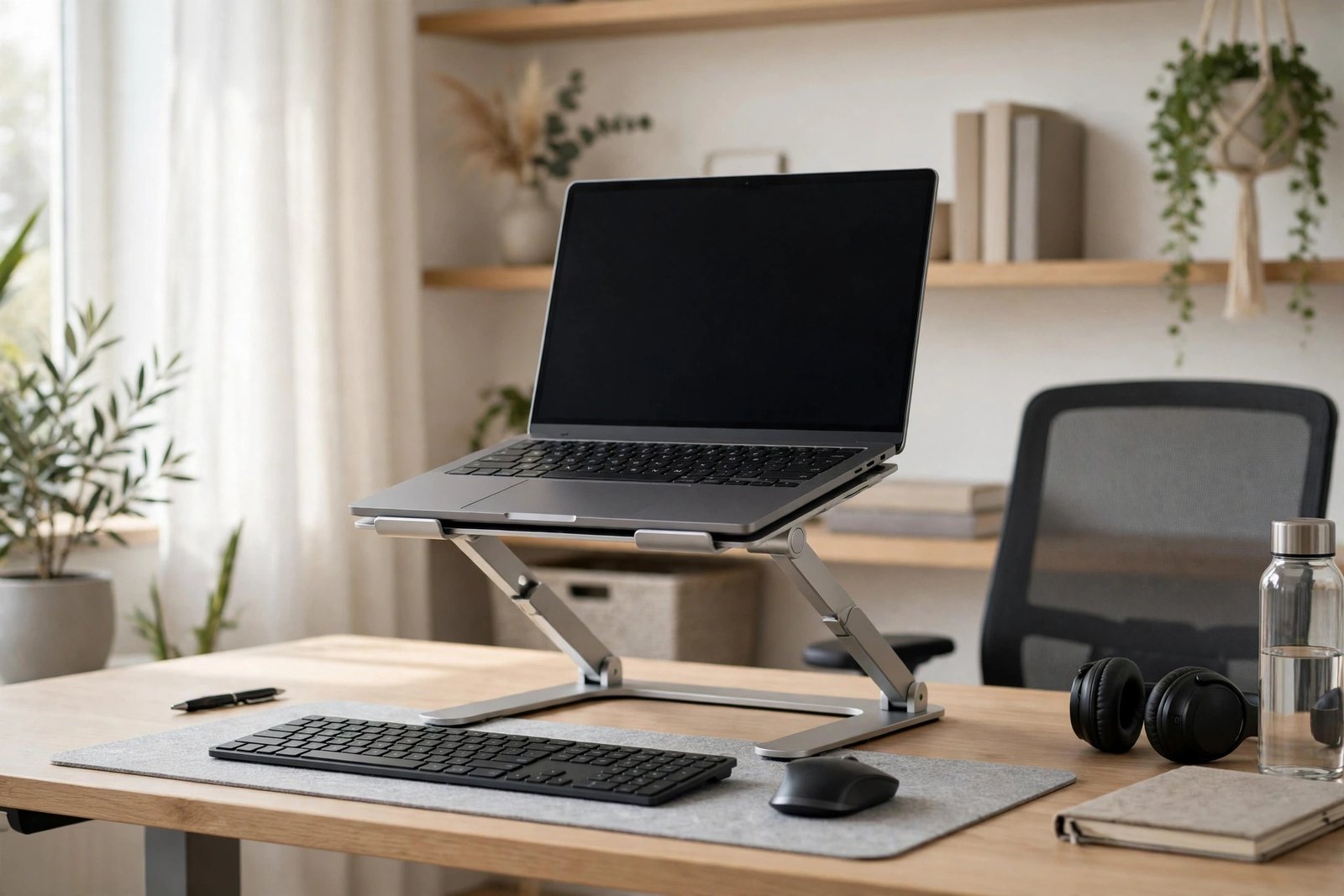
The best laptop stands for standing desks are the ones that lift your screen to eye level without wobbling, sliding or forcing you to hunch. A standing desk only helps your posture if the laptop sits high enough, and that is exactly what a good stand does.
So which stand should you buy? If you work at one desk all day, a fixed aluminium riser such as the Rain Design mStand or the Twelve South Curve is hard to beat. If you move between desks, a folding stand such as the Nexstand K2 or the Roost Laptop Stand makes more sense. The right choice depends on how high you need the screen, how much your laptop weighs and whether the stand ever leaves your desk.
Key takeaways
- Your screen should sit at eye level, with the top of the display roughly level with your eyes, whether you are sitting or standing.
- Fixed stands are the most stable option for a permanent desk; folding stands win for travel and shared desks.
- Height matters more than looks: a stand that lifts the screen only a few centimetres will not fix a low screen.
- Check weight capacity and footprint, and leave room for an external keyboard.
- A stand is one part of the setup. Your desk height, keyboard position and screen distance matter just as much.
Why a laptop on a flat desk is the problem
A laptop is a compromise by design: the screen and keyboard are joined, so when the keyboard is at a comfortable height, the screen is too low. Most people look down, and that small tilt adds up over a working day.
A standing desk changes the equation, but it does not solve it on its own. Raising the desk lifts the keyboard and the screen together, so the screen is still too low relative to your eyes. You end up either bending your neck or raising the desk so high that your shoulders rise to type.
A stand breaks that link. It raises the screen independently, so you can keep the keyboard at elbow height and the screen at eye level. That separation is the whole point, and it is why a stand is one of the cheapest ergonomic upgrades you can make to a standing desk.
How to choose a laptop stand for a standing desk
Start with height. Measure the distance from your desk surface to your eye level when you are standing comfortably, then work backwards. A fixed stand typically lifts a laptop by around 15 centimetres, which suits many people, but taller users or higher desks may need an adjustable stand that goes higher.
Next, consider stability. A stand should not flex, rock or slide when you type on the laptop keyboard, although most people at a standing desk will use an external keyboard and mouse anyway. A wide base and solid aluminium give the best stability. Lightweight folding stands trade some of that solidity for portability, which is a fair exchange if you carry the stand around.
Weight capacity matters too. Most stands handle ordinary ultrabooks and 13-inch and 14-inch laptops easily. Larger 16-inch laptops and heavier workstation machines need a stand rated for their weight, with a lip or stops that hold the laptop securely. Check the manufacturer’s stated size and weight limits before you buy.
Think about airflow as well. A stand that lifts the laptop off the desk lets air circulate underneath, which helps the machine stay cooler than it would sitting flat. Open designs cool better than solid platforms, although the difference is modest for everyday office work. If heat is a real concern, our guide to the best laptop cooling stands looks at fan-assisted options in detail.
Finally, think about what else sits on your desk. A stand with a small footprint leaves room for notebooks, a monitor or a docking station. Some stands include cable management or a place to tuck a keyboard underneath when you finish work. If your desk is crowded, a compact design earns its keep.
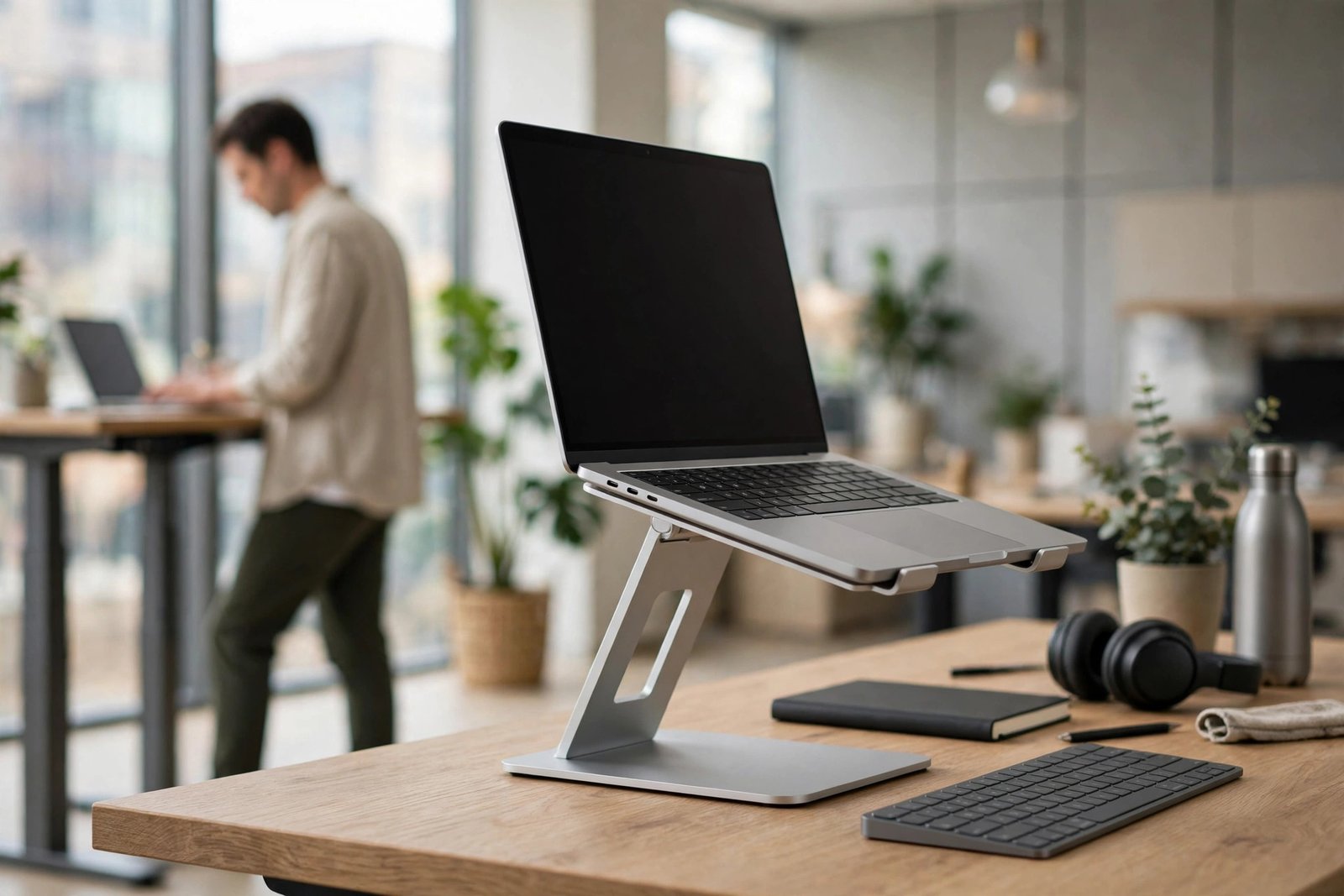
The best laptop stands for standing desks at a glance
| Stand | Type | Best for | Portability |
|---|---|---|---|
| Rain Design mStand | Fixed aluminium riser | A permanent desk setup | Stays on the desk |
| Twelve South Curve | Fixed aluminium riser | MacBook users who want a tidy desk | Stays on the desk |
| Grovemade Laptop Stand | Fixed premium riser | A design-led home office | Stays on the desk |
| Nexstand K2 | Folding adjustable stand | Adjustable height on a budget | Folds flat for a bag |
| Roost Laptop Stand | Folding adjustable stand | Frequent travellers | Very portable |
Caption: Fixed stands win on stability; folding stands win on portability and adjustable height. Choose the type first, then the model.
The best laptop stands for standing desks
Rain Design mStand
The mStand is a single piece of aluminium with a raised lip at the front and a tilted platform that holds the laptop at a fixed height. It has been around for years, and its appeal is simple: it does one job, it does it solidly, and it does not wobble.
The tilt puts the screen noticeably higher than the desk, and the open design leaves space underneath for airflow and for storing a keyboard when you are done. Rubber pads keep the machine from sliding. It is a premium option, but the build quality explains why it has lasted so long in offices and home setups.
Best for: a permanent standing desk where stability matters more than portability.
Twelve South Curve
The Curve is another fixed aluminium riser, with a curved profile that lifts the laptop and leaves a clear space beneath it. It is designed with MacBooks in mind, although it works with other laptops of a similar size.
Like the mStand, it holds the laptop at one fixed height, so it suits people whose desk height and eye level are fairly settled. The space underneath is genuinely useful at a standing desk: a keyboard slides under it neatly, and the open shape helps air move around the laptop. It is a premium option, and it looks the part in a tidy setup.
Best for: MacBook users who want a fixed riser that keeps the desk looking clean.
Grovemade Laptop Stand
Grovemade makes desk accessories from wood and metal, and its laptop stand follows the same approach: a solid, design-led riser meant to stay on the desk. The platform is wide and stable, and the materials feel a step above plain aluminium.
This is the most style-conscious pick here, and the price reflects that. It is not the stand to buy if you need adjustable height or portability. It is the stand to buy if your desk is a permanent part of your home and you want a riser that will not flex or shift. Check the size against your laptop first, as the platform suits standard 13-inch to 15-inch machines best.
Best for: a design-led home office where the stand is part of the furniture.
Nexstand K2
The Nexstand K2 is a folding stand that adjusts to several heights, which is exactly what a standing desk needs. Because your eye level changes between sitting and standing, a stand that only offers one height is a compromise. The K2 lets you raise the laptop further when you stand and lower it when you sit.
It folds down to a slim shape that fits in a laptop bag, and it is light enough to carry every day. The trade-off is stability: it is sturdy for a folding stand, but it will not feel as rock-solid as a single piece of aluminium. With an external keyboard, that rarely matters. It is also a mid-range option, which makes it good value.
Best for: people who switch between sitting and standing and want adjustable height without a premium price.
Roost Laptop Stand
The Roost is the traveller’s stand. It folds to the size of a ruler, weighs very little and adjusts to several heights, making it easy to set up a workable screen height in a hotel room, a co-working space or a client’s office.
The height range is generous, which helps taller users and higher desks. As with the Nexstand, you give up some of the planted feel of a fixed riser, and the price sits at the premium end for a folding stand. If you work from one desk and never move, a fixed stand is better value. If your desk changes weekly, the Roost earns its place in your bag.
Best for: frequent travellers and hot-deskers who need proper screen height anywhere.
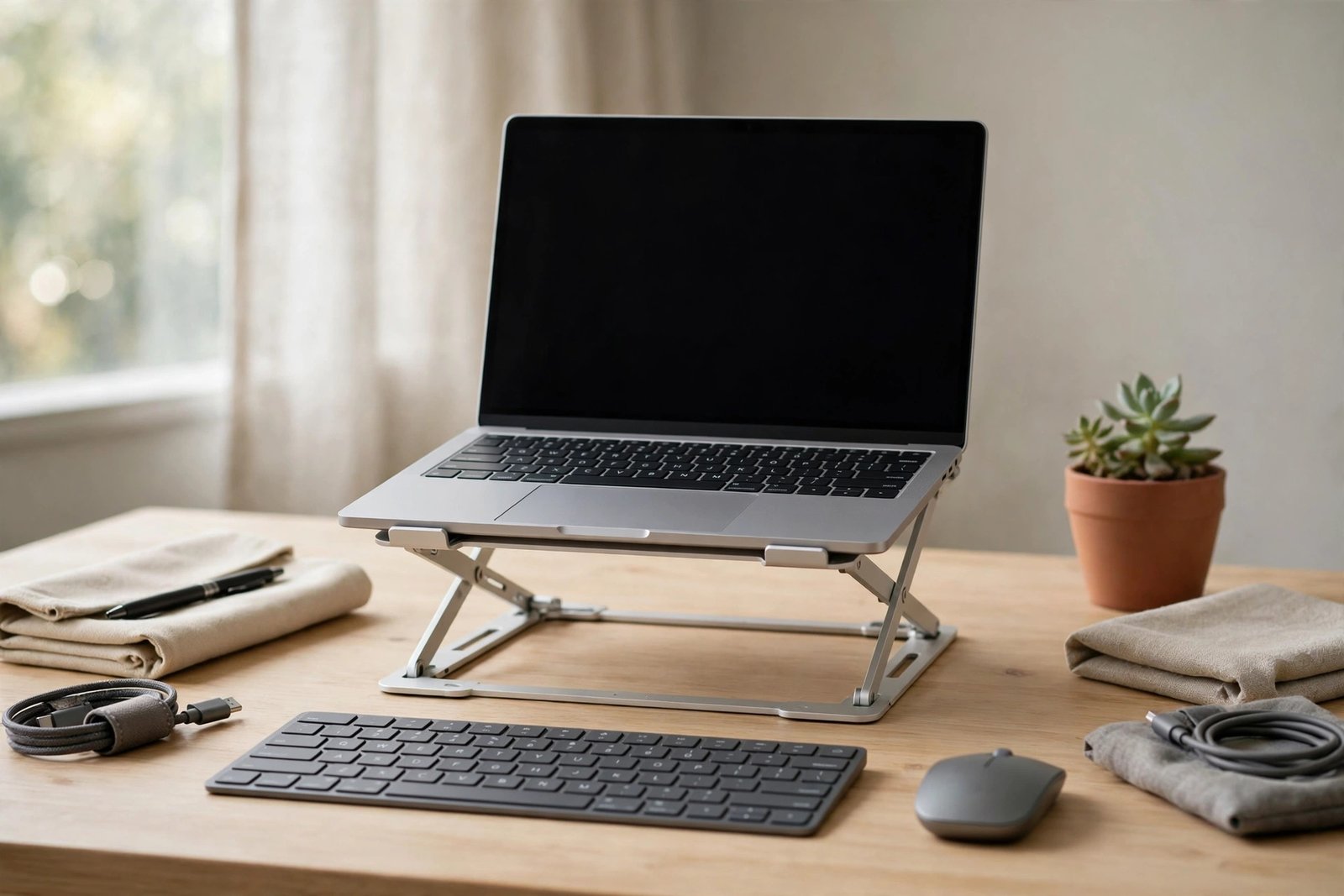
A checklist for setting up your stand
Use this checklist once your stand arrives. It takes ten minutes.
- Place the stand where you naturally look straight ahead, not off to one side.
- Put the keyboard and mouse on the desk, not on the stand.
- Sit the laptop about an arm’s length away. If you lean in to read, the screen is too far away.
- Check stability: press the front corners and make sure the stand does not rock.
If you spend the day moving between documents and spreadsheets, our guide to using AI in Google Docs and Sheets shows how to cut down repetitive work. And if your standing desk is also where you work through long Word documents, using Copilot in Excel and Word can take some of the drafting load off your day.
Frequently asked questions
How high should a laptop stand lift the screen?
High enough that the top of the screen is roughly level with your eyes when you are standing comfortably. For most people that means lifting the laptop by 15 centimetres or more. An adjustable stand makes this easier to get right.
Do I still need an external keyboard with a laptop stand?
Yes, for regular use. A stand raises the keyboard along with the screen, so typing on it would force your wrists up. A separate keyboard and mouse complete the setup.
Are folding stands stable enough for a standing desk?
For most people, yes, provided the stand is well made and the laptop sits within its size and weight limits. Folding stands flex more than fixed risers, but with an external keyboard you are not pressing on the laptop itself, so the movement is rarely noticeable.
Will a laptop stand fit a 16-inch laptop?
Many stands do, but check before you buy. Look at the manufacturer’s stated maximum screen size and weight, and check that the front lip holds the laptop securely. Heavier workstation laptops need a sturdier stand than a slim ultrabook.
Can a laptop stand help with neck pain?
It can help reduce the need to look down at a low screen, which is a common source of neck strain. It is not a cure on its own, and persistent pain is worth discussing with a clinician.
The bottom line
The best laptop stand for your standing desk puts your screen at eye level, stays stable while you work and fits the way you actually use your desk. For a permanent setup, a fixed aluminium riser such as the Rain Design mStand or the Twelve South Curve is the simplest choice. For a desk you share, or a working life that moves around, an adjustable folding stand such as the Nexstand K2 or the Roost is more useful.
Start by measuring your eye level when standing, then choose the type that fits your desk life: fixed for stability, folding for flexibility. Add an external keyboard and mouse, and set the desk height so your elbows stay relaxed.