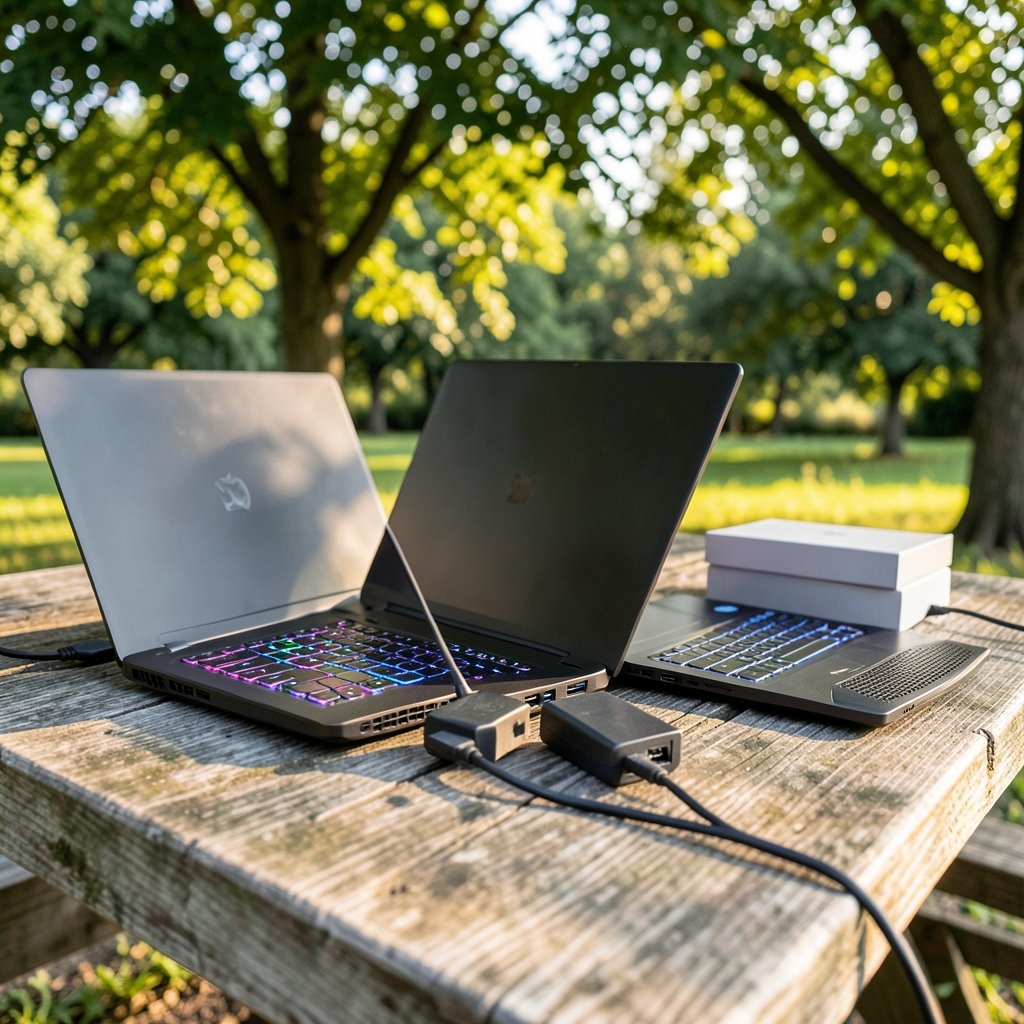
What if the laptop that finally makes you stop envying desktop gamers costs less than a phone? That is the strange reality of the 2027 gaming laptop market. Budget machines now ship with RTX 4060-class graphics, 144Hz screens and DDR5 memory, while premium models push desktop-level frame rates into chassis you can actually carry. The catch is that the label on the box tells you almost nothing. The GPU, the cooling design and the screen matter far more than the word “gaming” printed in chrome letters.
This roundup skips the theory and goes straight to specific machines, sorted by budget. Each entry covers who it suits, what it does well, and the one compromise you should accept with open eyes.
The 2027 Lineup at a Glance
| Laptop | Budget Tier | Best For | Standout Strength | Main Trade-off |
|---|---|---|---|---|
| Acer Nitro V 15 | Under $800 | First-time buyers | Low entry price with a dedicated GPU | Older RTX 3050 silicon |
| Acer Nitro V 16 AI | Under $1,000 | 1080p value hunters | Strong price-to-frame-rate ratio | Weak color coverage |
| MSI Katana 15 HX | Budget to mid | Tight budgets, big screens | Aggressive pricing | Bulky chassis |
| Lenovo Legion 5 Gen 10 | Mid-range | Screen quality per dollar | Balanced specs and display | Not the lightest |
| Alienware 16 Aurora | Mid to upper | Moving up from budget | Sharp 1600p panel, RTX 5060 | Struggles at full 1600p |
| Asus ROG Strix G16 | Upper mid | Competitive players | High-refresh performance | Fan noise under load |
| Asus ROG Strix Scar 16 | Premium | Maximum frame rates | Top-tier gaming power | Premium price |
| Razer Blade 14 | Ultra-premium | Travel and portability | Slim aluminium build | Costs more per frame |
Acer Nitro V 15: The Cheapest Sensible Entry Point

Every budget list needs a floor, and the Nitro V 15 is a reasonable one. It pairs a dedicated RTX 3050 with a 1080p screen, which is enough for esports titles at high frame rates and older AAA games at medium settings. For someone who has never owned a gaming laptop, it removes the fear of spending big on a first experiment.
The limitation is honest: RTX 3050 hardware is a generation behind the RTX 4060 that budget shoppers are now told to target. Buy it only if the price is genuinely low. If the gap to an RTX 4060 machine is small, close that gap instead.
Acer Nitro V 16 AI: The Value Pick Under $1,000
The Nitro V 16 AI is the machine that makes the strongest case for itself in the affordable bracket. Its high refresh rate keeps fast games feeling smooth, and its price-to-performance ratio is the reason it sits near the top of budget shortlists.
The weak spot is the display’s color coverage. Games look fluid, but photo and video work will look flat. If you want a machine for both gaming and creative projects, this is not the one. If you mostly play, it is a practical choice, and it pairs well with the advice in this guide to the best gaming laptops under 1000 that actually fit budget.
MSI Katana 15 HX: Big Screen, Small Price
The Katana line has long been the answer for shoppers who want a 15-inch gaming machine without stretching the budget. The Katana 15 HX continues that tradition, and it appears on shortlists specifically for people who want to contain spending.
What it does well is deliver the essentials: a dedicated GPU, a screen large enough for comfortable play, and a price that leaves room for a headset or a mouse. What it does not do is feel premium. Expect a thicker chassis and a design that prioritizes airflow over elegance. That is a fair trade at this tier.
Lenovo Legion 5 Gen 10: The Balanced Middle
If the budget stretches past entry level, the Legion 5 Gen 10 is the least dramatic recommendation on this list, and that is a compliment. It earns its place on the strength of its spec-to-screen-quality balance rather than one headline number.
This is the laptop for someone who plays a bit of everything: competitive shooters, story-driven adventures, and the occasional video edit. The compromise is portability. It is a desk-first machine that happens to fold shut, not something you will happily carry daily. If you are weighing whether a laptop or a console suits your habits better, this comparison of PC gaming vs console for the everyday experience is worth reading before you commit.
Alienware 16 Aurora: The Step-Up Machine
The Aurora 16 is the natural upgrade for anyone who has outgrown a budget laptop. Its RTX 5060 handles 1080p gaming comfortably, and the 16-inch 1600p display makes games, films and everyday work look noticeably sharper than a standard 1080p panel.
Here is the honest limitation: push games to the full 1600p resolution and performance drops. The smart way to use this machine is to run demanding titles at 1080p or 1200p and let the extra pixels serve everything else. Buyers who understand that get a versatile laptop. Buyers who expect max settings at native resolution get disappointed.
Asus ROG Strix G16: Built for Competitive Play
The ROG Strix line is the performance-first branch of Asus’s gaming family, and the G16 is the model that shows up repeatedly on shortlists for players who want high frame rates without paying flagship prices. The Strix Scar 16, its bigger sibling, is the one reviewers reserve for the competitive gamer chasing maximum settings.
The G16’s strength is sustained performance in fast games. Its weakness is acoustic: when the fans spin up to keep thermals in check, you will hear them. A headset solves this completely, which is why most owners stop noticing within a week. If you are deciding between a laptop and a handheld for everyday play, this breakdown of the Legion Go S vs Steam Deck for everyday gaming covers the alternative path.
Asus ROG Strix Scar 16: The Premium Performer
The Scar 16 is what happens when cooling and power budgets stop being the enemy. It is built for players who want the highest settings their games offer and are willing to pay for the headroom. In price comparisons against flagship machines, it lands as the pick for competitive gamers who refuse to compromise on visual settings.
The limitation is simple arithmetic: you pay a lot for the last 20 percent of performance. If you play a handful of demanding titles and want them to look their best, the math works. If you play mostly esports titles, a cheaper machine will hit the same frame rates.
Razer Blade 14: The One You Can Actually Carry
The Blade 14 exists for a different buyer entirely: the person who moves constantly and refuses to accept a heavy brick in their bag. Razer’s Blade range is known for premium aluminium builds and sleek design, and the 14-inch model is the purest expression of that idea.
What it does well is disappear into a backpack while still playing real games. What it does not do is win on price per frame. You are paying for engineering, materials and portability. If your laptop lives on a desk, spend the money elsewhere. If it lives in a bag, this is the machine that makes the compromise feel worth it.
How to Choose Without Regret
The order of priorities is not mysterious, but most buyers get it backwards. Work through these in sequence.
- Set the GPU first. The graphics chip decides your frame rate more than any other part. In the budget bracket, aim for an RTX 4060 or better, and treat an RTX 4050 as a warning sign rather than a selling point.
- Check the cooling design. Count fans and heat pipes. Thin laptops with weak thermals can run 15 to 20 percent below their capability during long sessions because they throttle when hot.
- Insist on 16GB of RAM. Eight gigabytes is technically workable but increasingly tight once a game runs alongside a browser and voice chat. Go to 32GB only if you stream or edit video.
- Pick a 144Hz screen or faster. The difference is obvious in shooters and action games, and it costs little at this point.
- Match the machine to your habits. A desk-bound player should spend on performance. A commuter should spend on build quality and weight.
One common mistake deserves its own warning: do not buy an older high-end model just because it was expensive two years ago. A discounted previous-generation machine can be a fine deal, but only if you check its actual GPU against current budget options. A weak older card at a “premium” discount is worse than a modest new one at full price. This guide to which budget gaming laptops are worth buying without regret walks through that math in more detail.
A second mistake is ignoring the operating system question. Some budget shoppers consider Linux distributions to save on licensing or revive older hardware. If that path interests you, this comparison of Bazzite vs Nobara for everyday gaming explains the practical differences before you wipe a drive.
Conclusion
The 2027 market rewards buyers who shop by component rather than by badge. Under $1,000, the Acer Nitro V 16 AI and MSI Katana 15 HX deliver genuine 1080p gaming without drama. In the middle, the Lenovo Legion 5 Gen 10 and Alienware 16 Aurora balance screen quality against price. At the top, the ROG Strix G16, Strix Scar 16 and Razer Blade 14 each justify their cost for a specific kind of player: the competitive one, the maximalist one, and the one who is never home.
Pick the tier that matches how you actually play, verify the GPU and the cooling before anything else, and the laptop you buy will still feel right long after the novelty wears off. For a wider view across price points, this roundup of the best laptops for 2026 top picks for every budget is a useful cross-check.
FAQ
What GPU should a budget gaming laptop have in 2027?
Aim for an RTX 4060 or better. Budget models now regularly include it at prices that would have bought far less two years ago. Treat an RTX 4050 as a compromise rather than a feature, especially if you plan to play demanding modern titles at high settings.
Is 16GB of RAM enough for gaming in 2027?
Yes, for most players. Sixteen gigabytes covers modern games running alongside a browser and chat apps. Step up to 32GB only if you stream, record, or edit video on the same machine.
How much does a good gaming laptop cost?
It depends on what you count as good. Serious 1080p gaming is realistic well under $1,000. Mid-range machines add better screens and stronger cooling. Premium models above that range buy you maximum settings, lighter builds, or both. Prices shift constantly, so verify current listings before buying.
Do I need a 144Hz screen?
It is strongly recommended. The jump from 60Hz is the most noticeable upgrade in everyday play, particularly in shooters and fast action games. At budget prices, a high refresh rate is now a standard feature rather than a luxury.
Why do some gaming laptops perform worse than their specs suggest?
Cooling. A laptop with weak fans and few heat pipes will throttle during long sessions and can run 15 to 20 percent below its capability. Always check thermal design alongside the spec sheet, because the same GPU can behave very differently in two different chassis.
Should I buy an older premium laptop instead of a new budget one?
Only after comparing the actual GPU. A discounted older flagship can be excellent value, but an older weak card at a premium discount is a trap. Compare the graphics chip, the screen refresh rate and the cooling design directly against new budget options before deciding.