Quick Answer: What are the best gaming RAM kits for beginners?
The best gaming RAM kits for beginners are 2-stick DDR5 kits in the 32 GB range, typically 2×16 GB at 6000 MT/s with CL30 timings, because they balance price, stability, and future-proofing without demanding manual tuning. Buyers can act on this by matching the kit to their motherboard and CPU generation, then enabling the XMP or EXPO profile in BIOS so the RAM actually runs at its rated speed. DDR4 kits at 3200 to 3600 MT/s remain a smart, cheaper choice for older or budget platforms, and a 16 GB kit is still workable for light gaming.
The main distinction is generation: DDR4 and DDR5 are not interchangeable, and AMD’s AM5 platform has a well-known sweet spot around 6000 MT/s. Before buying, check the memory generation your board accepts, capacity and stick count, rated speed versus CAS latency, kit height for cooler clearance, motherboard QVL listing, and current pricing.
Wondering why your shiny new gaming PC stutters in the middle of a firefight? Sometimes the culprit isn’t the graphics card at all. It’s the memory sitting quietly on the motherboard, running slower than it should because nobody flipped a single switch in the BIOS. RAM is one of the cheapest upgrades in a build and one of the easiest to get wrong, especially for a first-timer staring at a wall of numbers like 6000, CL30, and 2×16 GB.
This guide cuts through that noise. It explains which RAM kits make sense for beginners, why a modest kit often beats an expensive one, and the mistakes that trip up almost everyone building their first machine.
Why RAM Choice Trips Up First-Time Builders
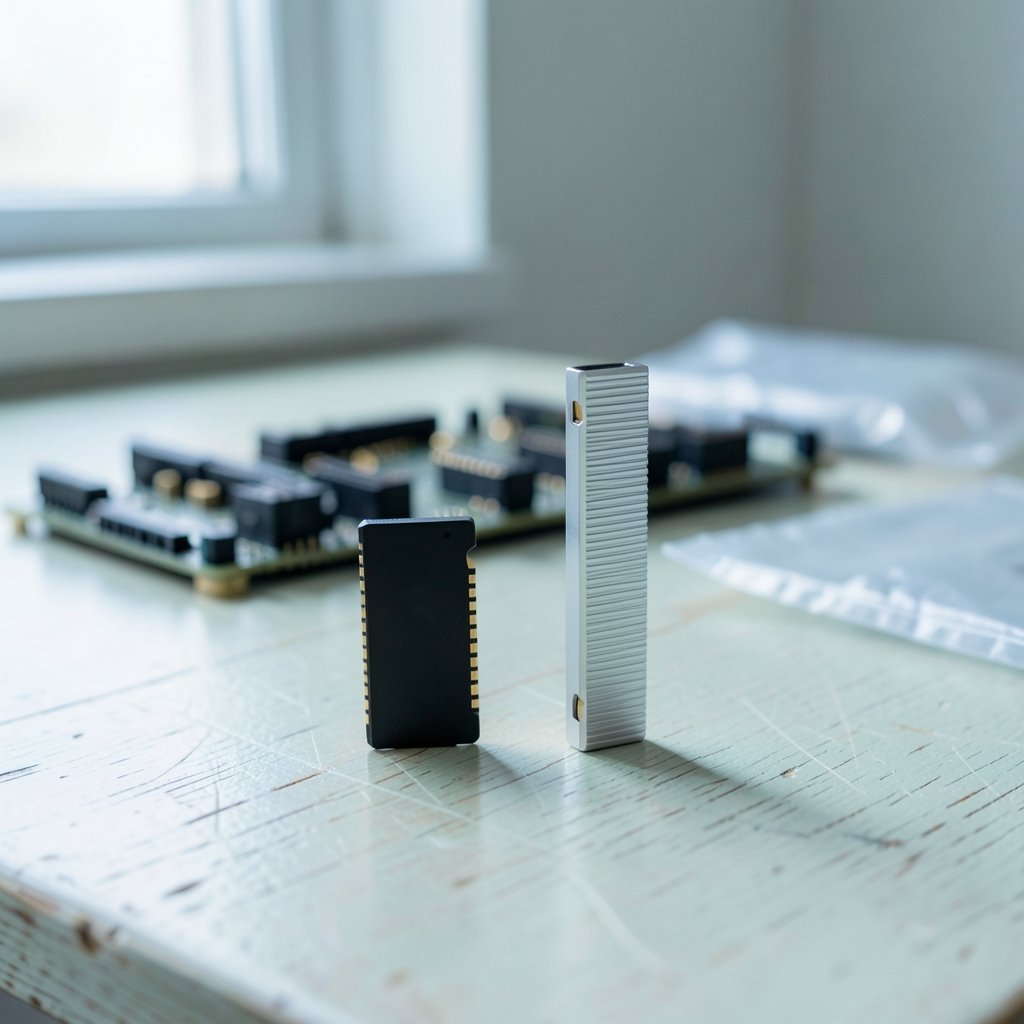
Memory looks simple: buy sticks, plug them in, done. In practice, three things confuse beginners. First, there are two generations on shelves at once. DDR4 and DDR5 are physically different and not interchangeable, so the motherboard and CPU decide which one you can use. DDR5 arrived with Intel’s 12th-gen Core platform in late 2021 and is now the mainstream choice for new builds, while DDR4 still powers plenty of budget and older systems.
Second, the advertised speed isn’t the speed you get out of the box. Most gaming kits ship with a JEDEC baseline profile, and the fast numbers on the box come from an overclock profile you must enable. Intel calls its version XMP (Extreme Memory Profile); AMD calls its version EXPO (Extended Profiles for Overclocking). Leave that profile off and a 6000 MT/s kit may run at 4800 MT/s, which is a real performance loss for zero savings.
Third, marketing pushes big numbers. Higher MHz sounds better, RGB looks impressive, and “gaming” branding sells. None of that reliably makes games faster. What matters is generation compatibility, capacity, stick count, and the balance between speed and latency.
The Beginner Sweet Spot: 32 GB of DDR5 at 6000 MT/s
For a new build in 2026, the safest recommendation is a 2×16 GB DDR5 kit rated at 6000 MT/s with CL30 timings. That combination hits a rare balance: fast enough for modern titles, stable on most boards, and priced reasonably compared with exotic high-speed kits.
Capacity is the first half of that equation. 16 GB is the practical floor for gaming, and most current games run comfortably inside it. But 32 GB is widely advised for new builds because it absorbs background apps, browser tabs, and heavier titles without forcing an upgrade in two years. If you want the longer explanation of where extra memory helps and where it doesn’t, this breakdown of 16gb vs 32gb ram gaming where 32gb helps where it doesnt is worth ten minutes before checkout.
Speed is the second half. On AMD’s AM5 platform, 6000 MT/s is the commonly cited sweet spot because of how the memory controller and Infinity Fabric clock interact. Push much higher and the system can drop into a mode that adds cost and instability with little real gain. On Intel platforms there’s more headroom, but 6000 to 6400 MT/s remains the sensible zone for beginners.
Why two sticks beat four
Dual-channel means two matching sticks working as a pair, which doubles memory bandwidth versus a single stick. Two DIMMs are also easier on the memory controller than four, so high-speed kits are more likely to run at their rated profile. A 2×16 GB kit is therefore better than 4×8 GB on almost every consumer board, even though the total capacity is identical. If you’re still mapping out parts, this step-by-step guide to build gaming pc beginners step by step first build covers where memory fits in the order of assembly.
DDR4 Kits Still Make Sense for Budget Builds
Not everyone needs DDR5. If you’re building on an older Intel platform, a budget AMD setup, or upgrading a machine you already own, DDR4 at 3200 to 3600 MT/s is the smart buy. A 2×16 GB DDR4-3600 CL18 kit costs far less than DDR5 and delivers nearly identical gaming frame rates on platforms that support it.
The trap here is buying DDR5 for a DDR4 board or the reverse. Check the motherboard specification page before anything else. If the board lists DDR4, DDR5 physically will not fit, and no amount of research fixes that.
| Platform type | Recommended kit | Why it fits |
|---|---|---|
| New Intel build (DDR5 board) | 2×16 GB DDR5-6000 CL30 | Balanced speed, stable, room to grow |
| New AMD AM5 build | 2×16 GB DDR5-6000 CL30 | Matches the platform’s known sweet spot |
| Budget or older DDR4 build | 2×16 GB DDR4-3600 CL18 | Cheap, fast enough, widely compatible |
| Light gaming on a tight budget | 2×8 GB DDR4-3200 CL16 | Meets the floor, leaves upgrade room |
Speed vs Latency: The Number Beginners Overlook
A 6000 MT/s CL30 kit often beats a 6400 MT/s CL40 kit in real games, even though the second one has the bigger headline number. That’s because CAS latency (CL) measures how many cycles the memory waits before delivering data. Higher speed with much looser timings can cancel out the gain.
A rough shortcut is first-word latency: divide the CL number by the speed, then scale it. Lower is better. It’s not a perfect predictor, since results vary by game and platform, but it stops you from paying extra for a kit that only looks fast.
For beginners, the practical rule is simple. Buy the speed your platform is known to handle well, then check the CL. Don’t chase the highest MHz on the shelf, and don’t pay a premium for hand-binned modules you’ll never manually tune.
The Mistakes That Catch Almost Everyone
Forgetting to enable XMP or EXPO. This is the single most common beginner error. After the first boot, enter BIOS, find the memory profile setting, and select Profile 1. Save and restart. Then confirm the speed in Task Manager or a monitoring tool. If the system fails to boot, the profile is unstable and you should drop to the next speed down.
Skipping the motherboard QVL. Vendors publish a Qualified Vendor List of memory kits tested on each board. A kit that isn’t listed may still work, but it’s unvalidated, and on high-speed DDR5 that gap matters. Check the QVL before buying, not after the return window closes.
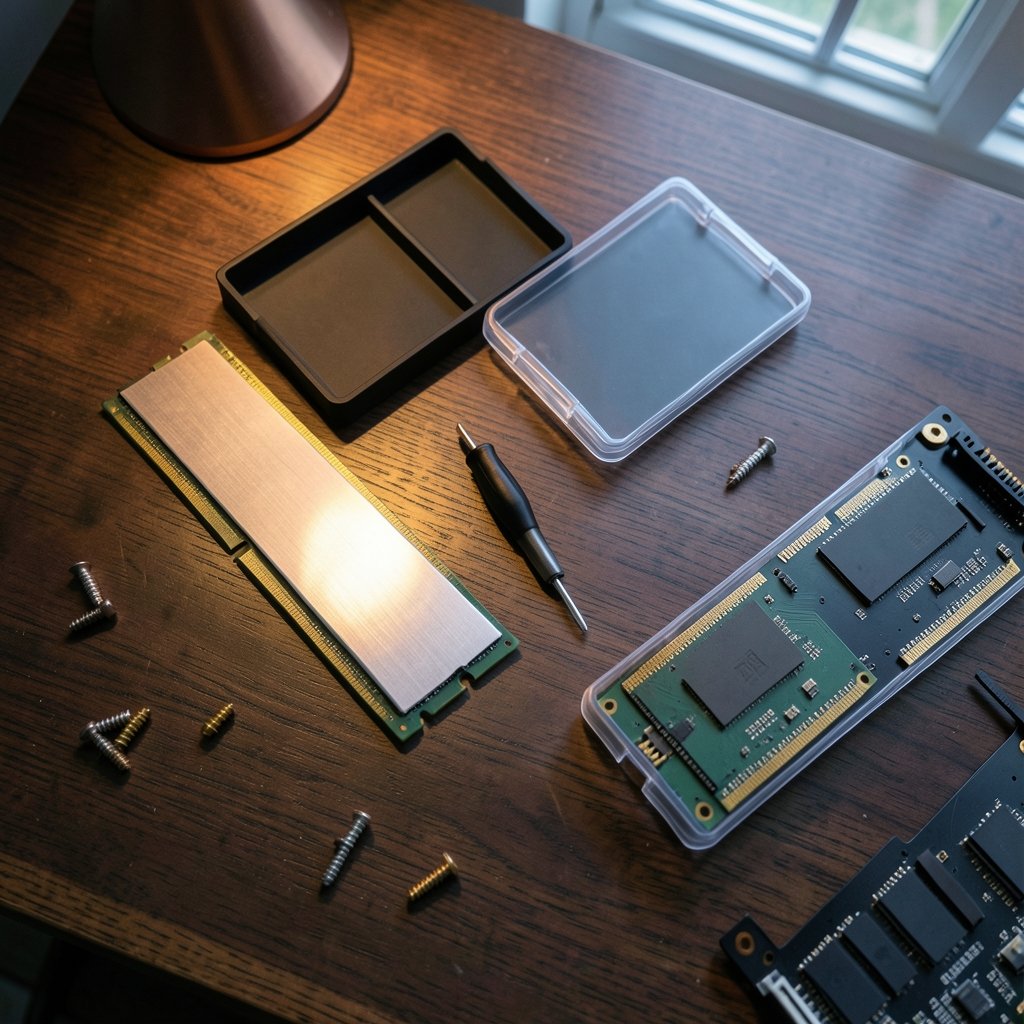
Buying tall RGB kits without measuring. Heat spreaders and RGB lighting are mostly cosmetic for beginners. Tall modules can collide with large air coolers, forcing you to raise the fan or return the RAM. Standard-height kits avoid the problem entirely.
Mixing kits. Adding a second pair of sticks later, even of the same model, can cause instability at high speeds because the modules weren’t binned as a set. Buy the capacity you want in one kit.
Ignoring prices. Memory pricing swings hard. It spiked in 2017 and 2018 and has moved sharply again in recent years as AI and high-bandwidth memory demand shifted supply. Any recommendation is time-sensitive, so price-check on the day you buy rather than trusting a list written months ago.
Do You Need Fast RAM for Gaming?
Honestly? Less than the marketing suggests. Going from a slow kit to a well-chosen one can add meaningful frames in CPU-limited games, especially at 1080p with a strong graphics card. Going from a good kit to an extreme one adds very little. The money usually does more work in a better GPU, a faster SSD, or a monitor that isn’t holding the whole system back. If you’re weighing display upgrades, this guide on gaming monitor worth buying beginners practical buying guide explains where the visual gains actually come from.
Laptop buyers face a different situation, since most laptops don’t allow RAM swaps at all. Capacity and cooling matter more than rated speed there, and this roundup of best gaming laptops under 1000 actually fits budget covers what to prioritize.
A Simple Buying Checklist
- Confirm whether the motherboard takes DDR4 or DDR5.
- Pick capacity: 32 GB for new builds, 16 GB for tight budgets.
- Choose two sticks, not four.
- Target 6000 MT/s CL30 for DDR5, or 3200 to 3600 MT/s for DDR4.
- Check the kit against the motherboard QVL.
- Measure cooler clearance against the module height.
- Enable XMP or EXPO after the first boot and verify the speed.
- Run a memory stress test for an hour to confirm stability.
If you want the wider context on how much memory different game genres actually consume, this practical guide on much ram do you need gaming practical guide picking right walks through real usage patterns rather than guesswork.
Conclusion
The best gaming RAM kit for a beginner isn’t the fastest or the flashiest one on the shelf. It’s a 2×16 GB DDR5-6000 CL30 kit for a new build, or a 2×16 GB DDR4-3600 kit for a budget or older platform, bought after checking the motherboard QVL and installed with XMP or EXPO switched on. That combination delivers most of the available performance for a fraction of the flagship price, and it leaves room for everything else a first build needs. Get the generation right, buy two sticks, enable the profile, and the memory will quietly do its job for years.
FAQ
Is 16 GB of RAM enough for gaming in 2026?
It’s enough for most games, but it leaves little headroom. Modern titles plus a browser, Discord, and a launcher can push past 16 GB, and the system then leans on the drive, which causes stutter. A 32 GB kit costs modestly more and removes that worry for the life of the build.
Does RAM speed actually matter for gaming?
It matters most when the CPU is the bottleneck, such as high frame rates at 1080p. The gain from a slow kit to a well-chosen one is real; the gain from a good kit to an extreme one is small. Spend the difference elsewhere unless the rest of the build is already maxed out.
Can I mix DDR4 and DDR5 sticks?
No. The two generations have different physical slots and different electrical designs, so they cannot be combined on the same board. The motherboard determines which generation you can use, and that decision comes before any kit shopping.
What happens if I never enable XMP or EXPO?
The kit runs at the JEDEC baseline speed, often 4800 MT/s for DDR5, instead of its rated speed. It will work and it will be stable, but you paid for performance you aren’t getting. Enabling the profile in BIOS takes about a minute and is safe on any board that lists the kit as supported.
Should beginners buy RGB RAM?
Only if they like the look. RGB lighting and large heat spreaders add cost and height, and tall modules can block big air coolers. A standard-height kit with a plain heat spreader performs identically and fits more easily.
How do I know if my RAM is stable at its rated speed?
Enable the XMP or EXPO profile, then run a memory stress test for at least an hour while watching for errors, crashes, or sudden restarts. If problems appear, drop to the next speed step or loosen timings slightly. Stability always beats a bigger number on the box.