What if the gadget that finally fixes your workday isn’t the flashiest one on the shelf, but the one that quietly keeps working long after the unboxing glow fades? That’s the question worth asking before you spend anything on a home office. Plenty of gear looks great in a launch video and feels like clutter by month three. The picks below are the ones that hold up under daily use: the chair you sit in for eight hours, the monitor that earns its desk space, the power strip that saves your electronics, and the small extras that smooth out the rough edges of working from home.
This is a shortlist, not a lecture. Each entry names who it suits, what it does well, and the one thing that might annoy you. Prices move constantly, so treat any figure here as a starting point and confirm it on the official product page before you buy.
The Shortlist at a Glance
| Product | Category | Best For | Standout Strength | Main Limitation |
|---|---|---|---|---|
| Herman Miller Aeron | Ergonomic chair | People who sit 8+ hours a day | Mesh seat that stays comfortable all day | High price, limited adjustability for some body types |
| LG UltraFine 4K | Monitor | Photo, video, and detail-heavy work | Sharp, color-accurate panel | Fewer ports than some rivals |
| Vari Electric Standing Desk | Desk | Anyone who alternates sitting and standing | Smooth, stable electric height adjustment | Takes up floor space and needs assembly |
| Logitech MX Master 3S | Mouse | Multi-device workers | Fast scroll wheel, near-silent clicks, pairs with three devices | Bulkier than a travel mouse |
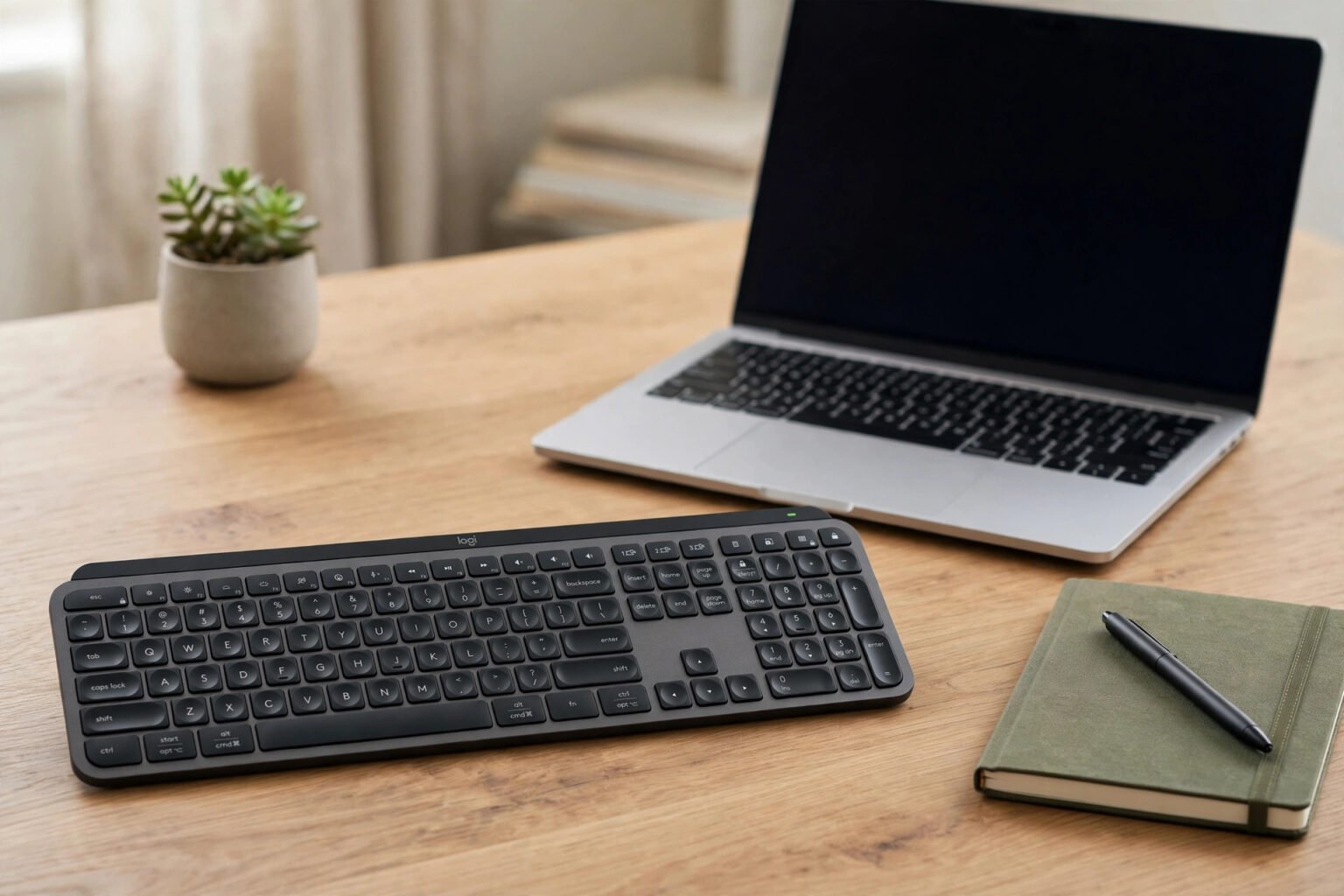
| Logitech MX Keys | Keyboard | Typists who switch between computers | Quiet, low-profile keys with three-device pairing | Not a mechanical feel |
| Sony WH-1000XM5 | Headphones | Focus in noisy homes | Strong noise cancelling with long battery life | Over-ear bulk in warm rooms |
| HP 960 Ergonomic Wireless Keyboard | Keyboard | Wrist comfort on a budget | Split, ergonomic layout | Learning curve for touch typists |
| Obsbot ME Webcam | Webcam | Video calls and streaming | 4K recording with auto-tracking | Overkill for audio-only meetings |
Herman Miller Aeron: The Chair That Ends the Midday Ache
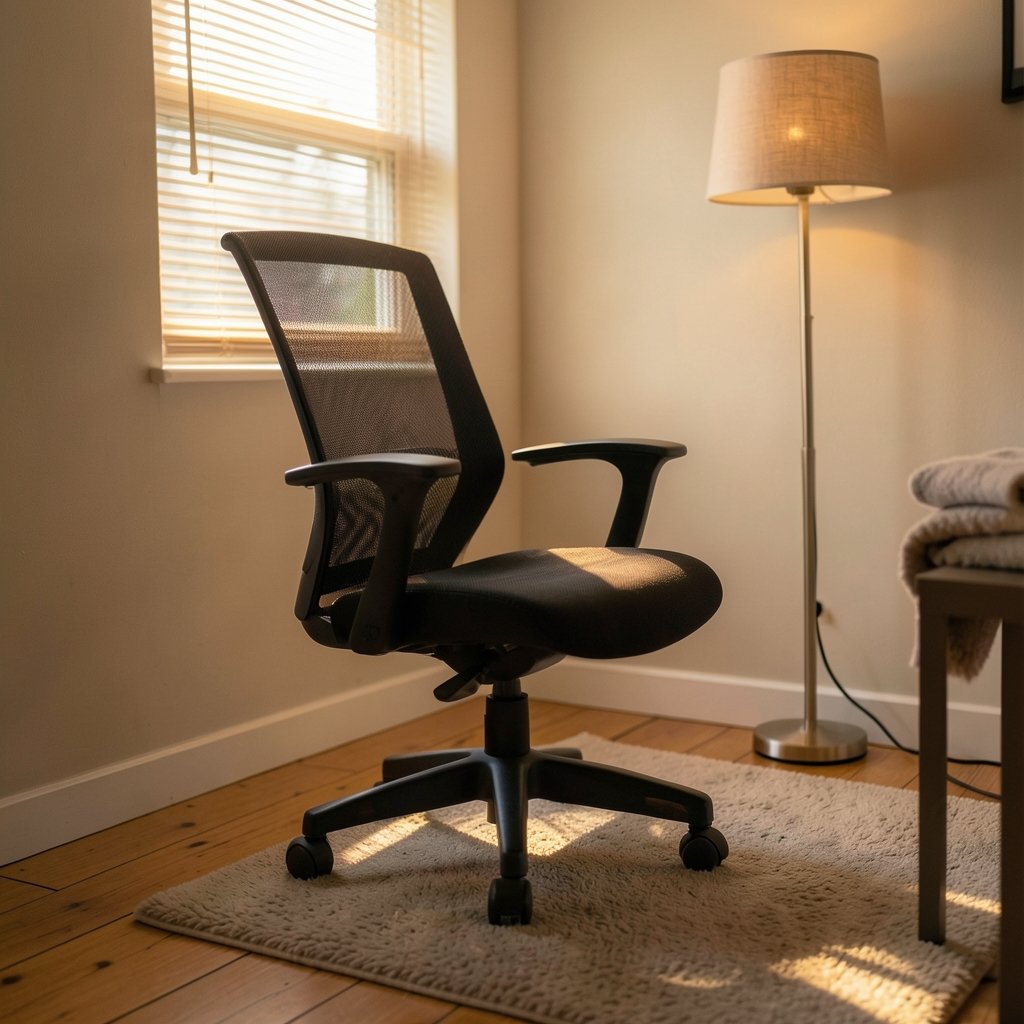
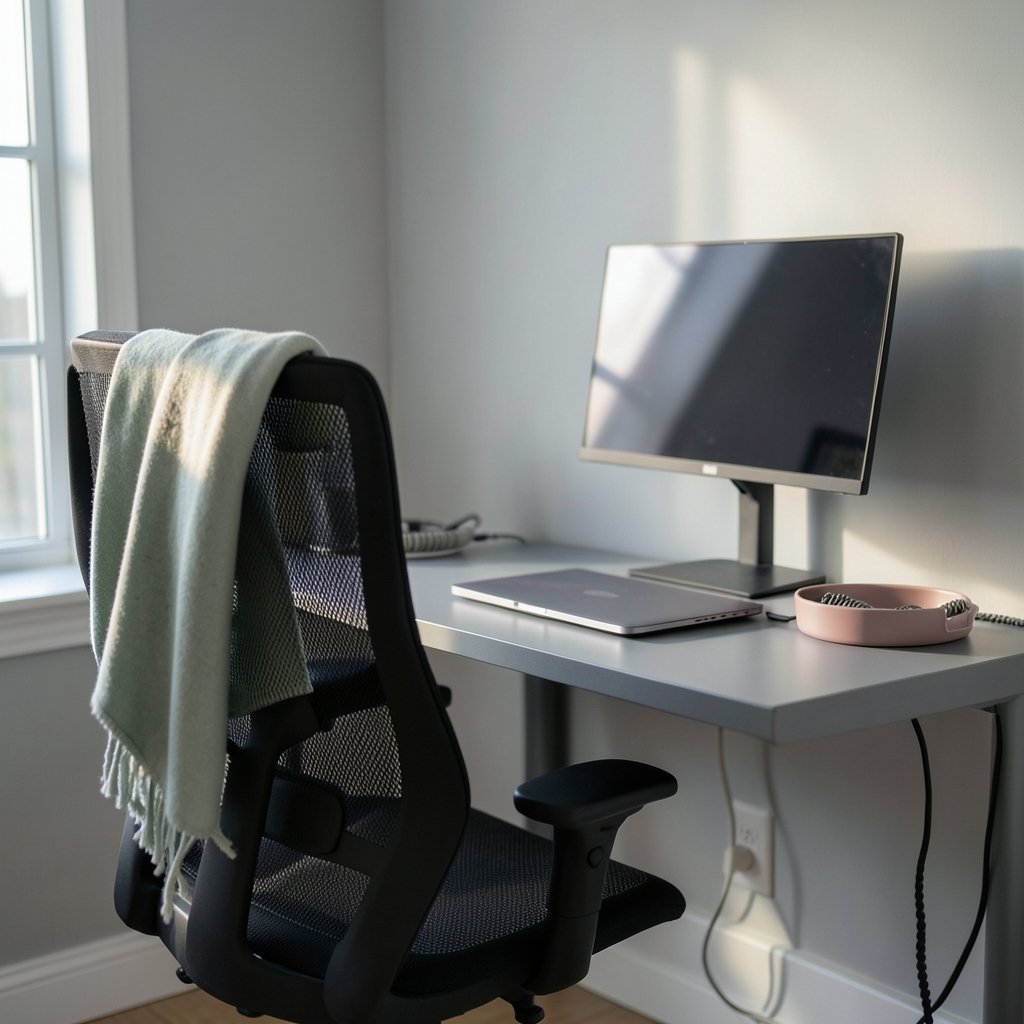
If your back aches by midday, the chair is usually the first thing to blame. The Herman Miller Aeron has become the benchmark ergonomic chair for exactly this reason: its mesh seat, which the brand calls Pellicle, cradles the body instead of pressing into it. One long-term reviewer who bought an Aeron with their own money described sitting in it as being held aloft by a very skilled massage therapist, and reported staying injury-free after three office-chair-related injuries earlier in their career.
Who it suits: anyone logging eight or more hours at a desk, especially people who have already felt wrist, elbow, or lower-back strain from a cheap chair.
What it does well: all-day comfort without a cushion that flattens over time. The mesh breathes, which matters in a small room.
The limitation: price. This is a serious investment, and the fixed frame doesn’t fit every body the same way. Try before you buy if you can. For a broader look at how chairs compare, the roundup of ergonomic chairs that actually save your back walks through the trade-offs.
LG UltraFine 4K: The Monitor Worth the Desk Space
A monitor is the one purchase you look at every single minute of the workday, so it deserves more thought than a spec sheet skim. The LG UltraFine 4K targets people doing color-accurate work: photo editing, video timelines, design. The 4K panel gives you the screen area those tasks need, and the resolution keeps text crisp for long reading sessions.
Who it suits: creatives, editors, and anyone who stares at dense documents all day.
What it does well: sharp detail and reliable color, which is the whole point of paying for a 4K panel.
The limitation: port selection is leaner than some competitors, so check that it connects to your laptop the way you need before committing. If you’re weighing screen sizes and panel types, this guide to monitors that earn their desk space covers the decision in more depth.
Vari Electric Standing Desk: Sit Less Without Thinking About It
Standing desks only help if you actually change positions, and that comes down to how easy the adjustment is. The Vari Electric Standing Desk earns its place because the electric height adjustment is smooth and stable, so switching from sitting to standing takes seconds rather than a wrestling match.
Who it suits: people who want to alternate postures through the day without disrupting focus.
What it does well: steady lift, minimal wobble, and a build that feels solid at standing height.
The limitation: it needs floor space and some assembly time. Measure your room before ordering, and plan for cable management or the underside will turn into a nest.
Logitech MX Master 3S: The Mouse That Handles Three Computers
The Logitech MX Master 3S shows up on nearly every serious home office list, and for good reason. Its electromagnetic fast-scroll wheel flies through long documents, the switches are near-silent (a gift on calls), and it pairs with three devices at once, so you can jump between a work laptop and a personal machine without re-pairing.
Who it suits: multi-device workers, spreadsheet surfers, and anyone with wrist fatigue from a basic mouse.
What it does well: precision and comfort over long sessions.
The limitation: it’s bulky. If you travel often, keep a slim mouse in your bag instead.
Logitech MX Keys: Quiet, Low-Profile, Three Devices
Pair the mouse with the Logitech MX Keys and you get a coherent desk. The keyboard is quiet, low-profile, and pairs with three devices, matching the mouse’s switching behavior. It’s the kind of board that disappears under your fingers, which is the highest compliment a keyboard can get.
Who it suits: typists who split time between computers and share a room with other people.
What it does well: quiet, comfortable, consistent typing with easy device switching.
The limitation: if you crave the thock of a mechanical board, this isn’t it. For wrist comfort on a tighter budget, the HP 960 Ergonomic Wireless Keyboard offers a split, ergonomic layout that eases strain, though touch typists will need a week to adjust to the curve.
Sony WH-1000XM5: Focus in a Noisy House
The Sony WH-1000XM5 is the headphone most reviewers reach for when they need to disappear into deep work. Sony rates battery life at 30 hours with noise cancelling on, which covers several workdays between charges. The noise cancelling is the real feature: it turns a barking dog or a leaf blower into background hum.
Who it suits: anyone sharing space with family, roommates, or street noise.
What it does well: strong cancellation, long battery, comfortable fit for long stretches.
The limitation: over-ear headphones get warm, and the bulk isn’t for everyone. If you take calls all day, test the mic quality first.
Obsbot ME Webcam: Video Calls That Don’t Look Like 2015
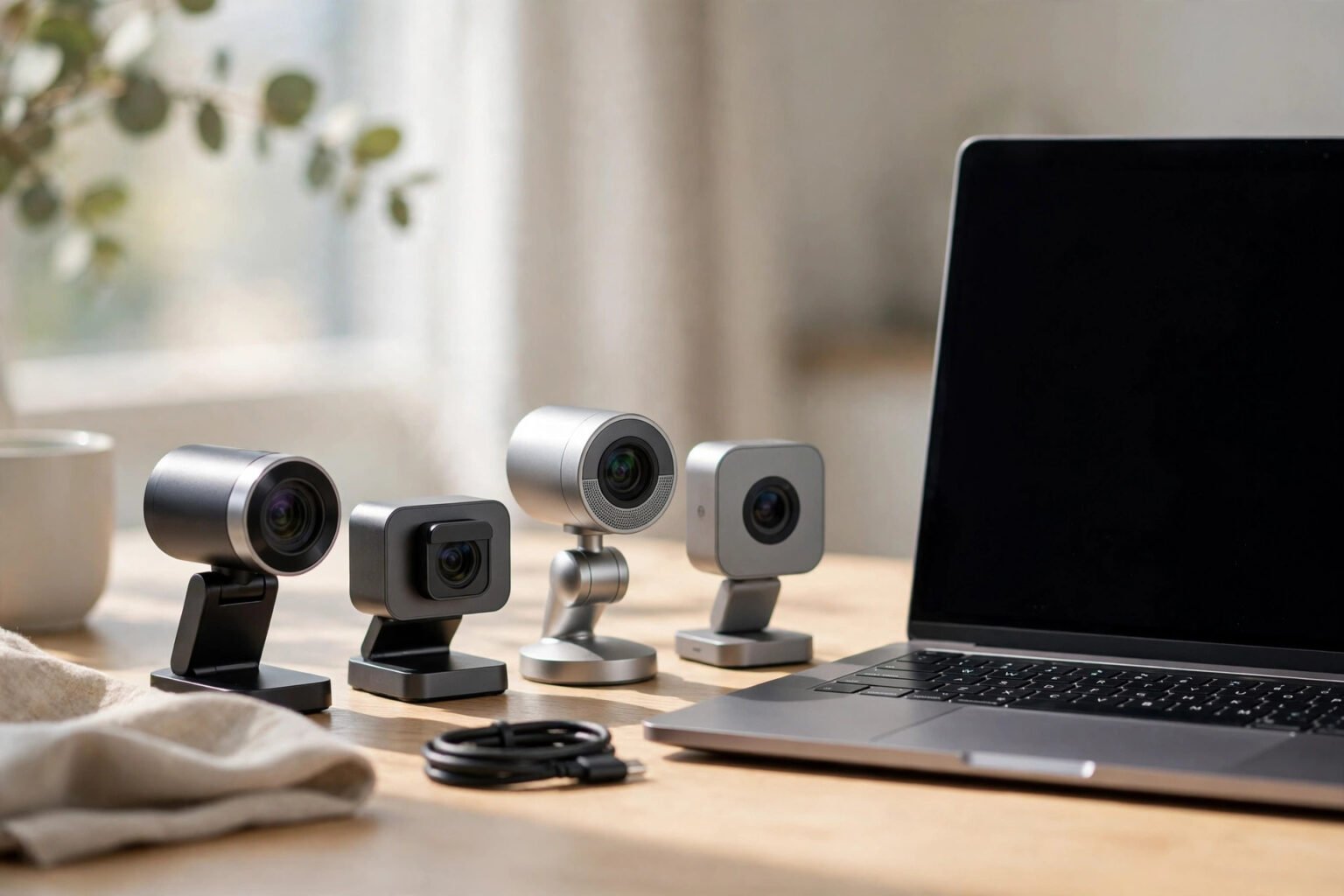
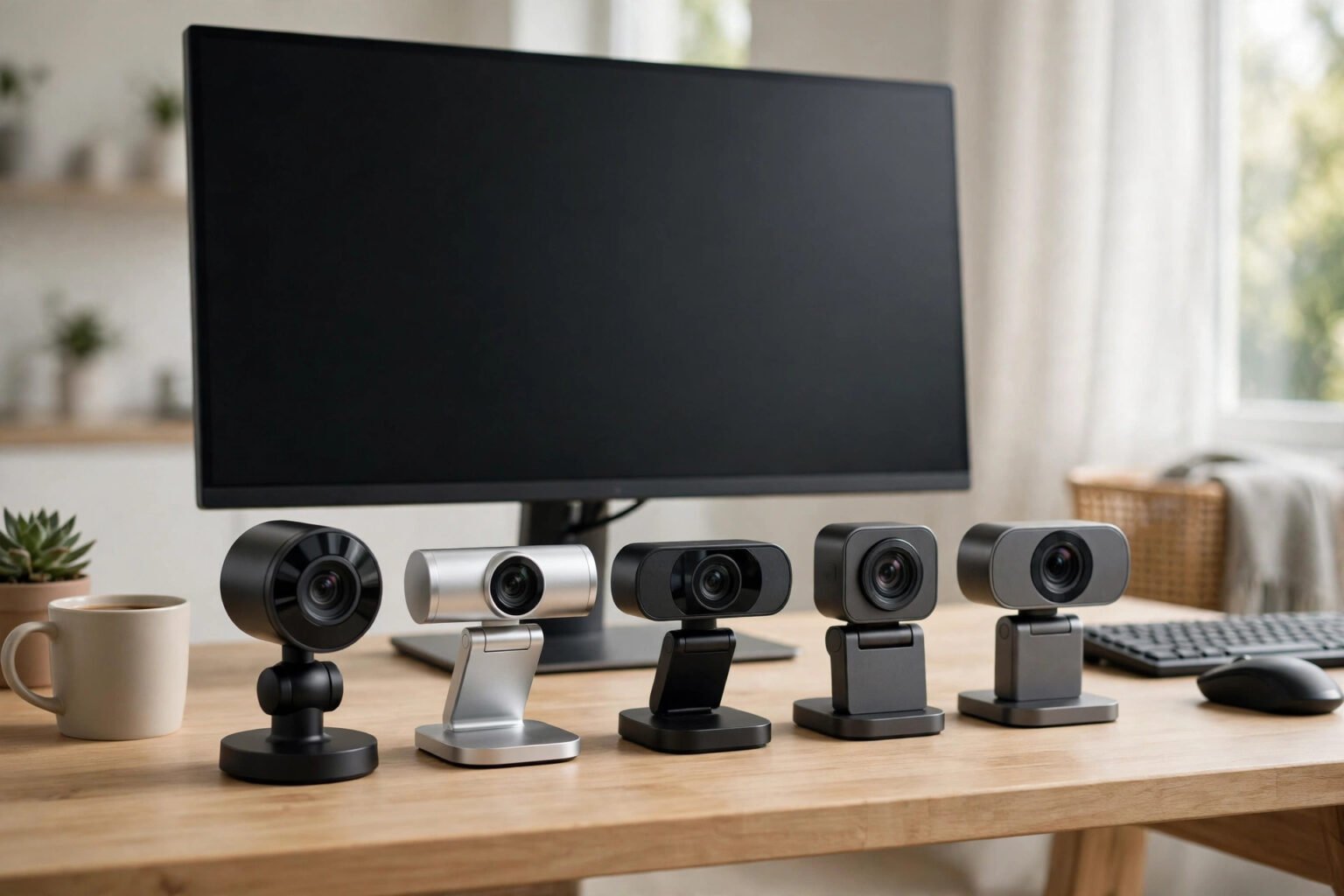
Laptop webcams are the weakest link in most setups. The Obsbot ME fixes that with 4K recording, phase-detect autofocus, and built-in gimbal auto-tracking that keeps you framed even when you shift in your chair. Reviewers have described the tracking as feeling like magic until you realize it’s just good engineering.
Who it suits: people on video calls, streamers, and anyone whose job depends on looking professional on camera.
The limitation: it’s overkill if your meetings are mostly audio. Also confirm your video platform supports the resolution you’re paying for.
The Unsexy Pick That Saves Your Gear: A Surge Protector
Nobody puts a surge protector on a wish list, but it’s the cheapest insurance in the room. A single power event can take out a monitor, a laptop brick, and a desk’s control box in one go. Look for a unit with enough outlets for your whole desk, surge ratings you can actually read, and a cord long enough to reach the wall without a daisy chain. This breakdown of surge protectors that actually protect your setup covers what the ratings mean. It’s the least exciting purchase here and possibly the most important.
Small Extras That Genuinely Help
Not every upgrade needs a big budget. A few small items earn their keep:
- A T-shaped desk lamp that dispenses natural-looking light. One reviewer keeps theirs in a warm, candlelight-style mode and credits it with making the whole desk easier to see without eye strain.
- A smart speaker to run timers, play focus music, and control lights without touching your keyboard. If you’re juggling several devices, this guide to smart speakers for multiple smart home devices helps you pick one that plays nice with everything.
- A pour-over setup for the coffee break that replaces the kitchen run. A good brewer under $100 changes the morning ritual more than you’d expect, and the picks for the best pour-over coffee makers under $100 are a solid starting point. If coffee is a bigger part of your day, there’s also a guide to the best pour-over coffee maker under $300.
How to Choose Without Wasting Money
After the options, here’s the filter that matters. Most home office regret comes from buying in the wrong order.
Fix the body first. Chair, then keyboard and mouse, then monitor height. If your setup hurts, no gadget fixes it. A $20 monitor stand that brings the screen to eye level beats a $500 peripheral every time.
Buy for the task you do most. If you’re on video calls six hours a day, the webcam matters more than the headphones. If you write all day, the keyboard outranks everything.
Check the return window. Gear feels different at hour eight than at hour one. Buy where you can return it, and actually test it during the window.
Skip the smart-everything trap. A gadget that needs an app, an account, and a firmware update to boil water adds friction, not flow. The best tech disappears into the routine.
Watch the cable situation. Every new device adds a cable. Plan the power strip and desk routing before the boxes arrive, or you’ll be untangling instead of working.
One more practical note: reviewers who test gear over months consistently report that the winners are boring. The chair that just works. The mouse that never stutters. The strip that never trips. Excitement is a bad sign in desk equipment.
Conclusion
The best home office tech of 2027 isn’t a single hero purchase. It’s a small stack of reliable pieces that each solve one real problem: the Aeron for your back, the UltraFine for your eyes, the Vari for your posture, the Logitech pair for your hands, the Sony for your focus, and a surge protector quietly guarding all of it. Add one or two small extras and you’ve built a workspace that fades into the background, which is exactly what good gear should do. Start with the item that fixes your biggest daily annoyance, test it hard, and let the rest wait until the budget catches up.
Frequently Asked Questions
What is the single most important piece of home office tech?
The chair. You spend more continuous time in it than any other item, and back or wrist strain from a bad chair undermines everything else. A quality ergonomic chair like the Herman Miller Aeron pays off in comfort every single day, while a cheap chair costs you a little focus every hour.
Is a 4K monitor worth it for a home office?
It depends on your work. For photo editing, video, design, or reading dense documents, the LG UltraFine 4K’s sharpness and color accuracy justify the cost. For email and spreadsheets, a good 1080p or 1440p panel may be plenty, and the money is better spent on a chair or keyboard.
Do I really need a surge protector for my desk?
Yes, especially if you’ve invested in a monitor, a desktop, or an electric standing desk. A surge protector is inexpensive insurance against power events that can destroy electronics in an instant. Check the surge rating and make sure it has enough outlets for your full setup.
How long should I test gear before deciding to keep it?
Give it at least a week of real workdays, and use the full return window if you have one. Discomfort shows up around hour six, not hour one. Test the chair through a full afternoon, the keyboard through a long writing session, and the webcam on an actual call.
Are noise-cancelling headphones worth it if I live alone?
They can still help. Noise cancelling doesn’t just block other people; it cuts HVAC hum, traffic, and the general drone that chips away at concentration. The Sony WH-1000XM5 also delivers long battery life and comfort for extended listening, so it earns its place even in a quiet house.
What is a common mistake when building a home office?
Buying peripherals before fixing ergonomics. People spend on a fancy mouse while their monitor sits too low and their chair has no support. Set screen height, chair, and desk first, then add the tech that makes the work itself smoother.