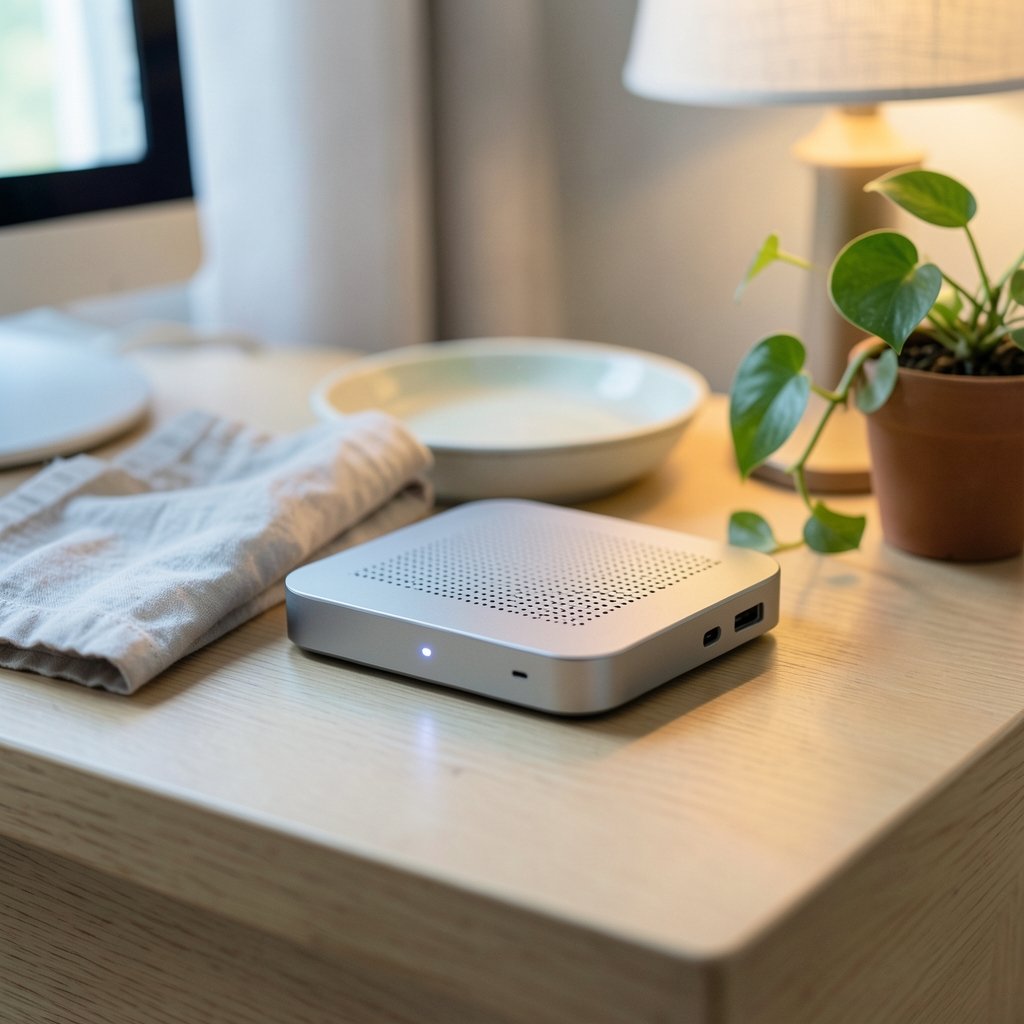
A desktop computer that fits in the palm of your hand used to be a novelty. Today, mini PCs outsell traditional tower desktops in many home and office segments, and it is not hard to see why: the average mini PC draws a fraction of the power of a full tower while handling spreadsheets, video calls, and even moderate gaming without breaking a sweat. But the market has also become crowded and confusing, with spec sheets that look nearly identical and prices that swing by hundreds of dollars for reasons that are rarely explained. This guide cuts through the noise for anyone shopping for the best mini PCs in 2026, focusing on what genuinely changes the experience and what is just marketing.
Why Mini PCs Became the Default Small Computer
The shift did not happen overnight. The small form factor (SFF) category grew out of corporate thin-client programs and hobbyist builds, then matured when chipmakers started shipping low-power processors that could rival full desktop chips in everyday tasks. Standards bodies like the USB Implementers Forum helped too, because a single USB4 or Thunderbolt port can now carry power, video, and data at once, which is what makes a two-cable desk setup possible.
The practical appeal is straightforward. A mini PC takes up almost no desk space, mounts behind a monitor, sips electricity, and runs quietly. For students, remote workers, and small businesses, that combination is hard to beat. The trade-off is upgradeability, and that is where most buyers get surprised.
The Specs That Actually Change Your Experience
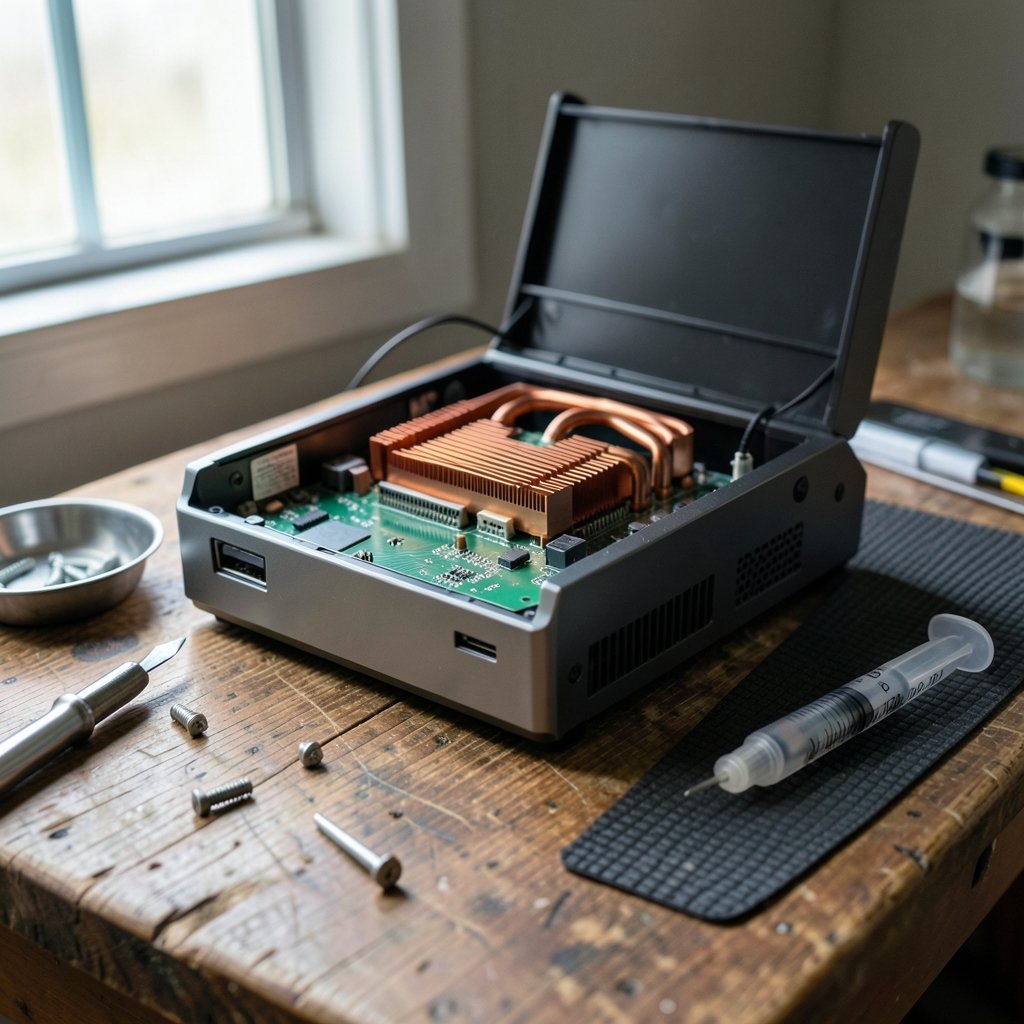
Most mini PC spec sheets list the same dozen numbers. Only a few of them matter in daily use.
The Processor and Its Power Budget
A modern mobile or low-power desktop CPU is plenty for office work, browsing, and light photo editing. What matters more than the model name is the thermal design power (TDP) the manufacturer allows. The same chip can run fast and hot in one chassis and slow and cool in another. Reviews that measure sustained performance, rather than only burst benchmarks, are the only reliable guide here.
Memory: Soldered Versus Upgradeable
Many compact units solder RAM to the board to save space. That is fine if you buy enough up front, but painful if you later need more. If you plan to keep a machine for four or five years, prioritize models with SO-DIMM slots so you can add memory cheaply later. The same logic applies to storage: an accessible M.2 slot turns a cramped 256 GB machine into a comfortable one for the price of a single drive.
Ports and Connectivity
Count your ports before you buy, not after. A typical useful loadout includes at least one USB4 or Thunderbolt port, two or more USB-A ports, HDMI 2.1 or DisplayPort 1.4 for a second screen, and 2.5GbE Ethernet if you move large files across a network. Wireless standards matter too; the Wi-Fi Alliance certifies generations that differ enormously in real-world throughput and latency.
Cooling and Noise
This is the most underrated factor. A tiny fan spinning at high speed produces a whine that wears on you during long calls. Look for reviews that measure decibels under sustained load, and prefer chassis with larger, slower-spinning fans or vapor chambers. In practice, a slightly larger box is almost always quieter than the smallest one on the shelf.
How the Main Categories Compare
Buyers usually land in one of four buckets. The table below summarizes the trade-offs honestly.
| Category | Typical Use | Strengths | Watch Out For |
|---|---|---|---|
| Stick and NUC-style units | Kiosks, digital signage, light office | Tiny, low power, cheap | Soldered RAM, limited ports, weak sustained performance |
| Mainstream mini desktops | Home office, study, media center | Balanced price and performance, upgradeable RAM and storage | Modest integrated graphics |
| Performance mini PCs with discrete GPUs | Gaming, video editing, 3D work | Real GPU power in a small box | Higher price, more fan noise, limited upgradability |
| Apple Mac mini | Creative work, general productivity | Excellent efficiency and silence | Closed ecosystem, memory soldered and expensive |
The performance tier deserves a caveat: mini PCs with discrete graphics are genuinely capable, but their GPUs are usually not user-replaceable. You are buying the whole package for its lifespan, so choose the graphics tier you will need in three years, not only the one you need today.
Practical Buying Advice That Saves Money and Regret
First-hand experience from years of small-form-factor builds and office deployments points to a handful of habits that separate a happy purchase from a frustrating one.
- Buy one tier above your current needs. Mini PCs age faster than towers because you cannot swap the CPU. A mid-range chip today is a comfortable machine in four years; an entry-level one is not.
- Set a RAM floor of 16 GB. Operating systems and browsers have grown. Eight gigabytes is workable but leaves no headroom for multitasking.
- Check the return window and warranty terms before ordering. Small machines are harder to service, and mail-in repair can take weeks.
- Test thermals in the first week. Run a sustained load for twenty minutes and listen. If the fan is unbearable on day three, return it while you still can.
- Budget for a monitor arm or VESA mount. Hiding the machine behind the display is the single biggest quality-of-life upgrade, and it costs very little.
A common mistake is chasing the lowest price on a spec sheet. Two machines with the same processor can differ by 40 percent in sustained performance because one throttles under load. Another frequent error is assuming every USB-C port supports video output; many do not, and the manual is the only place that says so.
What Power Users Should Know About Software
Mini PCs increasingly run workloads that used to need a full desktop, including local AI models and heavy multitasking. If you plan to run assistants or coding tools on the machine itself, check how the hardware handles sustained compute and memory pressure. Comparisons of the leading cloud and local assistants, such as this AI model comparison of GPT 6.1 Sol vs Sonnet 5.5 vs Gemini 4 Argon, are useful for deciding whether you even need local horsepower or can lean on cloud services. Many buyers discover that a lighter machine plus cloud tools beats a heavier local setup for their workflow.
Voice assistants are a similar story. If your mini PC doubles as a smart-home hub, it helps to know how the major platforms are wired together, including whether Siri uses Google Gemini behind the scenes, which affects privacy expectations and feature sets. These are the kinds of details that rarely appear on a spec sheet but shape daily use.
Gaming and Creative Work on a Small Footprint
Gaming on a mini PC has become genuinely viable, but expectations need calibrating. Integrated graphics handle esports titles and older games at moderate settings. Discrete-GPU mini PCs run modern titles at 1080p comfortably and 1440p with compromises. The limiting factor is usually cooling, not the chip itself, so a slightly larger chassis with better airflow wins over a slimmer one with a louder fan.
For creative work, the calculus shifts toward memory and storage speed. Video editing benefits from fast NVMe storage and plenty of RAM; photo editing is more forgiving. If you are weighing a compact handheld-style machine against a mini desktop for creative work, this OneXPlayer Arc G3 vs X2 Mini Pro comparison is a useful reality check on how form factor affects sustained performance. (Mini PC)
The Operating System Question
Most mini PCs ship with Windows, but a growing number support Linux well, and Apple’s Mac mini runs macOS. The choice matters more than the hardware for most people. Windows offers the widest software compatibility; macOS offers excellent efficiency and near-silent operation; Linux offers control and low overhead for servers and development machines.
If you are undecided between ecosystems, side-by-side comparisons help. This ChatGPT vs Gemini comparison and this Grok vs ChatGPT vs Gemini breakdown are worth reading if your workflow leans on AI tools, since the operating system often determines which assistants integrate most smoothly. For buyers comparing broader platform strategies, a Gemini vs Grok AI comparison rounds out the picture.
Common Mistakes and How to Avoid Them
The most expensive mistake is buying for benchmarks instead of behavior. A machine that scores well in a five-minute test but throttles after ten minutes will disappoint in real work. The second most expensive mistake is underestimating storage; a 256 GB drive fills up fast once you add photos, games, and application caches.
A third mistake is ignoring the display connection. Many budget mini PCs support only one external monitor at full resolution, which is a dealbreaker for dual-screen workers. Finally, buyers frequently forget about firmware and driver support. Smaller brands sometimes abandon updates after a year, which matters for security patches. Sticking to vendors with a track record of regular BIOS updates is a quiet but important safeguard.
Conclusion
The best mini PC in 2026 is not the one with the longest spec sheet or the lowest price. It is the one whose power budget, memory expandability, port selection, and cooling match how you actually work. Buy one tier above your current needs, insist on 16 GB of RAM and upgradeable storage, test thermals in the first week, and treat noise as a first-class feature rather than an afterthought. Do that, and a machine the size of a paperback book will quietly outperform a tower that costs twice as much and takes up ten times the space.
FAQ
What is the main disadvantage of a mini PC?
The biggest drawback is limited upgradeability. Processors and, on many models, graphics are soldered or fixed, so the machine’s ceiling is set at purchase. Memory and storage are often upgradeable, but you should confirm before buying.
How much RAM do I need in a mini PC in 2026?
Sixteen gigabytes is the practical minimum for comfortable multitasking with a modern browser and office applications. Thirty-two gigabytes makes sense for video editing, virtual machines, or heavy multitasking, especially if the RAM is soldered and cannot be expanded later.
Can a mini PC replace a desktop tower?
For office work, browsing, media, and light gaming, yes. For heavy 3D rendering, large-scale video production, or frequent hardware upgrades, a tower remains the better choice because of cooling headroom and replaceable components.
Are mini PCs good for gaming?
Integrated-graphics models handle esports and older titles at moderate settings. Models with discrete GPUs run modern games at 1080p well and 1440p with compromises. Expect more fan noise under load than a full-size desktop.
Do mini PCs run hot?
They can, because compact chassis limit airflow. Sustained performance depends heavily on the cooling design, so reviews that measure long-run thermals and noise are more useful than short benchmark scores.
Is it worth buying a mini PC with soldered RAM?
It can be, provided you buy enough memory up front and the price reflects the limitation. Soldered memory saves space and can improve reliability, but it removes your cheapest future upgrade path.
Final Verdict by Buyer Type
To close, match the machine to the buyer. The home-office worker should prioritize a quiet mainstream mini desktop with 16 GB of RAM and dual-monitor support; performance headroom matters far less than silence during calls. The creative professional is best served by an Apple Mac mini or a discrete-GPU model, accepting a higher price for efficiency and sustained throughput. The gamer should choose a discrete-GPU mini PC with a proven cooling design and treat the GPU tier as permanent. The tinkerer and developer will get the most value from a Linux-friendly unit with upgradeable RAM and storage and a vendor that ships regular firmware updates.
Whichever bucket you fall into, the discipline is the same: define your real workload, buy slightly above it, and verify thermals and noise before the return window closes.