
What if the most boring device in your house could quietly cut your energy bill while you sleep? That is the promise of a smart thermostat, and for once the marketing is not entirely wrong. Heating and cooling usually rank as the single largest slice of a home energy bill, so a device that trims even a little waste has outsized leverage. But the “best” thermostat is not a universal answer. It depends on your wiring, your heat pump, your smart-home platform, and how much fiddling you actually want to do.
This guide walks through what separates a genuinely useful smart thermostat from a gadget that frustrates you by February. It covers the mainstream contenders, the compatibility traps that derail installs, and the settings that make the difference between real savings and a fancy wall ornament.
What Makes a Smart Thermostat Worth Buying
Three things separate a good smart thermostat from a mediocre one, and none of them are the screen.
Learning and scheduling. The original Nest Learning Thermostat, launched in 2011, popularized the idea that a thermostat could observe your adjustments and build a schedule on its own. Google acquired Nest Labs in January 2014, and occupancy sensing plus schedule learning remains the core pitch. The practical version: you stop manually reprogramming a schedule every time life changes.
Remote sensors. A thermostat mounted in a hallway measures the hallway, not your bedroom. Remote temperature and occupancy sensors fix that blind spot. Ecobee built its reputation on shipping sensors in the box, which matters enormously in two-story homes with one dominant thermostat location.
Platform fit. A thermostat that talks to everything is worth more than one with a prettier app. Matter, the smart-home standard released as version 1.0 in October 2022 by the Connectivity Standards Alliance, added a thermostat device type. That means a Matter-certified thermostat can work across Apple, Google, Amazon, and Samsung smart-home platforms rather than locking you into one. If you are still deciding on the platform layer underneath, a guide to the best smart home hubs 2026 pick right brain your house is a sensible companion read before you commit.
The Main Contenders Compared
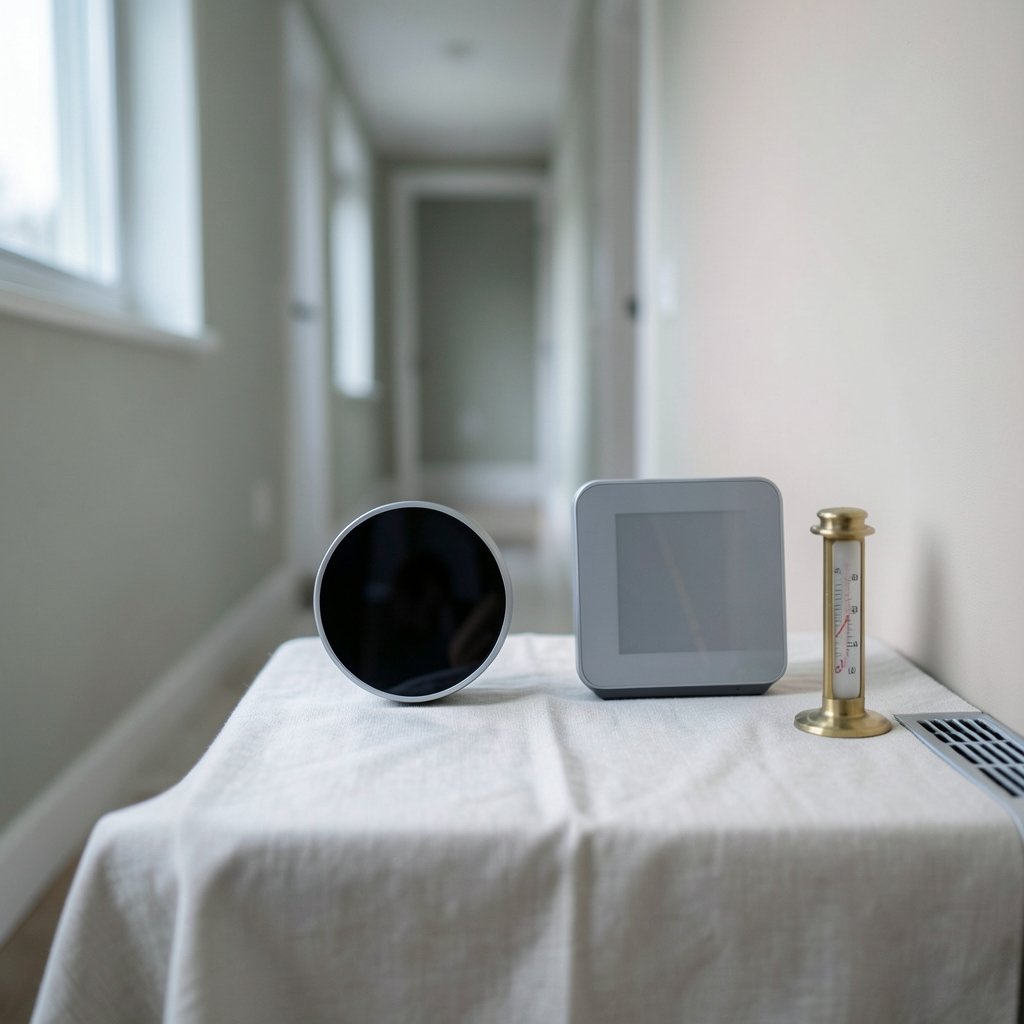
Model families change faster than the underlying ideas, so treat this as a map of approaches rather than a spec sheet. Confirm current model names and features before buying.
| Thermostat family | Core strength | Watch out for | Best for |
|---|---|---|---|
| Google Nest Learning Thermostat | Occupancy sensing, automatic schedule learning, polished app | Platform leans Google; verify Matter support per model | People who want to set it and forget it |
| Ecobee Smart Thermostat line | Remote sensors included, broad assistant support | More setup decisions up front | Multi-room homes with uneven temperatures |
| Honeywell Home (Resideo) T-series | Familiar HVAC controls, mid-range pricing | App experience varies by model | Replacing an old programmable unit without drama |
| Budget Matter-certified models | Cross-platform, lower cost | Fewer sensors, thinner apps | Renters and first-time smart-home buyers |
A note on ownership history, because it affects support longevity. Honeywell’s residential thermostat business was spun off as Resideo Technologies in October 2018, so “Honeywell Home” products now come from Resideo. Ecobee was acquired by Generac, announced in November 2021 and completed in 2022. Neither change is a red flag, but it explains why app names and account systems shift over time.
Compatibility Comes First, Always
Here is the mistake that burns more people than any other: buying the thermostat first and checking the wiring second. Do it in reverse.
- Turn off power at the breaker, then remove your old thermostat’s faceplate.
- Photograph the wiring before touching anything. Label each wire with the included stickers.
- Count the wires and note the terminal letters (R, W, Y, G, C, and any O/B, AUX, or E terminals).
- Look specifically for a C-wire, the common wire that provides continuous power. Without it, many smart thermostats need a power adapter or a professional install.
- Run your exact model list through the manufacturer’s compatibility checker before checkout.
Heat pumps are the sharp edge of this problem. Systems with auxiliary or emergency heat, multi-stage compressors, or dual-fuel setups often need model-specific support. A thermostat that works perfectly in a gas-furnace house may refuse to run a heat pump correctly. The same caution applies to line-voltage systems like electric baseboard heat, which need entirely different hardware.
If you are layering this purchase into a broader security and automation plan, it is worth reading about the best smart locks for home security at the same time, since entry, climate, and lighting all feed the same routines.
Where the Savings Actually Come From
Smart thermostats do not generate savings through magic. They generate savings by reducing runtime when nobody is home and by nudging setpoints during peak demand. Three levers do most of the work.
Occupancy-based setbacks. When the house empties, the thermostat drifts toward a less aggressive setpoint. When someone returns, it recovers. This is the biggest and most reliable source of savings for households with predictable away hours.
Scheduling discipline. A well-built schedule beats manual adjustment every time. The trap is building an overcomplicated schedule you abandon in three weeks. Simple and consistent wins.
Utility demand-response programs. Many utilities offer rebates for qualifying thermostats and enroll customers in programs that briefly cycle cooling during peak events. Eligibility and amounts vary widely by utility and change annually, so check your own provider’s current offer rather than trusting a number from a blog post.
One certification worth filtering for is ENERGY STAR, the U.S. Environmental Protection Agency program that certifies connected thermostats meeting requirements for energy savings, connectivity, and information display. The thermostat category has existed since a specification effective in 2014, though the current spec version and program status should be confirmed directly before you rely on the label.
Installation Realities Nobody Mentions
The unboxing video always looks easy. The reality has friction points.
The C-wire problem is the number one install blocker. Older homes frequently lack it. Power adapters exist, but they can complicate fan control on some systems. If you are unsure, budget for an HVAC technician rather than guessing.
Breaker discipline matters. Skipping the breaker step is how people blow low-voltage fuses. A blown fuse is cheap to fix but confusing to diagnose when the thermostat simply will not power on.
Label everything twice. Wire labels fall off. Take a photo, then take another photo. You will thank yourself.
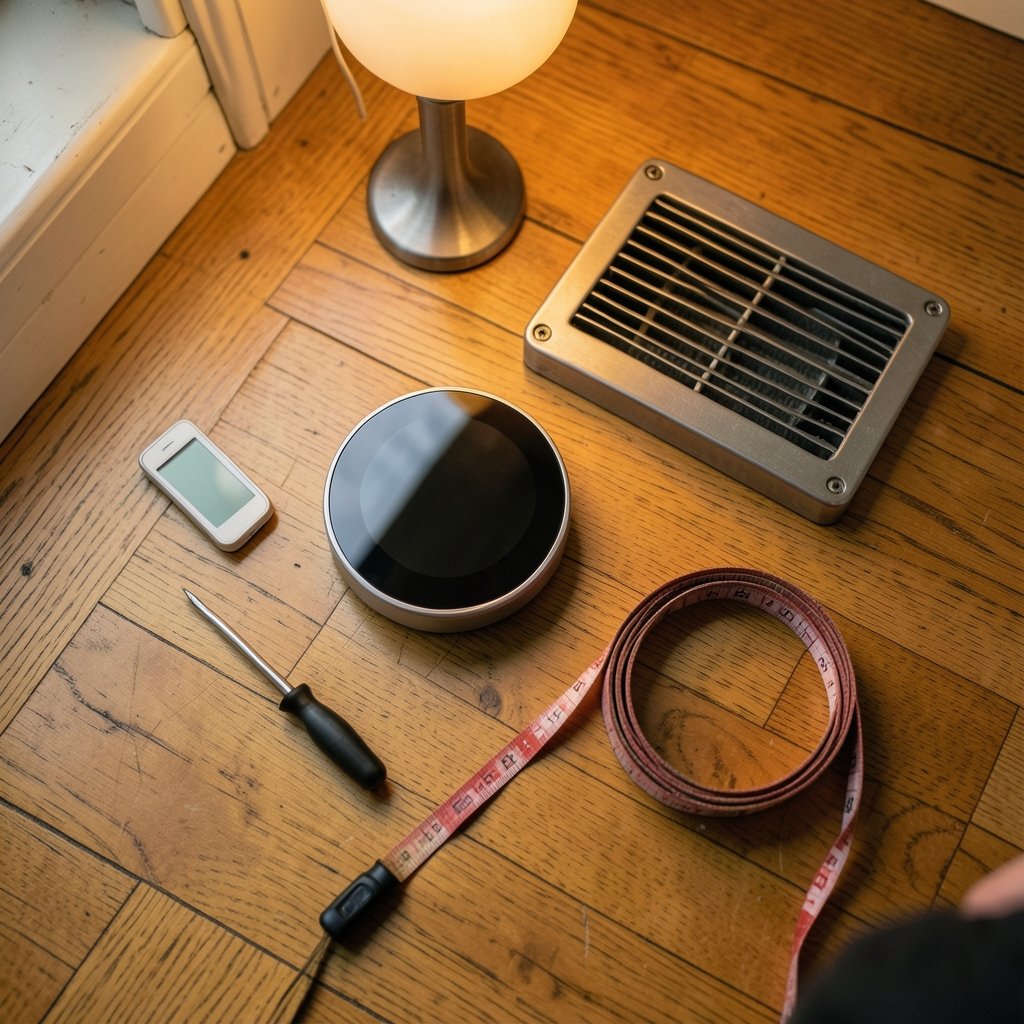
Do not mount it near a heat source. A thermostat near a lamp, vent, or direct sun reads the wrong temperature and runs the system inefficiently. This is a common inherited mistake when replacing an old unit in the same spot.
Test heat and cool in the same session. Run one full heating cycle and one full cooling cycle before you button everything up. Catching a miswired reversing valve on day one is far better than discovering it in July.
Smart Home Integration and Privacy
This is where platform choice pays dividends or creates headaches. If your household runs Apple Home, a HomeKit-compatible thermostat keeps everything in one app. If you are weighing platforms more broadly, the comparison of home assistant vs smartthings which smart home platform fits is a useful reality check on how much local control you want.
Matter multi-admin is the feature that finally reduces lock-in. A Matter-certified thermostat can be shared across ecosystems, so an Apple household and a Google household can both control the same device. The setup process has quirks, though, and a walkthrough of Matter multi admin setup share smart home devices across ecosystems saves a lot of trial and error.
For advanced users running local automation, MQTT bridges and quality-of-service settings matter more than most people expect. Getting MQTT QoS levels smart home picking right setting wrong can mean missed commands or duplicate ones. And if you route traffic through a VPN, be aware that some thermostats break when their cloud endpoint is unreachable; the fix is usually VPN split tunneling smart homes fix broken devices without tearing your network apart.
Privacy deserves a moment. Several smart thermostats collect occupancy and usage data, and privacy policies differ meaningfully. There is no thermostat-specific enforcement action to point to, so the practical advice is to read the data-sharing section of the policy and check whether occupancy data feeds advertising profiles. If you want a broader hardening checklist, secure your smart home from hackers practical step by step covers the fundamentals.
Voice control is the other integration layer. If you plan to adjust temperature by voice, matching your thermostat to a compatible assistant is easier if you already know the best smart speakers for home automation in your home setup.
How to Choose in Five Questions
Work through these in order and the decision mostly makes itself.
- Do I have a C-wire? If no, factor in an adapter or pro install.
- Is my system a heat pump or multi-stage? If yes, verify model-specific compatibility before anything else.
- Do I have hot and cold rooms? If yes, prioritize remote sensors over screen quality.
- Which smart-home platform does my household use? Prefer Matter certification to keep options open.
- Does my utility offer a rebate or demand-response credit? If yes, filter for eligible models first, then compare features.
A fifth consideration that quietly matters: local control. Some thermostats keep working when the internet drops; others go dumb. If you live somewhere with flaky connectivity, check this before buying.
Common Mistakes That Undo the Savings
Overriding the schedule constantly is the classic. A smart thermostat cannot save money if every evening involves manual fiddling. Set a schedule you can live with and leave it alone for a month.
Setting extreme setbacks is the second. Cranking the heat down to 55°F during the day and back up at 5 p.m. often costs more in recovery energy than it saves, especially with heat pumps that run more efficiently at steady temperatures. Moderate setbacks work better.
Ignoring sensor placement is the third. A remote sensor sitting in a sunbeam reports fiction. Place sensors where people actually sit, away from vents and windows.
And skipping the utility rebate is the fourth. It is free money for a purchase you were making anyway, and it takes about ten minutes to check.
Conclusion
The best smart home thermostat is not the one with the biggest screen or the loudest marketing. It is the one that matches your wiring, handles your specific HVAC system without complaint, and fits the smart-home platform your household already uses. Start with compatibility, add remote sensors if your rooms disagree about temperature, prefer Matter certification to protect your options, and check your utility’s rebate before checkout. Do that, and the device fades into the background exactly as it should, quietly trimming waste while you get on with your life.
Frequently Asked Questions
Do I really need a C-wire for a smart thermostat?
Most mainstream smart thermostats need continuous power, which the C-wire provides. Without one, many models require a power adapter or professional installation. Some budget models use power-stealing tricks, but those can cause flickering or fan problems on certain systems. Check your wiring before buying, not after.
Are smart thermostats actually worth the money?
For households with predictable away hours, yes. The savings come from occupancy-based setbacks and consistent scheduling rather than any exotic technology. Homes that are occupied all day, or where someone constantly overrides the schedule, see much less benefit. Utility rebates improve the math considerably.
Will a smart thermostat work with my heat pump?
Sometimes, and only if you check first. Heat pumps with auxiliary or emergency heat, multi-stage compressors, or dual-fuel setups need model-specific compatibility. Run your exact system details through the manufacturer’s checker. A thermostat built for a gas furnace may not control a heat pump correctly.
What does Matter certification mean for a thermostat?
Matter is a smart-home standard released as version 1.0 in October 2022 by the Connectivity Standards Alliance, and it includes a thermostat device type. A Matter-certified thermostat can work across Apple, Google, Amazon, and Samsung ecosystems, which reduces lock-in and lets multiple platforms control the same device.
How much can I save with a smart thermostat?
Savings vary enormously by climate, home, and habits, so treat any single percentage with suspicion. The reliable levers are occupancy setbacks, disciplined scheduling, and utility demand-response credits. Check your own utility’s current rebate and program terms, since amounts change annually.
Do smart thermostats work without internet?
It depends on the model. Some retain local schedules and basic control when the connection drops; others depend heavily on cloud services. If you live somewhere with unreliable internet or run a local automation platform, confirm local control before buying.



