
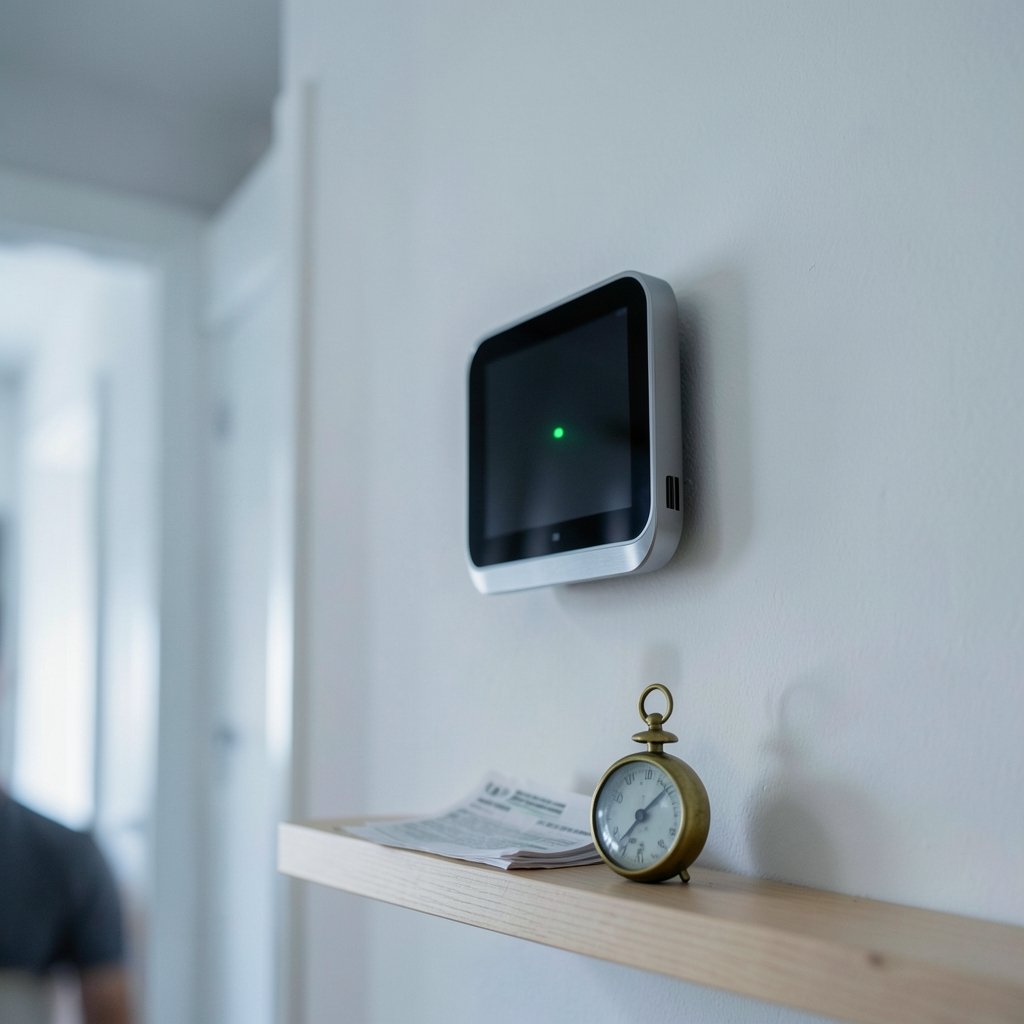
What if the single most boring device on your wall could cut your heating and cooling bills without you thinking about it? That is the promise every smart thermostat makes. The reality is messier, more interesting, and honestly more useful once you understand what separates a genuinely good unit from a gadget that just looks nice in an app.
This guide walks through how smart thermostats work, which features matter, how to check compatibility before you buy, and where the savings claims get shaky. It also covers the mistakes people make in the first week of ownership, which is when most of the value is either won or lost.
What a Smart Thermostat Actually Does
A traditional programmable thermostat follows a fixed schedule you set once and then ignore. A smart thermostat adds three things: learning or occupancy sensing, remote control through a phone app, and data reporting on how your system behaves.
The learning part is where marketing gets loud. Devices in the Nest family infer schedules from when you adjust the dial and when motion sensors detect people. Devices in the Ecobee and Honeywell families lean more heavily on programmed schedules plus geofencing, which uses your phone’s location to switch between home and away modes.
Here is the honest part: independent evidence that learning algorithms beat a well-set schedule is limited and mixed. A carefully programmed schedule that matches your actual routine often performs just as well. The learning feature matters most for households with irregular hours, where a fixed schedule would constantly fight reality.
The Savings Question Nobody Answers Cleanly

You will see savings percentages thrown around everywhere. Treat them with suspicion. Reported savings vary enormously by climate, home insulation, baseline behavior, and how the study was designed.
The Energy Star program has a specification for connected thermostats that requires manufacturers to report energy savings relative to a baseline. That is a useful filter, because it means the product has at least been measured against something. But the spec itself has been revised over time, and its current status should be checked before you treat the label as a guarantee.
What actually drives savings, in rough order of impact:
- Setback discipline. Lowering heat or raising cooling by 7 to 10 degrees Fahrenheit for eight hours a day is the classic recommendation, and it does most of the work.
- Occupancy accuracy. A thermostat that thinks you are home when you are not wastes money all day.
- System compatibility. A two-stage heat pump running on a single-stage thermostat never reaches its efficiency potential.
- Utility programs. Many utilities run demand-response programs that nudge your setpoint during peak events in exchange for bill credits. Terms vary wildly by utility, so read your own provider’s page rather than a general claim.
If you want a broader look at which models handle energy management well, this roundup of the best smart thermostats to save energy covers the practical differences between the major families.
Compatibility: The Constraint That Kills Most Purchases
This is the number one reason smart thermostat purchases get returned. Before you buy anything, pull the faceplate off your current thermostat and photograph the wiring.
The key issue is the C-wire, a common wire that provides continuous power. Many smart thermostats need one. Some models can run without it using power-stealing tricks, but that approach can cause flickering, short cycling, or a noisy transformer in some systems. If you have no C-wire, you have three options: run a new wire, use a power adapter kit, or pick a model designed to work without one.
Beyond wiring, check these compatibility points:
| Feature | Why it matters |
|---|---|
| Multi-stage heating/cooling | A single-stage thermostat cannot control stage two |
| Heat pump with aux heat | Wrong configuration can trigger expensive emergency heat |
| Dual fuel systems | Requires specific setup for fossil fuel backup |
| Line-voltage baseboard | Most smart thermostats are low-voltage only |
| Humidifier/dehumidifier | Not all models support accessory terminals |
Manufacturers publish compatibility checkers that ask about your wiring and system type. Use them. They are not perfect, but they catch most mismatches. If your system is unusual, a quick call to an HVAC tech is cheaper than a restocking fee.
Matter, Thread, and the Interoperability Question
The Matter standard, launched in 2022 by the Connectivity Standards Alliance, is the cross-vendor interoperability standard meant to let devices from different brands talk to each other. Thread is a low-power mesh networking protocol often paired with Matter.
Many current thermostats advertise Matter support, but support varies by model and firmware version. Some units gained Matter through a software update, some shipped with it, and some claim partial support that only covers certain features. Check the specific product’s own documentation rather than the brand’s general marketing page.
Why does this matter? Because it determines whether your thermostat works with the hub you already own, whether it keeps working if you switch ecosystems later, and whether it survives the day a manufacturer shuts down its cloud service. Local control through Matter is a genuine long-term durability feature.
Learning vs. Schedule: Which Fits Your Life
The right answer depends entirely on your household rhythm.
Choose a learning model if: your schedule changes week to week, you have people coming and going at odd hours, or you genuinely will not maintain a schedule in an app. The thermostat does the work for you, imperfectly but consistently.
Choose a schedule model if: your routine is predictable, you want precise control, or you have a heat pump where aggressive automatic adjustments can hurt efficiency. Schedule-based units with good geofencing often outperform learning units in predictable households because you can tune them exactly.
A practical middle path: buy a schedule-based unit, set a sensible baseline schedule, and enable geofencing as a safety net. That combination tends to beat both extremes.
Installation: What to Expect
Replacing a thermostat is a genuinely beginner-friendly DIY job, with caveats. The steps look like this:
- Turn off power to the HVAC system at the breaker.
- Photograph the existing wiring before disconnecting anything.
- Label each wire with the included stickers.
- Mount the new base plate and reconnect wires to matching terminals.
- Power on and run the configuration wizard.
- Test heating, cooling, and fan modes one at a time.
The mistakes that bite people: forgetting to kill the breaker and blowing a low-voltage fuse, mislabeling a wire and swapping heat for cool, and skipping the configuration step for heat pumps, which leaves the system running in a default mode that wastes energy.
If your system has a heat pump, dual fuel setup, or unusual wiring, hiring a pro for the install is usually worth it. The configuration matters more than the wiring.
Where Smart Thermostats Fit in a Connected Home
A thermostat rarely lives alone. It usually joins a household of devices that share schedules and sensors. If you are building that out, the best smart speakers for home automation make a real difference in how naturally you can control temperature by voice, and voice control is genuinely useful when you are walking out the door with your hands full.
Lighting interacts with comfort more than people expect. Bedroom temperature perception shifts with color temperature, so the smart bulb color temperature guidance for bedrooms is worth a read if you are tuning sleep environments alongside heating schedules. And if you rent or travel, the smart lock guest code expiration setup shows the same principle that makes thermostat geofencing useful: access and comfort settings should end automatically when they are no longer needed.
For anyone doing a broader home upgrade on a budget, the small kitchen remodeling ideas with budget smart upgrades piece covers how to sequence small smart purchases so they compound instead of conflicting.
Privacy: The Data You Trade for Convenience
Smart thermostats collect occupancy patterns, temperature preferences, and usage data. That data is genuinely useful for efficiency, and it is also genuinely sensitive. It can reveal when a house is empty.
Privacy policies and data-sharing practices differ significantly between vendors. Read the policy before purchase, not after. Look specifically for whether data is shared with third parties, whether it is used for advertising, and what happens to your data if you sell the device or close the account.
The FTC publishes guidance on privacy and security for connected devices that is worth skimming if you want to understand what protections you actually have.
Common Mistakes in the First Month
Most dissatisfaction with smart thermostats traces back to a handful of avoidable errors.
Over-tuning. People adjust the setpoint five times a day in the first week, which defeats learning algorithms and produces erratic behavior. Set it and leave it alone for at least two weeks.
Ignoring the away threshold. Geofencing usually has a radius setting. The default is often too small, so the thermostat thinks you are home when you are three blocks away.
Skipping the utility enrollment. Bill credits and demand-response incentives are real money, and enrollment usually takes five minutes. Check your utility’s program page for eligible models.
Forgetting firmware updates. Matter support, bug fixes, and efficiency improvements often arrive through updates. Devices that sit unupdated for a year behave noticeably worse.
Not checking the schedule against reality. A schedule built around a nine-to-five that no longer exists wastes more energy than no schedule at all.
How to Compare Models Without Getting Lost
Strip away the marketing and compare on six axes: compatibility with your system, C-wire requirement, local vs. cloud control, sensor quality, app reliability, and whether the manufacturer has a track record of long-term firmware support.
Sensor quality deserves more attention than it gets. Remote sensors placed in the wrong room will report the wrong temperature and cause the system to overshoot or undershoot. If you buy a unit with remote sensors, plan where they go before you install anything.
App reliability is the sleeper issue. A thermostat with excellent hardware and a buggy app becomes frustrating fast. Read recent reviews specifically about the app, not the device.
Conclusion
The best smart thermostat is not the one with the longest feature list. It is the one that matches your wiring, fits your actual daily rhythm, and gets left alone long enough to do its job. Learning models shine in irregular households; schedule-based models with solid geofencing win in predictable ones. Either way, the savings come from setback discipline, accurate occupancy detection, and a properly configured system, not from the brand on the box.
Check compatibility first. Photograph your wiring. Set a sensible baseline and resist the urge to fiddle. Do those three things and almost any well-reviewed model will earn its place on your wall.
FAQ
Do smart thermostats really save money?
They can, but the savings come mostly from consistent setbacks and accurate away detection rather than from the device itself. Reported percentages vary widely by climate, home insulation, and baseline habits, so treat any single figure as a rough guide rather than a promise. A well-programmed basic thermostat can outperform a poorly used smart one.
Do I need a C-wire for a smart thermostat?
Many models require one for continuous power. Some can run without it using power-stealing methods, but that can cause flickering or short cycling in certain systems. If you lack a C-wire, you can run a new wire, use a manufacturer power adapter, or choose a model designed to work without one. Check the compatibility tool before buying.
What is Matter support and does it matter?
Matter is a cross-vendor interoperability standard that lets devices from different brands work together, often over Thread networking. It matters for long-term flexibility because it can enable local control and reduce dependence on a single vendor’s cloud. Support varies by model and firmware, so verify the specific product rather than the brand.
Is a learning thermostat better than a scheduled one?
It depends on your routine. Learning models suit households with irregular hours. Schedule-based models with geofencing often perform better in predictable households because you can tune them precisely. Independent evidence that learning clearly outperforms a well-set schedule is limited and mixed.
Can I install a smart thermostat myself?
Usually yes, if your system is a standard low-voltage setup. Turn off the breaker, photograph the wiring, label every wire, and run the configuration wizard carefully. Hire a professional if you have a heat pump, dual fuel system, or unusual wiring, because configuration errors there cost more than the install.
Why is my new thermostat behaving strangely?
Check three things first: whether the away radius on geofencing is set correctly, whether the heat pump configuration matches your actual system, and whether firmware is current. Over-adjusting the setpoint during the first two weeks is the most common cause of erratic behavior, since it disrupts learning algorithms.



