
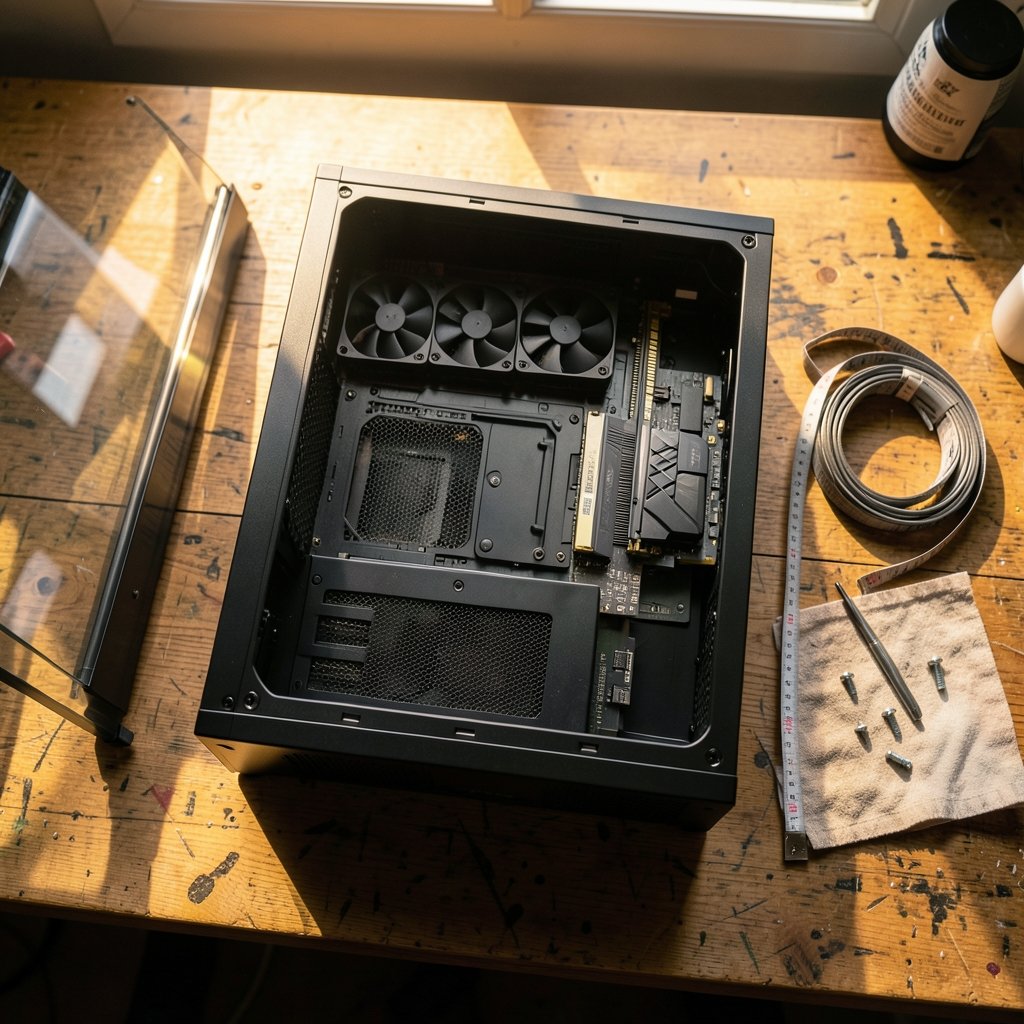
What good is a graphics card you saved for months to buy if it won’t slide into the case you picked in five minutes? That mismatch happens constantly, and it is the fastest way to turn a fun build into a week of returns. A PC case looks like the simplest part of a build, yet it decides what fits, how cool everything runs, how loud the machine gets, and whether you enjoy opening it two years from now.
Quick Answer: How do I choose gaming PC cases?
Start with fit, not looks: confirm the case supports your motherboard form factor, your graphics card length, your CPU cooler height, and your power supply size before anything else. Once those numbers clear, choose airflow and noise based on where the PC will sit and how much you care about sound.
Solid-front cases tend to run quieter but can starve components of air, while mesh-front cases trade some dust and noise for better airflow. Size alone does not decide cooling, so a big box is not automatically a cool one.
Before buying, compare motherboard support, GPU clearance, cooler and radiator space, PSU form factor and length, drive mounts, front-panel USB headers, dust filters, and cable-routing depth.
The Case Is the One Part You Keep
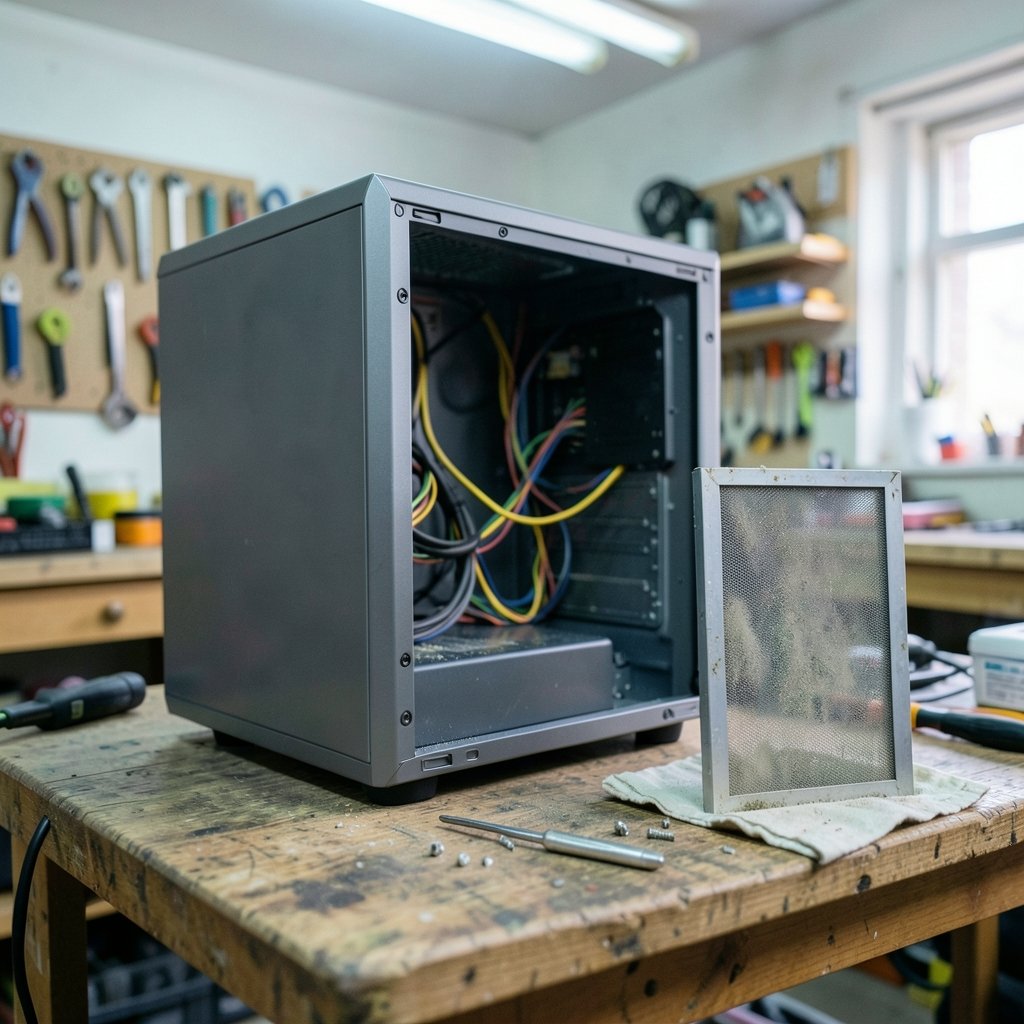
Most of a gaming PC gets replaced eventually. The GPU ages out, the CPU socket changes, and the power supply gets swapped. The case often survives two or three of those upgrade cycles. That makes it less of an accessory and more of a long-term decision, and it is why spending fifteen extra minutes on measurements pays off for years.
There is also a practical angle people forget: the case is the part you actually touch. You open it to clean filters, swap a drive, or repaste a cooler. A case with cramped cable space and sharp edges makes every one of those jobs worse. Practical builders learn to judge a case by how easy it is to work in, not by how it photographs.
Measure First: The Four Numbers That Decide Everything
Almost every case-buying regret traces back to one of four measurements. Write them down before you browse.
Motherboard form factor
Motherboards come in standard sizes, mainly ATX, Micro-ATX, and Mini-ITX, defined by the long-running ATX specification. A case that lists ATX support will also take Micro-ATX and Mini-ITX boards. A Mini-ITX case will not take an ATX board, no matter how clever the build video looked. The same logic applies to the power supply: most cases take standard ATX units, but small-form-factor cases often require SFX or SFX-L units instead.
Graphics card clearance
This is the most common fit failure by a wide margin. Cases publish a maximum GPU length, and thicker cards also need width and height room. High-end cards have grown longer and chunkier through the 2020s, so compare your card’s real dimensions against the case’s published clearance, not the marketing name. Leave a little slack for the power cables, which need room to bend without pressing against a side panel.
CPU cooler height and radiator support
Air coolers have a maximum height the case allows. Liquid coolers need matching radiator mounts, usually listed as 240, 280, or 360 mm positions. A tall air cooler in a narrow case is a classic near-miss: the panel bulges, or it simply will not close.
Power supply length
Even standard ATX power supplies vary in length, and a long unit can collide with drive cages or eat into GPU space. Check the case’s stated PSU clearance, especially in compact builds.
| Check | Where to find it | Common mistake |
|---|---|---|
| Motherboard support | Case spec sheet | Assuming any case fits any board |
| GPU length | Case specs vs. card specs | Trusting the card’s marketing size |
| Cooler height | Case specs vs. cooler specs | Forgetting radiator thickness |
| PSU size and length | Case specs vs. PSU specs | Buying ATX for an SFX-only case |
| Drive mounts | Case specs | Assuming 3.5-inch bays exist |
Airflow, Noise, and the Mesh Question
Here is where case shopping gets interesting, because the trade-offs are real and there is no free lunch.
Mesh-front cases let air through easily, which generally helps component temperatures. The cost is more dust ingress and often more fan noise escaping. Solid-front cases with side intakes favor quiet operation but can starve a hot GPU if the intake path is tight. Neither design is wrong; they suit different rooms and different priorities.
A few practical rules hold up across most reviews:
- Case size does not equal cooling performance. Layout, fan placement, and how much mesh area exists matter far more than raw volume.
- Fan count beats fan size alone. Two well-placed 140 mm intakes usually outperform one giant exhaust with no intake path.
- Positive pressure helps with dust. More intake than exhaust pushes air out through the filters rather than pulling dust in through every gap.
- Reviews with standardized thermal and noise testing are worth more than spec sheets. No formal standard governs case testing, so cross-review comparisons are imperfect, but consistent test rigs still beat marketing claims.
If you are weighing a case against a monitor or TV setup for the same room, the same logic applies: the space and lighting around the hardware change the experience as much as the hardware itself. The same is true when you choose a gaming monitor that matches the panel you actually play, because the room and the panel need to agree.
Radiator placement: contested territory
Where to mount an AIO radiator is one of the least settled topics in PC building. Manufacturer guidance and community testing have shifted over time on whether the pump should sit above or below the radiator. Treat any single recommendation as contested best practice rather than a settled rule, and follow your cooler maker’s current instructions.
Front-Panel I/O, Drives, and the Small Stuff
These details rarely sell a case, but they shape daily use.
Front-panel USB must match motherboard headers. USB naming has been revised more than once, so check whether the case’s front ports need a specific internal header your board provides. A case with a USB-C front port is only useful if your motherboard has the header to drive it.
Drive support has shifted toward M.2 storage. Many modern cases offer few or no 3.5-inch bays, which is fine if all your storage is on the motherboard. If you keep a big hard drive for a game library or media, confirm the mounts exist.
Dust filters that remove without tools cut cleaning time dramatically. Cable-routing depth behind the motherboard tray decides whether you can close the back panel without a fight. Both are qualitative, not standardized, which is exactly why reviews mention them.
Match the Case to Your Desk and Room
A case is furniture as much as hardware. Before committing, think about the physical space: shelf height, desk depth, and floor clearance. A mid-tower that fits under a desk is often a better choice than a full tower that crowds your legs.
Noise matters more in some rooms than others. A bedroom build benefits from solid panels and low-RPM fans; a living-room build might prioritize airflow and easy filter access. If your setup shares space with a TV, it is worth understanding how room lighting changes the viewing experience before you optimize the whole corner around one screen.
Temperature and dust in the room count too. A carpeted floor traps dust and blocks bottom intakes, so a case with tall feet or a desk mount helps. Pet hair is a filter-clogging machine, and removable filters turn a chore into a two-minute job.
Budget Realities: Where the Money Actually Goes
Case prices span a huge range, and the differences are not always where beginners expect.
| Price tier | What you typically get | What to watch |
|---|---|---|
| Budget | Basic steel, one or two fans, thinner panels | Fan count, sharp edges, filter quality |
| Mid-range | Mesh front, three fans, good cable space | Header support, radiator clearance |
| Premium | Better materials, refined airflow, tool-less panels | Diminishing returns on cooling |
The honest take: a mid-range mesh case with decent fans usually delivers most of the thermal benefit of a premium one. Money saved there is better spent on a stronger GPU or a better cooler. If the budget is tight overall, it helps to see how a whole build fits together when you pick gaming laptops under 1000 that actually fit a budget, because the same trade-off thinking applies to desktops.
Mistakes That Show Up Again and Again
Certain errors appear in build forums every single week. Avoiding them is mostly about slowing down for ten minutes.
- Buying the case before the GPU. Measure the card first, then shop.
- Trusting the product photo over the spec sheet. Photos hide depth and clearance.
- Forgetting radiator thickness. A 360 mm mount means little if a thick radiator plus fans collides with the motherboard.
- Ignoring cable space. A gorgeous glass panel hides nothing once the back panel bulges.
- Skipping the PSU form factor check on compact builds.
- Assuming more fans means quieter. More fans at low speed usually beat fewer fans at high speed, but only with a sensible layout.
A Five-Minute Buying Checklist
Before checkout, run through this sequence. It catches nearly every fit problem.
- Confirm motherboard form factor support.
- Compare GPU length, width, and height against published clearance.
- Check CPU cooler height or radiator mount sizes.
- Verify PSU form factor and maximum length.
- Confirm front-panel headers match your motherboard.
- Count drive mounts you actually need.
- Read at least two independent reviews with thermal and noise data.
- Check desk or shelf dimensions in your room.
That list takes minutes and prevents the most expensive kind of mistake: a return shipping label on a case you already unboxed.
Conclusion
Choosing a gaming PC case comes down to discipline before desire. Fit comes first: motherboard form factor, GPU clearance, cooler height, and power supply size. Then come the judgment calls: mesh versus solid front, fan layout, noise tolerance, front-panel needs, and how the case lives in your room. Get the measurements right and the rest becomes preference rather than risk. The best case is not the biggest or the prettiest. It is the one that swallows your parts without complaint, stays reasonably cool and quiet, and does not make you dread opening it.
Frequently Asked Questions
Does a bigger case cool better?
Not automatically. Cooling depends on layout, fan placement, and mesh area far more than on internal volume. A well-designed mid-tower with good intake often outperforms a large case with blocked airflow.
Can I fit an ATX motherboard in a Micro-ATX case?
No. The case must list support for your board’s form factor. ATX cases usually accept smaller boards, but a Micro-ATX or Mini-ITX case will not take a full ATX motherboard.
How much GPU clearance should I leave?
Compare your card’s actual length and thickness against the case’s published maximum, then leave a small buffer for power cable bends. Thick cards also need side-panel clearance, which spec sheets sometimes list separately.
Is a mesh front always better than a solid front?
No. Mesh generally improves airflow at the cost of more dust and noise escaping, while solid fronts favor quiet operation. The right pick depends on your components and how sensitive you are to sound.
Do I need a case with USB-C on the front?
Only if your motherboard has the matching internal header to drive it. Otherwise the port sits unused, so check your board’s headers before paying extra for front-panel features.
How often should I clean case dust filters?
Check them monthly in dusty rooms or homes with pets, and less often in clean spaces. Removable, tool-less filters make this quick, which is why reviewers pay attention to them.



