
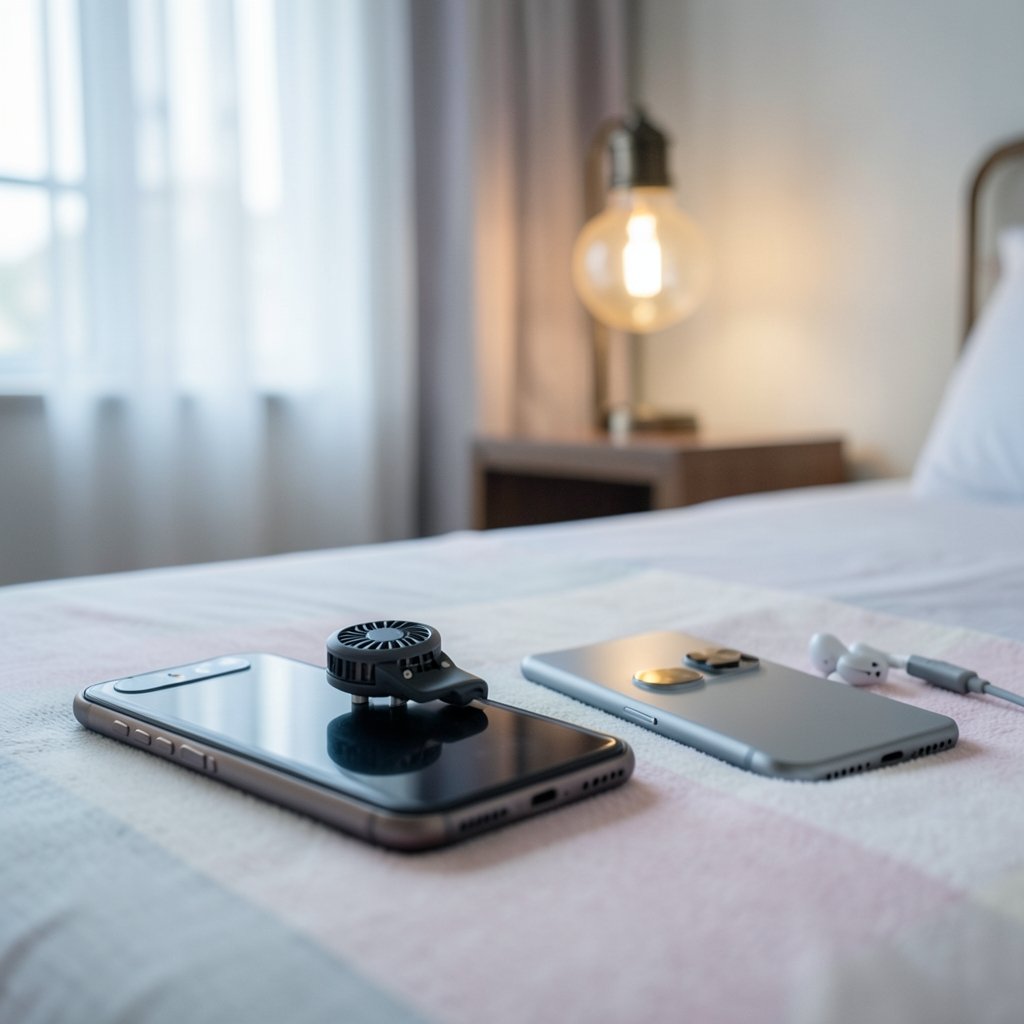
Quick Answer: How do I choose gaming phones?
Choosing a gaming phone means matching the hardware that actually affects play to the games you spend hours on. That usually comes down to sustained frame rates, display refresh and touch response, cooling, battery behavior, and how the phone feels in your hands during a long session.
The category is narrower than it once was, and many flagship phones now cover gaming needs without a “gaming” label. The real distinction is between phones built around active cooling and shoulder triggers versus standard flagships with strong chips and good screens.
Before buying, compare sustained performance in long reviews, refresh rate and touch sampling, cooling design, battery capacity and bypass charging, weight and ergonomics, update policy, and network support.
Why Gaming Phones Are Not Automatically the Right Answer
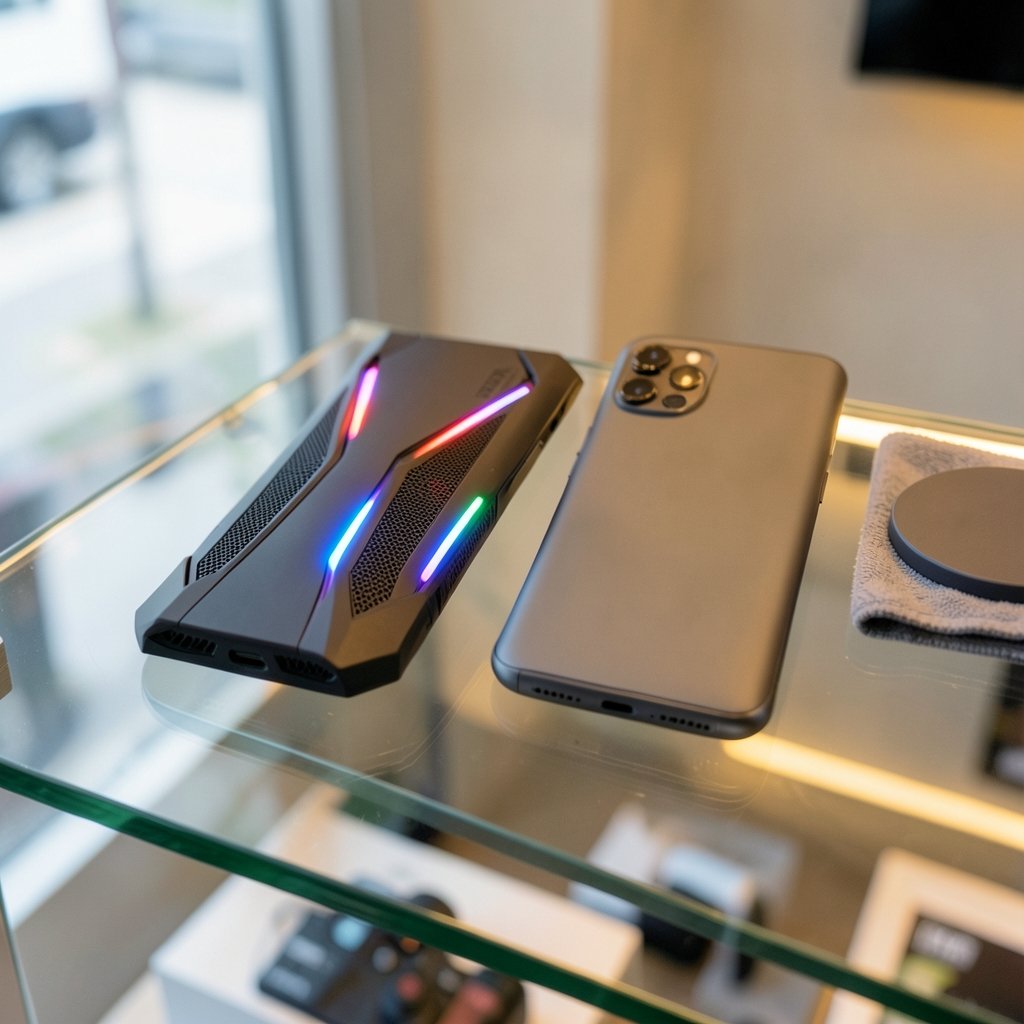
Walk into any phone store and the gaming-branded models practically shout at you. RGB lighting, angular designs, fans built into the back. It is easy to assume these are the best phones for playing, full stop. That assumption costs people money.
A gaming phone is a set of trade-offs, not a magic upgrade. Manufacturers pour budget into cooling hardware, shoulder triggers, and high refresh screens. Something has to give, and it is usually camera quality, water resistance, wireless charging, or plain pocketability. If someone plays two hours a week and takes a lot of photos, a standard flagship will likely serve them better.
The smarter question is not “which gaming phone is best” but “which phone removes the specific problems I hit while playing.” Someone who loses fights to frame drops needs thermal headroom. Someone who misses taps needs touch response. Someone who games on the bus needs battery endurance. Start there and the shortlist writes itself.
This guide walks through the specs that genuinely change how a game feels, the ones that are mostly marketing, and the practical checks that separate a good purchase from a regret.
Start With Your Games, Not the Spec Sheet
Before comparing a single number, list the games actually played and how long a typical session runs.
A player who spends 40 minutes on puzzle games and casual titles needs almost none of what a gaming phone offers. Someone deep into shooters, racing games, or demanding RPGs will feel every weakness. Competitive players who grind ranked ladders for hours have the strictest needs of all, because sustained performance matters far more to them than a benchmark score posted in the first five minutes.
Think about the genres too. Shooters reward touch sampling and shoulder triggers. Racing games reward stable frame rates and a screen that does not smear. Strategy and card games reward battery life and a big, readable display. Write down the top three games, then judge every phone against them.
The Specs That Actually Change How a Game Feels
Refresh rate and touch sampling rate
Two numbers get confused constantly. Refresh rate (how many times per second the screen redraws) and touch sampling rate (how often it registers a finger press) are different things. Gaming phones commonly ship with 120 to 165 Hz panels and touch sampling in the 240 to 720 Hz range.
Here is the catch: a 165 Hz screen does nothing for a game locked at 60 frames per second. High refresh only pays off when the game renders at matching frame rates. Touch sampling is the more universally useful figure, because faster registration means taps and swipes land sooner. If a spec sheet brags about refresh rate but stays quiet on touch sampling, that silence tells you something.
Sustained performance beats peak scores
This is the single most important idea in the whole category. A phone can post a spectacular benchmark score and then throttle hard after ten minutes of real play. Gaming phones typically pair flagship chipsets with vapor chambers or active cooling, sometimes fans or Peltier coolers, specifically to hold frame rates over long sessions.
Look for reviews that measure frame-rate stability across 30 minutes or more. Short benchmark runs flatter every phone. A reviewer who plots frame rate over time is worth ten who quote a single score.
Cooling design
Passive vapor chambers are silent and sealed. Active fans cool better but add weight, noise, and vents that collect dust. Neither is wrong; they suit different players. Someone gaming in short bursts indoors will rarely notice the difference. Someone doing three-hour sessions will.
Battery, charging, and bypass mode
Gaming phones often carry 5,000 to 6,000+ mAh batteries with fast charging in the 65 to 150 W range. Bigger is not automatically better, because fast charging generates heat, and heat throttles performance mid-game. Bypass charging, which runs the phone off the charger instead of the battery, is a genuinely useful feature for long sessions at a desk. It keeps temperatures down and spares the battery.
Shoulder triggers and gaming modes
Physical shoulder buttons and per-game performance profiles are the clearest hardware differences between gaming phones and regular flagships. They are transformative for shooters and near-useless for puzzle games. Be honest about whether they will get used.
Display quality beyond the numbers
Panel type, brightness, and PWM dimming all affect comfort. So does the room. The relationship between screen brightness, glare, and ambient light matters more than most buyers expect, and it is worth reading up on how gaming monitor vs tv room lighting changes viewing because the same principles apply to a phone held at arm’s length.
Audio, Haptics, and the Details People Forget
Stereo speakers matter for games without headsets. A headphone jack, still present on some gaming phones, sidesteps Bluetooth latency entirely. Low-latency Bluetooth codecs help, but wired audio remains the safest bet for competitive play.
Haptics are underrated. Good vibration feedback makes actions feel connected; mushy haptics make everything feel cheap. It is hard to judge from a spec sheet, so handle a demo unit if possible.
Weight, Ergonomics, and the Hands-On Reality
Gaming phones with large batteries and cooling hardware commonly weigh 220 to 270 grams. That is heavy. Held sideways for an hour, a heavy phone becomes a wrist workout, and a bulky camera bump can dig into fingers.
If you can try before buying, do it. Hold the phone horizontally. Check where the buttons fall. A phone that feels wrong in the hand will lose to a lighter one that feels right, no matter what the benchmarks say. The same logic applies across hardware categories: the best spec sheet loses to the device that fits actual use, which is why guides on how to choose gaming monitor match panel you actually play keep making the same point.
Software, Updates, and Long-Term Value
A phone is a multi-year purchase. Longer OS and security update commitments, with some manufacturers now promising four to seven years, matter enormously if the plan is to keep the device. Check the manufacturer’s official update policy for the specific model rather than trusting a general reputation.
Also check the gaming software layer. Per-game profiles, performance toggles, and clean overlays are helpful. Heavy bloatware and aggressive background-killing are not.
Network, Latency, and Online Play
Wi-Fi 6, 6E, and 7 support and 5G band coverage vary by region and model. Here is the honest truth: latency depends far more on the network and server distance than on the phone. A great phone on bad Wi-Fi loses to a mediocre phone on good Wi-Fi every time.
Buy for the network actually used. Check that the phone supports the Wi-Fi standard of the home router and the 5G bands of the local carrier. Beyond that, do not pay a premium for connectivity buzzwords.
A Practical Comparison Framework
| Factor | What to check | Who should care most |
|---|---|---|
| Sustained performance | Frame-rate stability over 30+ minutes | Competitive and long-session players |
| Refresh and touch sampling | Panel Hz and touch Hz, matched to game frame rates | Shooter and fast-action players |
| Cooling | Vapor chamber vs active fan | Players doing multi-hour sessions |
| Battery and charging | Capacity, wattage, bypass charging | Travelers and desk players |
| Shoulder triggers | Physical buttons and remapping | Shooter and racing fans |
| Weight | Grams and balance when held sideways | Everyone, especially small hands |
| Update policy | Years of OS and security updates | Buyers keeping phones 3+ years |
| Network | Wi-Fi standard and 5G bands | Online and mobile-data players |
Use the table as a checklist, not a ranking. A phone that wins on every row but feels awful in the hand is still the wrong phone.
Common Mistakes That Lead to Regret
The first mistake is buying on benchmark scores alone. The second is paying for 165 Hz when the games played cap at 60 fps. The third is ignoring weight until the return window closes.
Another frequent error is assuming “gaming phone” means better in every way. It does not. Cameras, water resistance, and wireless charging are often sacrificed. Buyers who also care about those features should weigh a flagship with strong sustained performance instead.
Finally, people over-buy. A casual player does not need active cooling and shoulder triggers. The same over-spec trap shows up everywhere, from phones to laptops, which is why advice on the best gaming laptops under 1000 actually fits budget makes a similar case for matching spend to real use. Peripherals deserve the same scrutiny: knowing whether a mechanical vs membrane keyboard gaming judge everyday setup suits actual habits prevents expensive mismatches.
Where to Buy and How to Verify Before Paying
Buy from retailers with a clear return window. Read reviews that test sustained performance rather than unboxings alone. Compare official spec sheets side by side for refresh rate, battery, and weight. If buying used, check battery health and inspect for dust-clogged vents on actively cooled models. Repair options matter too, and the guidance on how to choose repair stores phones without getting burned is worth reading before any screen or battery service.
Conclusion
Choosing a gaming phone comes down to matching hardware to habits. Sustained frame rates, touch response, cooling, battery behavior, and ergonomics decide whether a phone feels great in month six, while refresh-rate bragging rights and benchmark scores fade fast. Start with the games you actually play, check reviews that measure performance over time, hold the phone sideways when possible, and confirm the update policy before paying. Do that, and the right phone becomes obvious. Skip it, and the most expensive option on the shelf becomes the most disappointing one.
Frequently Asked Questions
Is a gaming phone better than a regular flagship for gaming?
Not automatically. Gaming phones usually win on sustained cooling, shoulder triggers, and touch sampling. Regular flagships often win on cameras, water resistance, and weight. The better choice depends on how long sessions run and which features get used daily.
How much refresh rate do I actually need?
Enough to match the frame rates of the games played. If games cap at 60 fps, a 120 Hz panel covers smooth menus and supported titles without paying for headroom that never gets used. Competitive players in fast games benefit most from higher refresh and touch sampling.
Do shoulder triggers really help?
For shooters and racing games, yes. They keep fingers off the screen and allow simultaneous actions. For puzzle, card, and strategy games, they add bulk for no benefit.
Is active cooling worth the extra weight and noise?
It is worth it for players doing long, demanding sessions, because it fights the throttling that ruins frame rates. Casual players in short bursts rarely need it and may prefer a lighter, sealed phone.
How long should a gaming phone last?
That depends on the update policy. Some manufacturers now promise four to seven years of OS and security updates, while others offer far less. Check the official policy for the exact model, since a powerful phone without updates ages badly.
Does 5G make online games faster?
Rarely by itself. Latency depends mostly on network quality and server distance. A strong Wi-Fi connection usually beats mobile data, and the phone’s 5G support matters less than the carrier’s coverage where the player actually is.



