

Quick Answer: Which gaming tablets are best for competitive gaming?
The best gaming tablets for competitive play are flagship models that pair a high refresh display with strong sustained performance, wide controller support, and reliable Wi-Fi. That means Apple’s iPad Pro line, Samsung’s Galaxy Tab S series, and Lenovo’s Legion Tab family, each of which fits a different kind of player and budget.
The choice narrows once you know your game. Android tablets tend to suit mobile esports titles and emulator-friendly setups, while iPadOS runs a smaller pool of competitive titles but offers smooth, consistent performance. Mid-range tablets can work for casual ranked play but often throttle during long matches.
Before buying, compare refresh rate, touch sampling rate, screen size and weight, sustained performance under load, Wi-Fi standard, controller support, and the device rules of any tournament you plan to enter.
Why the Screen Matters More Than the Chip
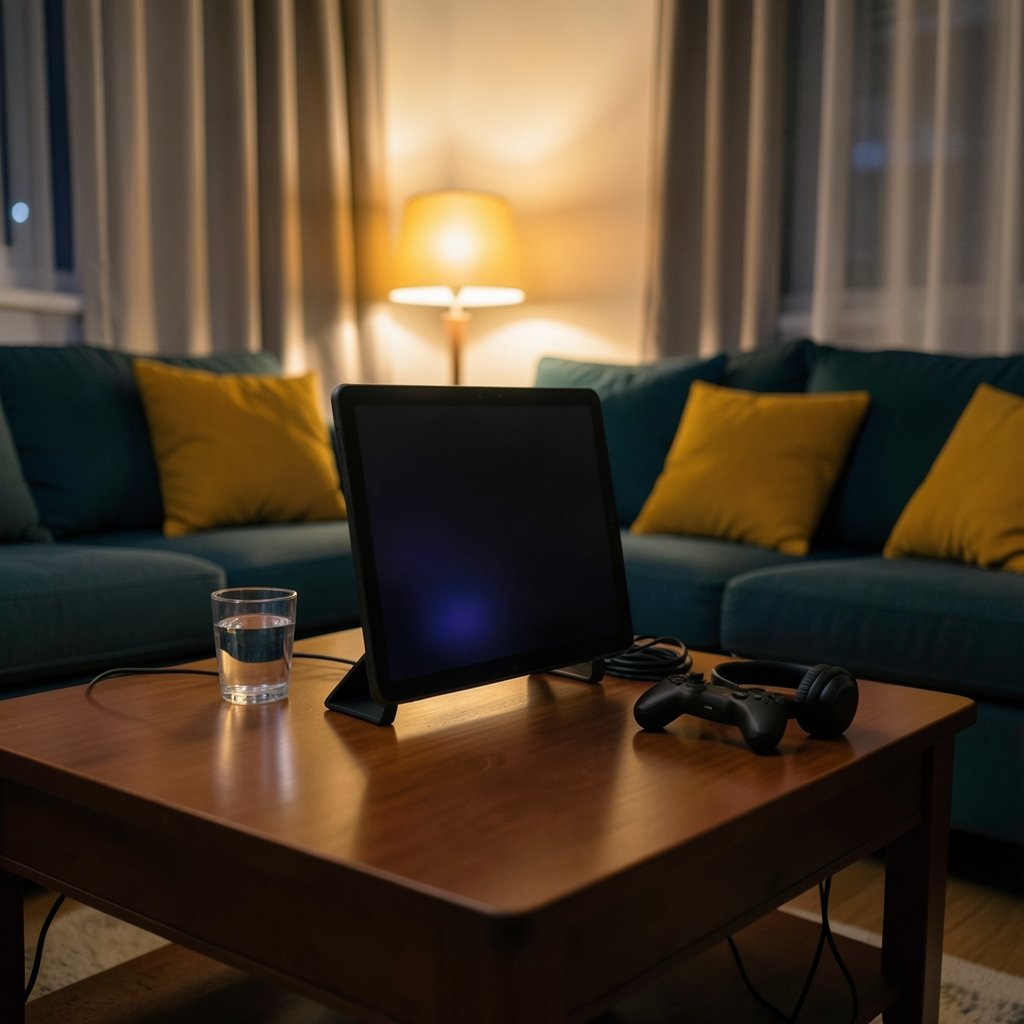
Walk into any competitive gaming discussion and someone will wave a benchmark score in your face. Ignore that for a moment. In mobile esports, the display and the network decide more matches than raw processing power ever will.
Refresh rate is how many times per second the screen redraws. Flagship gaming tablets have pushed from 120 Hz to 144 Hz and beyond, and the iPad Pro’s ProMotion display has offered adaptive refresh up to 120 Hz since the 2018 model. A higher refresh rate makes fast motion easier to track, which matters in shooters and racing titles.
Touch sampling rate is the quieter sibling. It measures how often the screen registers your finger, and higher sampling reduces input latency. Manufacturers love quoting peak numbers, but those peaks often apply only in specific modes. Independent testing here is scarce, so treat marketing figures with a raised eyebrow.
Then there’s the honest trade-off: size. An 11 to 13 inch screen helps you see the map in a MOBA or strategy game. It also stretches your reach and adds weight, and many competitive mobile titles are designed around phone-sized controls. Tablet players often adapt with claw grips or a controller.
The practical takeaway is simple. A tablet with a great chip and a sluggish touch layer will feel worse in a firefight than a mid-tier device with a responsive panel.
iPad Pro: The Polished Performer
Apple’s iPad Pro has used the M-series chip since the M1 arrived in April 2021, with the M2 following in October 2022 and the M4 in May 2024. That is desktop-class hardware in a slab you can hold.
What works in its favor is consistency. Frame pacing is steady, the display is excellent, and controller support is native for Xbox and PlayStation pads, a feature that has been in place since iPadOS 13 in 2019. If your competitive game of choice runs on iOS, the experience is hard to beat.
What works against it is the ecosystem. iPadOS limits some competitive features, app store rules constrain emulators, and certain Android-only esports titles simply aren’t available. Third-party controller mapping apps are also blocked, which frustrates players who like remapping buttons.
The iPad Pro is the right pick if your game exists on iOS and you value a smooth, predictable experience over tinkering. If you need emulators or regional Android esports titles, look elsewhere.
Android Gaming Tablets: The Esports Workhorses
Android is where most mobile esports actually live. Regional PUBG Mobile and Free Fire circuits run on Android, and that alone pushes a lot of competitive players toward this camp.
Samsung’s Galaxy Tab S series has been the steady flagship line, with the S8 arriving in February 2022 and the S9 in July 2023. These tablets pair high-refresh AMOLED or LCD panels with strong chips and, on some models, bypass charging, which powers the device directly to cut heat during long sessions. That feature varies by model and region, so confirm it before you buy.
Lenovo’s Legion Tab line targets gamers more directly, with high-refresh panels and gaming-oriented tuning. It is a smaller, more niche option, but it exists specifically because players asked for it.
Android’s other advantage is peripheral freedom. Bluetooth and USB-C controllers work broadly, and emulator support is far more open than on iPadOS. If you like to customize your setup, this is your playground.
The catch is fragmentation. Performance tuning varies wildly between brands, and some tablets ship with aggressive thermal limits that only show up after twenty minutes of play.
Matching the Tablet to Your Game
Not every competitive genre rewards the same hardware. Here is how the major categories shake out.
| Game type | What matters most | Tablet fit |
|---|---|---|
| Shooters (PUBG Mobile, Call of Duty: Mobile) | Touch sampling, refresh rate, low latency | Smaller Android tablets or iPad Pro with controller |
| MOBAs (Mobile Legends) | Screen size, visibility, steady frames | Larger 11 to 13 inch tablets |
| Strategy and card games | Screen size, battery life | Any mid-range or flagship tablet |
| Emulated retro and indie titles | Chip power, emulator support | Android tablets |
| Racing and sports | Refresh rate, controller support | iPad Pro or high-refresh Android flagship |
If you are weighing a tablet against a dedicated console or a PC, it helps to know where each platform actually shines. A tablet wins on portability and touch-native titles; a console or PC wins on raw power and library depth. Our breakdown of the best handheld gaming consoles 2026 which one actually fits is a useful sanity check if you are torn between form factors, and the PS5 Pro vs gaming PC comparison covers the desk-bound side of the same question.
The Specs That Actually Decide Matches
Benchmark charts flatter devices that throttle after fifteen minutes. Competitive matches run thirty to sixty minutes. What you want is sustained performance, and that comes down to cooling design.
Tablets with larger chassis generally dissipate heat better than phones, but thin designs throttle. Independent sustained-load testing is far more trustworthy than a peak score, so look for reviews that run long sessions rather than quick synthetic bursts.
Input latency and Wi-Fi are the next bottleneck, and they are often bigger than raw frame rate. Wi-Fi 6, 6E, and 7 support plus low-latency modes matter for online ranked play. Ethernet through a USB-C adapter is possible on some tablets, though support varies by device. If you have ever blamed your reflexes for a loss that was really your connection, our piece on Ethernet vs wi-fi gaming which connection actually wins is worth ten minutes of your time.
One more spec deserves attention: storage and RAM. Competitive titles are large, and background apps eat memory. A tablet with plenty of both will feel smoother over a two-year lifespan than one that skimps.
Tournament Rules Can Rule Out Your Dream Tablet
Here is the mistake almost nobody checks before spending money. Many competitive circuits publish device policies, and those policies can exclude tablets entirely or cap refresh rates for fairness.
Before you buy, find the official rulebook for the specific tournament you plan to enter. Rules change between seasons and regions, and a tablet that is legal in one circuit may be banned in another. This single check can save you several hundred dollars of regret.
Platform availability is the related trap. Some regional PUBG Mobile and Free Fire circuits run on Android, while certain Call of Duty: Mobile tournaments have their own device rules. Buying an iPad for a game that only runs its competitive scene on Android is an expensive way to learn a lesson.
Accessories and Setup Habits That Help
A few practical habits separate players who get the most from a tablet from those who fight their hardware.
Use a controller where the game allows it. Touch controls on a large screen force awkward claw grips. A Bluetooth or USB-C pad levels the field, though check that the game permits controller input in ranked modes.
Manage heat deliberately. Play without a thick case, avoid charging during matches where possible, and take advantage of bypass charging if your tablet supports it. Heat is the enemy of consistent frames.
Trim background apps. Notifications and syncing apps steal cycles and attention. A focused device is a faster device.
Test your network before ranked play. Run a few casual matches on your usual connection and note the ping. If it wobbles, fix the connection before you blame the tablet.
If you are building out a wider competitive setup, the same logic applies to peripherals. Our guide to the best gaming monitors competitive gaming actually wins you covers the desk side, and the best gaming consoles 2026 which system actually fits your roundup helps if you are deciding whether a tablet should be your primary or secondary device.
Common Mistakes Buyers Make
The first mistake is buying on chip benchmarks alone. A fast processor with a slow touch layer loses firefights.
The second is choosing the biggest screen. A 13 inch tablet is glorious for strategy games and exhausting for shooters held in two hands.
The third is ignoring sustained performance reviews. Peak scores tell you almost nothing about minute forty of a match.
The fourth is skipping the tournament rulebook. Device policies can invalidate an otherwise perfect purchase.
The fifth is treating Wi-Fi as an afterthought. A flagship tablet on a weak connection plays worse than a mid-range one on a clean network. Cloud services add another layer to that decision, and our comparison of Xbox cloud gaming vs ps plus premium which cloud service explains how streaming changes the latency equation.
Conclusion
The best gaming tablet for competitive play is the one that matches your game, your region’s tournament rules, and your hands. Apple’s iPad Pro delivers polish and consistency for iOS titles. Samsung’s Galaxy Tab S series and Lenovo’s Legion Tab line serve the Android esports world with high-refresh panels and broader peripheral freedom. Mid-range tablets can carry you through casual ranked play, but expect compromises under sustained load.
Prioritize the display, sustained performance, and network support over camera specs and storage bragging rights. Check the rulebook before you spend. Then practice on the device you bought, because no refresh rate compensates for unfamiliar controls.
FAQ
Do I need a flagship tablet to play competitively?
No. A well-chosen mid-range tablet with a responsive display and stable Wi-Fi can handle ranked play in many titles. Flagships mainly buy you higher refresh rates, better sustained performance, and longer useful life.
Is a bigger tablet better for competitive gaming?
It depends on the genre. Larger screens help with MOBAs, strategy, and card games where visibility matters. Shooters often feel better on smaller tablets because reach distance and weight stay manageable.
Can I use a controller with a gaming tablet?
Usually yes. Android supports Bluetooth and USB-C controllers broadly, and iPadOS has supported Xbox and PlayStation controllers natively since 2019. Check that your specific game allows controller input in ranked modes.
Why does my tablet slow down after twenty minutes?
That is thermal throttling. Thin designs struggle to shed heat during long sessions, so the chip reduces speed to protect itself. Tablets with larger chassis and better cooling hold their performance longer.
Does refresh rate matter more than touch sampling rate?
Both matter, and they solve different problems. Refresh rate affects how smoothly motion appears, while touch sampling affects how quickly your input registers. For shooters, a weak touch layer hurts more than a modest refresh rate.
Are tablets allowed in mobile esports tournaments?
Sometimes, and it varies by circuit. Many tournaments publish device policies that can exclude tablets or cap refresh rates. Always read the official rulebook for your specific event before buying hardware.



