How to Use Smart Glasses for Work
Smart glasses are moving from trade-show demos into real workplaces. A pair looks much like ordinary eyewear, but adds a small display, speakers, a microphone and often a camera to the frame. That combination lets you read a message, follow instructions or join a call without picking up your phone or staring at a monitor.
The technology has reached the stage where it is genuinely useful for everyday jobs. Display glasses can float a virtual screen in front of you, camera glasses can record what you see for a remote colleague, and AI glasses can answer a question or translate a conversation in real time. Battery life, display brightness and comfort have all improved enough that a pair can now last through a normal working day, at least for lighter tasks.
This guide explains how to use smart glasses for work in practice: choosing the right pair, setting them up, building them into your daily routine, and handling the privacy and etiquette questions that come with wearing a camera on your face.
Key takeaways
- Smart glasses are best at hands-free tasks: reading notifications, following instructions, taking calls and capturing what you see.
- Pick the pair for your job, not the most advanced one: display glasses suit desk and field work, camera glasses suit recording and remote help, and audio glasses suit calls and listening.
- Set up pairing, voice controls, privacy settings and prescription lenses before the first workday, not during it.
- Wear them in short sessions at first and build up gradually, because eye strain and neck fatigue are the most common early complaints.
- Always tell colleagues and clients when the camera or microphone is active, and check your employer’s policy before recording anything at work.
Step 1: Choose the right smart glasses for your job
The first decision is what kind of smart glasses you actually need, because the category now covers several very different products. Display glasses project a screen into your field of view and work well for reading documents, checking checklists or watching a second monitor while your hands stay free. Camera glasses focus on capturing photos and video from your point of view, which suits inspections, training and remote support. Audio glasses have no display at all and simply put speakers and a microphone into the frame, which is enough for calls, podcasts and voice assistants.
Match the type to the tasks you do most. A field technician who follows repair steps benefits most from a display, while a trainer who records demonstrations benefits most from a camera. An office worker who mainly wants hands-free calls can save money and weight with audio glasses. Our guide to the best smart glasses in 2027 compares the leading models across all three types. Before ordering, check battery life, prescription lens options and app compatibility.
Step 2: Set up pairing, apps and voice controls
Unbox the glasses, charge them fully and install the companion app on your phone before you need them for anything important. Pairing usually happens over Bluetooth through the app, and the app will also install firmware updates, which can take ten to fifteen minutes. Do this at home or at your desk, not five minutes before a meeting, because an interrupted update can leave the glasses unusable until it finishes.
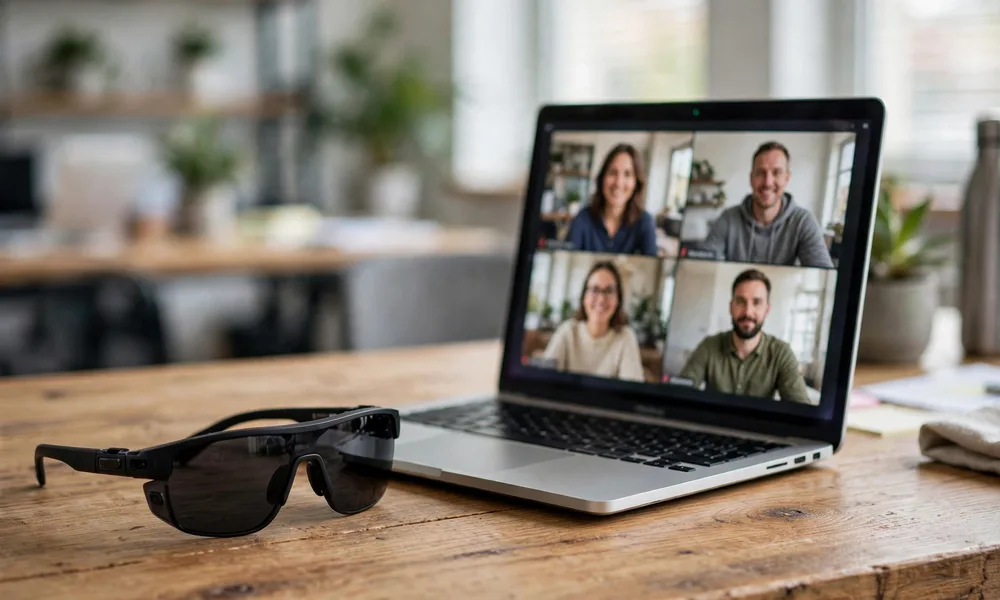
Once paired, walk through the settings one by one. Turn on the voice assistant and learn its wake word and the basic commands for calls, messages and navigation. Connect the apps you will use at work, such as your calendar and messaging service, and decide which notifications are allowed to reach the glasses. Set up the privacy controls at the same time. Most camera glasses have a visible light that shows when recording, and an option to turn the camera off entirely.
Step 3: Fit the glasses and adjust the display
Comfort decides whether you will keep wearing smart glasses or leave them in a drawer, so spend time on the fit. Adjust the nose pads and temple arms until the frame sits level and does not slide down when you look at the floor. If you wear prescription lenses, have them fitted by an optician rather than guessing, since a poor fit makes the display harder to read and causes headaches. The glasses should feel like ordinary eyewear within a few minutes; if they pinch behind the ears or press on your nose, they need adjusting.
Next, adjust the display to suit your eyes. Most display glasses let you move the virtual screen up, down or to the side, and change its brightness and size. Set the screen slightly below your direct line of sight, so you can glance down at it and still see the room clearly. Brightness should match the room: too bright in a dim office causes strain, and too dim in sunlight makes the display unreadable.
Step 4: Build smart glasses into your daily routine
Start with one or two tasks and add more as the glasses become familiar. A good first task is handling notifications and calls hands-free: glance at a message, dictate a short reply, or answer a call while your hands stay on your work. A second easy win is following a checklist or a set of instructions, such as a maintenance procedure or a warehouse picking list, with each step shown in the display as you work through it.
Use the glasses for meetings in a deliberate way. Audio glasses let you hear a call clearly without earbuds, and display glasses can show the agenda or your notes alongside the conversation. Keep the camera off unless everyone in the meeting knows it is on, and avoid reading long documents during a call, since the person speaking can tell when your eyes are elsewhere. For field and hands-on work, the biggest gain is remote help: a colleague or expert can see what you see through the glasses’ camera and talk you through a repair, an inspection or a diagnosis without travelling to your location.
Step 5: Manage battery, storage and charging
Battery life is the main practical limit of smart glasses, so plan around it. Most pairs last between three and six hours of mixed use, and much less if the display or camera runs constantly. Charge them overnight, and top them up during lunch if your day is long. A small charging case, if your model has one, is worth carrying, since it can add several hours without a power socket.
Learn which features drain power fastest and switch them off when you do not need them. The camera and the display are the biggest consumers, followed by continuous voice listening. If you only need audio for the afternoon, turning the display off can double the remaining battery. Lower the brightness indoors, since a display at full brightness wastes power for no benefit.
Step 6: Follow workplace rules, privacy and etiquette
Smart glasses raise questions that ordinary eyewear does not, and the rules are still catching up. Before wearing them at work, read your employer’s policy on recording devices, and ask your manager if no policy exists. Some workplaces ban cameras in certain areas, such as changing rooms, medical facilities or rooms where confidential information is discussed. Knowing the rules in advance avoids an awkward conversation later.
Tell people when you are recording. A simple “I am recording this inspection so the team can review it” is enough in most situations, and it builds trust. Never record a conversation secretly, and never photograph a colleague, a client or a member of the public without their knowledge. In many places, recording audio without consent can break the law, and even where it does not, it damages working relationships quickly.
Troubleshooting common problems
If the glasses will not pair with your phone, start with the basics: turn Bluetooth off and on, restart both devices, and check that the glasses are not still connected to another phone. Remove the old pairing from your phone’s Bluetooth list and pair again from scratch.
Display problems usually have a simple cause. A blank or flickering display often means low battery or a loose connection, so charge the glasses and restart them. If the image looks blurry, clean the lenses and the display window, then adjust the fit, because a frame that has slipped down your nose moves the display out of alignment. For eye strain or headaches, take the glasses off for ten minutes every hour during the first week and reduce display brightness; if discomfort continues after a week, have the fit and your prescription checked.
Frequently asked questions
Are smart glasses comfortable to wear all day?
Most modern pairs weigh about the same as ordinary glasses and are comfortable for several hours, but few people wear them for a full eight-hour day without a break. Start with two or three hours a day and build up, and take them off during lunch or long desk sessions when you do not need them.
Can I wear smart glasses with prescription lenses?
Yes, most major models support prescription lenses, either through clip-in inserts or lenses fitted by an optician. Check the options before buying, since the cost and fitting process differ between brands, and some display glasses need the prescription built into a special lens.
Do smart glasses work without a phone?
Most pairs need a phone nearby for internet access, apps and processing, and they connect over Bluetooth. Calls, messages and AI features generally require the phone connection.
How long does the battery last during a workday?
Typical battery life is three to six hours of mixed use, and less with the display or camera running constantly. For a full workday, plan a midday top-up or carry the charging case, and switch off the display when you only need audio.
Is it legal to record video with smart glasses at work?
It depends on your location and your employer’s policy. Recording video in public areas is usually allowed, but recording audio without consent is restricted in many places, and most workplaces ban cameras in private or sensitive areas. Always inform people before recording and follow your employer’s rules.
Are smart glasses worth it for office work?
They are worth it if your work benefits from hands-free information: frequent calls, following checklists, or checking notifications while moving around. If you sit at a desk with two monitors all day, a pair of smart glasses adds little. Our overview of what an AI wearable is explains where these devices fit alongside watches and earbuds, and our roundup of the best AI wearables in 2027 shows the alternatives worth comparing.
The bottom line
Smart glasses work best when they solve a specific problem in your working day, rather than when they are bought as a gadget. Choose the type that matches your job, set the glasses up properly before you need them, start with one or two hands-free tasks, and build from there. A short trial run on a quiet day is the best way to learn what the glasses can and cannot do for you.
The habits in this guide will still apply: pick for the task, respect the people around you, and judge the glasses by whether they make your work easier. If they do, keep wearing them; if they do not, no amount of new features will change that.