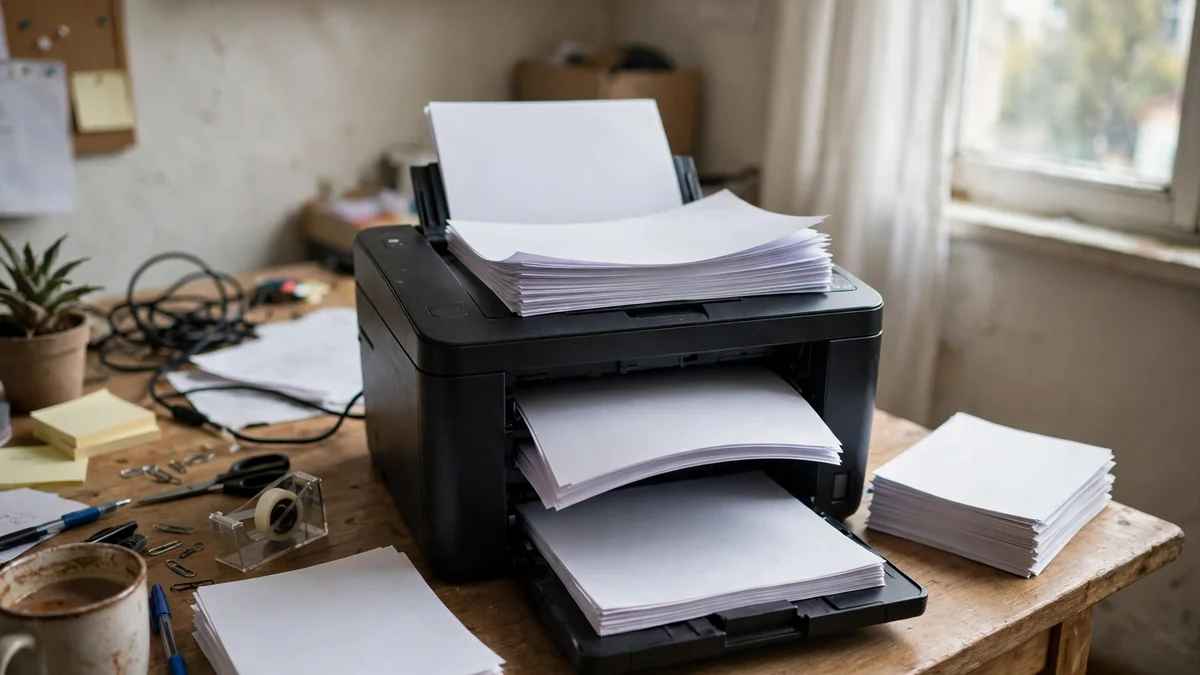
Every small office eventually faces the same question: laser or inkjet? Either technology can sit on a desk, connect to Wi-Fi, and print the documents your office needs. The expensive part is everything that follows: the toner or ink, the maintenance, the waiting, and the pages that come out looking wrong.
The two technologies work in completely different ways. A laser printer melts dry toner powder onto the page with heat, which makes it fast and sharp for text. An inkjet printer sprays tiny drops of liquid ink, which makes it better at colour and photos but slower and more fiddly to maintain. Neither is better in every way, and the right choice depends on what your office actually prints.
This comparison looks at laser and inkjet printers for small offices in 2027, judged on cost per page, speed, print quality, and maintenance. We compare the technologies themselves, not the brands, so you can choose the right type first and worry about the model afterwards.
Key takeaways
- Laser printers usually win on speed and black-and-white running costs, printing around 30 pages per minute with toner that never dries out.
- Inkjet printers usually win on colour quality and photos, and tank models can match laser on running costs for colour work.
- Work out your cost per page, not just the price of the printer: a cheap printer with expensive cartridges is the most expensive option.
- Offices that print rarely should favour laser, because inkjet print heads can clog after weeks of sitting idle.
- Check current pricing before you buy, as printer and cartridge prices change with sales and new models.
Laser vs inkjet at a glance
| Feature | Laser | Inkjet |
|---|---|---|
| Best for | Fast black-and-white documents | Colour reports, flyers, and photos |
| Cost per page (black-and-white) | Low, a few cents with high-yield toner | Higher with cartridges, very low with ink tanks |
| Cost per page (colour) | Higher than ink tank models | Very low with refillable ink tanks |
| Typical starting price | From around $200 for a mono all-in-one | From around $150 for a cartridge model, $250 for a tank model |
| Print speed | Faster, around 30 pages per minute | Slower, around 15 pages per minute |
| Photo quality | Good for documents, weaker for photos | Excellent, with smooth tones and fine detail |
| Maintenance | Very little; toner never dries out | Needs regular use to keep print heads clear |
Prices are approximate starting prices and change often, so check current pricing before you buy.
Laser printers for small offices

Laser printers are the workhorses of the small office. They use a laser to draw the page onto a drum, then melt dry toner powder onto the paper with heat. The result is crisp, sharp text that does not smudge, at speeds of around 30 pages per minute for a typical office model, with the first page out in under ten seconds. For an office that prints contracts, invoices, letters, and reports all day, that speed adds up to real time saved.
The running costs suit document-heavy offices too. A high-yield toner cartridge prints thousands of pages, and the cost per black-and-white page works out to a few cents. Because toner is a dry powder, it never dries out or clogs, so a laser printer that sits unused for a month will print perfectly when it is switched on again. Maintenance is minimal: change the toner when it runs out and replace the drum every few years.
The trade-offs are colour and size. Colour laser printers cost more to buy and more per colour page than a tank inkjet, and while their colour is sharp for charts and presentations, it is weaker for photos, where tones can look flat. Laser printers are also bigger and heavier than inkjets, so measure the desk space before you buy.
Laser pros
- Fast printing, around 30 pages per minute, with quick first-page-out times
- Very low cost per black-and-white page with high-yield toner
- Toner never dries out, so idle printers still work perfectly
- Sharp, smudge-free text on every page
Laser cons
- Colour printing costs more per page than tank inkjet models
- Photo quality is weaker, with flatter colour tones
- Bigger and heavier than inkjet printers, needing more desk space
Inkjet printers for small offices
Inkjet printers work by spraying tiny droplets of liquid ink onto the page, thousands per second, building up text and images dot by dot. That method makes them the best choice for colour: reports with charts, flyers, presentations, and photos all come out with smooth tones and fine detail that a laser printer struggles to match.
The running cost story has changed thanks to refillable ink tank models. Instead of small cartridges that run out every few hundred pages, tank printers hold large reservoirs you top up with bottles of ink. One set of bottles can print thousands of pages, and the cost per colour page drops to a fraction of what a cartridge inkjet or colour laser charges. For an office that prints a lot of colour, the savings over two or three years can run into hundreds of dollars. Tank models cost more up front, typically from around $250, so the maths only works if your colour volume is real.
The weakness of inkjet is maintenance. Liquid ink dries, so leave an inkjet unused for a few weeks and the print head nozzles can clog, needing a cleaning cycle that wastes ink and time. Offices that print every day will never notice this, but a printer that sits idle over a holiday will. Inkjets are also slower than lasers, typically around 15 pages per minute, so a long document run takes twice as long.
Inkjet pros
- Excellent colour quality for reports, flyers, and photos
- Very low colour cost per page with refillable ink tank models
- Smaller, lighter machines that fit easily on a desk
- Cheaper to buy than a comparable colour laser
Inkjet cons
- Slower print speeds, especially for long documents
- Print heads can clog if the printer sits unused for weeks
- Cartridge models have high running costs unless you buy a tank model
Laser vs inkjet head to head
On cost per page, the answer depends on what you print. For black-and-white documents, laser usually wins: high-yield toner keeps the cost to a few cents a page, while a cartridge inkjet can cost several times more. For colour, a tank inkjet wins by a wide margin, with ink bottles costing a few dollars for thousands of pages. The honest way to decide is to count your pages for a month, split them into black-and-white and colour, and price both options with your real numbers.
On speed, laser wins clearly. A laser printer at around 30 pages per minute finishes a 60-page report in two minutes; an inkjet at around 15 pages per minute takes four, and the gap grows with duplex printing. On quality, the split is just as clear: laser wins on sharp text, inkjet wins on colour and photos.
On maintenance, laser wins for the forgetful office. Toner never dries out, there are no print heads to clean, and a laser printer can sit idle for a month and work perfectly. An inkjet needs a weekly print to stay healthy, which is one more small job to remember. Inkjets are smaller, lighter, and cheaper to buy, which matters where desk space is tight. If your office already has brand preferences, our comparison of Epson vs Brother printers for small offices looks at how the two most popular brands handle these trade-offs in practice. And if the printer sits in a wider print workflow, our guide to the best software for print shops covers the tools that sit around the printer itself.
The verdict
Choose laser if your office prints mostly black-and-white documents and values speed and reliability above all. A laser all-in-one will print contracts, invoices, and letters fast, scan both sides of a document in seconds, and keep working with almost no attention.
Choose inkjet if your office prints a lot of colour. A tank inkjet is the cheapest way to print colour reports, flyers, and presentations, and the savings grow with every page. It suits design-led offices, estate agents, schools, and any small business that lives in colour. If your office prints very little, under 100 pages a month, either technology works and the cheapest reliable model wins. When the printer shares a desk with a laptop, the best ultrabooks pair well with either technology’s mobile printing apps, so spend the money you save on hardware your team uses every day.
Small office printer checklist
- Count your monthly pages, split into black-and-white and colour, before you shop.
- Work out the cost per page for toner or ink, not just the price of the printer.
- Check the scanner: a two-sided document feeder saves hours on contracts.
- Make sure the printer has Ethernet if your office Wi-Fi is unreliable.
- Test mobile printing from the phones your staff actually use.
- Measure the desk space: laser printers are bigger and heavier than inkjets.
Frequently asked questions
Which is cheaper to run, laser or inkjet?
For black-and-white printing, laser is usually cheaper per page thanks to high-yield toner. For colour printing, a tank inkjet is usually far cheaper, with ink bottles costing a few dollars for thousands of pages. A cartridge inkjet is the most expensive option for either, so count your pages separately first.
Do inkjet printers clog?
They can, if left unused for several weeks. The print head nozzles dry out and need a cleaning cycle, which uses ink. Printing at least once a week, even a single test page, keeps the heads clear. Offices that print daily rarely have this problem at all.
Are laser printers good for photos?
Laser printers are good for documents, charts, and presentations, with sharp text and clean colours. They are less suited to photos, where inkjets produce smoother tones and finer detail. If your office prints photos for clients or marketing, an inkjet is the better pick.
Can I use third-party toner or ink?
Yes, for both technologies, though quality varies. Third-party toner is widely available and usually reliable. Third-party ink is also sold, but poor-quality ink can clog print heads, so buy from a known supplier.
How long do small office printers last?
Most small office printers last five to seven years with normal use. Laser printers often last longer because they have fewer parts that wear out, while inkjets last as long as they are used regularly and kept clean.
Do I need a colour printer for a small office?
Not always. If your office prints almost entirely black-and-white text, a mono laser printer is cheaper to buy and run, and faster too. A colour printer only earns its keep if you print colour reports, flyers, or photos at least a few times a month.
The bottom line
There is no single winner between laser and inkjet, only a better fit for your office. Laser wins on speed, reliability, and black-and-white value. Inkjet wins on colour running costs and photo quality. The right choice comes from your own numbers: how many pages you print, how much of that is colour, and how much patience your office has for maintenance.
Start by counting a month of printing, then price a laser against a tank inkjet using your real page counts. Buy the one that costs less over three years, not the one that costs less on the day. Whichever you choose, set it up on the network properly and teach everyone to print from their phones.