
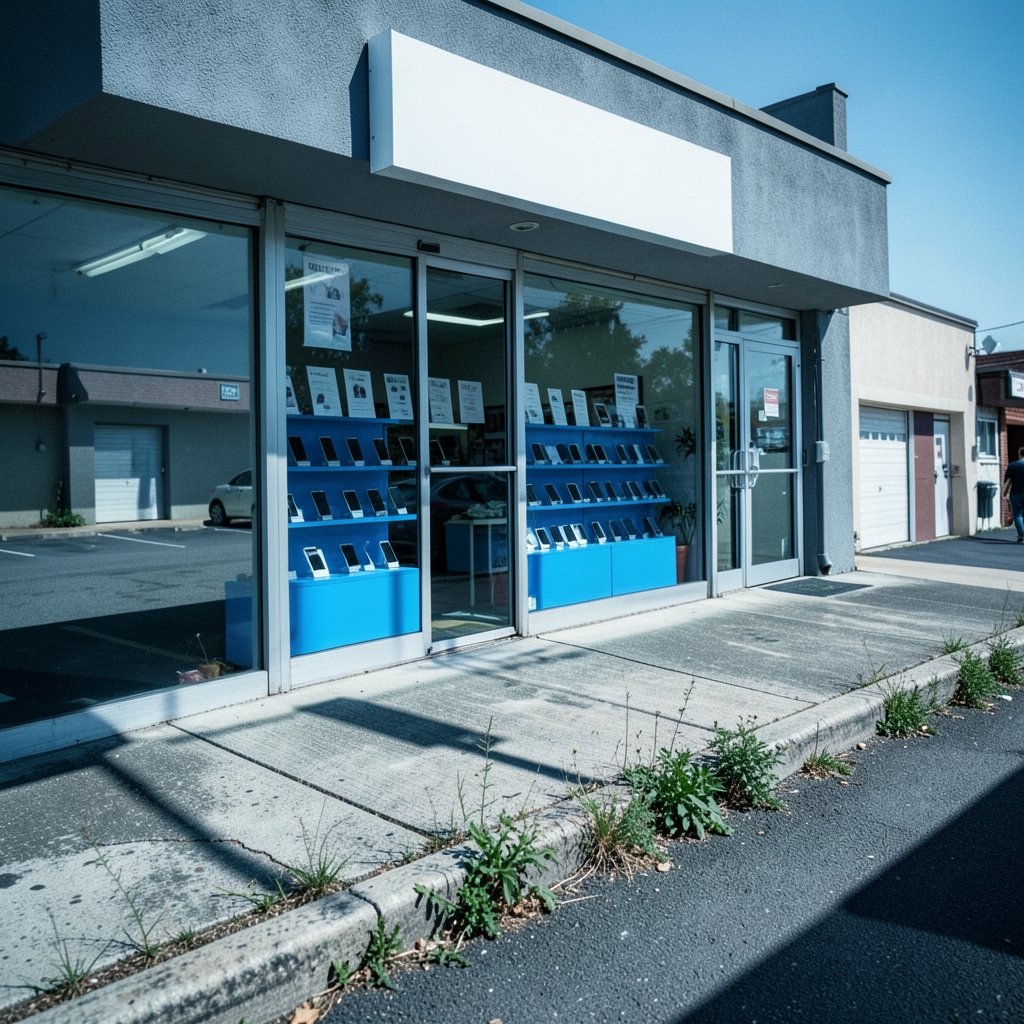
What if the closest phone store to your house is not actually the one you should walk into? That question matters more than it sounds when you type “metro pcs near me” into a search bar. The results you get are a mix of official listings, dealer pages, map pins that may be years out of date, and reviews written by people who had a great visit or a terrible one. Sorting through that takes ten minutes you did not plan to spend.
Here is the good news: finding a real Metro by T-Mobile location is not hard once you know how the brand works, which stores can actually help you, and what to bring so you do not make two trips. This guide walks through all of it, including the mistakes that send people home empty-handed.
What “Metro PCS” Actually Means Now
MetroPCS started as a standalone prepaid carrier and became part of T-Mobile when the acquisition closed in 2013. A few years later, the brand was renamed Metro by T-Mobile, though most customers still say “MetroPCS” out of habit. That naming split is the first reason “near me” searches go sideways. Some listings use the old name, some use the new one, and a few use both in different places on the same page.
The practical takeaway: if a search result looks old but the address is close, do not dismiss it. Check the store’s current name and hours before you drive over. And if you want the corporate paper trail on the merger, the SEC’s EDGAR filing index for MetroPCS holds the original documents.
Metro runs on T-Mobile’s network, which means coverage, device compatibility, and service quality all follow T-Mobile’s footprint rather than a separate Metro network. That is useful to know before you visit, because a store employee can check coverage at your home address while you are standing at the counter. (Metro by T-Mobile)
Why Your “Near Me” Results Look Different From Your Friend’s

Search engines and map apps personalize local results using your device location, your past searches, and your account settings. Google explains how location influences search results in its own help documentation, and the short version is that two people on the same street can see different store lists.
That creates a few real-world problems:
- Stale pins. A closed dealer location can linger on a map for months.
- Duplicate listings. The same store may appear twice under “MetroPCS” and “Metro by T-Mobile.”
- Distance distortion. A store two miles away as the crow flies might be a 15-minute drive with a highway in between.
The fix is boring but effective: cross-check two sources. Use the official store locator as your primary reference, then confirm the address on a map app to see the actual route and current hours. If the two disagree, trust the official locator and call ahead.
Corporate Stores vs. Authorized Dealers
Not every Metro store is run the same way. The network includes corporate-owned locations and authorized dealers, and the difference shows up in small but annoying ways.
| Feature | Corporate store | Authorized dealer |
|---|---|---|
| Hours | Usually standard and consistent | Varies widely, sometimes mall-based |
| Inventory | Broader device and SIM stock | Can be limited or model-specific |
| Service policies | Follows corporate policy closely | May differ on returns and fees |
| Account changes | Generally full support | Usually full support, occasionally limited |
| Wait times | Can be longer at peak hours | Often shorter, sometimes busier |
Neither type is automatically better. A dealer inside a shopping center may be the only option within walking distance, while a corporate store might be worth the extra drive if you need a complicated account fix. The mistake people make is assuming every pin on the map offers identical service. Ask one question when you call: “Can you handle account changes and device returns at this location?” The answer tells you a lot.
Step-by-Step: Finding a Store That Fits Your Errand
Different trips need different stores. Someone buying a SIM card has different needs than someone porting a family plan or returning a phone. Work through this sequence:
- Define the errand. SIM swap, new device, number port, bill question, or trade-in. Write it down.
- Open the official store locator on the Metro by T-Mobile site and enter your ZIP code.
- Filter by distance, then check hours. A store that closes at 6 p.m. is useless at 6:15.
- Cross-check the address on a map app for the real drive time and recent reviews.
- Call ahead if your errand involves account changes, returns, or a specific device.
- Note a backup location in case the first store is packed or out of stock.
That last step saves more frustration than any other. Store traffic spikes around new phone launches and the first week of the month, so having a second address in your pocket turns a wasted afternoon into a short detour.
If your errand is really about food or errands nearby while you wait, sites like best salads near me can make a 20-minute wait feel shorter. Small thing, real difference.
What to Bring So You Only Go Once
The most common reason people leave a Metro store without finishing their business is a missing document or an incompatible phone. Bring these:
- Photo ID. Required for new activations and most account changes.
- Your current phone, charged, if you plan to port a number or transfer service.
- Account number and PIN from your old carrier if you are porting. The FCC’s guide to porting your phone number explains the process and your rights, including that you can keep your number when you switch carriers.
- Payment method. Prepaid service usually means paying upfront.
- The IMEI of any phone you want to activate. Dial *#06# to display it.
One more item to check before you go: whether your current handset has no carrier lock and is compatible with T-Mobile’s network bands. The FCC’s consumer guide on cell phone carrier locks covers what a carrier lock means and when carriers must remove one. A phone without a carrier lock that supports the right bands can often be brought over, which saves the cost of a new device.
Prepaid Basics That Affect Your Visit
Metro sits in the prepaid segment, which means no credit check and no long-term contract in the typical case. The FCC’s guide to choosing wireless service explains how prepaid and postpaid plans differ, and it is a useful primer if you are switching for the first time.
A few practical points that come up at the counter:
- Bring your own device is common, but compatibility is on you to verify.
- Number porting usually takes minutes but can take longer if your old account has a freeze on it.
- Plan changes are typically easier on prepaid than postpaid because there is no contract term to renegotiate.
- Coverage questions are best answered with your home and work addresses in hand, not a general map.
If you are also hunting for a new phone or accessory to go with the plan, browsing best mini pcs 2026 actually matters before you buy 2 is a different category entirely, but the same rule applies: check compatibility before you commit.
Common Mistakes People Make With “Near Me” Searches
After enough visits, patterns emerge. These are the ones that cost people the most time:
Trusting the first map pin. The top result is ranked partly by proximity and partly by signals you cannot see. It is not a quality ranking.
Skipping the phone call. A 30-second call confirms hours, stock, and whether the store handles your specific task. Skipping it is the single biggest time-waster.
Assuming all stores have the same inventory. Device stock varies by location and by week. A store that had the model you want last month may not have it today.
Forgetting the old carrier’s account PIN. Porting stalls without it. People blame the store when the real issue is a forgotten four-digit code.
Going at peak hours. Lunchtime and the first days of the month are the busiest. Mid-morning on a weekday is usually calmer.
Not checking the return window. Return policies differ between corporate stores and dealers, and the clock starts at purchase, not at your first complaint.
Checking a Store’s Reputation Before You Go
Reviews are imperfect but useful in aggregate. Read the most recent ones rather than the highest-rated, since a store can change management and service quality within a few months. Look for patterns: repeated mentions of long waits, surprise fees, or staff who resolved a tricky port successfully.
If you have a genuine service dispute that the store cannot resolve, the FCC’s Consumer Complaint Center is where informal complaints about wireless carriers are filed. Knowing that channel exists is a reasonable backup, though most issues get sorted at the counter.
For readers running other errands on the same trip, it helps to plan the whole loop. A store visit plus a stop at best thrift stores near me or a quick lunch at best thai food near me turns a single errand into an efficient afternoon. And if the store trip is part of a bigger to-do list at home, the same planning logic applies to garage door repair near me: find a trustworthy pro fast, where verifying a provider beats guessing.
When It Makes Sense to Skip the Store Entirely
Not every task needs a physical visit. SIM activation, plan changes, and bill payments can often be handled online or by phone. A store trip makes the most sense when you need to:
- See and hold a device before buying
- Port a number with complications
- Return or exchange hardware
- Get hands-on help with a transfer from an old phone
If your task is purely administrative, calling first may save you the trip entirely. Ask whether it can be done over the phone. Many can.
Conclusion
Finding a Metro by T-Mobile store near you is a five-minute task once you stop trusting the first map pin. Use the official locator as your anchor, cross-check the address, call ahead for anything beyond a simple purchase, and bring your ID, your account PIN, and a charged phone. The brand name changed years ago, but the search habit did not, so expect listings under both “MetroPCS” and “Metro by T-Mobile” and treat that as normal rather than suspicious.
The bigger point is that a store visit is a logistics problem more than a shopping problem. Define the errand, confirm the store can handle it, and show up prepared. Do that and the trip takes twenty minutes instead of an afternoon.
Frequently Asked Questions
Is MetroPCS still called MetroPCS?
The brand was renamed Metro by T-Mobile, but the old name persists in searches and in some store signage. Both names refer to the same prepaid carrier, which runs on T-Mobile’s network.
Do Metro stores require a credit check?
Prepaid service generally does not involve a credit check, which is one of the defining differences between prepaid and postpaid plans. Policies can vary by promotion, so confirm at the counter.
Can I keep my phone number when I switch to Metro?
Yes. Number portability rules let you keep your number when changing carriers, including to prepaid. You will need your old account number and PIN to complete the port.
Can I bring my own phone to a Metro store?
Often yes, if the handset has no carrier lock and supports the network bands T-Mobile uses. Check compatibility before you visit so you are not surprised at the counter.
Why do different map apps show different Metro locations?
Local search results are personalized by device location and account settings, and third-party listings can go stale when a store closes or changes name. Cross-check the official locator against your map app.
What should I bring to a Metro store?
A photo ID, a charged phone, your old carrier’s account number and PIN if porting, a payment method, and the IMEI of any device you want activated. That combination covers nearly every common errand.



