
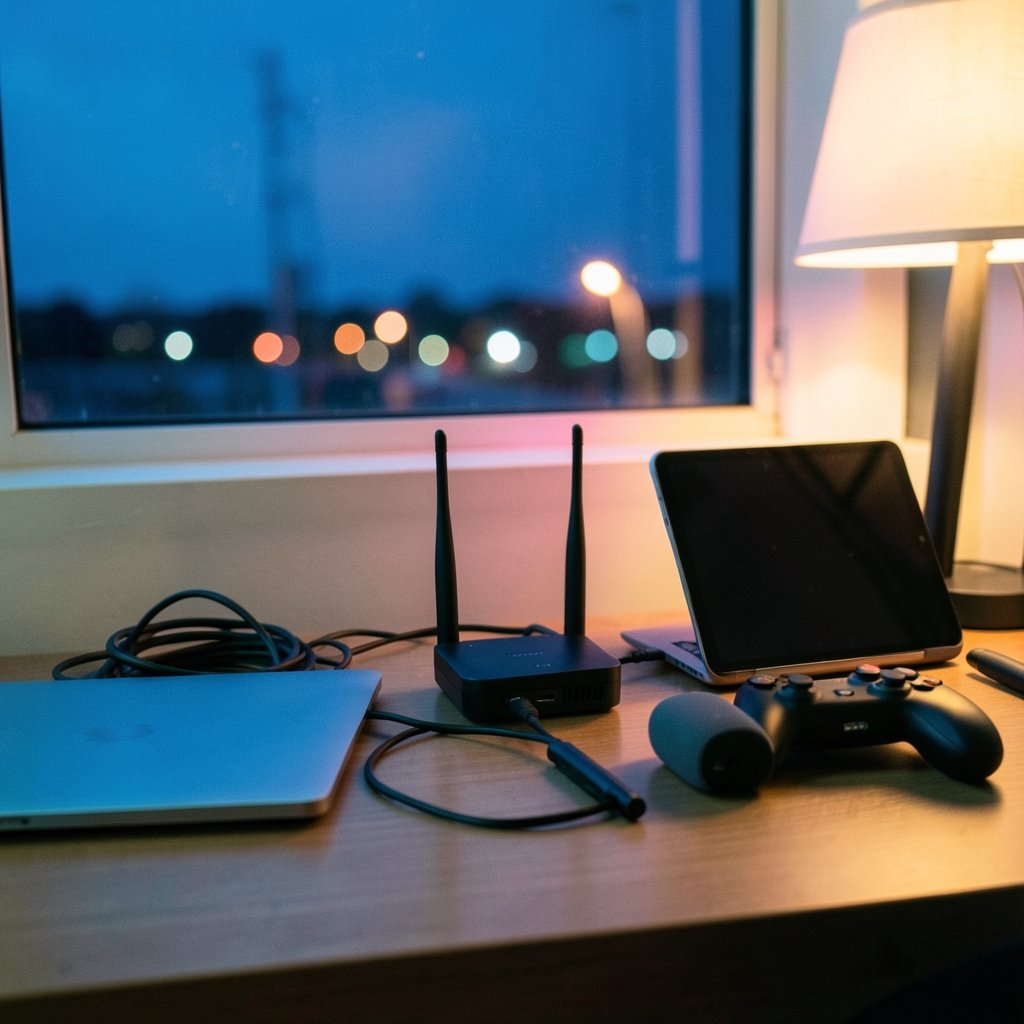
Quick Answer: How much internet speed do i need?
Most households need about 100 Mbps download and 20 Mbps upload to comfortably handle streaming, video calls, gaming, and several connected devices at once. That figure matches the current U.S. federal benchmark for what counts as broadband, and it is a sensible target for a family of three or four.
Smaller households or light users can often get by on 25 to 50 Mbps, while heavy users, remote workers, and large families may want 300 Mbps or more. Upload speed matters just as much as download for video calls, cloud backups, and content creation, yet many cable plans keep uploads low.
Before choosing a plan, compare the number of connected devices, how many people stream at once, work-from-home needs, gaming latency, and the quality of your Wi-Fi router.
A single 4K video stream eats roughly 15 to 25 Mbps. Stack four of them on top of a video call, a gaming session, and a phone scrolling social media, and a modest 25 Mbps connection starts to buckle. That is why “how much internet speed do I need” has become one of the most common questions people ask before signing a new contract, and why the answer depends far more on how a household uses the internet than on any single number printed on a sales page.
Why the “One Number” Approach Fails
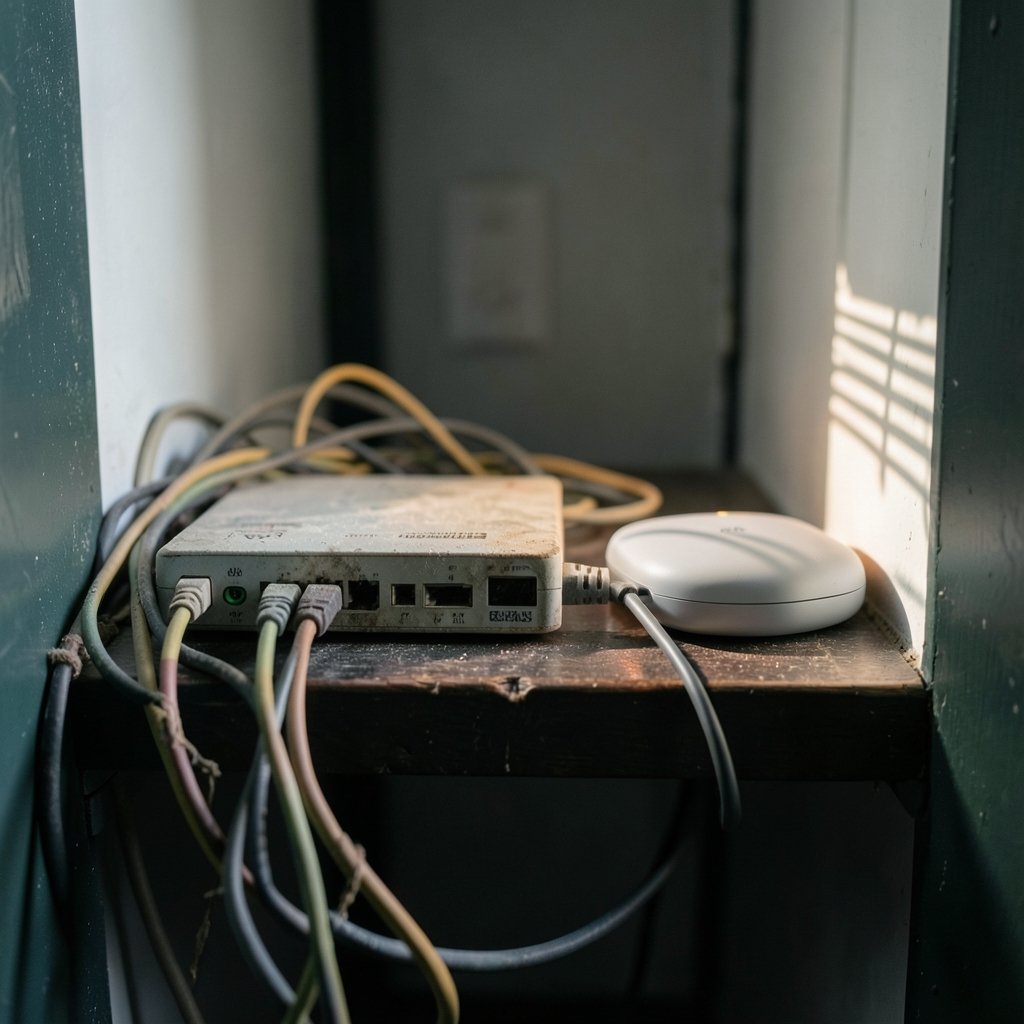
Internet providers love to advertise giant download speeds. Gigabit plans sound impressive, and for some homes they are genuinely useful. But speed is only one piece of the puzzle. A connection is really a bundle of characteristics: download speed, upload speed, latency (the delay before data starts moving), jitter (how much that delay varies), and reliability. (Broadband Speed Guide)
A household can pay for 1,000 Mbps and still suffer constant buffering if the Wi-Fi router is old or placed in a closet. Conversely, a well-configured 100 Mbps connection with a modern router can feel flawless for most families. The lesson is blunt: throwing money at a bigger number does not automatically fix a bad experience.
It also helps to know what the government considers “broadband” at all. The federal definition has shifted over time as household needs grew, and older articles quoting the previous 25 Mbps download / 3 Mbps upload standard are now out of date. Anyone comparing plans should check the date on whatever guidance they are reading.
A Practical Speed Cheat Sheet by Activity
The table below gives realistic per-activity estimates. These are working figures based on common industry guidance, not hard guarantees, because every app and every home behaves a little differently.
| Activity | Download needed | Upload needed | Notes |
|---|---|---|---|
| Email and web browsing | 1–5 Mbps | 1–2 Mbps | Barely registers on modern connections |
| HD video streaming | 5–10 Mbps | Not relevant | Per stream, per screen |
| 4K video streaming | 15–25 Mbps | Not relevant | Per stream; multiplies fast |
| Video calls (HD) | 3–5 Mbps | 3–5 Mbps | Upload is the usual bottleneck |
| Online gaming | 5–25 Mbps | 3–10 Mbps | Latency matters more than raw speed |
| Cloud backup / photo sync | 10+ Mbps | 10–50 Mbps | Upload-heavy task |
| Live streaming / content creation | 10–25 Mbps | 10–25 Mbps | Upload speed is critical |
| Smart home devices | Under 1 Mbps each | Under 1 Mbps each | Many small devices add up |
The pattern is clear. Download speed dominates streaming, but upload speed quietly decides whether your video calls look professional or pixelated. That is the single most overlooked factor in most buying decisions.
Matching Speed to Household Size
A useful shortcut is to think in terms of simultaneous users rather than square footage or device count alone.
A single person who browses, streams HD, and takes the occasional call will be perfectly happy on 50 Mbps. A couple who both work from home and stream in the evening should aim for 100 to 200 Mbps. A family of four with teenagers gaming, multiple 4K screens, and a smart home full of gadgets will feel the difference at 300 Mbps and above.
There is a real ceiling to this logic, though. Most households never come close to saturating a 500 Mbps line, and the money spent on a gigabit plan is often better spent on a quality mesh Wi-Fi system. If the goal is a smooth experience rather than a big number on a bill, router quality usually beats plan size.
For anyone building out a connected home with consoles and handhelds, it is worth checking what each device actually demands. A quick look at how much is a steam deck or how much is a nintendo switch 2 shows how affordable gaming hardware has become, which means more households now run several consoles at once. Each one needs only modest bandwidth, but they are sensitive to latency.
Upload Speed: The Quiet Dealbreaker
Cable internet is famously asymmetric: fast downloads, sluggish uploads. A plan advertised as “500 Mbps” might offer only 20 Mbps up. For years that was fine, because most people downloaded far more than they uploaded.
Remote work changed the math. A single HD video call can need 3 to 5 Mbps up. Add a second person on a call, a cloud backup running in the background, and a teenager uploading a school project, and a 10 Mbps upload ceiling becomes a traffic jam. Symptoms include frozen video, robotic audio, and file transfers that crawl.
Households with heavy upload needs, such as remote workers, streamers, photographers, or anyone syncing large files, should look for symmetrical or high-upload plans. Fiber providers typically offer equal upload and download speeds, which is one of the strongest arguments for switching when fiber becomes available.
Latency and Jitter: The Numbers That Don’t Appear on Ads
Gamers and video callers care about ping, measured in milliseconds. A connection with 300 Mbps but 120 ms of latency will feel worse in an online shooter than a 50 Mbps line with 15 ms. Jitter, the variation in that latency, causes the stutter and rubber-banding that make games unplayable.
Satellite internet, including modern low-orbit services, generally carries higher latency than cable or fiber. That is fine for streaming and browsing but frustrating for competitive gaming. Anyone who plays online should prioritize a wired connection to the router and check latency before committing to a long contract.
Common Mistakes People Make
The most frequent error is overbuying speed and underinvesting in Wi-Fi. People upgrade to a faster plan, notice no improvement, and conclude the provider is lying. In reality, the bottleneck was a router from 2016 sitting behind a TV.
The second mistake is testing speed over Wi-Fi and trusting the result. Wi-Fi loses speed with distance, walls, and interference. A wired test gives the true picture of what the provider delivers.
The third is ignoring device count. Smart TVs, thermostats, doorbells, tablets, and phones all nibble at bandwidth. Individually they are trivial; collectively they can add up, especially on older routers with limited capacity.
Finally, many people never check what they are actually paying for. If the bill has crept up over the years, it is worth comparing current offers. The same habit of checking real prices applies to hardware, whether that means knowing how much is a xbox series s before a console purchase or how much does the iphone 17 cost before upgrading a phone.
How to Measure What You Actually Have
Before shopping for a new plan, run a proper test. Connect a laptop directly to the router with an Ethernet cable, close background apps, and run a speed test two or three times at different hours. Compare the results to the advertised plan.
If wired speeds match the plan but Wi-Fi feels slow, the problem is local. If wired speeds fall well short, contact the provider. Keep records; a log of repeated slow tests is far more persuasive than a single complaint.
It also pays to understand what normal internet traffic looks like. Duplicate files, background syncs, and misconfigured cloud backups can quietly consume bandwidth. Learning how to find duplicate images on the internet is a small example of how tidying digital clutter reduces needless syncing and storage use. (Internet access)
Security and Speed Go Together
A slow connection is sometimes not slow at all; it is compromised. Malware, background crypto-mining, and hijacked devices can drag performance down while also putting personal data at risk. Households that run outdated routers with default passwords are especially exposed.
Keeping devices patched and using reputable protection matters. Anyone weighing options should look at what counts as the best internet security australia has to offer, since the same principles apply everywhere: updates, strong passwords, and a router that still receives firmware support.
The Environmental and Cost Angle
Speed costs money and, increasingly, energy. Data centers and networks consume real resources, and the push toward ever-larger bandwidth has an environmental footprint that rarely makes headlines. Curious readers may be surprised by research into how much water does ai use per day, a reminder that digital infrastructure is physical infrastructure.
On the personal finance side, broadband is a recurring cost that deserves the same scrutiny as any subscription. Budgeting habits that help with retirement planning, such as understanding how much social security will i get at 62, apply equally to trimming monthly bills. Paying for 1,000 Mbps when 200 Mbps would do is a small leak that adds up over a two-year contract.
What Actually Works in Practice
Start with the honest number: count the people, the screens, and the simultaneous activities. Add a buffer of roughly 20 to 30 percent. Then spend the remaining budget on a good router and, if possible, a wired connection for the devices that matter most.
If fiber is available, take it. If not, choose a cable plan with the highest upload speed you can get rather than the highest download number. Test after installation. Adjust the router placement. Repeat once a year, because household needs drift.
Conclusion
The honest answer to how much internet speed you need is that most homes land somewhere between 100 and 300 Mbps, with upload speed and Wi-Fi quality mattering more than the headline download figure. A family of four streaming in 4K while taking calls will be comfortable at 200 Mbps with a solid router. A single light user can save money on 50 Mbps. The trap is paying for speed that never reaches the devices, or skimping on upload and wondering why every meeting freezes. Measure first, count the devices, invest in the network inside the home, and let the plan size follow. That approach beats any advertised number, every time.
Frequently Asked Questions
Is 100 Mbps fast enough for a family of four?
For most families, yes. Four people streaming HD, browsing, and taking occasional calls fit comfortably within 100 Mbps, provided the router is modern and the upload speed is at least 10 to 20 Mbps. Heavy 4K streaming on multiple screens at once may push a household toward 200 Mbps.
Does a higher Mbps plan always mean faster internet?
No. The plan only sets the ceiling. Wi-Fi quality, router age, distance from the access point, and network congestion often determine the real experience. Many people upgrade plans when replacing the router would have solved the problem for less money.
Why is my upload speed so much lower than my download speed?
Most cable connections are asymmetric by design, prioritizing download because that historically matched usage. Fiber plans are usually symmetrical. If uploads matter for work or streaming, look for a provider offering higher or equal upload speeds.
Does gaming need a lot of bandwidth?
Surprisingly little. Online games typically use under 25 Mbps. What matters far more is latency and jitter. A stable 50 Mbps connection with low ping outperforms a gigabit line with high, variable latency.
Can I test my internet speed accurately?
Yes, but test correctly. Use a wired Ethernet connection, close background apps, and run the test more than once at different times of day. Wi-Fi tests measure your home network as much as your provider, so they are less reliable for judging the plan itself.
Should I downgrade my plan to save money?
If wired speed tests consistently show you use only a fraction of your plan, downgrading is reasonable. Keep enough headroom for peak evenings and future devices. A modest buffer of 20 to 30 percent above typical usage is a sensible cushion.



