

What if the login screen you trust every day is the weakest link in your entire security stack? That question matters more than ever. Passwords leak, get reused, and fall to phishing at an alarming rate. Multi-factor authentication (MFA) is the fix most organizations reach for first. Yet MFA done badly can give a false sense of safety while attackers walk right through the front door.
The gap between “we turned on MFA” and “we turned on MFA correctly” is where real breaches happen. This guide cuts through the noise and covers the practices that hold up under pressure, from choosing the right factors to closing the recovery loopholes attackers love.
Why MFA Is Necessary but Not Automatically Safe
MFA adds a second proof of identity beyond a password. That second factor usually falls into one of three buckets: something you know, something you have, or something you are. If you want a plain-language refresher on the mechanics, this explainer on what is multi factor authentication covers the fundamentals well. (Multi-factor authentication)
Here is the uncomfortable truth: not all factors are equal. A one-time code sent by text message is far weaker than a hardware security key. The FIDO Alliance and security researchers have repeatedly shown that codes can be phished, intercepted, or relayed in real time. The W3C Web Authentication specification, which underpins phishing-resistant authenticators, exists precisely because weaker methods keep failing.
So the first best practice is not “enable MFA.” It is “enable the strongest MFA your users can realistically adopt.”
Match the Factor to the Risk
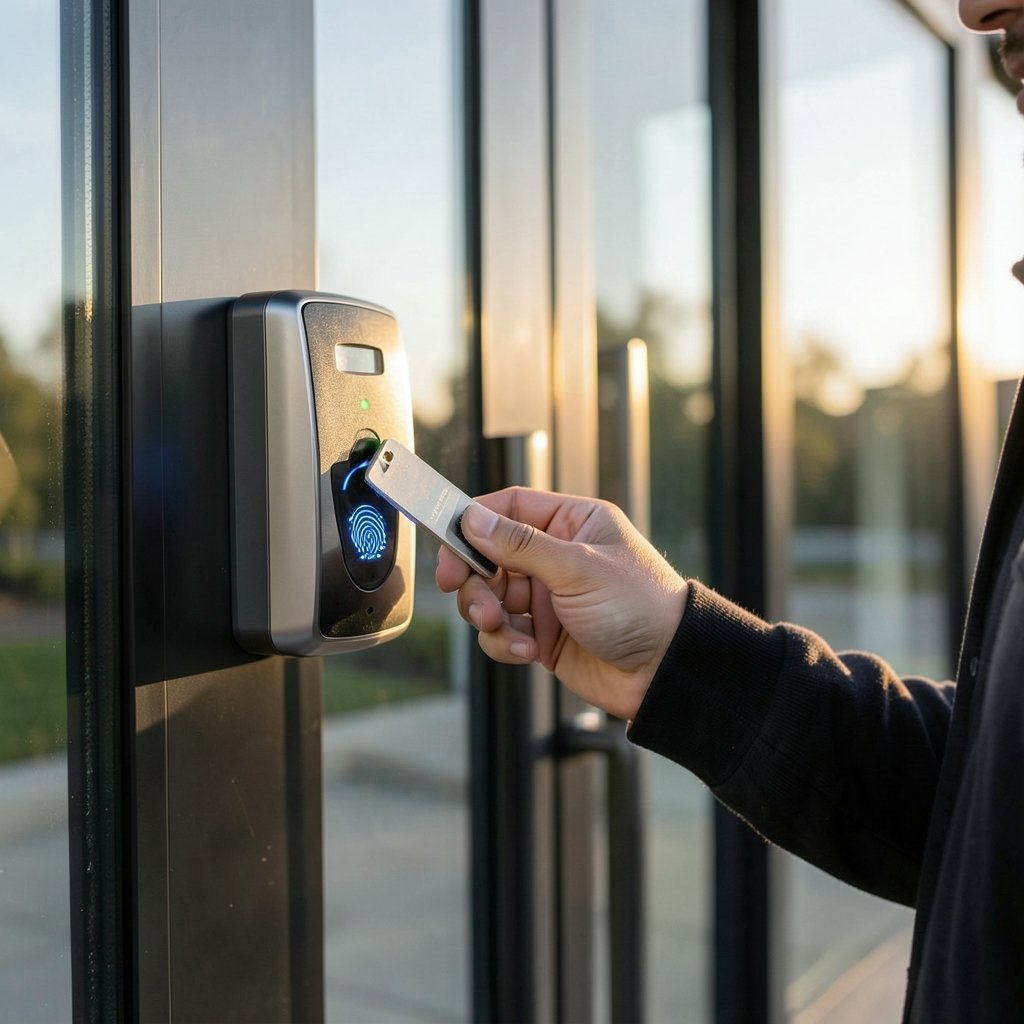
A common mistake is applying one MFA method everywhere and calling it done. Smart teams tier their approach by sensitivity.
| Account or System | Recommended Factor | Why |
|---|---|---|
| Standard employee email | Passkey or authenticator app | Strong, usable daily |
| Admin and privileged accounts | Hardware security key (FIDO2) | Phishing-resistant |
| Finance and payroll systems | Hardware key plus number matching | High-value targets |
| Low-risk internal tools | Authenticator app | Good balance of cost and safety |
| Legacy systems without MFA support | Isolate behind a gateway | Never expose directly |
Privileged accounts deserve the strongest protection available. If an attacker takes over an administrator identity, the entire environment is at risk. Hardware keys that bind to the actual website domain make phishing nearly impossible, because the key simply will not respond to a fake login page.
Prefer Phishing-Resistant Methods
The single biggest upgrade most organizations can make is moving from codes to phishing-resistant authentication. Methods like passkeys and FIDO2 security keys use cryptography tied to the real domain. A lookalike site cannot trick them.
This connects directly to how biometrics fit in. Fingerprint and face recognition are convenient, but they work best when paired with secure hardware rather than standing alone. For a deeper look at how these factors work, see what is biometric authentication.
A practical rollout order that works in the real world:
- Start with IT and security teams, who tolerate friction and can surface problems early.
- Move to executives and finance, the highest-value targets.
- Roll out to the general workforce with clear training.
- Keep SMS as a fallback only where nothing better is feasible.
Stop Push Fatigue Before It Starts
MFA fatigue, sometimes called MFA bombing, is a real and documented attack. The attacker already has a valid password and simply spams push notifications until a tired or confused user taps “Approve.” Number matching, which forces the user to type a code shown on the login screen, largely defeats this. Rate limiting and lockouts add another layer.
The practical lesson: turn on number matching, cap the number of prompts, and train people to report unexpected push requests instead of approving them out of habit. That single habit change blocks a whole category of attacks.
Secure the Enrollment and Recovery Path
Here is where many programs quietly fall apart. Attackers know that if they can register their own authenticator on your account, they never need to beat your MFA at all. Enrollment and recovery are the soft underbelly.
Best practices that actually close this gap:
- Require re-authentication before any MFA method is added, changed, or removed.
- Send alerts to the user and to security when a new device is enrolled.
- Protect recovery codes like passwords, stored offline and never emailed.
- Verify identity out of band for help-desk resets, using a known channel rather than a caller’s word.
- Monitor for enrollment anomalies, such as a new factor added minutes after a suspicious login.
A step-by-step walkthrough of setup is useful here, and this guide on how to enable two factor authentication covers the mechanics. Just remember that the security lives in the controls around enrollment, not in the toggle itself.
Rate-Limit, Monitor, and Log Everything
MFA is not a set-and-forget switch. It generates valuable signals: failed attempts, unusual locations, repeated prompts, and factor changes. Treat these as detection opportunities.
Practical steps:
- Rate-limit failed attempts at the authentication layer to slow brute-force and fatigue attacks.
- Alert on patterns, such as many push denials in a row or logins from new countries.
- Feed MFA events into your SIEM so they correlate with other activity.
- Review logs regularly rather than only after an incident.
This is also where AI-driven detection is changing the game. Modern tools spot anomalies across login behavior faster than humans can. If your organization is weighing those tools, the principles in this piece on AI governance principles, risks, and best practices help keep automation accountable, and this overview of what multimodal AI is explains how systems combine signals to make decisions. (Cybersecurity Best Practices)
Make Usability a Security Requirement
The fastest way to undermine MFA is to make it painful. When authentication feels like a obstacle, people find workarounds: shared codes, disabled factors, sticky notes. Usability is not a nice-to-have; it is a security control.
What works in practice:
- Offer passkeys where possible, since they are often faster than typing a code.
- Remember trusted devices for a sensible period on low-risk systems.
- Explain the “why” in short, plain language during rollout.
- Provide a clear, fast recovery path so users do not improvise.
- Measure friction: track how often people fail or abandon logins.
A common mistake is rolling out MFA with a single mandatory method and no support plan. The result is a flood of help-desk tickets and frustrated staff who disable whatever they can. Piloting with a small group first surfaces these problems cheaply.
Build a Phased Rollout Plan
Successful MFA programs follow a rhythm. A workable sequence looks like this:
- Inventory every system and identify which ones hold sensitive data.
- Prioritize privileged and high-value accounts first.
- Pilot with a volunteer group and gather feedback.
- Train users with short, scenario-based guidance.
- Enforce gradually, with deadlines and reminders.
- Review adoption metrics and tighten weak spots.
Enforcement without training breeds resentment. Training without enforcement breeds drift. You need both, sequenced carefully.
Connect MFA to a Broader Identity Strategy
MFA is one layer, not the whole building. It works best alongside single sign-on, least-privilege access, and zero-trust thinking, where every request is verified rather than trusted by default. The CISA Zero Trust Maturity Model lays out how authentication fits into that bigger picture.
It also pays to align with recognized standards. The NIST Digital Identity Guidelines describe authenticator strength levels and treat SMS codes as restricted rather than ideal, which reinforces the push toward stronger factors. Following these frameworks keeps your program defensible and audit-ready.
Common Mistakes to Avoid
Even well-intentioned teams stumble. Watch for these:
- Enabling SMS as the only option and stopping there.
- Leaving recovery unguarded, letting attackers enroll their own device.
- Skipping number matching, opening the door to push fatigue.
- No monitoring, so attacks go unnoticed until damage is done.
- Ignoring usability, which pushes users toward unsafe workarounds.
- Forgetting service accounts and legacy systems, which become blind spots.
Each of these is fixable, and fixing them is often cheaper than responding to a breach.
Conclusion
MFA is one of the highest-value security investments an organization can make, but only when it is done with intention. The strongest programs favor phishing-resistant factors, protect enrollment and recovery, defeat push fatigue with number matching, and treat usability as part of the design. They also monitor relentlessly and connect authentication to a wider zero-trust strategy.
Start with your most valuable accounts, choose the strongest factor your users can adopt, and close the recovery loopholes before an attacker finds them. Do that, and MFA stops being a checkbox and becomes what it was meant to be: a genuine wall between attackers and everything you protect.
Frequently Asked Questions
What is the strongest form of multi-factor authentication?
Phishing-resistant methods such as FIDO2 hardware security keys and passkeys are generally considered the strongest. They use cryptography tied to the real website domain, so a fake login page cannot capture or relay the credential. Authenticator apps are strong but still vulnerable to sophisticated phishing, while SMS codes are the weakest common option.
Is SMS-based MFA still worth using?
SMS is better than a password alone, but it is the weakest common factor. Codes can be intercepted or phished, and phone numbers can be hijacked through SIM-swap attacks. Use SMS only as a fallback when stronger methods are not feasible, and never rely on it for privileged or high-value accounts.
How do I stop MFA fatigue attacks?
Enable number matching so users must type a code shown on the login screen rather than blindly approving a push. Add rate limiting and lockouts after repeated prompts, and train users to report unexpected authentication requests instead of approving them. These steps together largely neutralize bombing attacks.
What is the biggest mistake organizations make with MFA?
Leaving enrollment and recovery unguarded. If an attacker can add their own authenticator or reset recovery details, they bypass MFA entirely. Require re-authentication before any factor change, alert on new device enrollment, and verify identity out of band for help-desk resets.
Does MFA slow users down too much?
It does not have to. Passkeys are often faster than typing a password and code, and remembering trusted devices on low-risk systems reduces repeated prompts. The real friction comes from poorly planned rollouts with no training or support, which push users toward unsafe workarounds.
How should a small business roll out MFA?
Start by inventorying systems and prioritizing privileged and high-value accounts. Pilot with a small group, provide short scenario-based training, then enforce gradually with clear deadlines. Choose the strongest factor users can realistically adopt, and make sure recovery is protected before you enforce anything.
Document your configuration so it survives staff turnover. Record which systems require MFA, which factors are permitted, who holds admin rights over the identity provider, and how recovery requests are verified. Review that record quarterly and after any major change. Undocumented setups drift, and drift is where gaps appear.
Test your own defenses. Run periodic tabletop exercises: can the help desk be talked into a reset? Does a new authenticator enrollment trigger an alert? Does a burst of push denials reach the on-call analyst? These drills cost little and reveal weaknesses before an attacker does.
Finally, treat MFA as a program with an owner, not a project with an end date. Assign responsibility, track adoption and failure metrics, and revisit the plan as threats evolve. The organizations that get the most from MFA are the ones that keep tuning it long after the initial rollout.



