
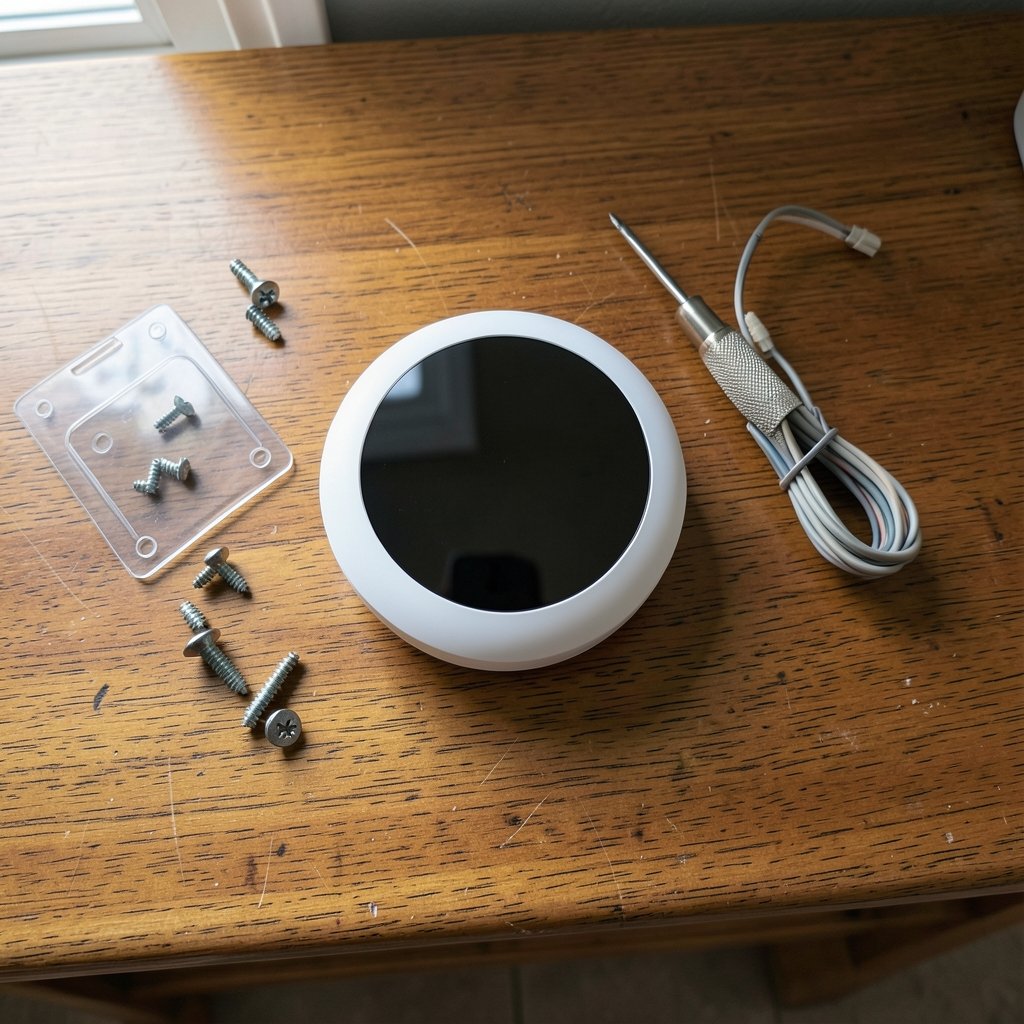
Does your house know when you leave? That is the simple question behind the entire smart thermostat category. A traditional thermostat waits for you to walk over and twist a dial. A smart one watches patterns, senses occupancy, and quietly adjusts the temperature while you are at work or asleep. The pitch sounds great. The reality is more complicated, and the gap between marketing claims and measured savings is where most buyers get confused.
This guide walks through how these devices actually work, where the real savings come from, what goes wrong in practice, and how to pick one without overpaying for features you will never touch.
What Makes a Thermostat Smart
A smart thermostat is a connected heating and cooling controller that can be programmed remotely, learns or senses occupancy, and reports energy data. The category traces back to Nest Labs, founded in 2010 by Tony Fadell and Matt Rogers, which launched the Nest Learning Thermostat in 2011. Google acquired Nest in January 2014, and the market has since filled with competitors from Honeywell to Ecobee to budget brands.
Three capabilities separate smart models from programmable ones:
- Connectivity. Wi-Fi or a smart-home protocol lets you control the device from a phone and lets utilities or platforms send it signals.
- Occupancy awareness. Sensors or learned schedules let the device decide when nobody is home, rather than relying on you to program it correctly.
- Reporting. Most units show runtime hours, so you can see how much the system actually ran.
That third feature matters more than buyers expect. A thermostat that tells you the furnace ran four hours on a mild day is telling you something is wrong with your house, not your schedule.
How Smart Thermostats Actually Save Energy
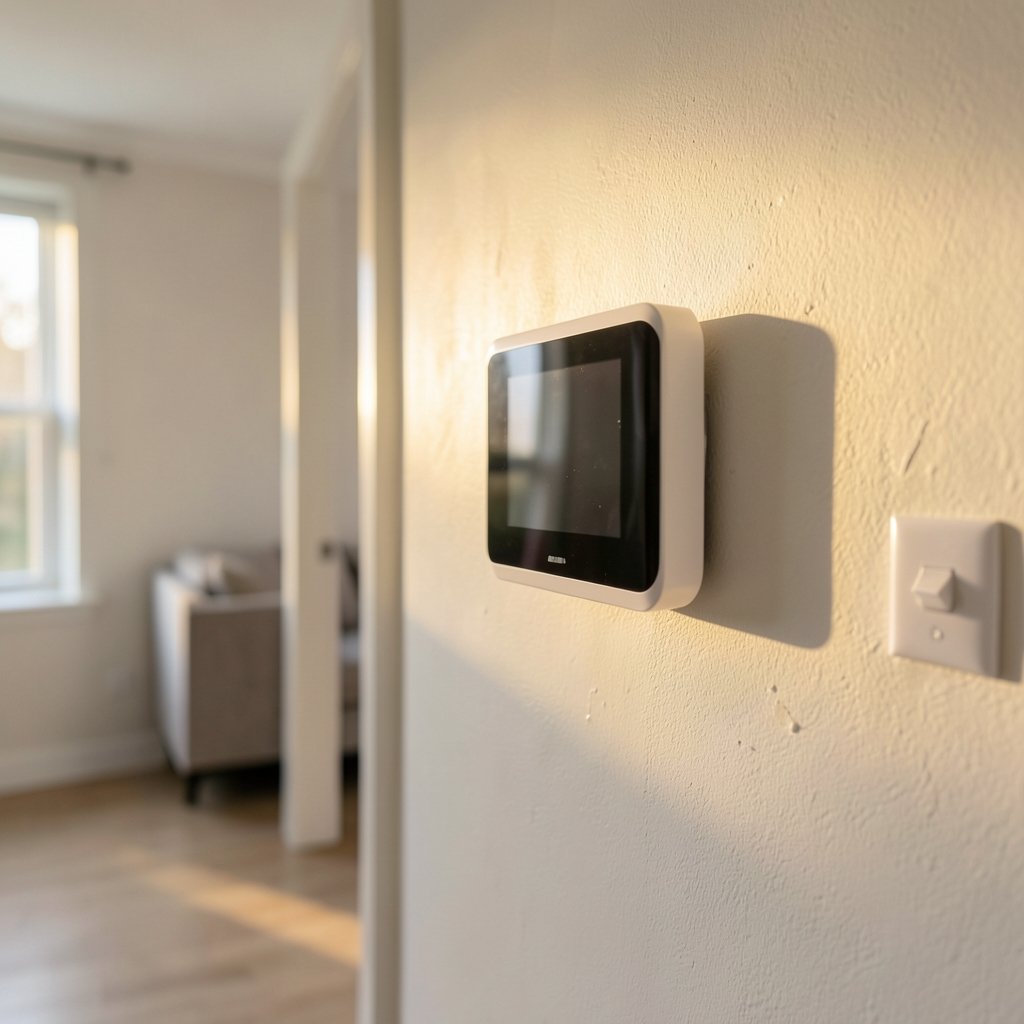
The savings story has two halves, and only one of them is about clever software.
The first half is behavior change. Most people with manual thermostats never set a schedule, or set one and never update it. A smart device removes that friction by building a schedule automatically. This is where a large share of the benefit comes from, and it is genuinely real.
The second half is efficiency of operation. Occupancy sensing lets the system relax setpoints when the house is empty. Some utilities go further and use OpenADR, a demand-response standard that originated in research at Lawrence Berkeley National Laboratory and was later standardized by the OpenADR Alliance, to nudge thermostats down during grid peaks.
Here is the honest part: savings figures vary enormously. Field studies of connected thermostats have reported average heating and cooling savings in the rough range of 8 to 10 percent, but results swing widely by climate, household, and what you compare against. Manufacturer marketing tends to quote the high end. Independent evaluations tend to be more modest. Treat any single percentage as a starting point, not a promise.
| Factor | Effect on Real Savings |
|---|---|
| Climate with mild seasons | Smaller savings, less runtime to cut |
| Household with someone home all day | Occupancy savings shrink |
| Already-programmed manual thermostat | Baseline is higher, so gains look smaller |
| Heat pump with aux heat | Poor scheduling can raise costs |
| Old, inefficient HVAC | Thermostat savings are capped by the equipment |
That last row is the one people miss. A thermostat is a controller, not a generator. If your ducts leak or your heat pump is undersized, no amount of learning algorithms will fix it.
Features Worth Paying For (and Ones That Are Not)
Shopping pages list dozens of features. In practice, a handful decide whether you will like the device two years from now.
Worth it:
- Room sensors. Remote sensors fix the classic problem of a thermostat in a hallway heating the hallway while the bedroom freezes. This is the single most useful upgrade for most homes.
- Geofencing. Using your phone’s location to switch to away mode is more reliable than a fixed schedule in households with irregular hours.
- Local control. Some models keep working without the cloud. If your internet drops, you still want heat.
- Clear runtime history. Useful for spotting HVAC problems early.
Usually not worth it:
- Voice control as a headline feature. It is convenient but rarely changes your bill.
- Elaborate learning algorithms you will override within a month.
- Subscription tiers for “advanced” insights. Check what is locked behind a paywall before buying.
If you are building out a broader connected home, it helps to think about the ecosystem before the device. The same logic that applies to picking smart speakers for home automation applies here: the platform you commit to shapes what you can add later.
Compatibility: The Step Most People Skip
Before buying anything, pull the thermostat off the wall and photograph the wiring. This five-minute step prevents most returns.
Key compatibility questions:
- Does your system have a C-wire? Many smart thermostats need a common wire for continuous power. If yours lacks one, you will need a power adapter kit or a model designed to work without it.
- Is it a heat pump? Heat pumps need thermostats that support auxiliary and emergency heat staging. A cheap “universal” model may technically connect but run the system badly.
- Is it line-voltage? Electric baseboard and some radiant systems use line voltage, not the low-voltage wiring most smart thermostats expect. These need specific models.
- Does your system have multiple stages? Two-stage furnaces and variable-speed air handlers need matching support.
Mistake to avoid: buying on price and discovering at install that the unit cannot handle your heat pump’s reversing valve. Check the manufacturer’s compatibility checker using your exact model numbers instead of relying on the brand alone.
Installation: What Actually Happens
For a standard low-voltage system with a C-wire, installation is a 20-to-30-minute job: kill the breaker, label the wires, mount the base, reconnect, power up. Most people can do it.
For anything else, hire a technician. Line-voltage systems, missing C-wires in older homes, and multi-zone setups are where DIY goes wrong. A common failure is blowing the low-voltage fuse by letting wires touch while the breaker is on. It is a cheap fuse and an annoying afternoon.
One practical tip: label every wire with the included stickers before disconnecting anything. Photos help, but labels survive better when you are holding a screwdriver and a phone at the same time.
Privacy and Data: The Question Nobody Asks
A thermostat knows when your house is empty. That is occupancy data, and it is valuable.
The Nest acquisition by Google in 2014 raised exactly this concern, and it has not gone away. In 2019, Google stopped selling some Nest hardware in the U.S. pending certification under the UL 2900-1 cybersecurity standard. Regulators have taken notice too; the Federal Trade Commission publishes guidance on privacy and security expectations for connected devices.
Practical steps:
- Read what the privacy policy says about sharing occupancy data with third parties.
- Check whether the device works without an account. Some do; many do not.
- Ask whether your utility can control the device through a demand-response program, and whether you can opt out.
- Prefer devices with local scheduling that survives an outage.
This is not paranoia. It is the same due diligence you would apply to any device with a microphone or a camera in your home. If you are already thinking about access control and who can get into your house remotely, the same caution applies to smart lock guest code expiration setups.
Standards and Rebates Worth Knowing
Two standards shape the market more than most buyers realize.
ENERGY STAR introduced a specification for connected thermostats, Version 1.0, effective around 2016. Certification requires features like occupancy sensing or learning schedules plus energy reporting. It is a useful filter, though not a guarantee of savings in your specific house.
Matter, released by the Connectivity Standards Alliance in October 2022, includes thermostat device types and aims to make devices from different vendors interoperate. If you are buying now and plan to keep the device for a decade, Matter support is a reasonable tiebreaker.
On money: many U.S. utility rebate programs subsidize smart thermostat purchases, and in the EU these devices fall under the Ecodesign and Energy Labelling framework for space heaters and controls. Check your utility’s current offer before buying. The discount is often larger than the difference between a mid-range and premium model.
Common Mistakes That Kill Savings
After watching how these devices perform in real homes, a few failure patterns repeat.
Over-scheduling setbacks. Cranking the heat down 10 degrees during the day and back up at 6 p.m. can cost more with a heat pump, because recovery runs the auxiliary heat. Modest setbacks work better than dramatic ones.
Ignoring the sensor placement. A thermostat on an exterior wall, near a sunny window, or above a vent reads the wrong temperature and runs the system longer than needed. Relocating a sensor is often more effective than changing schedules.
Fighting the schedule. If you override the device every evening, it learns your overrides and stops saving. Either accept the schedule or adjust it properly.
Forgetting the rest of the house. Thermostat savings get undermined by leaky windows and unsealed doors. If you are planning upgrades anyway, small efficiency projects often pay back faster than expected; the same principle shows up in small kitchen remodeling ideas on a budget where cheap sealing and insulation beat expensive appliances.
Buying for the app, not the hardware. A beautiful app does not fix a thermostat that cannot stage your heat pump correctly.
Do Smart Thermostats Work With Older Homes?
Yes, with caveats. Older homes often lack a C-wire, which means either a power adapter kit or a model designed for two-wire systems. Homes with radiator heat, line-voltage baseboard, or zoned systems need specific models and often professional installation. The device itself is rarely the obstacle; the wiring is.
How to Choose in Five Steps
- Photograph your wiring and note the terminal labels.
- Confirm compatibility with the manufacturer’s checker using exact model numbers.
- Decide on sensors. If your bedrooms run hot or cold, budget for remote sensors.
- Check rebates through your utility before choosing a brand.
- Confirm local control and Matter support if you plan to keep the device long-term.
If you are weighing a full smart-home build-out, the same discipline applies to gaming hardware decisions, where matching parts to real use beats chasing specs; the logic in this gaming CPU buying guide transfers neatly to thermostats.
Conclusion
Smart thermostats are a genuinely useful category, but they are controllers, not miracle workers. The savings come mostly from actually running a schedule, sensing when rooms are empty, and fixing the small stuff around the house that makes your HVAC work harder than it should. Expect modest, real reductions rather than dramatic ones, and treat any quoted percentage with healthy skepticism until you know your own climate, household, and equipment.
Buy for compatibility and sensors first. Buy for app polish last. And before you install anything, take that photo of your wiring. It is the cheapest insurance in the whole project.
Frequently Asked Questions
How much can a smart thermostat actually save?
Field studies of connected thermostats have reported average heating and cooling savings in the rough range of 8 to 10 percent, but results vary widely by climate, household, and baseline. Homes that never used a schedule tend to see the biggest gains. Homes with well-programmed manual thermostats or mild climates may see very little.
Do I need a C-wire for a smart thermostat?
Many models require a common wire for continuous power. If your system lacks one, you can usually use a power adapter kit or choose a model designed for two-wire setups. Check compatibility before buying, because this is the most common reason for returns.
Will a smart thermostat work with a heat pump?
Only if the model explicitly supports heat pump systems with auxiliary and emergency heat staging. A generic thermostat may connect but run the system inefficiently. Confirm support for your exact model before purchase.
Are smart thermostats a privacy risk?
They collect occupancy data, which is sensitive. The 2014 Google acquisition of Nest raised these concerns publicly, and in 2019 Google paused sales of some Nest hardware in the U.S. pending cybersecurity certification. Check the privacy policy, look for local scheduling that works without an account, and ask whether your utility can control the device.
What is Matter, and does it matter for thermostats?
Matter is an interoperability standard released by the Connectivity Standards Alliance in October 2022. It includes thermostat device types and aims to let devices from different vendors work together. It is a reasonable tiebreaker if you plan to keep the device for many years.
Are utility rebates available for smart thermostats?
Frequently, yes. Many U.S. utility programs subsidize purchases, though offers vary by state and change over time. Check your utility’s current program before buying, since the discount can exceed the price gap between mid-range and premium models.



