Quick Answer: Which gaming speakers are best for competitive gaming?
The best gaming speakers for competitive play are a well-placed pair of accurate 2.0 stereo speakers with a wide, fairly flat frequency response and a wired connection. That setup gives you the cleanest directional cues for footsteps, reloads, and gunfire, which is what actually wins fights.
A 5.1 or 7.1 “surround” speaker kit can work, but most of those systems fake the extra channels through processing rather than true multichannel audio, and the results vary a lot from person to person. A good stereo pair is simpler, cheaper, and easier to position correctly.
Before buying, compare driver size and configuration, published frequency response, wired versus wireless connectivity, physical placement options, and how much bass the speakers push by default.
Why Directional Cues Beat Raw Power
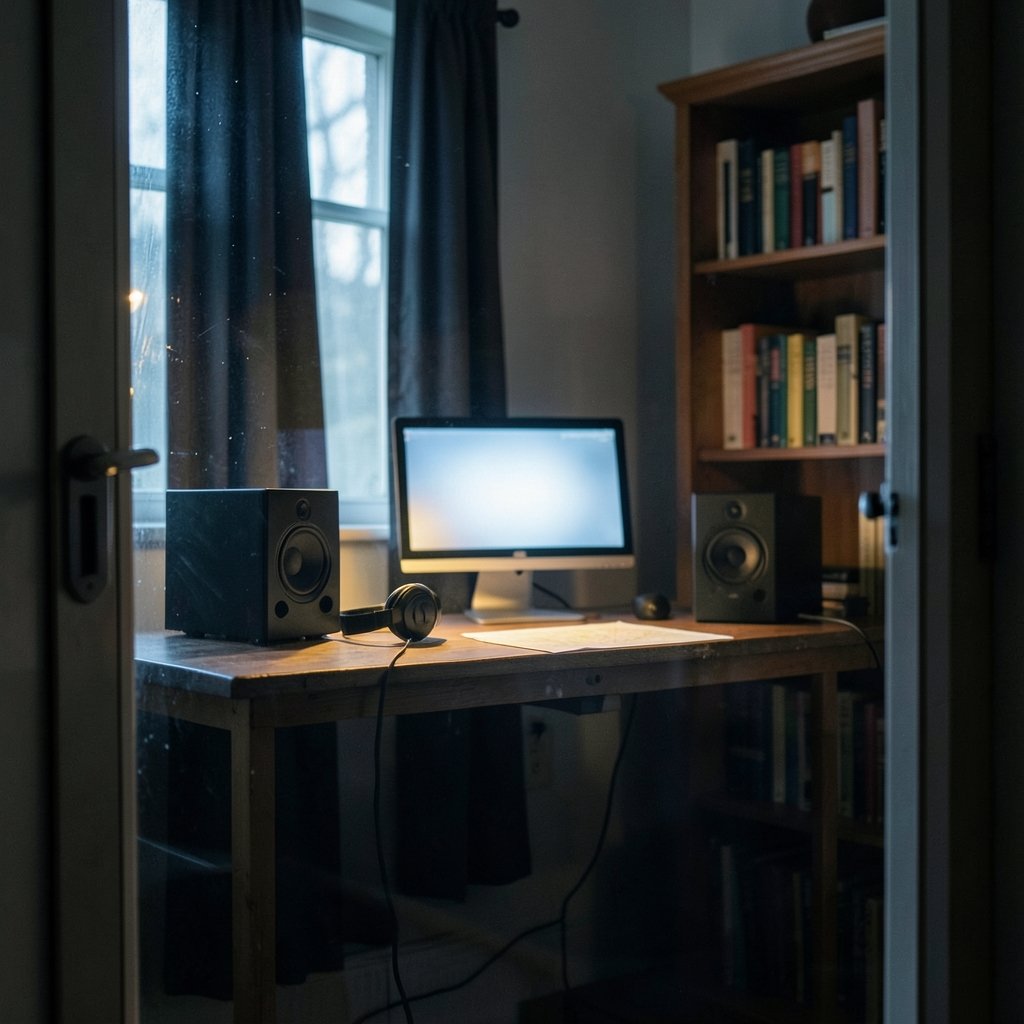
Here is the question that should drive every buying decision: can you hear which side of the map the footsteps are coming from? If the answer is no, it does not matter how loud your speakers go or how many RGB zones they have.
Competitive shooters lean on directional audio. A player needs to separate a reload behind them from a sprint to their left, and do it in a fraction of a second. That skill depends on stereo imaging, which is how well a pair of speakers places sounds across the space between them. A clean stereo pair with accurate imaging generally beats a loud surround setup for locating enemies.
This is where a lot of buyers go wrong. They walk into a store, hear a bass-heavy demo track, and assume that punch translates to game awareness. In practice, heavy bass masks mid-range detail, and mid-range is exactly where footsteps and weapon handling live.
The Hard Truth About “7.1” Gaming Speakers
Most gaming speakers marketed as 7.1 are not true multichannel systems. They take a stereo signal and simulate surround using HRTF processing, short for head-related transfer function. The speaker creates the illusion of sound coming from behind or above by shaping timing and frequency cues.
That illusion can be convincing, but it is highly personal. HRTF profiles are built around average head and ear shapes, so the effect works brilliantly for some listeners and smears directional information for others. Some players find virtual surround actively confusing in fast fights because it blurs the line between front and rear cues.
None of this makes virtual surround useless. It can be great for immersion in single-player games. For competitive play, though, many players are better served by leaving it off and letting a well-positioned stereo pair do the work.
What Actually Matters in a Competitive Speaker
Frequency response and mid-range clarity
A wide, reasonably flat frequency response helps you hear subtle cues without explosions trampling them. You do not need studio-grade flatness, but you do want speakers that reproduce low frequencies cleanly instead of drowning everything below 500 Hz in boom. Check the published response range and look for reviews that mention mid-range clarity specifically.
Wired connections over Bluetooth
Bluetooth adds latency, and latency in audio means the sound of a footstep arrives after the visual moment it belongs to. Wired analog (3.5 mm) or USB connections typically introduce far less delay. For competitive timing, wired is the safer choice. If you must go wireless, treat it as a convenience feature, not a competitive one.
Speaking of connections, your network choice matters the same way. If you are weighing cable versus wireless for your internet, the same logic applies, and our breakdown of ethernet vs wi fi gaming covers which connection actually wins.
Placement and room acoustics
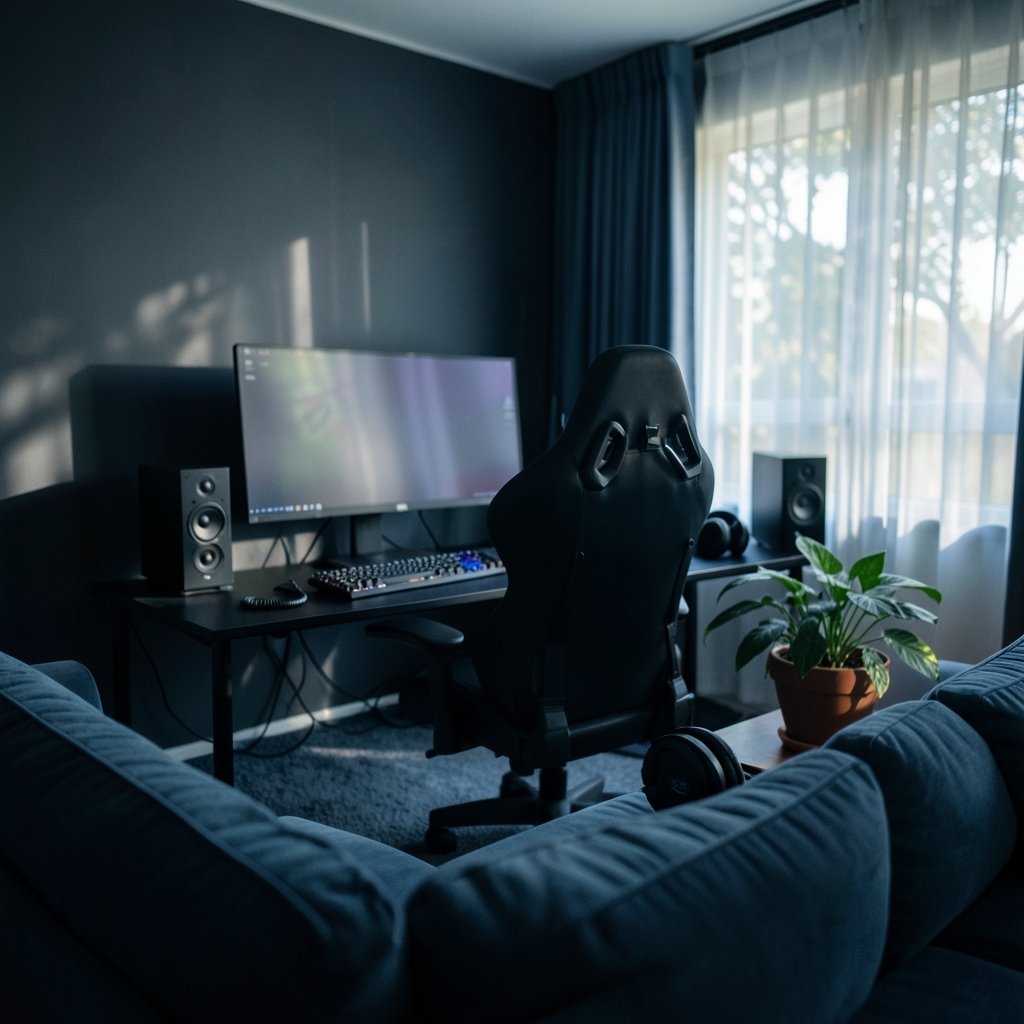
Placement affects perceived directionality more than most spec sheets suggest. Speakers set symmetrically at ear height, angled toward your head, with minimal reflective surfaces nearby, produce noticeably more accurate imaging than a pair shoved against a wall behind a monitor. Hard desks, bare walls, and glass panels bounce sound and blur the picture.
A practical tip: sit in your normal chair, play a test track with clear left-right panning, and adjust toe-in until the center image feels solid. Small moves, big difference.
Driver configuration
Two drivers per speaker, typically a woofer and a tweeter, usually handle the frequency range better than a single full-range driver. That separation keeps mid-range detail intact when bass notes hit. Marketing pages love to talk about driver size, but configuration and tuning matter more than raw millimeters.
Stereo or Surround? A Straight Comparison
| Factor | 2.0 Stereo Pair | 5.1 / 7.1 Gaming Kit |
|---|---|---|
| Directional accuracy | Strong when placed well | Varies; often processed, not true |
| Setup complexity | Low | Higher; rear channels need space |
| Cost for equal quality | Usually lower | Usually higher |
| Bass handling | Depends on drivers | Subwoofer adds low end |
| Best for | Competitive shooters | Immersion and cinematic games |
| Room requirements | Modest | Needs space behind the listener |
The table tells most of the story. Surround kits earn their keep in cinematic games where atmosphere matters. For ranked shooters, the simpler stereo pair usually wins on accuracy per dollar.
If you are building out a full competitive desk, audio is one piece of a bigger puzzle. Our guide to the best gaming monitors competitive gaming actually wins you covers the visual side of the same equation.
Speakers vs. Headsets: The Debate That Never Ends
Many competitive players and coaches prefer headsets, and for good reasons. Headsets isolate you from room noise, keep audio private, include a microphone, and deliver consistent stereo imaging regardless of room acoustics. Speakers leak sound, pick up background noise, and depend heavily on your desk and walls.
That said, there is no universal consensus. Plenty of strong players use speakers and perform fine, especially in quiet rooms with good placement. The honest answer is that this is a genuine debate, not a settled question. If your room is noisy or shared, a headset is the pragmatic pick. If you have a quiet space and want free ears plus better spatial spread, speakers can absolutely work.
A middle path many players take: speakers for casual sessions and aim practice, headset for ranked and voice chat. It is not cheating to own both.
Practical Setup Tips That Actually Work
- Set the speakers at ear height and angle them inward. Aim the tweeters roughly at your head, not straight ahead.
- Keep them symmetrical. Equal distance from your monitor and your head. Asymmetry wrecks imaging.
- Pull them slightly forward of the monitor. Reflections off the screen blur the center image.
- Turn virtual surround off for shooters. Test both ways, but start flat.
- Cut the bass a notch. A small EQ dip in the low end often reveals footsteps you were missing.
- Kill the reflections. A rug, curtains, or a couple of acoustic panels behind you do more than most upgrades.
The most common mistake is buying expensive speakers and placing them badly. The second most common is leaving a bass boost preset on because it sounded fun in a menu. Fix placement and EQ before you spend another dollar.
Where Speakers Fit in a Bigger Setup
Your audio choice does not exist in a vacuum. Console players face a similar decision about hardware, and our comparison of the best gaming consoles 2026 which system actually fits your setup walks through matching hardware to how you actually play. Handheld players have their own trade-offs too, covered in our look at the best handheld gaming consoles 2026 which one actually fits.
If you stream your sessions, audio quality feeds directly into your broadcast, and platform choice shapes what your audience hears. Our breakdown of Twitch vs kick vs youtube gaming which platform wins your audience covers the practical differences.
And if you are stretching a budget across gear, saving on game keys can free up cash for better speakers. Our comparison of Eneba vs cdkeys vs green man gaming which key site fits your buying habits explains the trade-offs.
What to Check Before You Buy
Ignore the marketing sheet for a moment and focus on the specs that map to competitive performance. Look for a published frequency response range that extends reasonably low without a huge bass hump. Look for wired inputs, ideally both 3.5 mm and USB. Look for a physical volume knob you can reach without alt-tabbing. Look for speakers small enough to position properly on your desk, because a giant pair you cannot angle correctly is worse than a modest pair you can.
One more thing worth knowing: there is no standardized benchmark for “competitive gaming speakers.” Monitors have refresh rate and response time. Mice have polling rate. Speakers have nothing equivalent, which means reviews and hands-on impressions carry more weight than a spec badge. Treat any “gaming audio certified” label with healthy skepticism.
Conclusion
The best gaming speakers for competitive gaming are not the loudest, the flashiest, or the ones with the most channels. They are an accurate stereo pair, wired for low latency, placed symmetrically at ear height, with the bass tamed and virtual surround switched off for ranked play. That combination delivers the directional cues that actually decide fights.
Surround kits and headsets both have legitimate places in a setup, and the speakers-versus-headset debate is genuinely unresolved. What is not debatable is that placement, connection type, and mid-range clarity matter more than RGB and wattage claims. Get those right, and you will hear the footsteps everyone else misses.
Frequently Asked Questions
Do I need a subwoofer for competitive gaming?
Not really. A subwoofer adds low-end impact, but in competitive shooters that extra bass can mask the mid-range detail where footsteps and reloads live. If you already own one, turn it down rather than off. If you are buying fresh for ranked play, put the subwoofer money toward better main speakers instead.
Is virtual surround bad for locating enemies?
It is not bad so much as unreliable. Virtual surround simulates extra channels through HRTF processing, and how well that works depends on your own head and ears. Some players find it helpful, others find it blurs front and rear cues. Test it both ways in a practice range and trust your own ears over any review.
How far apart should gaming speakers be?
A common starting point is an equilateral triangle: the distance between the two speakers roughly equals the distance from each speaker to your head. From there, angle them inward so they point at your ears. If the center image feels hollow, move them closer together. If it feels cramped, widen them slightly.
Can I use Bluetooth speakers for competitive gaming?
You can, but expect a delay. Bluetooth audio latency varies by codec and can run into the tens or even low hundreds of milliseconds, which means sounds arrive after the moment they belong to. For casual play it is fine. For competitive timing, a wired 3.5 mm or USB connection is the safer bet.
Are expensive gaming speakers worth it for shooters?
Only up to a point. Above a certain price, you are paying for build quality, connectivity, and bass extension rather than better imaging. A mid-range stereo pair placed well will outperform an expensive set crammed against a wall. Spend on placement and room treatment before spending on upgrades.
Do gaming speakers work well for streaming?
They can, but watch for sound leaking into your microphone. Open speakers plus a live mic often means echo and keyboard clatter for your viewers. Many streamers run speakers for themselves and route game audio directly through software capture instead of the mic. If you stream regularly, a headset or careful mic placement solves most of the problem.