Quick Answer: What should I check before paying for gaming speakers?
Before paying for gaming speakers, check the specs that actually predict real-world sound: a frequency response with a stated tolerance, continuous power rather than peak wattage, distortion figures with test conditions, and the connections your setup needs. You can act on this by comparing measured reviews instead of spec sheets, confirming the return window in writing, and testing latency on any wireless model.
Powered stereo sets suit most desks, while 2.1 systems add a subwoofer for bass and surround layouts demand correct placement and decoding to work as advertised. Wired USB, optical, or 3.5 mm connections avoid the audio delay that Bluetooth can introduce.
Key factors to compare: frequency range and tolerance, RMS power, distortion, impedance or amplification, connectivity and latency, channel layout, warranty versus return window, and local consumer rights.
Why the Spec Sheet Is Only Half the Story
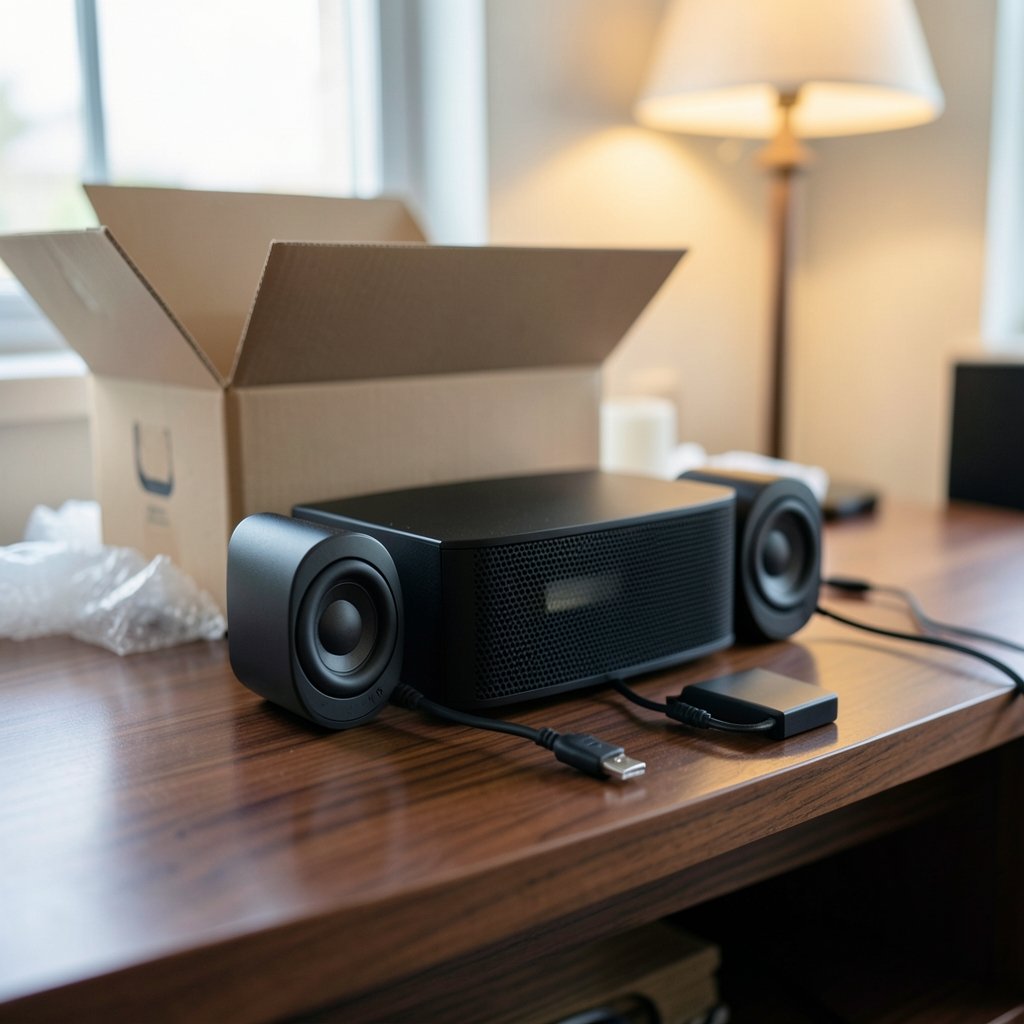
Walk into any electronics store, and the box will tell you everything is “studio quality” and “immersive.” The box will not tell you whether the speakers sound thin at low volume, whether the bass muddies dialogue, or whether the wireless mode lags half a second behind your screen.
That gap between marketing and reality is exactly where buyers get burned. The good news? A handful of specs, read carefully, will filter out most disappointing purchases before money changes hands. The trick is knowing which numbers matter, which are decoration, and which questions the seller should answer in writing.
Start With the Frequency Response
Frequency response describes the range of pitches a speaker can reproduce. A spec like “40 Hz to 20 kHz” tells you the extremes, not how accurately the speaker plays anything in between.
Here is the practical problem: without a tolerance figure, that range is close to meaningless. A speaker rated “40 Hz–20 kHz ±3 dB” is making a much stronger claim than one rated “40 Hz–20 kHz” with no tolerance at all. The tolerance tells you how far the output can drift from flat across that range.
For context, human hearing is conventionally cited as spanning roughly 20 Hz to 20 kHz, and that upper limit narrows with age. Marketing loves to quote the full 20 kHz figure even for speakers that roll off well below it. If a manufacturer won’t state a tolerance, treat the range as a marketing number, not an engineering one.
Practical tip: Look for a frequency response curve in independent reviews. A measured graph tells you more in ten seconds than a spec sheet tells you in ten minutes.
Watts, Distortion, and the Numbers That Mislead
RMS versus peak power
Wattage is the most abused spec in audio. RMS (continuous) power describes what a speaker handles over time; peak power describes a short burst that can be several times higher. Manufacturers quote whichever number looks bigger, and there is no universal standard forcing them to label which one they used. Comparing two speakers on wattage alone is unreliable, full stop.
THD needs context
Total harmonic distortion (THD) is usually quoted at one frequency and one volume level, often 1 kHz at low output. That can hide distortion at higher volumes or lower bass notes. A THD figure without test conditions is weak evidence. When you see “THD: 0.1%,” ask: at what frequency, at what power, measured how?
Impedance and amplification
Passive speakers commonly run at 4, 6, or 8 ohms, and a mismatch with an amplifier can reduce output or stress the amp. Powered gaming speakers sidestep this entirely because the maker matches the amplifier to the drivers. For desk setups, that is one less thing to get wrong.
| Spec | What it tells you | What to watch for |
|---|---|---|
| Frequency response | Range of reproducible pitches | No tolerance figure = weak claim |
| RMS power | Sustained output capability | Peak wattage quoted instead |
| THD | Distortion level | No frequency or level stated |
| Impedance | Amplifier matching (passive only) | Mismatch stresses the amp |
| Connectivity | How audio gets in | Bluetooth latency risk |
Connectivity and Latency: The Silent Dealbreaker
Bluetooth is convenient, and for music it is fine. For gaming, it can be a trap. Wireless audio introduces codec-dependent latency, commonly tens to a couple hundred milliseconds, and that is enough to desync gunshots, footsteps, and dialogue from the screen. Exact figures vary by codec and device, so treat any single number you read online with suspicion.
Wired USB, optical, and 3.5 mm connections avoid the problem. If a speaker offers both, test the wireless mode during the return window with a rhythm game or a fast shooter, where sync errors are obvious within seconds. This is the same compatibility-first mindset that saves buyers headaches elsewhere, whether they are weighing a Steam Frame against Meta VR glasses or checking whether a new CPU will fit an existing motherboard before an AMD versus Intel upgrade. Audio gear deserves the same scrutiny.
Also confirm the inputs you actually own. A speaker with only optical input is useless if your console outputs over HDMI alone, and a USB-only set may not play nice with a phone or tablet.
Channel Layout: 2.0, 2.1, and the Surround Trap
Channel configuration describes speaker layout, not quality. 2.0 means stereo, 2.1 adds a subwoofer, and 5.1 spreads sound across five speakers plus a sub. For desk gaming, 2.0 or 2.1 is typical and usually the smarter buy.
Surround setups only deliver the claimed effect with correct placement and proper decoding. A 5.1 set crammed onto a small desk, with rear speakers sitting beside your keyboard, will not create the bubble of sound the box promises. If space is tight, a good 2.1 system beats a badly placed surround kit every time.
Reviews, Measurements, and the Return Window
Independent measurements beat manufacturer numbers. Frequency response curves and distortion sweeps from reviewers who actually test gear tell you how a speaker behaves, not how the marketing department hopes it behaves.
Then there is the safety net: the return window. Warranty length and return window are separate things, and both should be confirmed in writing before you pay. A short return window can matter more than a long warranty if you simply dislike the sound. Sound is personal; specs cannot predict whether a speaker will fatigue your ears after two hours.
Consumer rights vary by country. In the EU, distance-selling rules generally give a 14-day right of withdrawal for most online purchases, and UK rules mirror this. US rules differ, with no general federal cooling-off right for online goods. Check your local law rather than assuming. The same discipline applies to any big purchase, from checking BMG Money reviews before signing to verifying a 2026–2027 school calendar before booking travel.
Common Mistakes Buyers Make
Buying on wattage alone. Big numbers sell, but RMS tells the real story and cross-brand comparisons of wattage are unreliable.
Ignoring the tolerance on frequency response. A range without ±dB is decoration.
Assuming Bluetooth is fine for gaming. Test latency early, or buy wired.
Skipping the placement plan. Measure your desk before buying a subwoofer or surround kit.
Not reading the return policy. Confirm it in writing, including who pays return shipping.
Trusting one glowing review. Look for measured data and multiple sources.
Practical Steps Before You Pay
- Write down your inputs: PC, console, phone, and which cables each uses.
- Set a budget and decide between 2.0 and 2.1 based on desk space.
- Find at least one independent review with measured frequency response data.
- Check the frequency response tolerance, RMS power, and THD conditions.
- Confirm the return window and warranty terms in writing.
- Verify your local consumer rights for online purchases.
- Test the speakers immediately on arrival, especially any wireless mode.
If you are also refreshing the rest of your desk, the same verify-before-buying logic applies to accessories, as our guide to the best gaming headsets of 2026 explains. And if you are weighing a subscription-style or lifetime software purchase alongside hardware, the questions in this AI chatbot lifetime deals breakdown follow a similar pattern: check the terms, not the pitch.
Conclusion
Gaming speakers reward careful buyers. The specs that matter, frequency response with a stated tolerance, RMS power, distortion with test conditions, and honest connectivity, are all checkable before you pay. The specs that dazzle, peak wattage and unqualified frequency ranges, are usually there to distract you.
Do the homework, confirm the return window in writing, and test the speakers the day they arrive. Your ears get the final vote, and a smart return policy is what protects it.
Set a Realistic Budget and Know What Each Tier Buys
Price brackets predict build quality more reliably than any single spec. At the entry level, expect small drivers, modest RMS output, and plastic cabinets that resonate at higher volumes. Mid-range sets typically add better driver materials, proper crossovers, and sometimes a dedicated subwoofer. Premium desktop speakers invest in cabinet rigidity, amplifier headroom, and calibrated tuning. None of this guarantees good sound, but it sets expectations honestly.
Decide early whether you are paying for features or for acoustics. RGB lighting, built-in DACs, and app-controlled EQ all cost money that could otherwise go into drivers. If sound quality is the priority, spend on the transducer and the cabinet, not the light show.
Placement Is Part of the Purchase
Before checkout, measure the space where the speakers will live. Tweeters should sit roughly at ear height, and stereo pairs need separation and a slight toe-in toward the listener. A subwoofer needs floor space and, ideally, some distance from walls to avoid boomy reinforcement. Bookshelf speakers placed tight against a monitor will not image well no matter how good the measurements are.
If your desk is shallow, front-ported designs or compact sealed cabinets are friendlier than rear-ported boxes that demand breathing room. This is a placement decision you can make before spending a cent, and it prevents the most common post-purchase regret: discovering the speakers physically fit but acoustically do not.
Test Day One, Not Week Three
When the box arrives, unbox immediately and run a short checklist. Play familiar music and listen for rattle or distortion at moderate volume. Test every input you plan to use, including the wireless mode if present. Run a latency-sensitive game and confirm sync. Check that the volume knob or app control behaves smoothly without channel imbalance. If anything feels off, document it and start the return process while the window is wide open.
Keep the packaging until you are certain. Many retailers require original boxes for returns, and a collapsed carton can turn a simple refund into a dispute. Photograph the serial number and note the purchase date, so warranty claims later are straightforward.
The Bottom Line
Gaming speakers are a solved problem for buyers who do the reading. The numbers that matter are checkable, the traps are predictable, and the return window exists precisely because sound is subjective. Compare frequency response with tolerance, RMS power, distortion conditions, connectivity, and channel layout against your actual desk and inputs. Confirm the return terms in writing, respect your local consumer rights, and audition the set the day it lands. Do that, and the only surprise left is how good a well-chosen pair can sound.
One last check: confirm the speaker’s power supply and standby behavior. Some sets draw constant power or fail to wake from sleep, which matters on a shared desk or a console that stays in rest mode. Look for auto-standby, a physical power switch, and whether settings persist after unplugging. Also verify firmware update support and app availability for your phone’s OS, since a companion app that is abandoned or region-locked can strand features you paid for. None of these appear on a spec sheet, yet each can sour ownership long after the return window closes.