
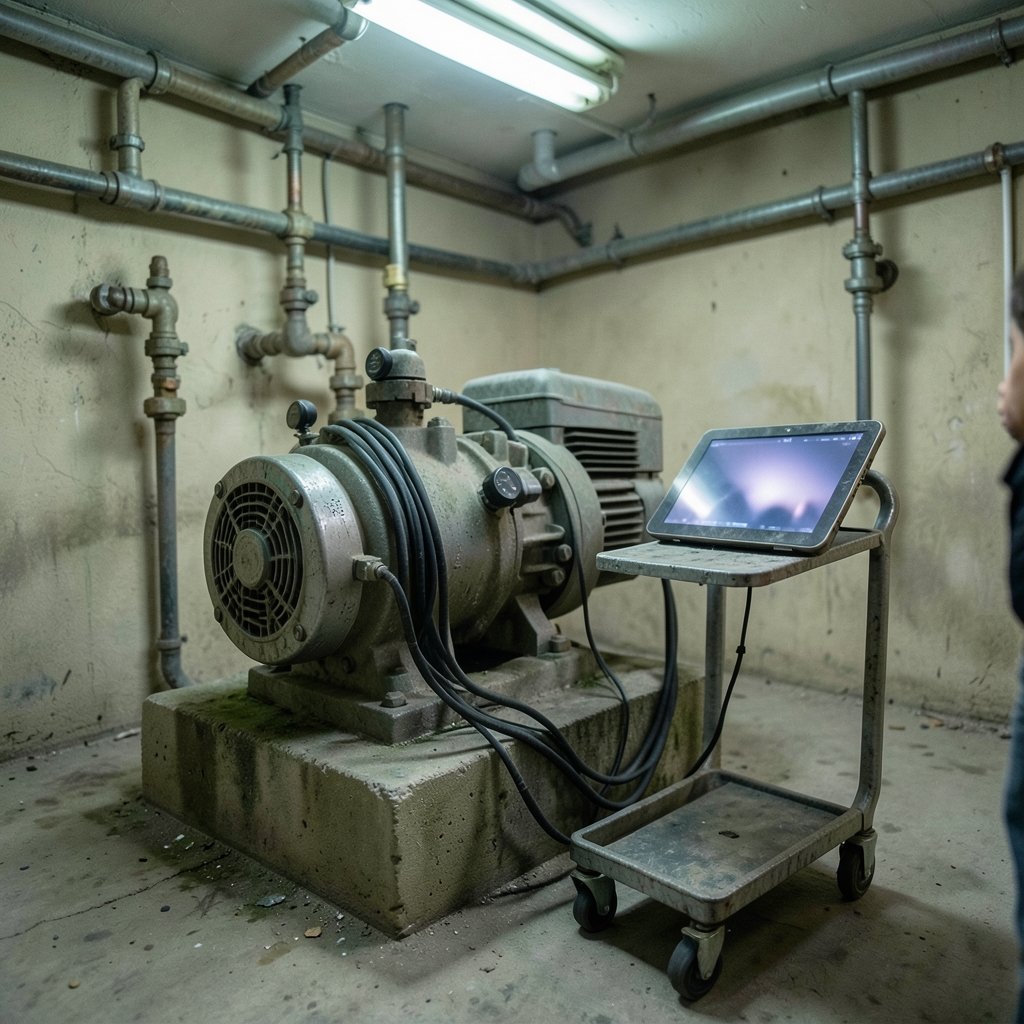
A Formula 1 car generates gigabytes of sensor data during a single race weekend, and engineers use that stream to run a virtual copy of the car that predicts failures before they happen. That virtual copy is a digital twin — and the same idea now runs inside factories, wind farms, hospitals, and city water systems. The concept sounds futuristic, but the mechanics behind it are surprisingly learnable. This guide walks through the full loop, from the first sensor bolt to the dashboard an operator actually reads.
Quick Answer: How does digital twins work step by step for beginners?
A digital twin works by connecting a physical asset to a virtual model through a continuous stream of sensor data, so the model updates as the real thing changes. For beginners, the practical path is to instrument one asset, send its data to a time-series database, build a simple model, and feed insights back to a person or control system.
The key distinction is maturity. A static 3D model that someone updates by hand is just a digital model; a one-way automatic data feed makes it a digital shadow; only automatic two-way flow earns the name digital twin. Most beginners should aim for the shadow stage first.
Before starting, compare your scope, sensor availability, data quality, update frequency, model complexity, budget, and the skill of the person who will maintain the system.
What a Digital Twin Actually Is (and Isn’t)
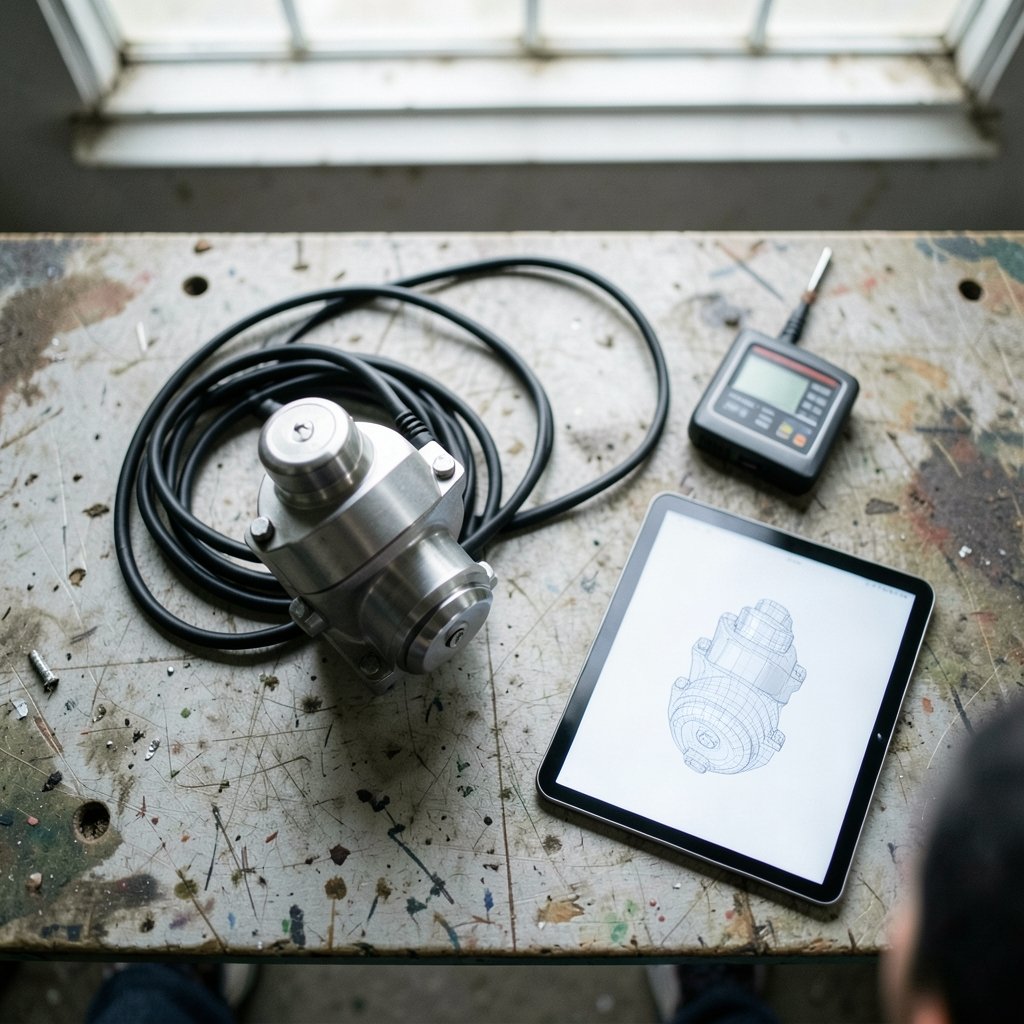
Strip away the marketing and a digital twin has three parts: the physical entity, the virtual entity, and the data connection binding them. That three-part anatomy is the backbone of the concept, and it is why a pretty CAD rendering sitting on a server is not a twin. The rendering becomes a twin only when live data keeps it honest.
The most useful beginner taxonomy grades twins by data flow:
| Stage | Data flow | Example |
|---|---|---|
| Digital model | Manual, one-way | An engineer types meter readings into a spreadsheet weekly |
| Digital shadow | Automatic, one-way | A pump pushes temperature data to a dashboard in real time |
| Digital twin | Automatic, two-way | The model detects drift and sends a setpoint change back to the pump |
Most real deployments live somewhere between shadow and twin. That is fine. Ambition should follow data quality, not the other way around.
Step 1: Pick One Asset and Define the Question
Beginners fail most often by trying to twin an entire factory. Start with a single asset — one motor, one compressor, one HVAC unit — and write down the exact question the twin must answer. “Will this bearing fail in the next 30 days?” is a good question. “Let’s digitize everything” is not.
A useful filter: if you cannot state what decision the twin will change, you are not ready to build it. The question also dictates which sensors matter. A vibration question needs accelerometers; an energy question needs power meters. Everything else is optional noise.
Step 2: Instrument the Physical Asset
Sensors are the twin’s senses. Typical starting kits include temperature probes, vibration sensors, pressure transducers, and current clamps. Industrial protocols such as MQTT and OPC UA carry readings from the machine to an edge gateway, which buffers data when the network drops.
Practical tips that save weeks of pain:
- Mount sensors where they measure the thing you care about, not where the cable is convenient.
- Record a timestamp at the sensor, not just at the server, or you will fight clock skew forever.
- Sample faster than you think you need at first, then downsample once you understand the signal.
- Label every sensor with a human-readable name on day one.
This is the same discipline that underpins any connected device — the networking layer matters as much as the hardware, which is why understanding what an IP address is and how it works pays off when you start assigning gateways and edge devices.
Step 3: Get the Data Somewhere Useful
Raw sensor data is worthless in a spreadsheet with 40,000 rows. You need a time-series database — InfluxDB, TimescaleDB, and Prometheus are common free options — plus a cleaning step that handles gaps, spikes, and duplicate readings.
The cleaning rules beginners most often skip:
- Drop readings outside physically plausible ranges (a temperature of 9,000°C means a broken probe, not a discovery).
- Interpolate short gaps, but flag long ones rather than inventing data.
- Convert units once, at ingestion, and never again.
- Keep the raw stream. You will want to re-clean it later.
Data hygiene is unglamorous and it is where most projects quietly die. A twin built on dirty data produces confident, wrong answers, which is worse than no twin at all.
Step 4: Build the Virtual Model
Here is the relief for beginners: the model does not need to be a photorealistic 3D simulation. Many working twins are a set of equations, a lookup table, or a machine-learning model that predicts one number. A simple physics model of a motor’s expected temperature given its load is often more useful than a beautiful render.
Model options, roughly in order of effort:
- Rule-based thresholds. “Alert if vibration exceeds X.” Fast, cheap, surprisingly effective.
- Physics-based equations. Heat transfer, wear curves, flow calculations.
- Statistical and machine-learning models. Regression, anomaly detection, remaining-useful-life prediction.
Pick the simplest model that answers your Step 1 question. If you later want a richer visual layer, tools for generating 3D scenes and environments have become far more accessible — the same wave of accessible creation that made AI landscape generators for digital art a mainstream hobby now helps small teams prototype visual twins without a graphics department.
Step 5: Close the Loop
The loop closes when insight travels back to the physical world. At the shadow stage, that means an alert to a technician’s phone. At the full twin stage, the model writes a setpoint back to the machine through the same gateway that collects data.
Two guardrails matter here. First, put a human approval step on any write-back until the model has a track record. Second, log every automated command with its justification, so when something goes wrong you can reconstruct why. Trust in an automated loop is earned in small increments, never granted upfront.
Step 6: Monitor, Retrain, and Retire
A twin is a living system. Sensors drift, equipment ages, and models trained on last year’s behavior quietly rot. Schedule a monthly review: compare predictions against outcomes, check sensor health, and retrain or recalibrate where accuracy slipped. Retire twins that no longer answer a live question — a stale twin is a liability that consumes attention.
A Realistic Beginner Project
The cheapest way to learn the loop is a small physical system you control. A 3D printer is close to ideal: it has temperature sensors, motion data, and a clear failure mode. You can log nozzle and bed temperatures, build a simple model of expected warm-up curves, and alert when a print deviates. If you are choosing hardware for such a project, a guide to the best 3D printer for beginners will steer you toward machines with accessible telemetry. The same logic applies to almost any hobby device — even a ukulele with a clip-on tuner teaches the core lesson that a measurement is only useful when something acts on it, a principle covered in guides to the best ukulele for beginners.
Common Mistakes Beginners Make
Over-modeling before data quality. A gorgeous simulation fed by a broken sensor is theater. Fix the data first.
Confusing a 3D model with a twin. If nothing updates automatically, it is a picture.
Ignoring the maintenance cost. Every sensor is a battery to replace and a cable to check. Budget for it.
Skipping the feedback step. A twin that only produces dashboards nobody reads is a science project, not a tool.
Chasing two-way control too early. Automation amplifies whatever is wrong with your model.
The Skills You Actually Need
The role blends four disciplines: instrumentation (sensors and wiring), data engineering (pipelines and storage), modeling (physics or statistics), and domain knowledge (what the machine is supposed to do). Beginners do not need mastery of all four. They need enough of each to build one honest loop, plus the humility to ask a domain expert when the model disagrees with reality.
Conclusion
Digital twins work through a repeatable six-step loop: instrument the asset, transmit the data, clean and store it, update a model, run analysis, and feed insight back. The technology is genuinely accessible now — a single sensor, a free time-series database, and a modest model can produce real value within a week. Start with one asset and one question, aim for a digital shadow before you chase two-way control, and treat data quality as the foundation rather than an afterthought. The teams that succeed are rarely the ones with the fanciest simulation; they are the ones that closed the loop and kept it closed.
Frequently Asked Questions
Do I need 3D visualization to build a digital twin?
No. Many production twins are dashboards and equations with no 3D layer at all. Visualization helps with communication and spatial reasoning, but the value comes from live data and a model that answers a specific question. Add 3D later if stakeholders need it.
How much does a beginner digital twin project cost?
A single-asset project can start under a few hundred dollars: one or two industrial sensors, a microcontroller or edge gateway, and free open-source software. Costs climb with sensor count, data volume, and cloud services. The largest hidden cost is usually engineering time, not hardware.
What is the difference between a digital twin and a simulation?
A simulation runs a scenario on its own; a digital twin stays synchronized with a specific real asset through live data. Simulations can be reused for many hypothetical machines. A twin is bound to one physical thing and degrades when that connection breaks.
How often should a digital twin update?
It depends on the physics. A slow thermal process may need updates every few minutes, while vibration monitoring might need thousands of samples per second. Match the update rate to the fastest behavior you must detect, and downsample for dashboards so humans can read them.
Can a digital twin work without internet access?
Yes. Edge computing lets the gateway run models and alerts locally, which is common in factories and remote sites where connectivity is unreliable. Cloud platforms add storage and cross-site analytics, but the core loop can run entirely on-premises.
What is the biggest reason digital twin projects fail?
Poor data quality and unclear objectives, usually in combination. Teams instrument broadly, collect messy data, build an ambitious model, and discover nobody trusts the output. Starting with one asset, one question, and a simple model avoids most of that failure mode.
Start with a question, not a dashboard. Before any sensor is mounted, write the decision the twin must change. That single sentence becomes your success criterion, your scope document, and your defense against feature creep.
Measure the asset, not the room. Sensors placed for wiring convenience measure the room. Mount them where the physics happens, timestamp at the source, and name every channel in plain language on day one.
Clean before you model. Physically implausible values are broken probes, not discoveries. Flag long gaps instead of inventing data, convert units once at ingestion, and keep the raw stream for future re-cleaning.
Pick the simplest model that answers the question. Thresholds and lookup tables beat neural networks when the goal is a trusted alert, not a research paper.
Earn trust incrementally. Human approval on every write-back, and a logged justification for every automated command, until the model has a track record.
Review monthly, retire without sentiment. Compare predictions to outcomes, recalibrate drifting sensors, and shut down twins that no longer answer a live question.
Follow those six habits and the loop stays closed. That is the whole discipline.



