
Quick Answer: Is android phone worth buying for beginners?
Yes. For most beginners, an Android phone is worth buying because it offers the widest range of prices, a huge app store, and easy setup through a Google account. You can start with a budget model, a mid-range device, or a premium flagship depending on your budget.
The main alternative is an iPhone, which is simpler but usually costs more and offers fewer hardware choices. Android is not automatically better; it simply spreads across more price points and brands.
Before buying, compare price, update policy, RAM and storage, battery life, camera quality, and security support.
Android phones make up the majority of smartphones sold worldwide, and that popularity is not an accident. The platform’s open nature means dozens of brands compete on price, features, and design. For someone buying their first smartphone, that competition is genuinely good news: it puts pressure on prices and gives buyers real choices instead of a single take-it-or-leave-it option.
But choice cuts both ways. A first-time buyer walking into a store can face a wall of similar-looking handsets with confusing names, wildly different prices, and spec sheets full of jargon. The honest answer to whether an Android phone is worth buying for beginners is yes, but with conditions. This guide walks through those conditions so a new buyer can spend money with confidence instead of regret.
Why Android Suits First-Time Buyers
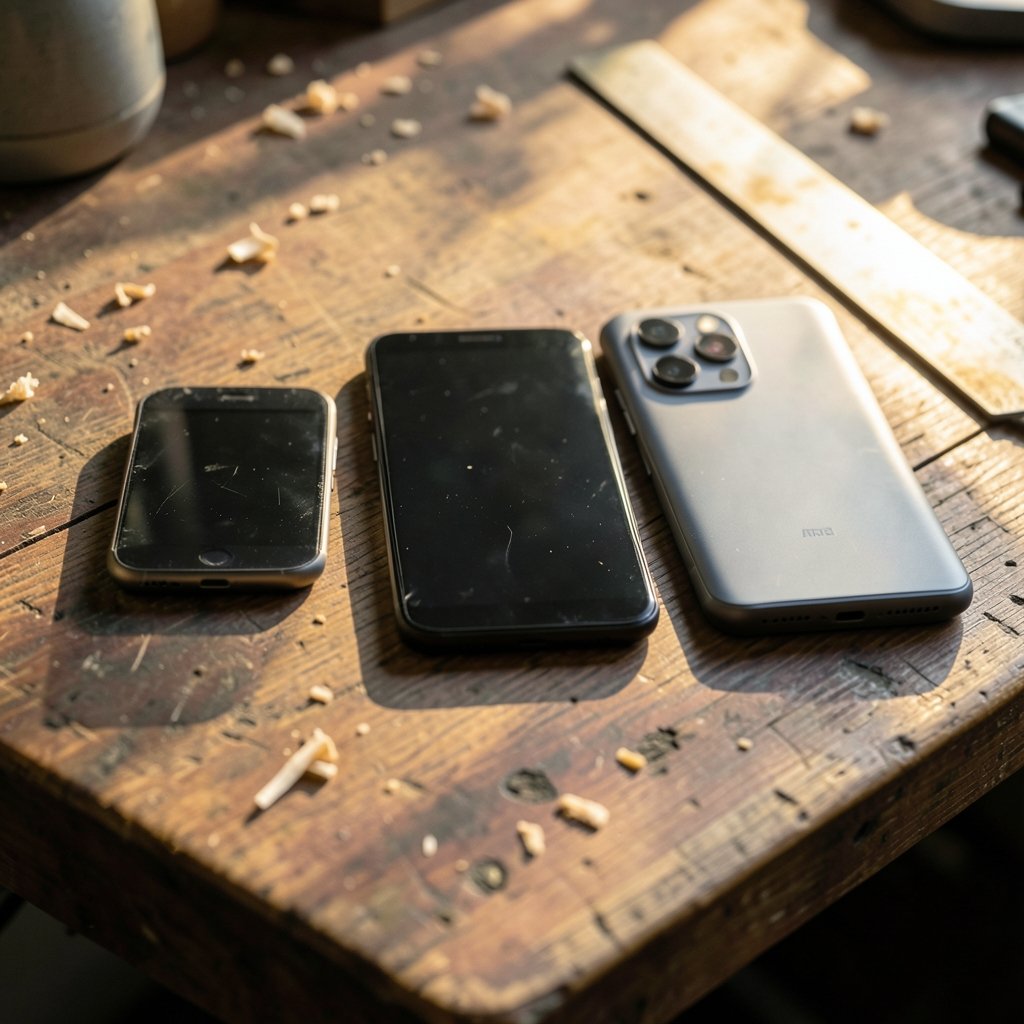
The strongest argument for Android as a first phone is the price ladder. Because Android is built on the open-source Android Open Source Project (AOSP), any manufacturer can use it to build devices. That is why Android phones exist at nearly every price point, from very cheap entry models to premium flagships that rival anything on the market. (Android)
For a beginner, that spread matters. Someone who is not sure how much they will use a smartphone can start modestly and upgrade later without switching ecosystems. Someone who wants a big screen, a long-lasting battery, or a strong camera can find a model tuned to that priority.
Android also handles the basics well. Setup runs through a Google account, and Google publishes step-by-step guidance for new users, so the first boot is rarely intimidating. The Google Play store offers millions of apps, including banking, navigation, messaging, and productivity tools. Most people will find everything they need on day one.
There is also a practical advantage for people who already use Gmail, Google Photos, or Google Maps on a computer: an Android phone fits into those services. Contacts, calendars, and photos sync without extra work.
The Real Trade-Off: Price Versus Update Support
Here is where beginners get burned most often, and it rarely has anything to do with the phone’s speed on day one.
Android update support varies dramatically by manufacturer and model. Google’s own Pixel line has historically promised multi-year operating system and security updates, but budget phones from other brands often receive far shorter support windows. A cheap phone that stops getting security patches after two years is not really cheap if the buyer plans to keep it for five.
The practical rule: check the specific model’s update policy before buying, not the brand’s reputation. A manufacturer that supports its flagship for seven years may support its budget line for two. Ask how many years of operating system updates and security patches the exact model gets, and write that number down.
| Buyer priority | What to check | Why it matters |
|---|---|---|
| Long-term value | Years of OS and security updates | A short support window shortens the phone’s safe lifespan |
| Budget buyer | RAM, storage, and chipset | Low RAM makes even simple apps feel slow within a year |
| Heavy photo user | Camera hardware and software support | Megapixels matter less than processing and updates |
| Security-conscious | Play Protect status and patch level | Malware protection depends on certified devices and current patches |
A second trade-off is fragmentation. Because many manufacturers and Android versions coexist, app behavior and security patch levels differ across devices. Beginners on very cheap phones sometimes end up on an older Android version, which can mean missing features or weaker protection. This is not a reason to avoid Android; it is a reason to check the version and patch date in the store before paying.
Security: What Beginners Actually Need to Know
Security questions come up fast for new smartphone owners, and the answers are more reassuring than the headlines suggest.
Google Play Protect scans apps for malware and is on by default on certified devices. For a beginner who might install an unfamiliar app or sideload something a friend recommends, that default protection is a meaningful safety net. The key word is certified: devices that pass Google’s compatibility requirements can access Google apps and Play Protect, while uncertified imports may not.
Google publishes minimum hardware requirements through its Android compatibility documentation, which defines the floor for a device to run Android properly. A beginner does not need to read the technical documents, but the existence of that floor is useful: it means a certified budget phone is not below spec, even if it is basic.
The bigger risk for beginners is not malware but habits. Installing apps from outside the Play store, tapping links in unexpected messages, and reusing weak passwords cause far more trouble than the operating system itself. Enabling screen lock, keeping the phone updated, and sticking to the official store covers most of the ground.
For readers weighing platforms on security grounds, a comparison of Android vs iPhone security key differences is a sensible next step, because the two systems handle app review, updates, and permissions differently.
Where Android Frustrates Beginners
A balanced answer has to name the annoyances, because they are real and predictable.
Preinstalled apps. Many Android phones ship with manufacturer apps and carrier software that cannot always be removed. Some are useful; some are clutter. Flagship models tend to be cleaner than budget ones.
Inconsistent naming. Two phones with almost identical names can have very different specs. Beginners should compare the exact model number, not the marketing name.
Short support on cheap models. As covered above, the cheapest phones often get the shortest update windows. That is the single most common source of buyer regret.
Setup friction. Transferring contacts, photos, and messages from an old phone takes time. Doing it once, carefully, beats rushing and losing data.
None of these are deal-breakers. They are checkable in advance, which is exactly what a careful beginner should do.
How to Choose a First Android Phone Without Regret
A simple sequence works better than browsing spec sheets for hours.
- Set a firm budget that includes a case and charger if they are not included.
- Decide the priority: battery life, camera, screen size, or price.
- Check the update policy for the exact model, including security patch years.
- Confirm RAM and storage are enough for messaging, photos, maps, and a few apps.
- Verify it is a certified device so Google apps and Play Protect work.
- Buy from a reputable seller with a clear return window.
- Set up the Google account and screen lock on day one, then enable automatic backups.
For buyers who want a shortlist rather than a research project, a roundup of the best android phones 2026 covers the current field across price bands. Readers who prefer a single strong all-rounder can start with the best android phone 2026 pick and work outward from there.
Two accessories deserve early attention. A reliable charger matters more than beginners expect, and a comparison of the best wireless chargers for iPhone and Android helps avoid slow or unreliable charging. A case and screen protector are cheap insurance against the first drop, which almost always happens in the first month.
Android Versus iPhone for a First Phone
The comparison is less about which system is better and more about which fits the buyer.
| Factor | Android | iPhone |
|---|---|---|
| Price range | Very wide, including budget models | Narrower, generally higher entry price |
| Hardware choice | Many brands, sizes, and designs | One brand, few models |
| Update consistency | Varies by manufacturer and model | Consistent across the lineup |
| Customization | High; home screens and defaults are flexible | More locked down but simpler |
| App selection | Very large, with some platform gaps | Very large, with early access to some apps |
A beginner who wants the lowest sensible entry price, a specific feature like a huge battery, or deep customization will usually be happier on Android. A beginner who values simplicity, consistent updates, and a single support channel may prefer an iPhone and pay more for it.
Neither choice is wrong. The mistake is buying on brand alone without checking the update policy and the exact model’s specs.
Common Beginner Mistakes to Avoid
These come up again and again, and each one is easy to prevent.
Buying the cheapest phone without checking support. Saving a little now can mean replacing the phone years sooner.
Ignoring storage. Photos and apps fill space quickly. A model with expandable storage or generous built-in capacity ages better.
Skipping the backup setup. Automatic photo and contact backup takes minutes and saves hours of pain later.
Installing apps from random links. The official store plus Play Protect is the safer default.
Forgetting the charger and case in the budget. The phone is not the whole cost.
Not testing the return window. Open the box, set it up, and use it properly within the return period.
For readers curious about everyday tools, guides like how to reverse image search on Android show how quickly a new user can pick up genuinely useful skills. And for anyone wondering whether a phone can double as a hobby companion, the best ukulele for beginners is a reminder that a smartphone is a learning tool as much as a communication device. Beginners curious about AI assistants can compare options in this roundup of the best AI chatbot app for iPhone and Android 2026, while a second take on the same category appears in this guide to the best AI chatbot app iPhone Android 2026. (Android (operating system)))
Conclusion
For most beginners, an Android phone is worth buying if they know what they are getting into. The platform’s open foundation gives buyers an unusually wide range of prices and designs, the number of available apps is enormous, and default protections like Play Protect cover the basics. The catch is inconsistency: update support, build quality, and preinstalled software vary enormously between models, even within the same brand.
The buyer who checks the update policy, confirms the device is certified, budgets for a case and charger, and sets up backups on day one will almost certainly be happy. The buyer who grabs the cheapest box on the shelf without reading the fine print is the one who ends up frustrated. Android rewards a little homework more than almost any other consumer purchase, and that homework takes about twenty minutes.
Frequently Asked Questions
Is a cheap Android phone good enough for a first smartphone?
Usually yes, if it is a certified device with enough RAM and storage for everyday apps. The main risk is short update support, so check how many years of security patches the exact model receives before buying.
How many years of updates should a beginner expect?
It varies widely by manufacturer and model. Some premium phones promise many years of operating system and security updates, while budget models often receive far fewer. Always check the specific model’s published policy rather than assuming the brand’s flagship promise applies.
Do beginners need to worry about Android malware?
The risk is lower than headlines suggest for users who stick to the official app store and keep the phone updated. Play Protect scans apps and is enabled by default on certified devices. The bigger risks are weak passwords and installing apps from unfamiliar links.
Can a beginner switch from iPhone to Android easily?
Yes, though it takes some setup. Contacts, photos, and calendars can usually be transferred with Google’s tools or a cable. The main adjustment is learning a new interface and re-downloading apps, which typically takes an afternoon.
Is Android harder to use than iPhone?
Not fundamentally. Both systems handle calls, messages, photos, and apps in similar ways. Android offers more customization, which some beginners find liberating and others find distracting. iPhone tends to be more uniform across models, which some users find simpler.
What should a beginner check first before buying an Android phone?
Start with the update policy and the exact model number, then confirm RAM, storage, and certification status. After that, compare battery life and camera quality against the budget. These five checks prevent most first-purchase regrets.



