
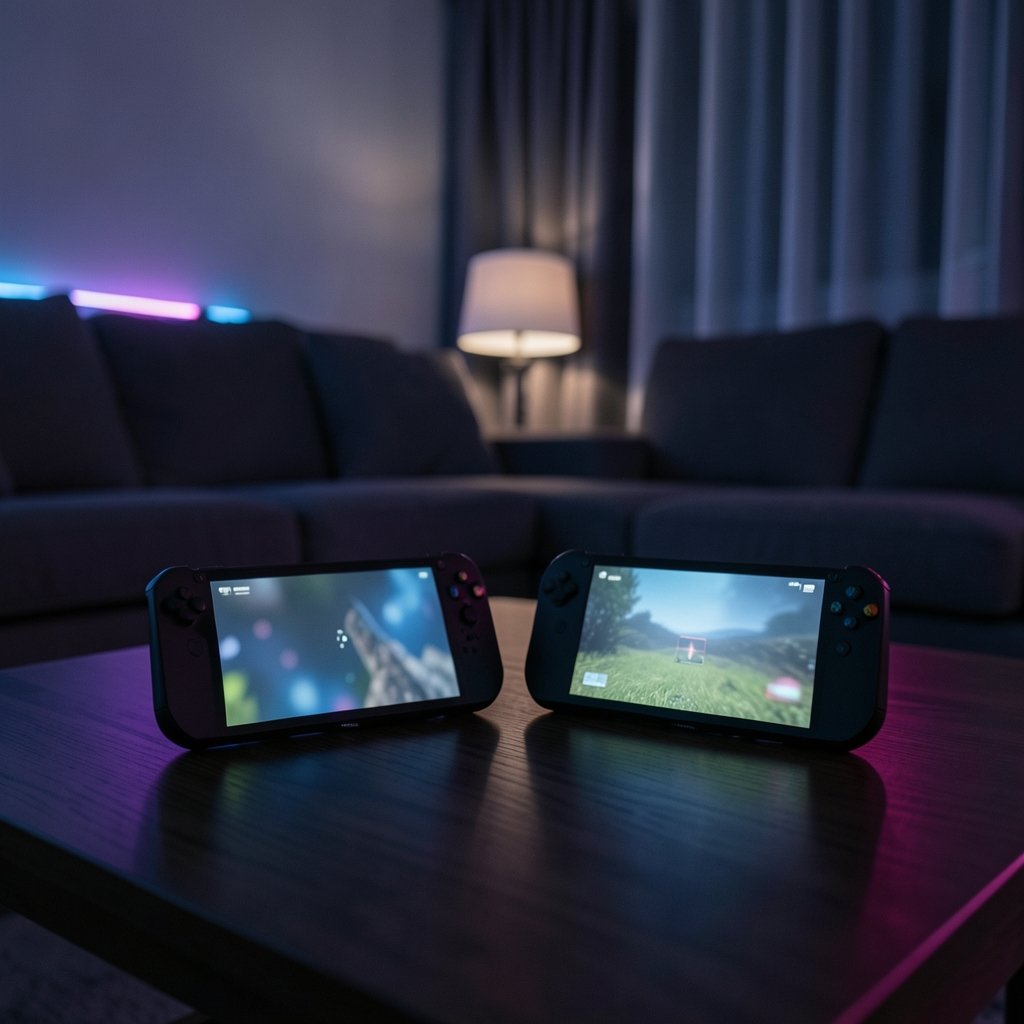
What if the biggest difference between two handhelds isn’t the chip inside, but the lamp behind your couch? That question sits at the heart of the ROG Xbox Ally X vs Steam Deck OLED comparison, and it gets more interesting every year as panels, coatings, and HDR modes evolve. One device uses a fast LCD. The other uses an HDR OLED. Under store lights they can look closer than you’d expect. In a dark bedroom, they can feel like different product categories.
This article looks at how room lighting changes the viewing experience on both machines, what to expect heading into 2027, and the practical mistakes that make either screen look worse than it is. It sticks to what’s known and flags what isn’t. No invented lab data, no fake 2027 studies.
The Two Panels, Side by Side
The ROG Xbox Ally X arrived in late 2025 with a 7-inch 1080p LCD running at up to 120 Hz. That’s a liquid crystal panel with a backlight, not OLED. The Steam Deck OLED launched in November 2023 with a 7.4-inch 1280×800 HDR OLED, rated up to roughly 1,000 nits peak in HDR and around 600 nits in SDR. Valve sells both a glossy version and an anti-glare etched version, and those two finishes behave very differently when a window is behind you.
That difference matters because it reframes the whole debate. This is not OLED versus OLED. It’s a bright, fast LCD against an emissive OLED with true per-pixel black, and each one responds to ambient light in its own way. If you want a deeper hardware breakdown, the broader ROG Ally X vs Steam Deck OLED comparison covers specs and performance without the lighting angle.
| Factor | ROG Xbox Ally X | Steam Deck OLED |
|---|---|---|
| Panel type | 7-inch 1080p LCD, 120 Hz | 7.4-inch 1280×800 HDR OLED |
| Peak brightness | High, backlight-driven | ~1,000 nits HDR, ~600 nits SDR |
| Black level in a dark room | Raised by backlight bleed | Near-zero per pixel |
| Glossy vs matte options | Single finish | Glossy and anti-glare etched |
| Typical weak spot | Reflections on a flat LCD surface | Black level lifting in bright rooms |
Why Room Lighting Changes Everything
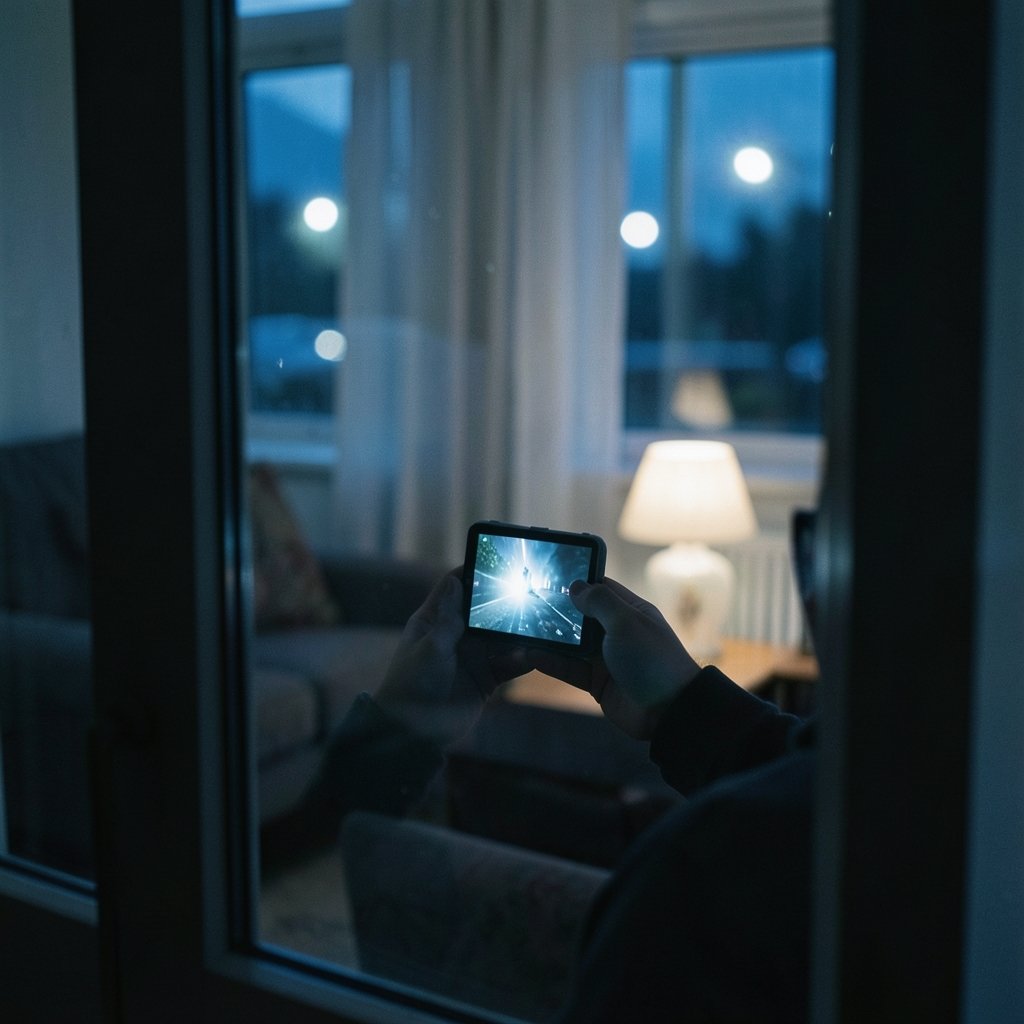
A screen doesn’t just emit light. It also reflects it. Every lamp, window, and overhead fixture bounces off the panel surface, and that reflected light adds to whatever the display is trying to show. Two things happen at once: glare (a sharp mirror image of a light source) and veiling reflection (a soft wash of light that lifts the whole image).
The second one is the quiet killer. It raises the black level, which is exactly where OLED earns its reputation. In a pitch-dark room, an OLED pixel that’s off is truly off, so contrast feels infinite. Add a bright ceiling light, and reflected ambient light bounces off the panel and lifts those blacks toward gray. The OLED still looks good, but its headline advantage shrinks.
LCDs have a related but different problem. Their backlight is always on, so blacks are already a compromise. Reflections stack on top of that. On the plus side, a strong backlight can punch through moderate ambient light in a way that a dimmer emissive panel sometimes struggles to match in SDR.
This is general display optics, not a device-specific finding. There’s no public, peer-reviewed study comparing these two exact handhelds under controlled room lighting. Any claim that a 2027 firmware update “scientifically proves” one wins would be new measurement work, not established literature. Treat such claims with suspicion.
Glossy vs Etched: The Coating Decision
If you’re buying a Steam Deck OLED, the finish choice may matter more than any spec sheet number. The glossy panel gives you the crispest image and the deepest perceived contrast in a dim room. It also turns into a mirror the moment a lamp sits behind your shoulder. The etched anti-glare version scatters reflections across the surface instead of mirroring them. You lose a sliver of sharpness, but you gain a screen that stays readable under a window or a pendant light.
Practical guidance that actually works:
- Play mostly at night or in a dim room? Go glossy. The contrast payoff is real.
- Play on a couch facing a bright window or under overhead lights? Go etched. You’ll fight the screen less.
- Unsure? Think about where you sit, not what reviewers say. Your room decides this, not a spec table.
The ROG Xbox Ally X sidesteps the choice by offering a single finish, so your only lever is where you sit and how you light the space. That’s a real difference in ownership experience, and it rarely shows up in spec comparisons. For a closer look at how each panel handles tricky light, this breakdown of ROG Ally X vs Steam Deck OLED room lighting changes viewing digs into the day-to-day feel.
HDR Headroom and Ambient Light
HDR is where brightness numbers get confusing. A 1,000-nit peak on the Steam Deck OLED sounds enormous, and in a dark room those highlights genuinely pop. But peak brightness is a tool for contrast, not a guarantee of visibility. If ambient light is washing out the panel, a bright highlight has less room to stand out above the reflected haze.
Brightness figures also get quoted carelessly. Peak HDR and sustained SDR are different measurements, and reviewers often disagree on what they measure. Always ask which mode a number refers to before comparing two devices. A “600 nits” claim in SDR and a “1,000 nits” claim in HDR are not the same kind of statement, and mixing them creates false conclusions.
The ROG Xbox Ally X takes a different route. Its LCD leans on a strong backlight and a fast refresh rate rather than per-pixel light control. In a bright room, that backlight can hold its own against reflections. In a dark room, the LCD’s always-on backlight means black scenes look charcoal rather than true black. Neither approach is wrong. They just fail in opposite conditions.
What Changes by 2027
Here’s where honesty matters. As of now, there is no verified 2027 product data, no confirmed 2027 firmware, and no published 2027 study on these two handhelds. Anything presented as a hard 2027 fact should be treated as speculation until a dated source appears.
What’s reasonable to expect, based on how display tech has moved:
- Better anti-reflective coatings. Etched and low-reflection finishes keep improving, narrowing the glossy-versus-matte gap.
- Smarter ambient-light handling. Auto-brightness and tone mapping that respond to room light are an obvious next step, though how well they’ll work on either device is unknown.
- More HDR content tuned for bright rooms. HDR standards already account for viewing environment, and that thinking tends to trickle down.
- Firmware tweaks, not miracles. Software can improve gamma and tone mapping. It can’t change the physics of a reflective surface.
If you’re weighing a purchase for 2027 and beyond, the sensible move is to judge the panel type and finish you can actually buy, not a rumored refresh. The Steam Deck OLED vs ROG Ally X room lighting changes you see piece walks through the same trade-offs with a slightly different focus, which helps if you’re comparing notes across reviews.
Common Mistakes That Ruin Either Screen
Most “this screen looks bad” complaints trace back to the room, not the device. These are the errors that show up again and again:
- Judging a handheld under store lighting. Big-box stores are a glare torture test. A panel that looks washed out there may be excellent at home.
- Putting a lamp directly behind your head. This creates the worst-case mirror reflection on any glossy screen. Move the lamp to the side.
- Maxing brightness in a dark room. It crushes your night vision and makes the image feel harsh. Lower it and let the panel’s contrast do the work.
- Ignoring window direction. A screen facing a south-facing window will fight the sun for hours a day. Rotate your seating if you can.
- Comparing peak HDR to sustained SDR. This is the most common spec-sheet trap. Match the measurement mode before drawing conclusions.
- Forgetting screen protectors. A glossy protector on an etched panel can undo the anti-glare benefit entirely. Choose protectors that match your finish.
Practical Tips That Actually Work
You don’t need a lab to get the best from either device. A few low-effort habits make a visible difference:
- Control the light source, not just the screen. A dimmable lamp to the side beats a bright overhead fixture every time.
- Use bias lighting. A soft light behind the screen reduces the contrast between a bright panel and a dark wall, which eases eye strain in long sessions.
- Match brightness to the room. Set it so the screen feels comfortable, not maximal. Your eyes will thank you during long play sessions.
- Test at your real play time. If you mostly play at night, evaluate the screen at night. Daytime demo impressions can mislead.
- Sit facing away from windows. It’s the single cheapest upgrade to any handheld’s perceived image quality.
These habits apply to both devices, and they show up in other display comparisons too. If you also game on a big screen, the same logic in this gaming monitor vs TV room lighting changes viewing guide carries straight over. And if you’re curious how panel technology itself shifts under different light, the OLED vs mini LED gaming monitors room lighting changes comparison covers the underlying physics in more depth.
Which One Wins in Your Room?
There’s no universal winner, and anyone who claims otherwise is selling something. The honest answer depends on where you play:
- Dim room, nighttime player: The Steam Deck OLED’s per-pixel black and HDR highlights are hard to beat. Go glossy if reflections aren’t an issue.
- Bright room, daytime player: The etched Steam Deck OLED or the ROG Xbox Ally X’s punchy LCD will both serve you better than a glossy OLED fighting a window.
- Mixed lighting: The etched OLED is the safest all-rounder. The Ally X’s LCD is a solid choice if you value refresh rate and don’t mind charcoal blacks.
- Shared living space with fixed lighting: Pick the device whose weak spot you can live with, then fix the lighting. It’s cheaper than upgrading hardware.
The 2027 angle doesn’t change this core logic. Better coatings and smarter tone mapping will soften the trade-offs, but reflections and black levels are physics. Until a dated, verifiable study says otherwise, judge both handhelds by how they behave in the room you actually play in.
Conclusion
The ROG Xbox Ally X vs Steam Deck OLED story is really a story about light. One device sells you true black and HDR sparkle that shines in the dark and fades under a bright lamp. The other sells you a fast, bright LCD that holds up in a lit room but can’t match OLED’s blacks at night. Neither is a flaw in the hardware. They’re just different answers to the same question: what does your room look like when you play?
Heading into 2027, expect refinements rather than revolutions. Coatings will improve, tone mapping will get smarter, and firmware will squeeze more out of both panels. But the fundamentals, reflections, ambient light, and black level, won’t budge. Control your lighting, pick the finish that matches your space, and stop comparing peak HDR to sustained SDR. Do that, and either handheld will look better than it does in any store demo.
Frequently Asked Questions
Does room lighting matter more than the panel type?
Often, yes. A glossy OLED in a bright, reflective room can look worse than an LCD in a controlled dim room. Panel type sets the ceiling. Lighting decides how close you get to it.
Is the ROG Xbox Ally X OLED?
No. The ROG Xbox Ally X uses a 7-inch 1080p LCD at up to 120 Hz. That’s the key difference in this comparison, since the Steam Deck OLED uses an emissive OLED panel with per-pixel black.
Which Steam Deck OLED finish is better for bright rooms?
The anti-glare etched version. It scatters reflections instead of mirroring them, so lamps and windows are less distracting. The trade-off is a slight loss of sharpness compared with the glossy panel.
Why does OLED contrast look worse in a bright room?
Reflected ambient light bounces off the panel surface and lifts the black level. OLED’s near-zero blacks only stay near-zero when little light is reflecting off the screen, so a bright room shrinks its advantage.
Can firmware updates in 2027 fix glare?
No. Software can improve gamma, tone mapping, and auto-brightness, but it can’t change how a surface reflects light. Glare is a physical property of the panel and its coating.
Should I wait for 2027 models before buying?
Only if you’re not in a hurry. There’s no verified 2027 product data yet, and the core trade-offs between LCD and OLED are unlikely to disappear. If you need a device now, buy for your room’s lighting and enjoy it.



