
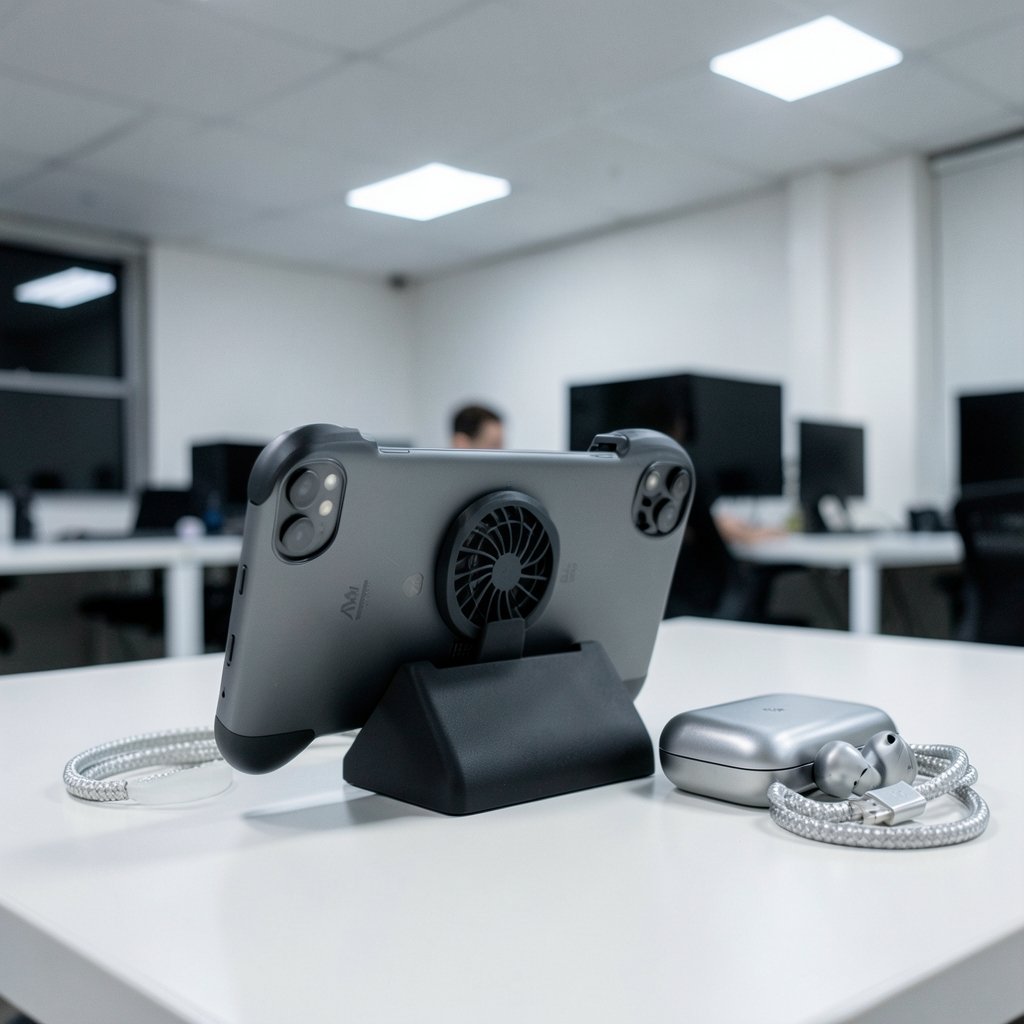
Quick Answer: Which gaming phones are best for competitive gaming?
The best gaming phones for competitive play are dedicated gaming models such as the ASUS ROG Phone series and the Nubia RedMagic line, because they pair high refresh-rate screens with shoulder triggers, bypass charging, and cooling hardware built for long sessions. Those features are what separate a gaming phone from a fast everyday flagship.
Mainstream flagships and iPhones remain strong alternatives for players whose titles run better on iOS or whose tournaments restrict device types. They deliver steady performance but skip the trigger buttons and charge-bypass tricks.
Before buying, compare refresh rate, touch sampling rate, sustained performance and cooling, shoulder trigger type, battery capacity, bypass charging support, and per-title frame rate caps.
Why a Fast Phone Is Not Automatically a Gaming Phone
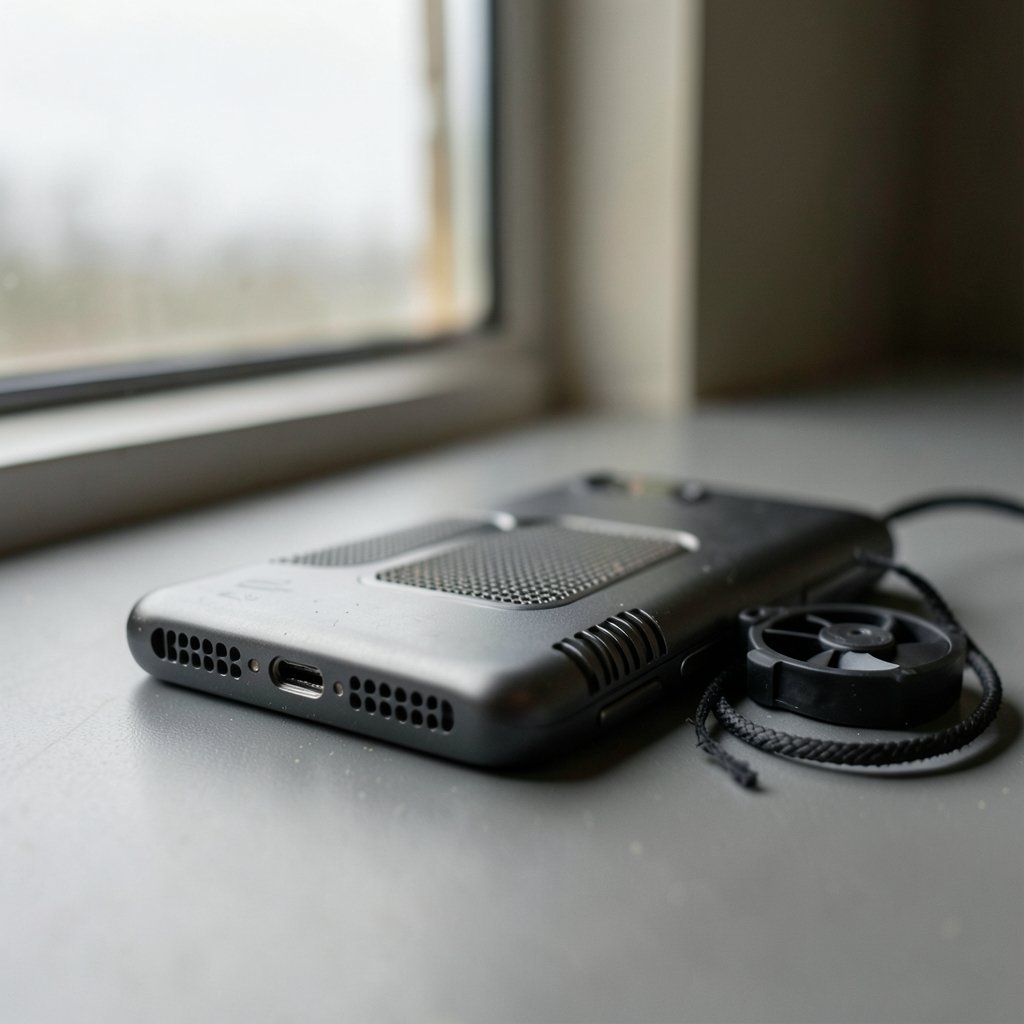
Walk into any phone store and every flagship on the shelf looks like a gaming phone. Big screen, fast chip, smooth scrolling. So why do competitive players still pay extra for devices with loud design and shoulder buttons?
Because peak benchmarks lie. A phone can hit a huge score in a two-minute test and then throttle hard twenty minutes into a ranked match. Gaming phones are built around sustained performance instead: vapor chambers, sometimes active cooling accessories, and software that holds frame rates steady rather than spiking and crashing.
The second difference is input. A touchscreen is a fine controller for casual play, but competitive shooters reward physical buttons. Shoulder triggers let players aim, move, and fire at the same time without lifting thumbs off the screen. That single change alters how a match feels.
The third difference is heat and battery management. Features like bypass charging run the phone directly from the charger so the battery does not cook during long sessions. It sounds minor until a three-hour scrim block turns a normal phone into a hand warmer.
What Actually Matters for Competitive Play
Refresh rate and frame rate caps
High refresh-rate displays are now standard on gaming phones. The ASUS ROG Phone 8 series, announced in January 2024, uses a 165 Hz AMOLED panel. The RedMagic 9 Pro launched with a 120 Hz screen, and the Nubia RedMagic 10 Pro moved to 144 Hz.
Here is the catch most buyers miss: many mobile esports titles cap frame rates per device whitelist. PUBG Mobile, Call of Duty: Mobile, and League of Legends: Wild Rift all set limits that change with patches. A 165 Hz panel does not magically produce 165 fps in a game capped at 60 or 90. Check the current cap for the specific title before paying for refresh rate you cannot use.
Touch sampling rate
Touch sampling rate describes how often the screen registers input. Gaming phones commonly advertise 720 Hz or higher in game mode, such as the ROG Phone 8. These are manufacturer figures rather than independently benchmarked standards, so treat vendor numbers with caution. Still, higher sampling generally means taps register sooner, which matters in fast flick shots.
Sustained performance and cooling
Independent testing from outlets such as GSMArena and Notebookcheck generally shows gaming phones throttling less than flagship slab phones, though results vary by title and ambient temperature. Active cooling accessories, like the ROG Phone’s AeroActive Cooler, exist specifically to reduce that throttling.
Shoulder triggers and bypass charging
Air triggers, whether ultrasonic or capacitive, appear on ROG Phone and RedMagic lines. There is no industry standard defining them, so feel and response differ between brands. Bypass charging appears on the same lines and is genuinely useful for players who game while plugged in.
Software game modes
Android’s Game Mode and Game Dashboard APIs, introduced around Android 12 in 2021, give the platform a way to manage performance and interruptions. Gaming phones layer vendor software on top, often branded as an “X mode,” to prioritize CPU and GPU scheduling and block notifications. Effectiveness is hard to verify independently, so treat vendor claims as marketing until tested.
The Main Contenders Compared
| Phone family | Display refresh | Signature competitive features | Best for |
|---|---|---|---|
| ASUS ROG Phone 8 series | 165 Hz AMOLED | Air triggers, AeroActive Cooler support, bypass charging, high touch sampling | Players who want the fullest feature set and accessory support |
| Nubia RedMagic 10 Pro | 144 Hz | Shoulder triggers, large battery, gaming software layer | Buyers who want trigger controls at a lower price tier |
| RedMagic 9 Pro | 120 Hz | Shoulder triggers, 6,500 mAh battery | Long sessions where battery life outranks refresh rate |
| Mainstream Android flagships | Typically 120 Hz | Strong chips, no shoulder triggers, no bypass charging | Players who want one phone for everything |
| iPhone Pro models | 120 Hz ProMotion | Excellent sustained performance, no triggers or bypass charging | iOS players and titles that run best on Apple hardware |
The table hides one truth: the “best” phone depends on which game is being played and whether tournament rules allow the device. A player grinding Wild Rift on iOS has different needs than someone climbing a shooter ladder on Android.
If the choice comes down to platforms rather than phones, the same logic applies as in any console decision. A comparison of the best gaming consoles in 2026 shows how much library and platform features shape the outcome, and phones work the same way.
Matching the Phone to the Game
Shooters
First-person and battle royale shooters benefit most from shoulder triggers and high touch sampling. Four-finger claw grip on a touchscreen works, but it is uncomfortable and inconsistent. Triggers turn that into a repeatable input. Cooling also matters here because shooters run hot and long.
MOBAs and strategy titles
League of Legends: Wild Rift and similar titles reward steady frame rates more than peak refresh. A phone that holds a locked frame rate for an hour beats one that spikes higher and stutters. Battery capacity matters too, since matches stack up back to back.
Racing and action games
These titles lean on display smoothness and haptics. A 144 Hz or 165 Hz panel helps, but only if the game supports it. Big batteries in the 5,500 to 6,500 mAh range, like the RedMagic 9 Pro’s 6,500 mAh cell, keep sessions going.
Cloud streaming
Players who stream games rather than run them natively need a different priority list. Network stability outranks raw chip power, which is why the ethernet vs wi-fi debate for gaming applies to phones too. A mid-range phone on a stable connection can beat a flagship on shaky Wi-Fi. The same calculus shows up when comparing cloud gaming services like Xbox Cloud Gaming and PS Plus Premium, where the service matters as much as the screen.
Practical Tips That Actually Help
Test the triggers before committing. Air trigger feel varies by brand and generation. If possible, try a display unit or buy from a retailer with a return window.
Check the frame rate cap for your main game. Search the current patch notes. A phone sold on 165 Hz is wasted if the game locks at 60.
Use bypass charging for long sessions. It reduces heat and battery wear. Reserve full charging for between sessions.
Watch ambient temperature. Thermal throttling gets worse in a hot room. Cooling accessories help, but so does playing somewhere cooler.
Buy a case that does not block the cooling vent. Some cases trap heat exactly where the vapor chamber needs airflow.
Do not chase benchmark scores. A phone that wins a benchmark and loses the twentieth minute of a match is not a gaming phone in any useful sense.
Common Mistakes Buyers Make
The biggest mistake is buying for peak specs instead of sustained ones. A phone that scores highest in a short benchmark may throttle first in a long session. Look for independent thermal testing, not marketing slides.
The second mistake is ignoring game compatibility. Some titles run better on iOS, and some tournaments restrict device types. Buying an Android gaming phone to play a game that performs better on an iPhone is an expensive detour.
The third mistake is overpaying for refresh rate that no game supports. If the main title caps at 90 fps, a 120 Hz panel is enough, and the savings can go toward a cooling accessory or a better headset.
The fourth mistake is forgetting accessories. A controller grip or a clip-on cooler can change the experience more than a spec bump. Budget for them from the start.
Where Phones Fit in a Bigger Setup
A gaming phone is one piece of a competitive setup. Players who also compete on a desk should think about display response and input lag the same way, which is why guides on the best gaming monitors for competitive play translate well to phone shopping: response time and consistency matter more than raw numbers.
Console and PC players face the same trade-off. The PS5 Pro vs gaming PC comparison is essentially the same question in a different form: which hardware actually fits the games being played? And for players who split time between phone and handheld, the best handheld gaming consoles of 2026 covers the portable side in more depth.
Conclusion
The best gaming phones for competitive play are the dedicated ones: ASUS ROG Phone and Nubia RedMagic families lead because they combine high refresh screens with shoulder triggers, bypass charging, and cooling designed for long sessions. Mainstream flagships and iPhones are excellent devices, but they lack the competitive-specific hardware.
The smarter approach is to start with the game, not the phone. Check the frame rate cap, confirm the platform, then compare refresh rate, touch sampling, sustained performance, triggers, battery, and bypass charging. A phone that holds steady for an hour beats one that wins a benchmark and loses the match.
FAQ
Do gaming phones actually make you better at competitive games?
They remove friction rather than add skill. Shoulder triggers, steady frame rates, and less throttling make inputs more consistent, which helps players who already practice. A gaming phone will not fix bad decision-making, but it stops hardware from getting in the way.
Is a 165 Hz display worth it for mobile esports?
Only if the game supports it. Many mobile esports titles cap frame rates per device, so a 165 Hz panel may run at 60 or 90 fps depending on the title and patch. Check the current cap before paying a premium for refresh rate.
Are iPhones good for competitive mobile gaming?
Yes, for the right titles. iPhone Pro models offer strong sustained performance and 120 Hz ProMotion, but they lack shoulder triggers and bypass charging. Whether iOS or Android is better depends on the game and tournament rules.
What is bypass charging and why does it matter?
Bypass charging powers the phone directly from the charger instead of the battery. During long sessions it reduces heat and battery wear. It appears on ROG Phone and RedMagic lines and is genuinely useful for players who game while plugged in.
How much battery capacity should a gaming phone have?
Gaming phones commonly ship 5,500 to 6,500 mAh batteries, such as the RedMagic 9 Pro’s 6,500 mAh cell. Larger cells add weight, which affects comfort in long sessions, so balance capacity against how the phone feels in hand.
Do cooling accessories really reduce throttling?
They help, but results vary by title and ambient temperature. Active coolers like the ROG Phone’s AeroActive Cooler are designed to reduce thermal throttling during long sessions. Independent testing generally shows gaming phones throttle less than flagship slab phones, though no accessory eliminates heat entirely.



