
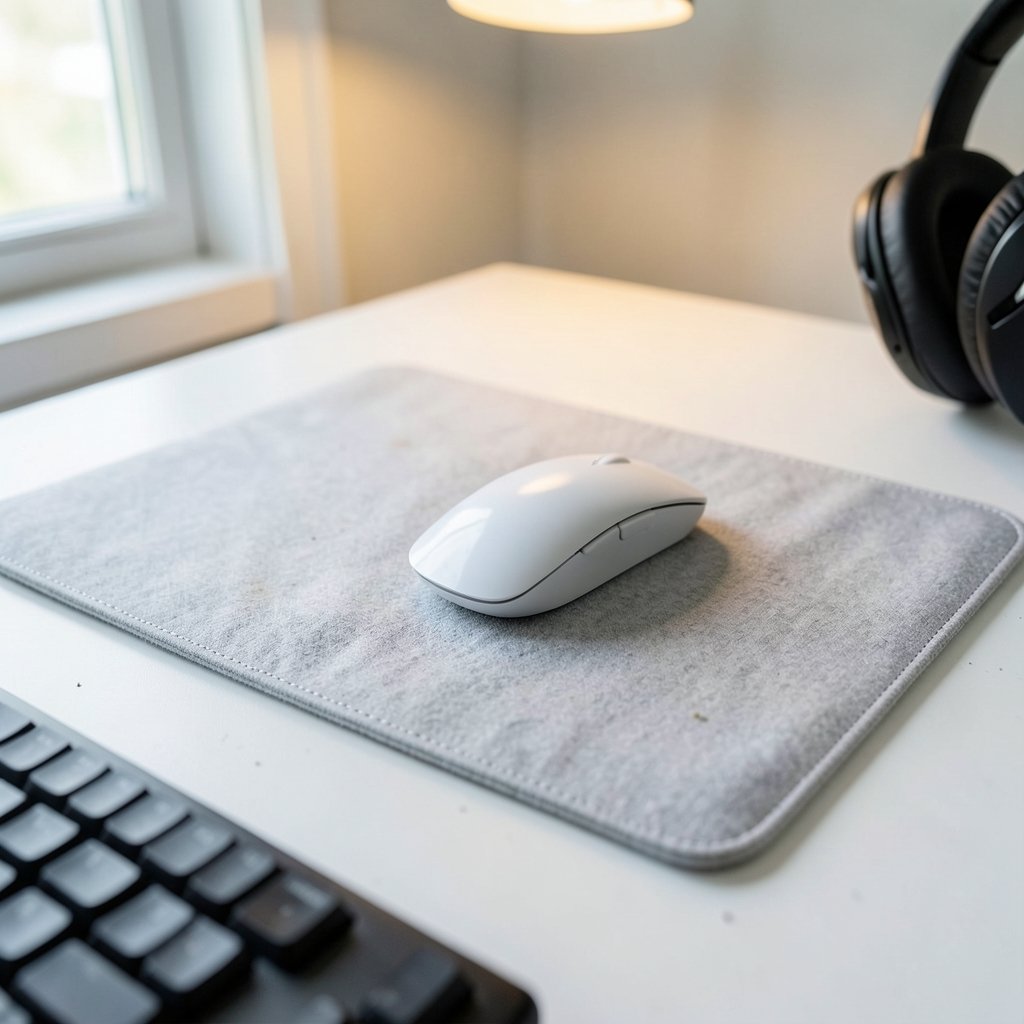
Quick Answer: Which budget gaming mouse pads are worth buying?
A large cloth pad with stitched edges and a 3–4 mm rubber base is the safest budget buy for most people. It gives you control, room to move, and a lifespan measured in years rather than months, and it usually costs very little more than a small pad.
Hard pads and coated hybrid surfaces are the main alternatives. They feel faster and wipe clean easily, but they tend to cost more and can wear down mouse feet sooner, so they suit players who prize speed over comfort.
Before buying, compare surface material, overall size, thickness, edge stitching, base grip, and how easy the pad is to wash.
Why the Mouse Pad Deserves More Thought Than It Gets
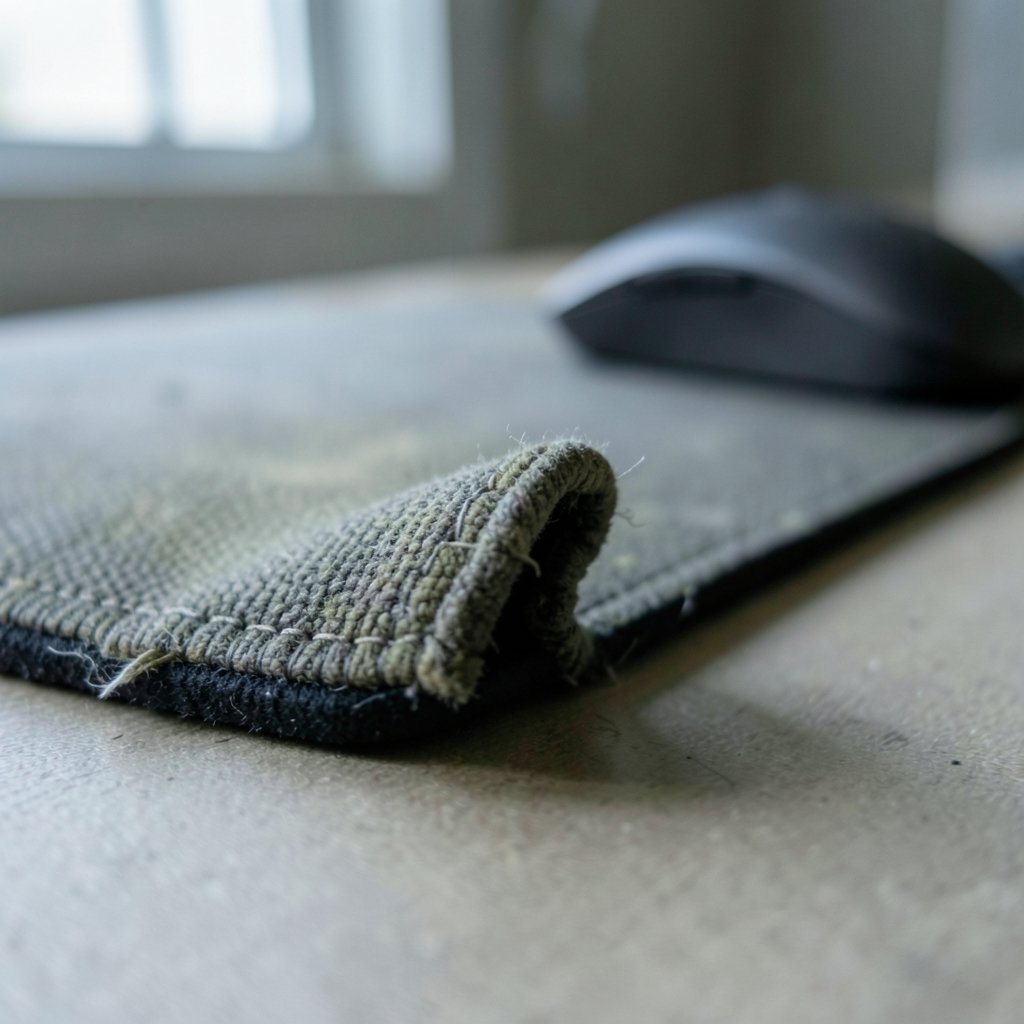
Have you ever blamed your mouse for a missed shot, then realized the real problem was a frayed pad curling up at the corner? It happens more than most players admit. The pad is the one piece of gear your hand touches every single session, yet it’s usually the last thing anyone researches.
Here’s the good news: this is one of the few corners of gaming where spending less doesn’t automatically mean settling for less. The gap between a $10 pad and a $50 pad is nowhere near the gap between a budget mouse and a premium one. Modern optical sensors track well on almost any opaque surface, so the pad mostly changes how the mouse feels, how fast it stops, and how consistent your aim stays over a long session.
That means the smart move isn’t hunting for the cheapest option or the most expensive one. It’s knowing which three or four features actually matter, and which marketing words you can safely ignore.
The Features That Actually Change How a Pad Performs
Surface material: cloth versus hard
Cloth is the default for good reason. It offers more friction, which translates to more control, and it’s soft under the wrist during long sessions. Hard pads made of plastic, aluminum, or glass are faster and easier to clean, but they can wear down mouse feet more quickly, and the glass and coated variants usually sit well above budget territory.
One thing to understand: manufacturers’ “speed” and “control” labels aren’t standardized. A pad rated as “control” by one brand might feel faster than another brand’s “speed” pad. Treat those labels as loose hints, not measurements.
Size: the upgrade most people skip
At the budget end, size matters more than brand. A large desk mat in the roughly 900×400 mm class often costs only a little more than a small pad, and it gives low-sensitivity players the room to swing their arm without resetting mid-fight. If you’ve been playing on a pad the size of a postcard, moving up in size will feel like a bigger upgrade than switching brands ever would.
Thickness and base
Pads in the 3–4 mm range with a rubber base are the sweet spot. They stay put, absorb small desk imperfections, and don’t bunch up. Very thin pads can slide or wrinkle on uneven surfaces, which quietly ruins consistency.
Stitched edges
Unstitched cloth edges fray, and once they start, the damage spreads. Stitched edges are now common even on cheap pads and are one of the clearest signs of a pad built to last.
| Feature | What to look for | Why it matters |
|---|---|---|
| Surface | Cloth for control, hard for speed | Changes feel and stopping power |
| Size | Large desk mat if desk space allows | Room for low-sensitivity aiming |
| Thickness | 3–4 mm | Stability and comfort |
| Base | Rubber, textured | Stops the pad sliding |
| Edges | Stitched | Prevents fraying |
| Care | Hand-washable | Extends usable life |
Where Budget Pads Quietly Fail
Most cheap pads don’t fail on day one. They fail in month four, in ways that are easy to blame on something else.
The classic is edge curl. A pad with a thin base and no stitching starts lifting at the corners, catching your wrist mid-swipe. The second is base slip, where the rubber underneath is too smooth for a glossy desk and the whole pad drifts a centimeter during a flick. The third is surface shine, where a cloth pad that’s never been cleaned gets polished smooth in the center, creating a fast patch surrounded by slow edges. Your aim feels inconsistent, but the pad is the culprit.
The fix for most of these is boring: buy a pad with stitched edges and a proper rubber base, then wash it occasionally. Most cloth pads are hand-washable with mild soap and air-drying. Skip the washing machine and skip the heat, because both can damage the base or the edges.
Matching the Pad to How You Actually Play
There’s no single best pad, only a best fit. A few practical profiles:
- Low-sensitivity tactical shooters: prioritize size above everything else. A big cloth mat lets you use arm movement instead of wrist flicks.
- High-sensitivity players with small desks: a medium cloth pad with stitched edges is plenty. Don’t buy a desk mat you can’t fit.
- Players who eat at their desk: a hard pad wipes clean in seconds, which is a real advantage if crumbs and coffee are part of your setup.
- Mixed-use desks: if the same surface hosts work, study, and play, a neutral-looking cloth desk mat earns its keep. The same logic applies across gear categories, which is why guides like this one on a gaming monitor worth buying for beginners focus on fit over flash.
If your setup is still coming together, it helps to think about the whole desk rather than one item. A pad that’s too big for the keyboard tray, or a mouse that doesn’t suit the surface, creates the same low-grade friction as a monitor that’s slightly too small. The same practical buying approach shows up in this guide to a gaming monitor worth buying for everyday use, and it applies here too: match the gear to the space and the habits, not to the spec sheet.
Common Mistakes Buyers Make
Buying on branding alone. At the low end, “gaming” branding adds little. Budget pads from general peripheral makers often use the same cloth-and-rubber construction as branded gaming pads, sometimes from the same factories.
Chasing the cheapest possible option. A pad that frays in three months isn’t cheaper than one that lasts three years. The math is simple once you count replacements.
Ignoring desk measurements. Measure before you buy. A desk mat that overhangs the edge or blocks the keyboard is a daily annoyance.
Overpaying for exotic surfaces. Glass and coated hybrid pads cost more and can be fussier about noise, wear, and cleaning. They’re fine products, but they’re not the budget answer.
Never cleaning it. A dirty pad changes how the mouse feels. A five-minute hand wash every few months keeps the surface consistent.
How Much Should You Actually Spend?
Enough to get stitched edges, a rubber base, and a size that fits your desk, and not much more. Beyond that point, you’re paying for aesthetics, exotic materials, or brand name rather than a meaningful jump in performance.
It’s the same pattern across budget gear. A cheap pad paired with a sensible mouse beats an expensive pad paired with a mouse that doesn’t fit your hand. That balance is the whole idea behind picks like the best gaming laptops under 1000 that actually fit a budget, where the winning spec is the one that matches real use rather than the biggest number on the box.
There’s also a quiet satisfaction in a cheap upgrade that works. A $12 pad that stops the curl and keeps your aim steady delivers more day-to-day value than a premium surface you’re afraid to put a coffee cup near.
Caring for a Budget Pad So It Lasts
A little maintenance goes a long way:
- Shake out dust weekly, or wipe the surface with a dry microfiber cloth.
- Hand-wash cloth pads every few months with mild soap and lukewarm water.
- Air-dry flat, away from direct heat and sunlight.
- Avoid machine washing and tumble drying, which can warp the base and shred stitched edges.
- Store it flat rather than rolled tight if you pack it away.
Hard pads need less: a damp cloth and a dry wipe usually do it. Just check the underside of your mouse occasionally, since hard surfaces can wear feet faster.
When a Budget Pad Is the Wrong Choice
A budget pad stops being the right call in a few situations. If you compete at a high level and have already dialed in your mouse, sensitivity, and desk, an exotic surface might be worth testing, though the gains are small and personal. If you need a specific size that budget makers don’t offer, you may have to pay more. And if you play on a glass desk with a slippery finish, check that the base actually grips before committing.
For most people, though, a mid-priced cloth pad covers the job completely. The money saved is better spent elsewhere in the setup, whether that’s a better mouse, a decent headset, or simply replacing a worn-out pad before it starts costing you rounds.
The Verdict
The budget gaming mouse pads worth buying share a short, unglamorous feature list: cloth surface, generous size, 3–4 mm thickness, rubber base, stitched edges, and easy hand-washing. Hit those marks and you’ve captured nearly everything a pad can offer. Skip the exotic materials, ignore the speed-versus-control marketing, and measure your desk before you click buy.
The pad is the cheapest part of a gaming setup and one of the most touched. Getting it right takes ten minutes of research and pays off every session. If you’re building out a full desk, the same fit-first thinking applies to peripherals like a webcam worth buying for everyday use and even to handheld setups covered in this look at the best handheld gaming consoles in 2026. Start with the pad. It’s the easiest win on the list.
FAQ
Is a cheap mouse pad good enough for gaming?
For most players, yes. Modern optical sensors track well on almost any opaque surface, so a cheap cloth pad with stitched edges and a rubber base delivers most of what an expensive pad does. The pad mainly affects feel, speed, and consistency rather than raw sensor accuracy.
Cloth or hard pad for a first gaming setup?
Cloth is the safer first pick. It offers more control, feels softer under the wrist, and is the common budget choice. Hard pads are faster and easier to clean but can wear mouse feet faster and usually cost more.
Does mouse pad thickness really matter?
It matters more than most people expect. Pads around 3–4 mm with a rubber base stay flat, absorb small desk imperfections, and don’t bunch up. Very thin pads can slide or wrinkle, which hurts consistency during fast movement.
How often should I clean a cloth mouse pad?
Every few months is a reasonable rhythm for most players, plus a weekly shake-out or dry wipe. Hand-wash with mild soap and lukewarm water, then air-dry flat. Avoid machine washing and heat, which can damage the base and stitched edges.
Can a mouse pad improve my aim?
It can improve consistency, which shows up as better aim over time. A pad that doesn’t slip, curl, or develop a shiny worn patch gives you the same friction every session, and that repeatability is what makes practice pay off.
Is a large desk mat worth it over a small pad?
If your desk has room and you play at low sensitivity, yes. Large desk mats in the roughly 900×400 mm class often cost only slightly more than small pads and give your arm room to move without lifting and resetting the mouse.



