
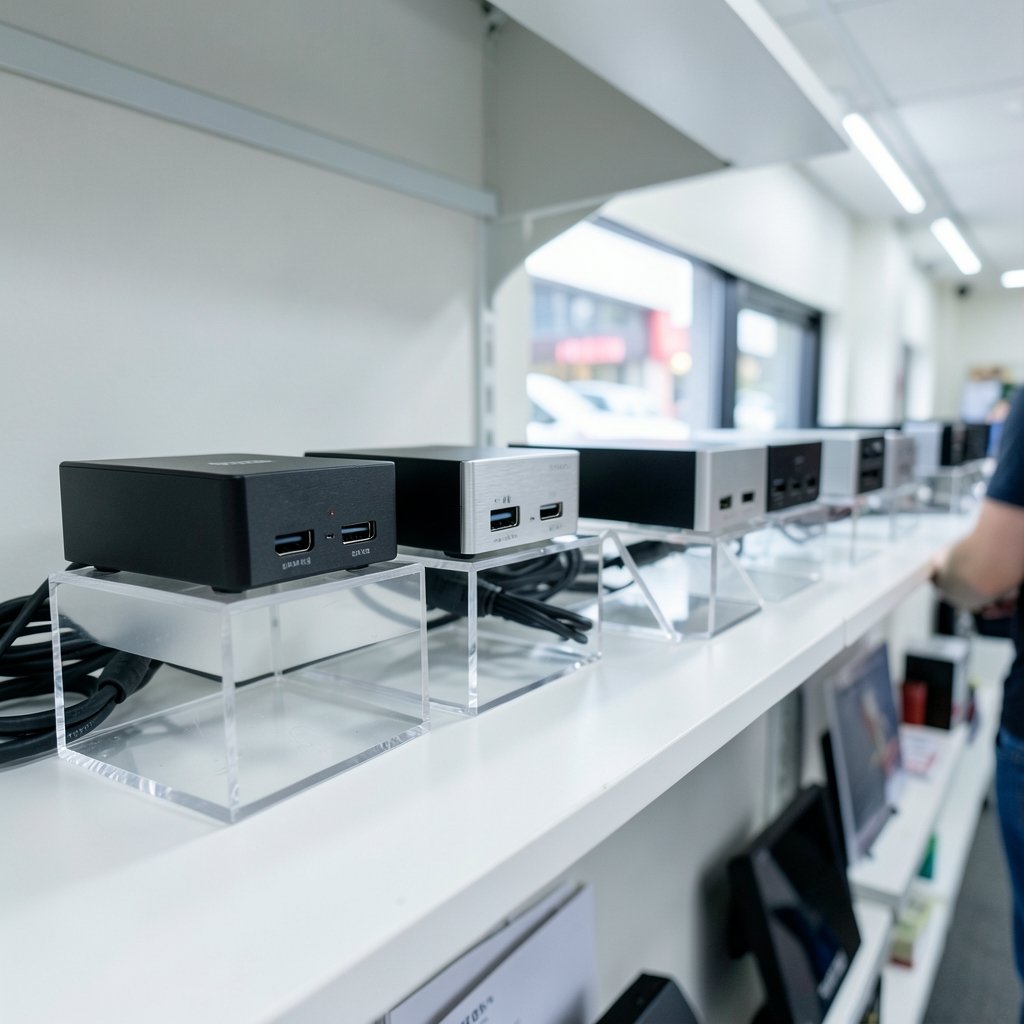
Ever recorded a lecture, opened the file, and found that your slides looked like a watercolor painting left in the rain? This problem is common among teachers who record lessons, run hybrid classrooms, or stream live tutorials: software screen recording uses CPU power, and the result is blurry text, dropped frames, and audio that drifts out of sync. A capture card fixes that by grabbing the video signal straight from the source before it ever touches your computer’s processor.
This roundup skips the theory and gets straight to the shortlist. Each pick below is a named device, matched to a real teaching situation, with its honest weak spot included. Prices appear only where a published source states them.
Quick Comparison: Capture Cards for Teaching in 2027
| Device | Best for | Capture ceiling | Interface | Watch out for |
|---|---|---|---|---|
| Elgato Cam Link 4K | Camera-to-Zoom teaching | 4K30 / 1080p60 | USB | No HDMI passthrough |
| Elgato 4K S | Recording full console or lab output | 4K60 with HDR10 | USB-C | Passthrough capped at 4K60 |
| Guermok Video Capture Card | Tight classroom budgets | 4K input, 2K/1080p output | USB | Fewer pro controls |
| UGREEN 2K/1080p Capture Card | Multi-device teaching carts | 2K output | USB-C and USB-A | Modest output ceiling |
| Rybozen Capture Card | Plug-and-play simplicity | 1080p60 | USB 3.0 | Basic feature set |
| AVerMedia Live Gamer DUO | Two-source lessons | Dual HDMI input | Internal PCIe | Needs an open slot |
| Magewell Pro Capture | Lecture halls and labs | 1080p60 uncompressed | USB 3.0, driver-free | No 4K, no onboard encoding |
Elgato Cam Link 4K: The Camera-to-Zoom Workhorse
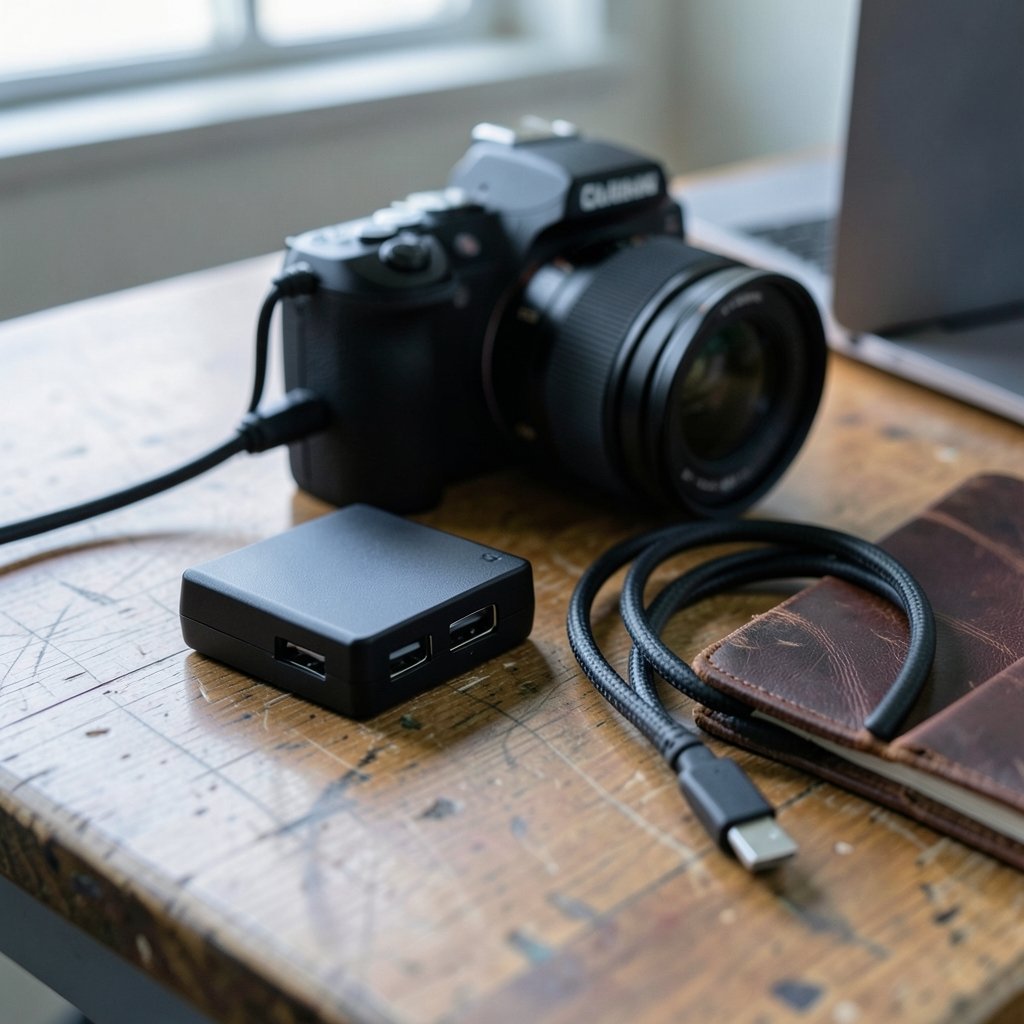
Most teachers already own a decent mirrorless camera or camcorder. The Cam Link 4K turns that camera into a webcam your computer recognizes instantly, which is exactly what a hybrid class needs when the built-in laptop camera makes everyone look like a blurry thumb.
It handles 4K30 and 1080p60, and it is the model buyer guides keep naming for meeting rooms and camera-first setups. The catch is real: there is no HDMI passthrough, so you cannot loop the signal to a confidence monitor while capturing. If you teach from a single camera into Zoom or OBS, that limitation rarely matters. If you need a local preview screen, it does.
Elgato 4K S: For Recording What the Classroom Display Shows
When a teacher needs to capture a full 4K60 feed with HDR10, the 4K S is the current recommendation in roundups, and it replaced the discontinued HD60 X while raising the capture ceiling. It connects over USB-C, passes through 1440p120 and 1080p240, and lists at $159.99 with a street price around $118.99.
The limitation is the passthrough itself. A 4K 120 Hz or 144 Hz monitor gets held to 60 Hz while the card sits inline. On a standard 60 Hz panel, or with a camera as the source, that ceiling never comes up. For a media lab or a classroom recording a console-based coding game, it is a strong fit.
Guermok Video Capture Card: The Budget Classroom Option
Not every department has a hardware budget. The Guermok card keeps appearing on roundups for budget-friendly streams and on-the-go use, with 4K input, 2K or 1080p output, and ultra-low latency in a compact shell. For a teacher recording slide decks and demo tablets, that is plenty.
The honest limitation: budget cards like this trade pro-grade controls and build quality for price. Expect fewer audio routing options and a plastic body that prefers a desk to a backpack. Treat it as a starter card for one classroom, not a fleet purchase.
UGREEN 2K/1080p Capture Card: Built for Multi-Device Teaching Carts
Teachers juggle devices. A document camera, a tablet, a laptop, a lab PC. The UGREEN card earns its place because it ships with both USB-C and USB-A interfaces, so it moves between an older classroom desktop and a newer laptop without an adapter hunt. It outputs 2K, which is more than enough for slide text and code editors.
Its limitation is the output ceiling. If your institution is standardizing on 4K recording for archival, this is not the card for that job. For everyday lesson capture, it is one of the most practical picks on this list.
Rybozen Capture Card: Plug-and-Play for Nervous First-Timers
Some teachers do not want a settings menu. They want to plug in a cable and see their tablet on the projector feed. The Rybozen card is repeatedly cited for wide compatibility and easy plug-and-play operation at 1080p60 over USB 3.0, and it works across Windows, Mac, and common streaming software.
The limitation is depth. There is no advanced control layer here, and 1080p60 is the ceiling. That is fine for a flipped-classroom video. It is not fine if your media department wants 4K masters. If you are still deciding whether a capture card is even the right purchase, this practical buyer’s guide on do i choose capture card practical buyers guide walks through the decision before you spend anything.
AVerMedia Live Gamer DUO: Two HDMI Sources in One Lesson
Here is a scenario that breaks most single-input cards: a teacher wants to show a live experiment on one camera while a data dashboard runs on a second HDMI source. The Live Gamer DUO accepts two HDMI inputs at once, which is why it shows up in buying guides as the pick for simultaneous dual-source capture.
The trade-off is installation. It is an internal PCIe card, so it needs an open slot and a desktop chassis. Laptop-only teachers should skip it. Desktop lab machines with a spare slot get a genuinely useful teaching tool.
Magewell Pro Capture: The Lecture Hall and Lab Standard
For institutions recording medical demonstrations, remote tutorials, or multi-room lecture capture, the Magewell Pro Capture HDMI card is the quiet professional. It captures 1080p at 60 Hz uncompressed with no driver installation, works across Windows, macOS, and Linux through the standard USB video class protocol, and keeps latency under about 20 ms.
The limitation is the spec sheet. There is no 4K support and no onboard encoding chip, so the CPU does the compression work. That is a deliberate trade: stable, faithful signal instead of compressed convenience.
Elgato 4K X: When the Monitor Runs at 144 Hz
A niche but real case: a teacher records from a high-refresh gaming PC used for a game design or esports module. The 4K X connects over 10 Gbps USB and handles high frame rate external 4K capture, though its HDR modes carry distinct limits worth reading before purchase. If your teaching machine is a 60 Hz laptop, you are paying for headroom you will never use.
Hardware vs Software Recording: Why Teachers Bother
Screen recording software asks the CPU to render graphics and encode video at the same time. When the machine is also running a video call, a browser with forty tabs, and a learning management system, something gives. According to an educator-focused guide on HDMI capture devices, software encoding often prioritizes speed over sharpness, turning crisp spreadsheet lines into mushy blobs. A capture card moves that job off the processor and onto dedicated hardware.
That matters most for dense content: spreadsheets, code, circuit diagrams, sheet music. Text-heavy lessons are exactly where compression artifacts hurt comprehension.
Which Capture Cards Work With OBS and Zoom?
Compatibility is where most classroom setups quietly fail. A card that works flawlessly in OBS may stutter in Zoom, and one that works on Windows may need a workaround on macOS. The safest approach is to check the card against your actual teaching software before buying, not after. A practical compatibility breakdown of which capture cards work well obs practical compatibility covers the OBS side in detail, including the settings that trip people up.
For new streamers and first-time recorders, the buying fundamentals in this guide to the best capture cards new streamers practical buying guide translate almost directly to the classroom: latency, passthrough, and driver behavior matter more than headline resolution.
What Actually Works in Practice
First-hand patterns from classroom deployments are consistent. The cards that survive a school year are boring ones: driver-free, UVC-compliant, and powered over the same USB cable. The cards that cause trouble are the ones with proprietary drivers that break after a system update.
Common mistakes teachers make:
- Buying for 4K when the source is 1080p. A document camera outputting 1080p will not become sharper through a 4K card.
- Ignoring audio routing. Many cards send audio over HDMI only; if you need a headset mic mixed in, check for a 3.5 mm input.
- Skipping the passthrough question. Without passthrough, you cannot watch the source on a local monitor while capturing.
- Using a USB 2.0 port. Capture cards want USB 3.0 or better, and a hub shared with a webcam is a recipe for dropped frames.
- Forgetting the cable. Cheap HDMI cables cause more “broken card” reports than actual broken cards.
What works: test the full chain (camera, card, cable, software) in the actual classroom before the first live session. Record five minutes, watch it back, and check lip sync.
How to Choose: A Short Checklist
Work through these in order after reading the picks above.
- Name your source. Camera, tablet, lab PC, or console. Each pushes you toward a different card.
- Set your resolution honestly. Match the card to the source, not to a marketing number.
- Decide on passthrough. Need a local monitor? Eliminate cards without HDMI passthrough.
- Check your port. USB-C, USB-A, or an internal PCIe slot.
- Confirm software support. Test with the exact platform your school uses.
- Budget for the cable and mount. They are not optional extras.
If the budget is tight, this roundup of which budget capture cards worth paying 2026 narrows the low-cost end without wasting money on cards that fail under load. Teachers building a broader classroom tech stack may also find the 20 best ai tools educators teachers 2027 list useful alongside the hardware.
Conclusion
The best capture card for teachers in 2027 is the one that matches a real teaching workflow, not the one with the biggest number on the box. Camera-first hybrid classes belong with the Elgato Cam Link 4K. Full 4K recording with HDR points to the Elgato 4K S. Budget classrooms get real value from the Guermok. Multi-device carts favor the UGREEN. Plug-and-play beginners should start with the Rybozen. Dual-source lessons need the AVerMedia Live Gamer DUO, and institutional lecture capture still runs through the Magewell Pro Capture. Pick one, test the whole chain before the semester starts, and your recordings will finally look like the lesson you actually taught.
FAQ
What is a capture card, and do teachers really need one?
A capture card converts an HDMI signal from a camera, tablet, or computer into a video feed your computer can record or stream. Teachers need one when software screen recording produces blurry text, dropped frames, or lag, because the card handles the video work in hardware instead of loading the CPU.
Can I use a capture card with Zoom or Google Meet?
Yes, most cards appear to your computer as a standard webcam, so video call software picks them up as a camera source. The practical step is to test the exact card with the exact platform your school uses before relying on it live, since behavior varies between apps.
Do I need a 4K capture card for recording lectures?
Usually not. If your camera, document camera, or lab PC outputs 1080p, a 4K card will not add detail. Match the card to your source resolution. A 4K card makes sense when the source genuinely sends 4K and you need to archive at that quality.
Why does my capture card show no signal?
The most common causes are a USB 2.0 port instead of USB 3.0, a faulty or low-quality HDMI cable, an HDCP-protected source, or the wrong input selected in your software. Swap the cable first, then move the card to a direct USB 3.0 port rather than a hub.
What is HDMI passthrough, and why does it matter in a classroom?
Passthrough sends the video signal onward to a monitor or projector while the card captures it. Without passthrough, you cannot watch the source locally during capture. Teachers who present to a room while recording should prioritize cards that include it.
Is a cheap capture card good enough for teaching?
Often, yes. Budget cards handle 1080p60 capture well for slide decks, tablet demos, and talking-head videos. The trade-offs are fewer audio options, plastic build quality, and less headroom under heavy loads. For one classroom recording lessons, a budget card is a sensible start.



