
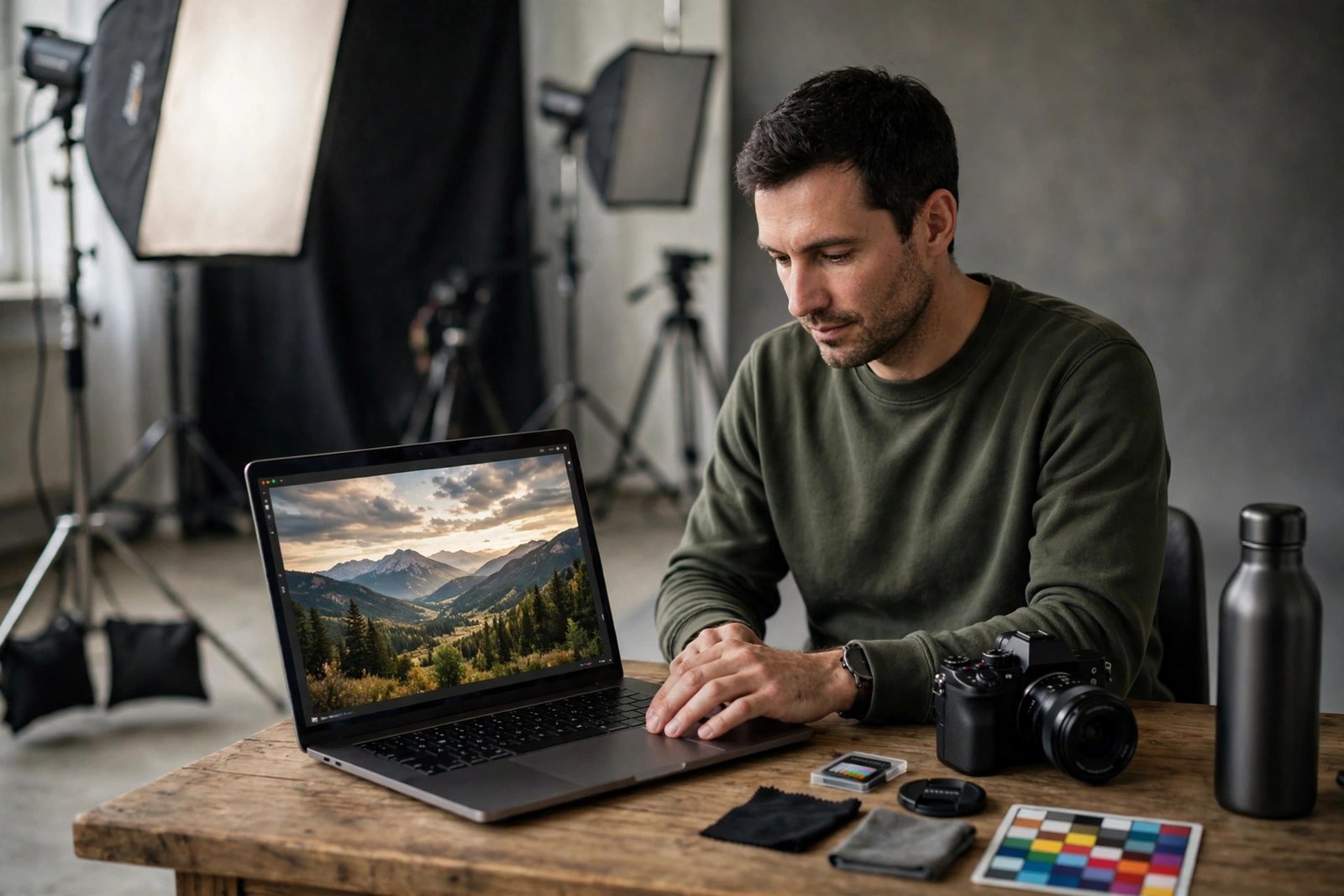
The best laptops for photo editing in 2027 are the ones whose screens you can trust, with enough memory and storage to handle large raw files without slowing down. That is the central test, and it separates a good laptop from a good photo-editing laptop.
A photo editor needs a colour-accurate screen, smooth performance in Lightroom and Photoshop, and a machine that stays responsive when you are working through hundreds of images. This guide compares six current laptops that meet that test, and explains how to choose between them.
Key takeaways
- Screen colour accuracy matters more than processor speed for most photo editing.
- Look for a bright, high-resolution display with wide colour coverage and factory calibration.
- 16GB of memory is the minimum for serious Lightroom work; more helps with large catalogues.
- A fast SSD and enough storage matter as much as the chip, because raw files are large.
- MacBook Pro leads on screen and performance, but OLED Windows laptops are strong rivals.
What photo editing actually demands from a laptop
Photo editing is different from ordinary laptop work. A document or a spreadsheet will look the same on almost any screen, but a photograph will not. If your screen shifts colours, crushes shadows or washes out highlights, your edits will look wrong on every other display, in print, or on a client’s screen.
The screen is therefore the first thing to judge. A good photo-editing display should be bright, sharp and colour-accurate, with wide coverage of the colour spaces photographers use. Factory calibration helps, and a screen that can be recalibrated with a hardware calibrator is better still.
Performance comes next, but it is about smoothness rather than speed alone. Lightroom and Photoshop need enough memory to hold large raw files, previews and layers without swapping to disk. A fast processor helps with exports, panorama merges and AI-powered tools such as masking and denoise, and a capable graphics processor helps with the newer AI features in both programs.
Storage is the third pillar, and it is easy to underestimate. Raw files from a modern camera are large, and a catalogue of a few thousand images can fill a small drive quickly. A fast SSD makes importing and exporting noticeably quicker, and you should plan for an external drive as well.
Best laptops for photo editing in 2027 at a glance
| Laptop | Best for | Screen and chip | Why photographers like it |
|---|---|---|---|
| MacBook Pro 14 M4 Pro | Serious photo editing overall | 14.2-inch mini-LED, Apple M4 Pro | Superb colour, brightness and speed |
| MacBook Air M4 | Lightroom on the move | 13.6-inch or 15.3-inch, Apple M4 | Light, silent, long battery life |
| Dell XPS 14 | Premium Windows editing | 14.5-inch OLED option, Intel Core Ultra | Sharp OLED screen, solid build |
| ASUS Zenbook 14 OLED | Colour and value combined | 14-inch OLED, Intel Core Ultra | Vivid OLED display, light design |
| HP Spectre x360 14 | Flexible editing and retouching | 14-inch OLED option, Intel Core Ultra | Touchscreen, stylus, 2-in-1 design |
The best laptops for photo editing in 2027
Every laptop below is a current 2026 or 2027 model, chosen for its screen quality and its ability to run Lightroom and Photoshop smoothly. Configurations vary, so check the exact display, memory and storage of the model you buy — a base model with a dimmer screen or too little memory is not the same machine as the version photographers recommend.
1. MacBook Pro 14 M4 Pro
Best for: photographers who want the most trustworthy screen and the fastest Lightroom performance in a portable laptop.
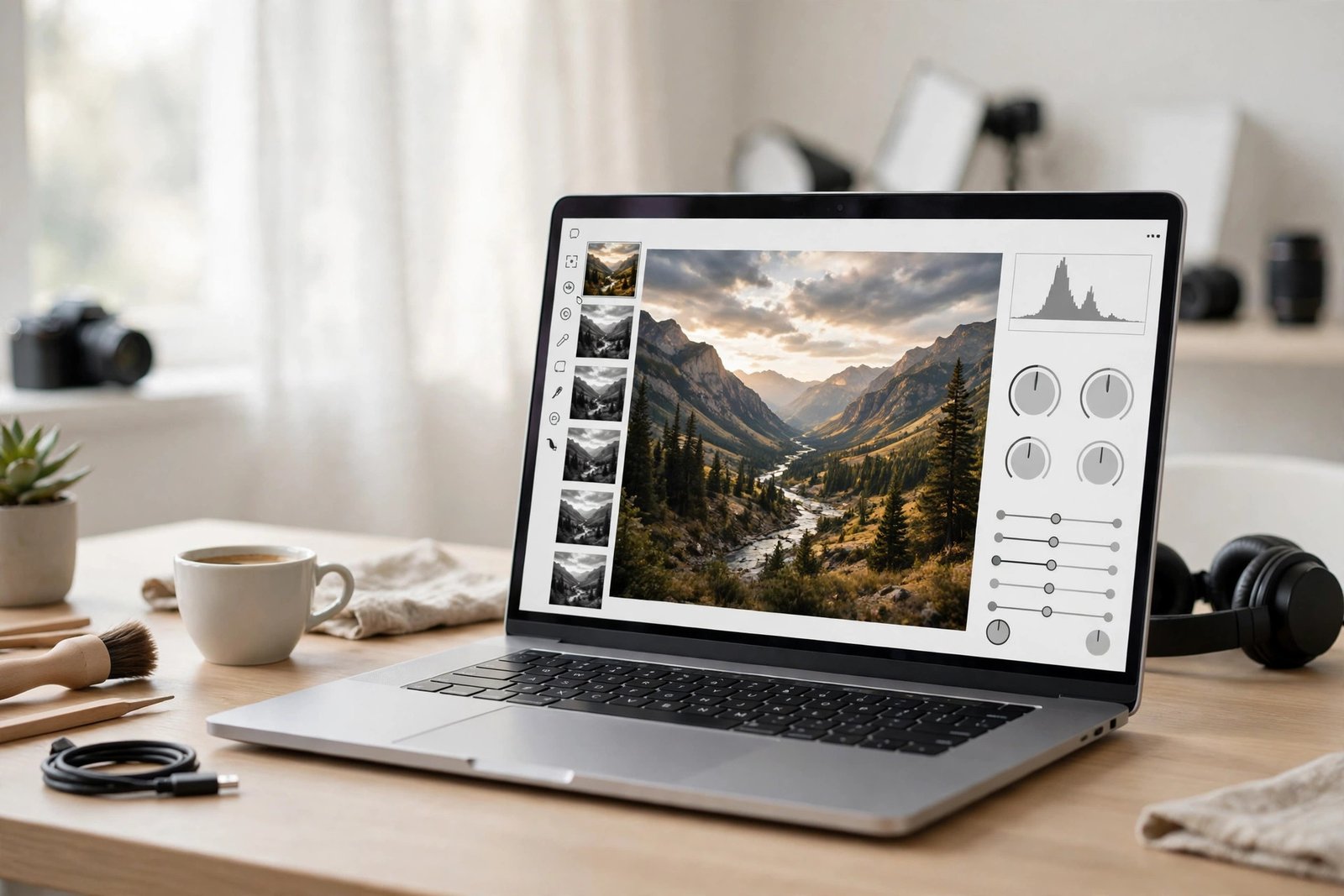
The 14.2-inch MacBook Pro with the M4 Pro chip is the benchmark for photo editing on a laptop. Its mini-LED display is bright, sharp and colour-accurate, with excellent contrast and consistent colour that photographers can rely on for critical work. Highlights hold detail, shadows stay clean, and colours look right on screen and in print.
Performance matches the screen. The M4 Pro handles large raw files, layered Photoshop documents and AI masking in Lightroom without hesitation, and exports are fast. Battery life is strong for a laptop this powerful, and it has useful ports for card readers and external drives.
2. MacBook Air M4
Best for: photographers who edit on the move and want a light laptop with a good screen.
The MacBook Air M4 is the portable option for photographers who value weight and battery life. The 13.6-inch model is slim and silent, while the 15.3-inch version gives you more room for Lightroom panels and side-by-side comparisons without adding much bulk.
Its screen is bright and colour-accurate for its class, and the M4 chip handles Lightroom and Photoshop well for most work, including raw editing and moderate retouching. It will not match the MacBook Pro on large panoramas or long export batches, but for everyday editing and travel work it is more than capable.
3. Dell XPS 14
Best for: Windows photographers who want an OLED screen and a premium build.
The Dell XPS 14 is the strongest Windows rival to the MacBook Pro, especially in its OLED display configuration. The 14.5-inch OLED screen delivers deep blacks, vivid colour and sharp detail, which makes it a pleasure for editing and for reviewing images with clients.
Intel Core Ultra processors keep Lightroom and Photoshop running smoothly, and the slim aluminium design feels built to last. Windows also gives you the widest choice of editing software and plug-ins. Battery life is good rather than outstanding, and the OLED screen is best in controlled lighting.
4. ASUS Zenbook 14 OLED
Best for: photographers who want an OLED screen without paying a premium price.
The ASUS Zenbook 14 OLED is the value pick for colour-conscious photographers. Its 14-inch OLED display offers rich colour, deep blacks and sharp detail at a price well below the premium models, and many configurations are marketed with wide colour coverage and calibration for creative work.
Intel Core Ultra processors handle Lightroom and Photoshop comfortably for most photographers, and the laptop is light enough to carry to a shoot or a cafe. Build quality is good for its class, though it is not as luxurious as the Dell or the MacBook Pro. For enthusiasts who want a colour-accurate OLED screen on a sensible budget, it is one of the best choices in 2027.
5. HP Spectre x360 14
Best for: photographers who retouch with a stylus or want a laptop that folds into a tablet.
The HP Spectre x360 14 is a 2-in-1 laptop with a 14-inch touchscreen, available with an OLED display option, that folds back for tablet use. That flexibility suits photographers who like to retouch with a stylus, annotate images, or show a portfolio to a client in tablet mode.
Intel Core Ultra processors run Lightroom and Photoshop well, and the premium build, good keyboard and bright display make it a pleasant machine for long editing sessions. The touchscreen and stylus are genuine advantages for detailed retouching and masking, though they add cost and can reduce battery life.
How to choose a photo-editing laptop: a practical checklist
Use this framework before you buy, and judge each laptop against your actual work rather than its marketing.
- Start with the screen. Look for a bright, high-resolution display with wide colour coverage and factory calibration. If possible, view the same photograph on two laptops side by side.
- Choose enough memory. 16GB is the minimum for serious Lightroom work; choose more for large catalogues or layered Photoshop files.
- Do not skimp on storage. Raw files add up fast, so choose a larger SSD and plan for an external drive for backup.
- Check the chip. A modern Apple M4 or Intel Core Ultra processor is enough for most editing, with a stronger chip helping exports and AI features.
- Match the laptop to your location. If you edit while travelling, prioritise weight and battery life, and consider a lightweight model from our guide to the best lightweight laptops under 1kg.
- Think about your whole workflow. Plan for the total cost — laptop, calibrator, external drive and software. Our guide to using AI to plan a monthly budget can help you spread that cost sensibly.
- Calibrate and verify. Even a good screen benefits from calibration, and you should check edits on a second display or in print before delivering client work.
Frequently asked questions
What is the best laptop for photo editing in 2027?
For most serious photographers, the MacBook Pro 14 with the M4 Pro chip is the best choice, thanks to its colour-accurate mini-LED screen and fast Lightroom performance. The Dell XPS 14 with OLED and the ASUS Zenbook 14 OLED are the strongest Windows alternatives.
What is the best laptop for Lightroom?
The best laptop for Lightroom is one with a colour-accurate screen, at least 16GB of memory and a fast SSD. The MacBook Pro 14 M4 Pro leads on all three, but the MacBook Air M4, Dell XPS 14 and ASUS Zenbook 14 OLED all run Lightroom well for most photographers. Choose the screen you trust, then make sure the memory and storage are enough for your catalogue.
What is the best laptop for Photoshop in 2027?
Photoshop benefits from more memory and a stronger processor than Lightroom, especially for layered files and AI tools. The MacBook Pro 14 M4 Pro is the safest choice, with the Dell XPS 14 and HP Spectre x360 14 as strong Windows options. For heavy retouching, choose more memory over a faster chip if you have to pick one.
Do I need a MacBook Pro for photo editing?
No, you do not need a MacBook Pro to edit photographs well. A MacBook Air, a Dell XPS 14 or an ASUS Zenbook 14 OLED will handle most Lightroom and Photoshop work, provided the screen is colour-accurate and the memory is sufficient. The MacBook Pro is worth it if you edit professionally.
Is an OLED screen good for photo editing?
Yes, an OLED screen can be excellent for photo editing, with deep blacks, vivid colour and sharp detail. Look for a model with wide colour coverage and factory calibration, and be aware that OLED screens can look different from print and from other displays. Calibrate the screen and check critical work on a second display if colour accuracy is essential.
How much RAM do I need for photo editing?
16GB is the minimum for serious photo editing in 2027, and it is enough for most Lightroom work and moderate Photoshop use. Choose 24GB or more if you work with large raw files, layered Photoshop documents, panoramas, or AI-powered tools, or if you want the laptop to stay fast for several years.
The bottom line
The best laptop for photo editing is the one whose screen you can trust, with enough memory and storage to keep Lightroom and Photoshop smooth. For most photographers in 2027, that means the MacBook Pro 14 M4 Pro, with the Dell XPS 14 and ASUS Zenbook 14 OLED as the strongest Windows alternatives and the MacBook Air M4 as the best travel option.
Before you buy, decide where you edit and how large your files are. If you also shoot video, compare these picks with our guide to the best laptops for 4K video editing before you commit. Your next step is simple: shortlist two laptops, and view the same photograph on both screens before you choose.



