

Quick Answer: What are the best free alternatives to steam family sharing for beginners?
The best free alternatives to Steam Family Sharing are Steam Families itself, GOG’s DRM-free library, Epic Games Store’s weekly free games, Microsoft’s Xbox family setup, and the primary-console sharing built into PlayStation and Nintendo Switch. These options differ in an important way: some share a single game library across several people, while others simply hand each person their own permanent copy.
That distinction matters more than most beginners expect. A shared library disappears when the owner logs out or changes a password, but a claimed free game stays in your account forever. Before committing to any route, compare library size, device support, account limits, offline access, and what happens when two people want to play at the same time.
A Statistic That Reframes the Whole Question
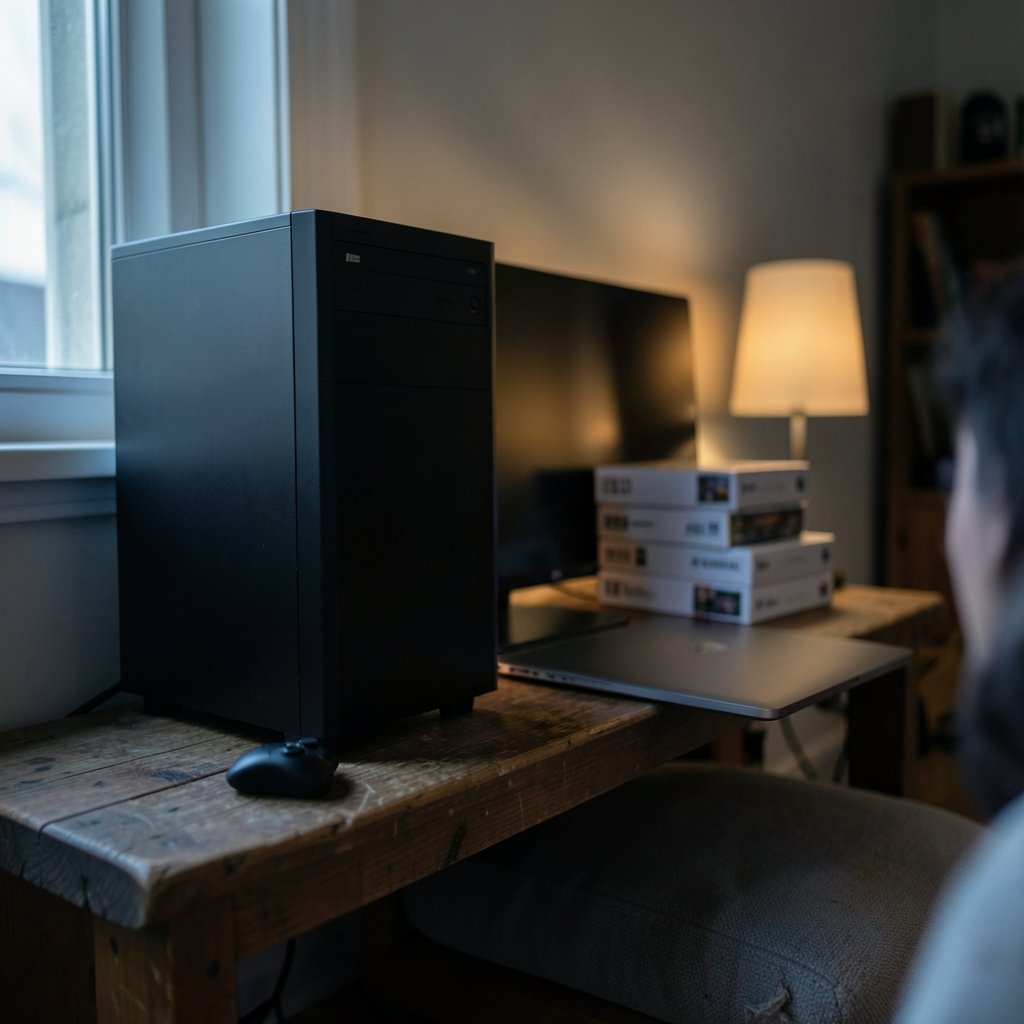
Here is a number worth sitting with: Steam regularly hosts tens of thousands of games, yet the average player finishes only a small slice of what they own. The real problem for most households is not a lack of games. It is a lack of access to the right games at the right moment, usually because one person bought a title and everyone else is locked out.
That gap is exactly why people search for Steam Family Sharing workarounds. Valve’s own sharing system has changed shape over the years, and plenty of guides online still describe rules that no longer apply. Beginners get burned by outdated advice, then assume sharing is broken. It usually is not broken. It just works differently than the blog post promised.
How Steam Sharing Actually Works Now
Valve replaced the older Family Sharing model with Steam Families, a system that lets a small group of people pool their libraries. The headline improvement is that different members can often play different games from the shared pool at the same time, which was impossible under the old one-at-a-time rule.
Two practical caveats trip up newcomers constantly. First, shared access is not universal: some titles are excluded because of third-party accounts, subscriptions, or region locks. Second, membership slots are limited, so a household with cousins, roommates, and a sibling group cannot invite everyone at once.
The mistake almost every beginner makes is assuming a shared game behaves like an owned game. It does not. If the owner’s account hits a payment problem or the family group gets restructured, access can vanish overnight. Treat shared libraries as a convenience, never as a collection you can count on.
If your hardware is the bottleneck rather than the library, it helps to sort out the device first. Our breakdown of Steam Deck out of stock alternatives in 2026 covers what to buy when the obvious option is unavailable, and the Legion Go S vs Steam Deck comparison explains which handhelds handle shared libraries most gracefully. (Steam (service)))
The Real Free Alternatives, Ranked by Usefulness
1. Steam Families (the official route)
This is the first place to look, and it costs nothing. Set it up properly and you get the widest compatibility with the games your household already owns. The catch is that everyone must have a Steam account in good standing, and the group has a hard cap on members.
A tip from practice: set up the family group before you buy a multiplayer title everyone wants. Adding members after a purchase works, but sorting out who owns what becomes confusing fast, especially when refunds are involved.
2. GOG and its DRM-free model
GOG sells games without digital rights management, which means an installed game does not phone home to check whether you are allowed to play it. In practice, that makes GOG the closest thing to old-school disc sharing: install it on a family PC, and nobody gets locked out mid-session.
GOG is not a formal family-sharing service, and its catalogue skews toward older and indie titles. But for a beginner who wants to hand a laptop to a sibling without a login dance, it is remarkably friction-free. Pair it with the best indie games on Steam list to see how much overlap exists between the two storefronts.
3. Epic Games Store free weekly games
Epic gives away games on a weekly rotation, and once claimed, they stay in your account permanently. This is not sharing in the technical sense, but it solves the underlying problem: every family member builds their own legitimate library for zero money.
The discipline required is simple and easy to forget. You have to claim each game during its window. Miss a week and it is gone. Set a recurring reminder, claim on the same day each week, and after a year you will have a library that rivals a modest paid collection.
4. Microsoft family groups and Game Pass
Microsoft lets households link accounts through a family group, and its subscription service covers a rotating catalogue on PC and console. The rules differ between PC and console, and the details shift often enough that checking the current terms before you commit is genuinely worthwhile.
For a beginner, the appeal is breadth: one setup covers multiple devices and multiple people. The trade-off is that you are renting access, not building a collection. Stop paying and the library shrinks back to whatever you bought outright.
5. Console primary-device sharing
PlayStation and Nintendo Switch both use a “primary console” model. Register one console as primary, and every profile on that machine can play the purchaser’s digital games. It is the simplest sharing system in gaming, and it requires no subscription beyond the base account.
The limitation is physical: it works within one household and one console. Two people in different cities cannot use it the way they use a Steam library.
| Option | Cost | Simultaneous play | Library permanence | Best for |
|---|---|---|---|---|
| Steam Families | Free | Usually yes, different games | Tied to group membership | Households already on Steam |
| GOG | Paid games, no DRM | Yes, on separate installs | Permanent | Offline and family PC setups |
| Epic free games | Free | N/A (own copies) | Permanent once claimed | Building a library from zero |
| Microsoft family group | Subscription | Varies by plan | Rental only | Multi-device households |
| Console primary device | Free with purchase | Limited | Tied to console | Single-console families |
What Beginners Get Wrong Most Often
The single biggest error is sharing account credentials instead of using official family features. Handing your password to a friend feels like a shortcut, but it usually violates the platform’s terms of service and puts the account at risk. A locked account is a far worse outcome than a game you cannot share.
The second error is trusting old tutorials. Sharing rules have been rewritten more than once, and a guide from three years ago may describe a system that no longer exists. Always confirm the current rules on the platform’s own support pages before you restructure a household’s accounts.
The third error is ignoring the offline question. If the internet drops, does the shared game still launch? On some systems the answer is yes; on others, no. Test this before a long trip or a house full of guests.
Handheld owners face a related trap: library sharing on a portable device depends heavily on how the platform handles logins. Our Switch 2 vs Steam Deck write-up and the ROG Ally X vs Steam Deck OLED comparison both dig into account behaviour across devices, which matters more than raw specs when sharing is the goal.
A Practical Setup Order for a Beginner
- Create a separate account for every person in the household. Never share one login.
- Set up the official family group on whichever platform holds most of your games.
- Claim every free game you can, every week, without exception.
- Install shared titles on the machine that gets used most, then test offline launch.
- Keep a simple note of who owns which game, so refunds and removals never cause confusion.
That last step sounds fussy and saves hours. When a shared title disappears, knowing who bought it turns a mystery into a two-minute fix.
Where Handhelds Fit In
Portable PCs have made family sharing more practical, because the second screen in a house is often a handheld rather than a desktop. A shared library that follows you to the sofa gets used far more than one chained to a tower.
The catch is maintenance. Handheld software needs occasional attention, and a broken plugin can make a shared library look empty. If you have hit that wall, the Decky Loader not working Steam Deck fix for 2026 walks through the usual culprits. For families who want a shared game night rather than a shared screen, a horse racing board game set is a genuinely underrated fallback when the Wi-Fi dies.
The Honest Limits of Free Sharing
No free option gives you everything. Steam Families has member caps and exclusions. GOG depends on the publisher choosing to sell without DRM. Epic’s generosity is real but unpredictable week to week. Console sharing is excellent until someone moves out.
According to Wikipedia’s overview of Steam), the platform’s family features have been revised repeatedly since launch, which is a useful reminder that today’s rules are not permanent. Beginners should build habits, not assumptions: claim free games, keep accounts separate, and verify rules before restructuring anything.
The most reliable long-term strategy is boring and effective. Own a few games outright, claim everything free, and use official family tools for the rest. That combination survives policy changes, account hiccups, and the inevitable week when someone forgets a password.
Conclusion
Free alternatives to Steam Family Sharing do exist, but they are not interchangeable. Steam Families remains the best fit for households already invested in Valve’s ecosystem. GOG offers the most freedom once a game is installed. Epic’s weekly giveaways quietly build permanent libraries for anyone disciplined enough to claim them. Microsoft and the console makers cover the living-room crowd with primary-device rules that are simple to understand and hard to abuse.
The common thread is that every legitimate option relies on official features rather than shared passwords. Beginners who set up separate accounts, join the right family group, and claim free games on a schedule end up with more access than those chasing clever workarounds. Start with the official tools, test offline behaviour before you need it, and treat shared libraries as a bonus rather than a foundation.
FAQ
Is Steam Family Sharing still available in 2026?
Valve moved households onto the newer Steam Families system, which replaced the older sharing model. The core idea survives: family members can access each other’s libraries. The specific rules, member limits, and exclusions have changed, so confirm current details on Steam’s own support pages rather than relying on older guides.
Can two people play the same shared game at once?
Usually not the same title. The newer system generally allows different members to play different games from the shared pool simultaneously, which was impossible under the old model. Two people playing the identical game at the same moment remains restricted in most cases.
Is sharing my Steam password with a friend allowed?
No. Handing over account credentials typically breaches the platform’s terms of service and puts the account at risk of restriction. Use the official family group instead. It exists precisely so households can share access without passing around logins.
Do Epic’s free games really stay forever?
Yes, once claimed during the promotional window, a free game stays attached to your account permanently. The catch is timing: you must claim it while the offer is live. Miss the window and the game returns to full price, often without any second chance.
Which alternative is best for a family with one console?
The primary-console model used by PlayStation and Nintendo is the simplest option. Register the shared console as primary, and every profile on that machine can play the purchaser’s digital games. It requires no extra subscription and no technical setup beyond a one-time registration.
Does GOG offer official family sharing?
GOG does not run a formal family-sharing programme like Steam’s. Its advantage is different: games are sold without digital rights management, so an installed copy generally runs without an online check. That makes it easy to install a game on a family PC, though it is a licensing difference rather than a sharing feature.



