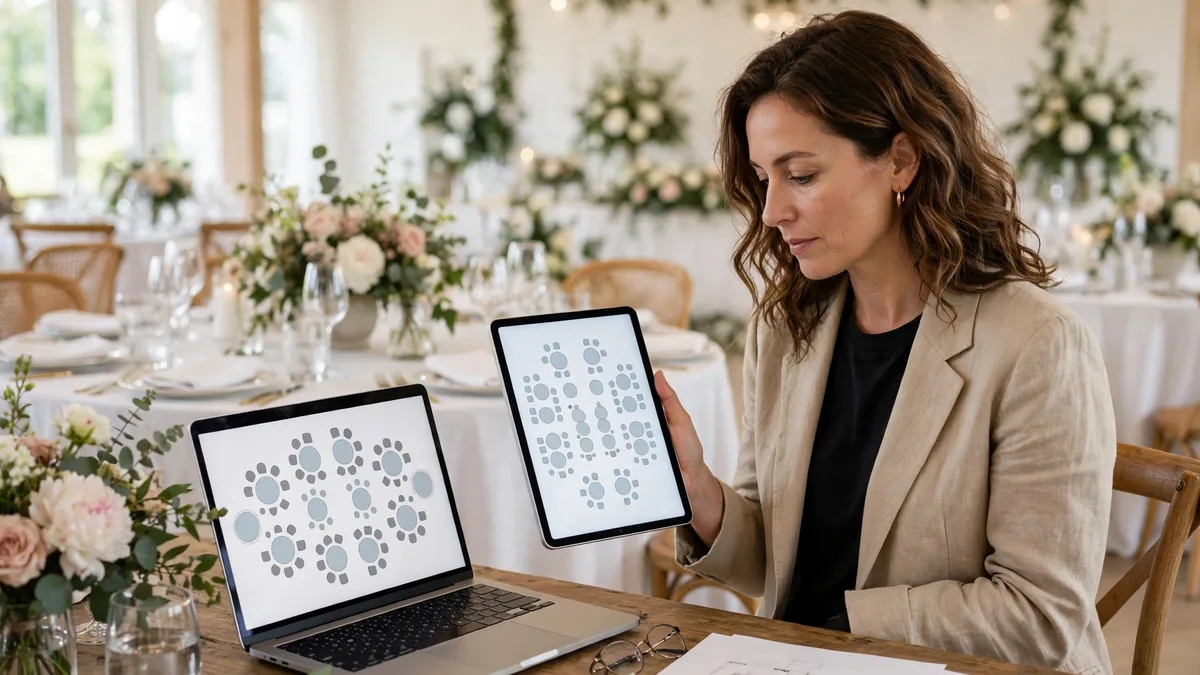
Choosing between the iPad Air M4 and the Samsung Galaxy Tab S11 is really a choice between two ecosystems, not just two slabs of glass. Both are premium mid-range tablets with fast chips, sharp screens, stylus support and all-day battery life. The differences that matter are in the details: the screen, the stylus in the box, the apps you already own and the price you pay for storage.
The iPad Air M4 is Apple’s sweet spot. It brings the M4 chip from the iPad Pro line into a much cheaper body, with a bright Liquid Retina display and a huge app library. It starts at around $599 for the 11-inch model with 128GB of storage; the 13-inch screen, extra storage and cellular all cost more.
The Galaxy Tab S11 is Samsung’s answer, and it fights back hard on the hardware. Its 11-inch Dynamic AMOLED 2X display runs at up to 120Hz, the S Pen comes in the box at no extra cost, and the base model ships with 12GB of RAM for around $799. It runs Android with Samsung’s DeX desktop mode, which turns the tablet into something closer to a laptop with a keyboard attached. Pick the iPad if you live in Apple’s world; pick the Tab S11 for the better screen and a free stylus.
Key takeaways
- The iPad Air M4 starts cheaper at around $599; the Galaxy Tab S11 starts at around $799 but includes the S Pen.
- The Tab S11 has the better screen: a 120Hz AMOLED panel versus the iPad Air’s 60Hz LCD.
- The M4 chip is faster for heavy creative apps, but the Tab S11’s Dimensity 9400+ handles everyday work with ease.
- Apple Pencil Pro costs extra on the iPad; the S Pen is bundled free with the Tab S11.
- Your phone and laptop matter most: iPhone and Mac owners should lean iPad, Galaxy owners should lean Tab S11.
At a glance: iPad Air M4 vs Galaxy Tab S11
| Spec | iPad Air M4 | Galaxy Tab S11 |
|---|---|---|
| Display | 11- or 13-inch Liquid Retina LCD, 60Hz | 11-inch Dynamic AMOLED 2X, 120Hz |
| Chip | Apple M4 | MediaTek Dimensity 9400+ |
| RAM / storage | 8GB RAM, 128GB to 1TB | 12GB RAM, 128GB or 256GB |
| Stylus | Apple Pencil Pro, sold separately | S Pen included |
| Starting price | Around $599 | Around $799 |
| Battery | Up to 10 hours | Up to 14 hours video |
| Operating system | iPadOS | Android, One UI and DeX |
| Best for | Apple users, creatives, students | Media lovers, Android users |
iPad Air M4: the Apple pick
The iPad Air M4 is the tablet most people should buy if they already own an iPhone or a Mac. It uses the same M4 chip as the higher-end iPad Pro, so it chews through video editing, layered illustration work and big spreadsheets with ease. The 11-inch model weighs about 460 grams, while the 13-inch gives you a bigger canvas for drawing and split-screen work.
The screen is the one place where Apple holds back. The Liquid Retina LCD is bright and accurate, but it runs at 60Hz and cannot match the deep blacks of an OLED panel. For reading and note-taking you will never notice the difference — only next to the Tab S11 playing a dark film does the gap show.
Where the iPad Air really earns its keep is software. iPadOS has the strongest tablet app library by a wide margin: Procreate, GoodNotes, Notability and Affinity, plus professional tools that either do not exist on Android or arrive there later and weaker. Handwriting with Apple Pencil Pro feels natural, with pressure sensitivity and tilt. The catch is the price. Apple Pencil Pro is sold separately at around $129, and the Magic Keyboard costs extra too. If you draw every day, our roundup of the best tablets for designers shows how the Air stacks up against dedicated drawing slates.
Pros: M4 chip is the fastest in this price class; the best tablet app library; long software support; two sizes to choose from.
Cons: 60Hz LCD lags behind AMOLED rivals; stylus and keyboard cost extra; base storage is only 128GB.
Samsung Galaxy Tab S11: the Android pick
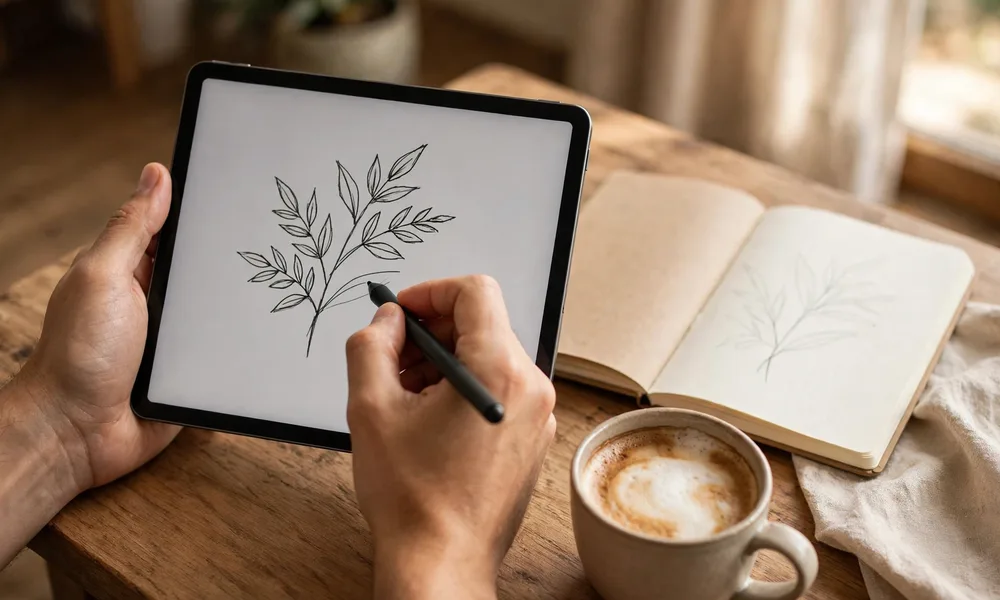
The Galaxy Tab S11 leads with its display. The 11-inch Dynamic AMOLED 2X panel is brighter, punchier and smoother than the iPad Air’s screen, with a 120Hz refresh rate that makes scrolling and handwriting feel more fluid. Blacks are truly black and HDR video looks genuinely cinematic. If you watch films, read comics or sketch in the evenings, this is the screen you want.
Samsung also wins on what comes in the box. The redesigned S Pen is included free, magnetically attaches to the back and needs no charging, and it works with Samsung Notes, one of the best note apps on any platform. The tablet is thin and light at around 470 grams, with a metal body as premium as the iPad’s. The Dimensity 9400+ chip is not quite as fast as Apple’s M4 in benchmarks, but in real use it handles split-screen multitasking, DeX and gaming without fuss.
DeX is the Tab S11’s secret weapon for work. Plug in a keyboard or connect to a monitor and the tablet switches to a desktop-style interface with resizable windows and a taskbar, a capable laptop stand-in for email and documents. Battery life is strong too, with Samsung claiming up to 14 hours of video playback. The trade-off is the app ecosystem: Android’s tablet apps have improved, but the creative bench is still thinner than iPadOS. Samsung promises seven years of updates, closing much of the old longevity gap with Apple.
Pros: superb 120Hz AMOLED display; S Pen included free; DeX desktop mode; long battery life; seven years of updates.
Cons: higher starting price; thinner creative app library; 128GB base storage fills up fast.
Display and design
Put the two tablets side by side and the Tab S11 wins the screen comparison outright. AMOLED delivers perfect blacks, higher contrast and a 120Hz refresh rate, while the iPad Air’s LCD tops out at 60Hz with greyer blacks. For films and games the difference is easy to see; for reading and office work it matters far less.
Design is a dead heat. Both are thin aluminium slabs with slim bezels, USB-C charging and fingerprint unlocking — Touch ID on the iPad, an in-display reader on the Tab S11. The iPad Air comes in more colours; the Tab S11’s S Pen dock is more practical.
Performance and battery
The M4 chip gives the iPad Air a clear lead in raw speed, especially in creative apps tuned for Apple silicon. Exporting 4K video and editing large photo libraries finish faster on the iPad. The Tab S11’s Dimensity 9400+ is no slouch, though: it handles multitasking, DeX and games smoothly, and its 12GB of RAM beats the iPad’s 8GB for keeping apps open.
Battery life favours Samsung on paper, with up to 14 hours of video against Apple’s 10-hour claim, though real-world use narrows the gap. Both charge over USB-C and last a full workday. Neither ships with a charger in the box, so budget for a USB-C brick if you do not already own one.
Software, apps and accessories
This is where the decision usually gets made. iPadOS has the deeper app catalogue for creative professionals, and features like Universal Control and Handoff make the iPad feel like an extension of a Mac. Android on the Tab S11 is more flexible: better file management, DeX mode and tighter integration with Galaxy phones and Windows PCs.
Accessories change the maths. An iPad Air with Apple Pencil Pro and a keyboard case can cost $300 to $400 more than the tablet alone. The Tab S11 includes the S Pen, so you only need to add a keyboard. Check current pricing on both tablets and their accessories before you buy, since deals can swing the total by a wide margin.
The verdict
Buy the iPad Air M4 if you own Apple devices, want the fastest chip and the best creative apps, or plan to keep the tablet for five years or more. It is cheaper to start and faster where it counts. Buy the Galaxy Tab S11 if you want the best screen, a free stylus or DeX mode.
Neither tablet is a bad buy. If you are still torn, pick the one that matches your phone: a matched ecosystem will matter more over the years than any single spec.
How to choose
Start with your phone and computer. An iPhone or Mac points to the iPad Air; a Galaxy phone or Windows PC points to the Tab S11. Next, be honest about how you will use it. Heavy drawing, video editing or creative work favours the iPad’s app library and M4 chip. Films, comics, note-taking and multitasking favour the Tab S11’s screen, free S Pen and DeX mode.
Then work out the real total price. Add the stylus and keyboard you need to each tablet and compare the totals, not just the headline prices — the Tab S11 often ends up cheaper once the iPad’s accessories are added. If you are weighing Android options more broadly, our guide to the best Android tablets puts the Tab S11 in context against cheaper and larger alternatives. Finally, pick storage carefully: 128GB fills up fast and neither tablet has a microSD slot, so 256GB is the safer buy if you keep a lot offline.
Checklist: before you pay
- Check the total price with the stylus and keyboard you need, not just the tablet.
- Confirm the storage size: 128GB is tight if you download films or large games.
- Try the screen in a shop if you can: AMOLED versus LCD is a personal call.
- Check the return window in case the ecosystem does not suit you.
- Confirm cellular or Wi-Fi only: cellular models cost more and need a data plan.
- Check current pricing and bundle deals before checkout.
Frequently asked questions
Which tablet is better for students?
Both work well, but the Tab S11 edges it for most students because the S Pen is free and Samsung Notes is excellent. The iPad Air is better if your course uses iPad-only apps.
Is the iPad Air M4 faster than the Galaxy Tab S11?
Yes, in benchmarks and heavy creative apps the M4 is faster. In everyday use — browsing, notes and streaming — both feel fast.
Does the Galaxy Tab S11 come with a stylus?
Yes, the S Pen is included in the box at no extra cost. The iPad Air needs an Apple Pencil Pro or USB-C Pencil, sold separately.
Can either tablet replace a laptop?
For light work, yes. The Tab S11’s DeX mode is the closer laptop replacement, while the iPad Air with a Magic Keyboard is better for creative work.
Which tablet has the better screen?
The Galaxy Tab S11. Its 120Hz AMOLED display has deeper blacks, richer colours and smoother motion than the iPad Air’s 60Hz LCD.
Should I buy the 11-inch or 13-inch iPad Air?
The 11-inch model is lighter, cheaper and easier to carry, while the 13-inch gives you more room for drawing and split-screen work. If you mostly use the tablet on a desk, the 13-inch is worth the upgrade. If you are still comparing Apple’s tablets, our Surface Pro vs iPad Pro comparison shows how the premium range differs.
The bottom line
The iPad Air M4 is the better tablet for Apple households and creative professionals, thanks to its M4 chip and unmatched app library. The Galaxy Tab S11 is the better tablet for media lovers and Android users, thanks to its 120Hz AMOLED screen, free S Pen and DeX mode. Your phone is the best tiebreaker: match the tablet to the ecosystem you already live in.
Whichever you choose, buy the 256GB model if your budget allows and check current pricing before you pay. Both will serve you well for years — the wrong choice here is not a bad tablet, just a slightly less convenient one.