

Quick Answer: What is a microcontroller?
A microcontroller is a single chip that packs a processor, memory, and input/output peripherals into one package, built to run one dedicated job over and over. You find them in car systems, washing machines, sensors, and connected devices, quietly running firmware that never asks for your attention. (Microcontroller)
They differ from microprocessors, which need separate memory and support chips to work. A microcontroller is self-contained, while a microprocessor is one piece of a larger system. Some chips blur the line by offering external memory buses.
Before choosing one, compare processing width, flash and RAM size, peripheral set, power draw, real-time needs, and the software support available.
A Small Chip With a Very Specific Job
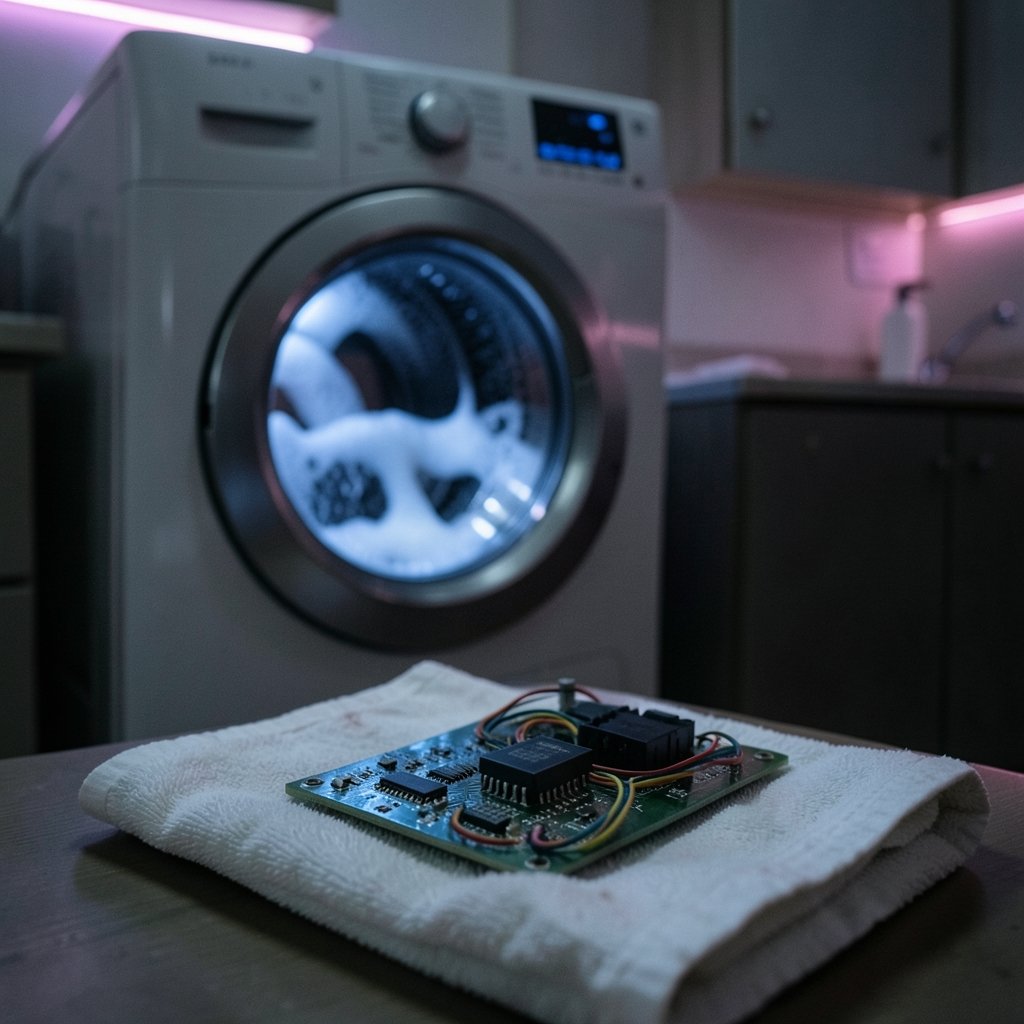
Have you ever wondered what actually happens inside a washing machine when you press Start? No tiny person flips switches. A single sliver of silicon reads the button, checks the water level, spins the drum, and stops on time. That sliver is a microcontroller, and once you notice it, you see it everywhere.
The idea is simple, but the details matter. A microcontroller, often shortened to MCU, is an integrated circuit that holds a processor core, program memory, working memory, and programmable peripherals on one die. It runs one application, usually forever, without a screen, a keyboard, or an operating system you would recognize.
That “one job” framing is the key. A laptop processor juggles whatever you throw at it. A microcontroller is built for repetition and predictability. It wakes up, reads sensors, decides, and acts. Then it does it again, millions of times, on a coin-cell battery if needed.
The Anatomy of a Microcontroller
Peel back the package and you find a handful of blocks working together. Each one shapes what the chip can do.
The processor core
The core executes instructions. It comes in widths, mainly 8-bit, 16-bit, and 32-bit. Wider cores handle more data per cycle, but they cost more power and money. The Arm Cortex-M family, introduced in 2004, pushed 32-bit cores into mainstream embedded designs and displaced many 8-bit parts.
Memory: flash and RAM
Flash memory stores the program permanently, so it survives a power cut. RAM holds temporary data while the chip runs. Both are small by computer standards. A modest MCU might carry 32 KB of flash and 2 KB of RAM, which forces programmers to be frugal and clever.
Peripherals
Peripherals are the chip’s senses and hands. Timers, analog-to-digital converters, serial buses, and pulse-width modulators let the MCU talk to motors, sensors, and radios. The peripheral set often matters more than raw clock speed when you pick a part.
Clocks, power, and pins
An internal oscillator sets the pace. Power management lets the chip sleep between tasks. Pins connect it to the outside world. Get the pin count wrong and you will be redesigning a board, a mistake plenty of first-time designers make.
How a Microcontroller Differs From a Microprocessor
People mix these terms up constantly, and the confusion is fair because the boundary is fuzzy. The usual distinction is integration. A microprocessor (MPU) is a CPU that needs external RAM, flash, and input/output chips to function. A microcontroller brings those pieces on-die.
| Feature | Microcontroller (MCU) | Microprocessor (MPU) |
|---|---|---|
| Memory | Flash and RAM on-chip | External memory required |
| Typical use | One dedicated task | General-purpose computing |
| Operating system | Bare-metal firmware or RTOS | Full OS such as Linux |
| Power draw | Low, often battery-friendly | Higher |
| Cost per unit | Cents to a few dollars | Dollars to hundreds |
| Real-time behavior | Highly deterministic | Less predictable |
Treat the table as a rule of thumb, not a law. Some parts sit in between, offering external memory buses while still calling themselves microcontrollers. If a datasheet’s label conflicts with its features, trust the features.
A Short History of the Single-Chip Computer
The microcontroller did not appear overnight. It arrived because engineers kept asking whether a whole computer could fit on one chip.
The TMS1000 family from Texas Instruments, introduced around 1974, is generally credited as one of the first mass-market single-chip microcontrollers. Intel’s 8048 followed in 1976, and the 8051 arrived in 1980. That last one refuses to die. The 8051 is still manufactured and still taught in classrooms, which says something about how long a good design can last.
Microchip’s PIC line took hold in the late 1980s and early 1990s, and Atmel’s AVR became a hobbyist favorite in the mid-1990s. Microchip later acquired Atmel in 2016. Then came the 32-bit wave, and more recently RISC-V cores have started appearing in low-cost chips. Their market share remains small and shifting, so treat any percentage you read with suspicion unless it comes with a recent source.
How Microcontrollers Are Programmed
Firmware is the software that lives in flash. It is usually written in C or C++, sometimes in assembly for tight timing, and increasingly in Rust or MicroPython for faster prototyping.
Two broad approaches dominate. Bare-metal programming talks directly to hardware registers with no operating system at all. It gives the tightest control and the smallest footprint. The alternative is a real-time operating system (RTOS), which schedules tasks and manages timing so developers do not have to build that logic themselves.
Beginners often make the same mistakes. They pick the biggest, fastest chip first, then discover the board is too expensive or too power-hungry. They forget to budget RAM for the stack. They skip the datasheet’s errata sheet, which lists known silicon quirks. In practice, a modest part with generous peripherals beats a powerful part with awkward wiring almost every time.
Where Microcontrollers Show Up
The list is longer than most people expect. Automotive control units manage engines, brakes, and windows. Appliances run motors and read sensors. Industrial plants use them for monitoring. Medical devices rely on them for dosing and measurement. Connected sensors send data over wireless links.
If you have ever tuned a smart home setup, you have leaned on embedded logic without knowing it. Understanding how a Thread border router differs from a Matter controller helps, because both roles depend on small, low-power chips running firmware around the clock.
The same pattern appears in gaming. A modern controller is a microcontroller product through and through, packed with sensors and wireless radios. If you want to know which pads actually deliver on PC, this breakdown of the best controller for PC gaming that actually works covers the practical side, while a guide to common gaming controller problems and how to fix them shows what happens when firmware or hardware misbehaves.
Microcontrollers in the Data Center and Cloud Era
It sounds odd to connect a 50-cent chip to cloud computing, but the link is real. Data centers run on racks of servers, and those servers depend on embedded controllers for fans, power supplies, and management boards. The orchestration layer above them is a different world entirely, built on the Kubernetes control plane and worker node architecture that keeps container workloads running.
The economics get interesting at scale. Cloud spending has become a boardroom topic, and teams wrestling with FinOps challenges as cloud cost control keeps getting harder often forget that the physical layer underneath is full of microcontrollers doing cheap, reliable work. Even software delivery has a hardware angle: a deep dive into how Anthropic’s Scion handled 30,000 merges in source control is a reminder that build farms and test rigs lean on embedded hardware too.
How to Choose a Microcontroller
Picking a part is where theory meets budget. A few practical rules save weeks of pain.
- Start with the peripheral list, not the clock speed. Count the timers, converters, and buses you actually need.
- Estimate flash and RAM, then double both. Firmware always grows.
- Check the power budget against your supply, especially for battery designs.
- Confirm the toolchain, debugger, and community are healthy. A great chip with poor support is a trap.
- Read the errata sheet before committing to a board layout.
Storage choices follow similar logic. Just as you would weigh micro SD card endurance against performance for a data-logging device, you should weigh flash endurance and write cycles when an MCU records data continuously.
Common Mistakes and What Actually Works
The most frequent error is treating a microcontroller like a tiny PC. It is not. There is no swap file, no background process to blame, and no forgiving scheduler. Every byte counts.
Another trap is ignoring determinism. If a motor control loop must respond within 50 microseconds, a general-purpose operating system will betray you. An RTOS or bare-metal interrupt routine will not.
Debugging deserves respect too. Printf-style debugging is tempting, but a hardware debugger that can halt the core and inspect registers saves hours. Budget for one early.
Finally, do not overlook the supply chain. Chip shortages have bitten harder in embedded markets than almost anywhere else. Designing in a second source, or a pin-compatible alternative, is not paranoia. It is planning.
Conclusion
A microcontroller is a complete little computer built to do one thing well, forever, on almost no power. It trades flexibility for reliability and cost, and that trade is why billions of them ship every year inside cars, appliances, sensors, and gadgets you never think about.
The idea is easy to grasp and has more depth than it first appears. Start with the job, not the chip. Count your peripherals, respect your memory limits, and pick a part with strong software support behind it. Do that, and the tiny computer will quietly do exactly what you asked, millions of times over.
Frequently Asked Questions
Is a microcontroller the same as a computer?
Not quite. A microcontroller contains the core pieces of a computer, but it runs a single fixed program rather than general software. It has no user interface and rarely runs a full operating system.
What is the difference between a microcontroller and a single-board computer?
A single-board computer, such as a Raspberry Pi, runs a full operating system and supports displays, keyboards, and multitasking. A microcontroller runs bare-metal firmware or an RTOS with far less memory and much lower power draw.
Can a microcontroller run Linux?
Generally no. Linux needs megabytes of RAM and an external memory bus, which most microcontrollers lack. A few high-end parts can manage a stripped-down build, but that crosses into microprocessor territory.
Why are so many microcontrollers still 8-bit?
Because 8-bit cores are cheap, power-efficient, and more than enough for simple jobs like reading a sensor or driving a motor. A 32-bit chip is overkill when the task needs a few kilobytes of code.
How long does a microcontroller last in a product?
Decades, in many cases. The 8051 architecture has stayed in production since 1980. Long product life cycles in automotive and industrial markets reward stable, well-documented parts over the newest design.
Do I need to learn assembly to program a microcontroller?
No. Most firmware is written in C or C++, and higher-level options like MicroPython and Rust are growing. Assembly still helps when timing is extremely tight or memory is nearly exhausted.
For most readers, the practical takeaway is simpler than the datasheet suggests: match the part to the job, leave headroom, and test early on real hardware. A development board costs little and reveals problems that no simulator will show. Once the firmware runs reliably on the bench, moving to a custom board becomes a manageable step rather than a leap of faith.



