
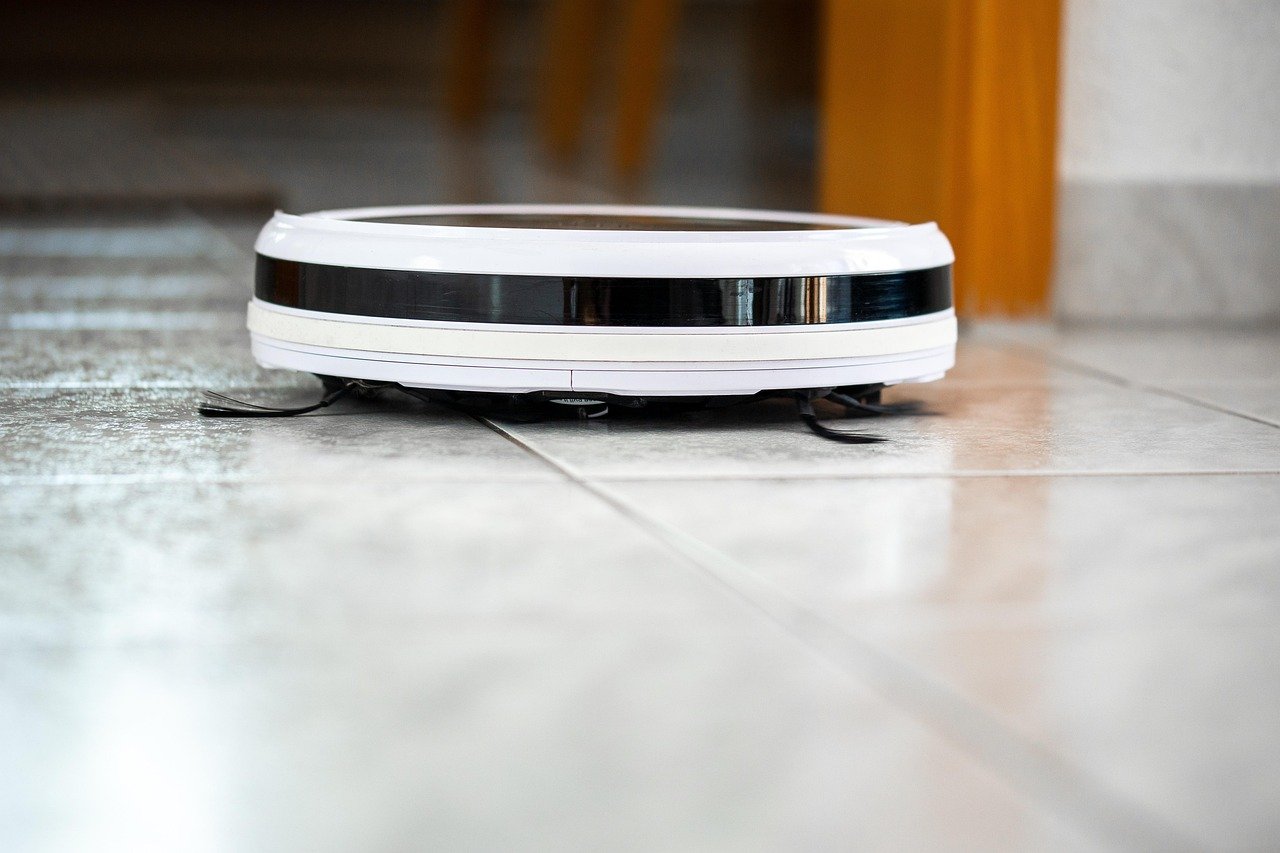
Few smart-home frustrations sting quite like watching a robot vacuum wander in circles, bump the same wall three times, and then die a few inches from its dock. You bought a machine that was supposed to handle the chore, and now you’re the one babysitting it. So why does a robot vacuum suddenly fail to find its charging dock?
The good news is that most “cannot find dock” problems come from a short list of causes, and nearly all of them are fixable at home in under an hour. This guide walks through the real culprits, the fixes that actually work, and the mistakes people make when troubleshooting. No repair shop required.
How Robot Vacuums Actually Find Their Dock
Before fixing anything, it helps to understand the homing process. Most robot vacuums use a mix of technologies to return to base:
- Infrared (IR) signals. The dock emits an IR beam, and sensors on the robot follow it home. Think of it as a lighthouse for a small, confused boat.
- Mapping and memory. LiDAR or camera-based robots store a map and navigate back to the dock’s coordinates.
- Contact sensors. The charging contacts on the robot and dock must physically touch to start charging.
When any one of these systems is blocked, confused, or broken, the robot gives up and parks wherever it happens to be. That’s why the fix depends on which part of the chain is failing.
The Most Common Causes, Ranked by Likelihood

In practice, the same handful of issues show up again and again. Here’s where to look first.
1. Dock Placement Problems
This is the number one culprit, and it’s the easiest to fix. Docks placed in direct sunlight, next to mirrors or glass doors, or tucked into cluttered corners confuse IR and camera sensors. Most manufacturers specify clearance requirements, typically around half a meter on each side and a meter and a half in front of the dock.
What actually works: Move the dock to a wall with a clear, open approach. Avoid placing it beside reflective surfaces, and keep it out of direct sun. If your robot uses a camera, bright light can wash out its view entirely.
2. Dirty Charging Contacts
Oxidized or dusty contacts prevent the charging handshake even when the robot docks perfectly. You’ll see the robot sit on the dock and then leave, as if nothing happened.
What actually works: Wipe the contacts on both the robot and the dock with a dry cloth every few weeks. Avoid wet cloths or abrasive cleaners, which can damage the metal.
3. Blocked or Dusty Sensors
Dust on the front bumper, cliff sensors, or the dock’s IR window breaks the homing signal. This is especially common in homes with pets. If you’re already fighting fur everywhere, it’s worth pairing your robot’s maintenance routine with a solid cordless option for stairs and corners. A good best car vacuum mindset applies here too: regular cleaning of sensors and filters keeps any vacuum working longer. (Robotic vacuum cleaner)
What actually works: Gently wipe sensors with a microfiber cloth and check the dock’s IR window for film or dust.
4. A Weak or Aging Battery
A battery that can’t sustain the return trip is a frequent, underdiagnosed cause. The robot may clean fine for twenty minutes, then fail to make it home. Battery life varies widely by model, and replacement guidance differs from brand to brand, so check your manual before ordering a part.
5. Map Corruption and Firmware Glitches
Some models log “cannot find dock” errors tied to a corrupted map. Re-mapping or a factory reset often resolves it. Firmware updates can also fix known docking bugs, so keep the app current.
6. Physical Obstructions
Rugs, cables, and doorway thresholds between the robot and the dock can block the return path. A robot that cleans beautifully but can’t cross a rug lip will never dock reliably. If thick carpet is part of your layout, it’s worth understanding which machines handle it best, which is why guides on the best vacuum for carpet matter for docking reliability as much as cleaning power.
7. Dock Power Issues
An unplugged dock, a loose adapter, or a dock that was moved after mapping will all cause failures. Check the outlet and the cable before assuming the robot is broken.
A Step-by-Step Troubleshooting Sequence
Work through these in order. Most people find their answer within the first four steps.
- Check the dock’s power. Confirm the adapter is firmly seated and the outlet works. Look for a light on the dock.
- Clear the approach. Remove cables, rugs, and clutter within a meter of the dock.
- Clean all sensors and contacts on both the robot and the dock.
- Reposition the dock to a clear wall away from sunlight and mirrors.
- Delete and rebuild the map in the app, then run a fresh mapping pass.
- Update firmware and restart the robot.
- Test the battery by running a full cycle and timing it.
- Factory reset as a last resort before contacting support.
If the robot still fails after all eight steps, the issue is likely hardware: a failed IR receiver, a dead battery, or a faulty dock. At that point, warranty support is your best move. (Businessperson’s Guide to Federal Warranty Law)
Common Mistakes People Make When Troubleshooting
A few habits make docking problems worse instead of better.
- Moving the dock without re-mapping. The robot’s saved coordinates no longer match reality, so it searches in the wrong place.
- Skipping the contacts. People clean the robot’s brushes and forget the charging plates entirely.
- Assuming the battery is fine. Batteries degrade slowly, and the symptom looks like a navigation bug rather than a power problem.
- Placing the dock in a “hidden” spot. Aesthetically pleasing, functionally terrible. Docks need open space.
- Ignoring firmware updates. Manufacturers quietly patch docking bugs, and an outdated app can leave you fighting a problem that’s already solved.
When the Problem Is Really About Your Floor Plan
Sometimes the robot isn’t broken at all; the home is working against it. Multi-level layouts, dark floors that confuse cliff sensors, and thresholds between rooms all cause docking failures. If your home has mixed flooring, it helps to think about which tools suit each surface. Guides like this comparison of the best vacuum mop combo can help you match a machine to your layout rather than fighting a mismatch.
For homes with pets, docking failures spike because fur accumulates on sensors and wheels. A robot built for shedding homes is a better starting point than a general-purpose model, and resources on the best robot vacuums for pet hair explain what to look for in filtration and brush design. If you’ve ever fallen down a research rabbit hole trying to compare models, the same skills apply here: careful image search techniques for finding images online can help you visually confirm dock placement examples and sensor locations from user photos before you commit to a fix.
How the Major Brands Differ
Troubleshooting steps vary meaningfully between brands. Error wording, sensor layouts, and re-mapping procedures all differ, so a fix that works for one model may not apply to another. The table below summarizes general patterns, but always confirm against your model’s manual.
| Brand | Typical Docking Tech | Common Fix First | Watch Out For |
|---|---|---|---|
| iRobot Roomba | IR beam plus camera | Clean contacts, reposition dock | Bright light confuses cameras |
| Roborock | LiDAR mapping | Rebuild map, clear approach | Dock moved after mapping |
| Ecovacs | LiDAR plus IR | Clean sensors, update firmware | Thresholds block return path |
| Shark | Camera navigation | Reposition dock, clean lens | Dark rooms reduce accuracy |
| Eufy | IR plus gyroscope | Check battery, clean contacts | Aging batteries fail quietly |
The pattern is consistent: mapping-based robots need accurate maps, and IR-based robots need clean sensors and a clear line of sight.
What the Research and Testing Community Says
Consumer testing organizations and manufacturer support centers agree on the broad strokes. Docking failures are overwhelmingly environmental or maintenance-related rather than manufacturing defects. The Wikipedia entry on robotic vacuum cleaners outlines how navigation systems evolved from random-bounce to mapped navigation, which explains why older robots wander and newer ones fail more specifically.
For a broader view of how automation hardware matures, Forbes and Harvard Business Review have both covered the gap between smart-home promises and real-world performance. The takeaway for robot vacuum owners is simple: these machines are reliable when their environment is set up correctly, and frustrating when it isn’t.
There’s also a fun parallel for anyone who enjoys puzzle-style problem solving. Watching a robot hunt for its dock is oddly similar to the logic puzzles in browser games like the I Am Not a Robot Game: Browser Puzzles and Quizzes, where the challenge is figuring out what the system expects. And for readers tracking how hardware companies bet on automation, coverage of the Tesla website robotaxi semi roadster three hardware bets 2026 offers context on where the industry is heading next.
Prevention: Keeping the Dock Found
Once you’ve fixed the problem, a little maintenance prevents a repeat performance.
- Clean sensors and contacts monthly. Two minutes with a dry cloth saves hours of frustration.
- Keep the dock area clear. Treat the space around the dock as off-limits for shoes, cables, and bags.
- Re-map after moving furniture. Big layout changes confuse stored maps.
- Watch battery health. If runtime drops noticeably, plan for a replacement.
- Update firmware when prompted. It’s the cheapest fix available.
If you also maintain a pool or a garage, the same principle applies: consistent upkeep beats emergency repairs. Owners who follow guides on the best pool vacuum know that cleaning filters and checking connections prevents most failures, and robot vacuums follow the same logic.
Conclusion
A robot vacuum that can’t find its dock is rarely broken. In most cases, the problem traces back to dock placement, dirty contacts, blocked sensors, a tired battery, or a corrupted map, and each of those has a straightforward fix. Start with the simplest checks: power, clearance, and cleanliness. Then move to re-mapping and firmware updates. Only after those steps should you suspect hardware failure.
The bigger lesson is that robot vacuums are only as smart as their environment allows. Give the dock open space, keep the sensors clean, and update the software, and your robot will find its way home night after night. When it does, you get back the one thing you actually bought it for: not having to think about the floor.
Frequently Asked Questions
Why does my robot vacuum keep missing the dock by a few inches?
This usually points to dirty charging contacts, a misaligned dock, or a weak IR signal. Wipe the contacts on both units, confirm the dock is flush against the wall, and check that nothing reflective is nearby. If the robot circles the dock repeatedly, the IR receiver may be dusty or blocked.
Can direct sunlight really stop a robot vacuum from docking?
Yes. Bright sunlight can overwhelm IR receivers and wash out camera-based navigation, causing the robot to lose the dock’s signal. Move the dock out of direct sun, or run cleaning cycles when the light is softer. This is one of the most overlooked causes of docking failures.
How often should I clean the charging contacts?
Every two to four weeks is a good rhythm for most homes. Homes with pets or high dust levels may need weekly wiping. Use a dry cloth only, since moisture and abrasive cleaners can corrode the metal and make the problem worse.
Will a factory reset fix a robot vacuum that can’t find its dock?
Sometimes, but it should be a last resort. A reset erases maps and settings, so try cleaning, repositioning, and re-mapping first. If the robot still fails after a reset and a fresh mapping run, the issue is likely hardware-related and worth a warranty claim.
Do I need to re-map after moving the charging dock?
Yes. Mapping robots store the dock’s coordinates, so moving the dock without re-mapping leaves the robot searching the old location. Most apps let you delete the map and run a fresh mapping pass, which takes one full cleaning cycle.
Is a failing battery a likely cause of docking problems?
It can be, especially in robots more than two years old. A battery that can’t sustain the return trip causes the robot to stop short of the dock. Time a full cleaning cycle; if runtime has dropped significantly, a replacement battery is often the fix.



