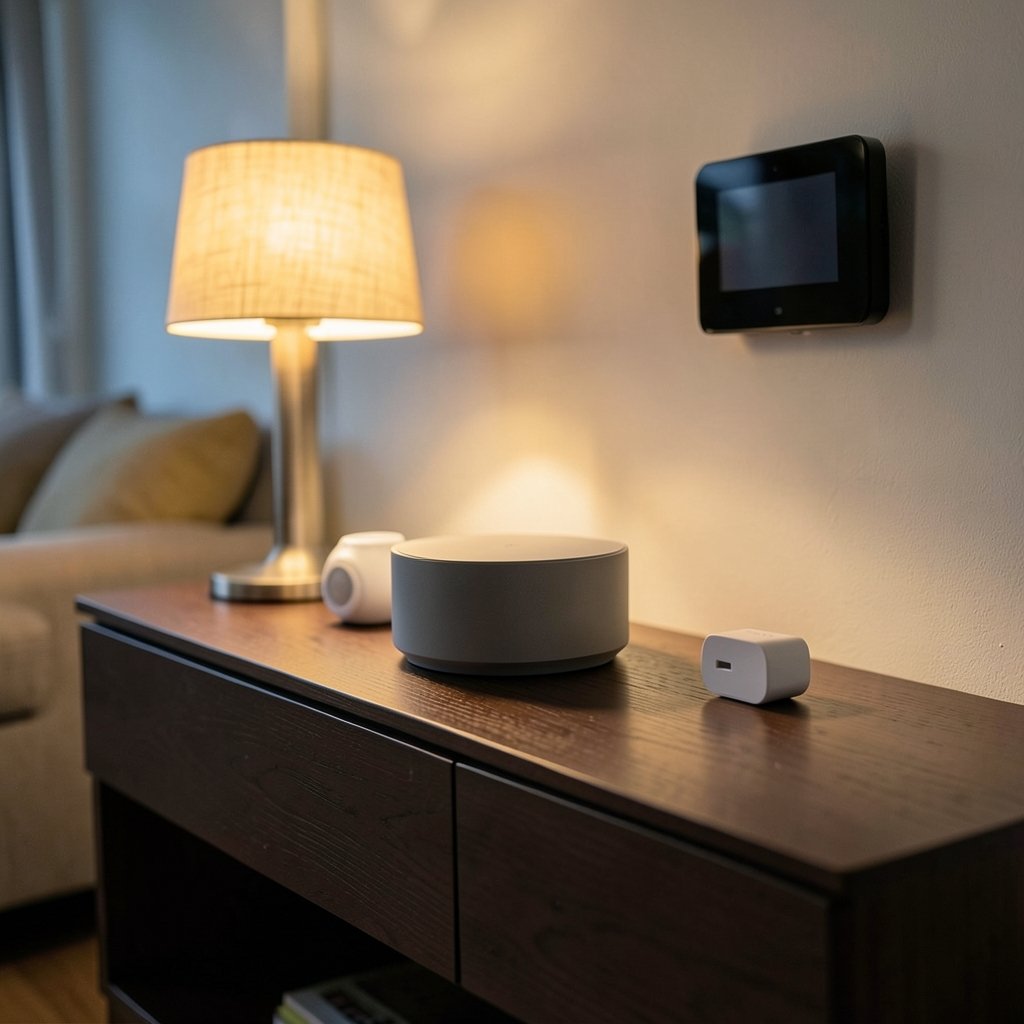
What if the best smart home in 2027 is the one you barely notice? No glowing hubs on the sideboard, no drawer full of apps, no shouting at a speaker that mishears you. That is the promise the industry has been selling for a decade. The reality in 2027 is messier, but also better than it has ever been. Some things finally just work. Others still trip over themselves in ways that will feel familiar to anyone who has ever stood in a dark hallway yelling at a light switch that stopped listening.
This guide covers what now works well, what still breaks, and how to build a home that relies on the good parts and works around the bad ones.
The Big Shift: Standards Finally Beat Brand Loyalty
For years, a smart home meant a drawer of apps, one for each brand, none of which talked to each other. That changed as Matter and similar open standards pushed manufacturers to share a common language. The lines between professionally installed systems and do-it-yourself setups have blurred, with off-the-shelf devices now using many of the same chipsets and protocols found in high-end installations.
The practical result: a light bulb from one brand can now trigger a routine on a hub from another. That sounds small. It is not. It means you can buy for quality and price rather than being locked into one brand’s system. In 2026, brands that used to trap buyers inside a single app opened up to a shared standard, and devices like air conditioners, fans, and air purifiers moved from simple remote control to saving energy and flagging when they need servicing.
The lesson for buyers is simple: check for the standard before you check the brand. A device that speaks the common language will still be useful in three years. A device that only speaks its own probably will not.
What Actually Works Seamlessly Now
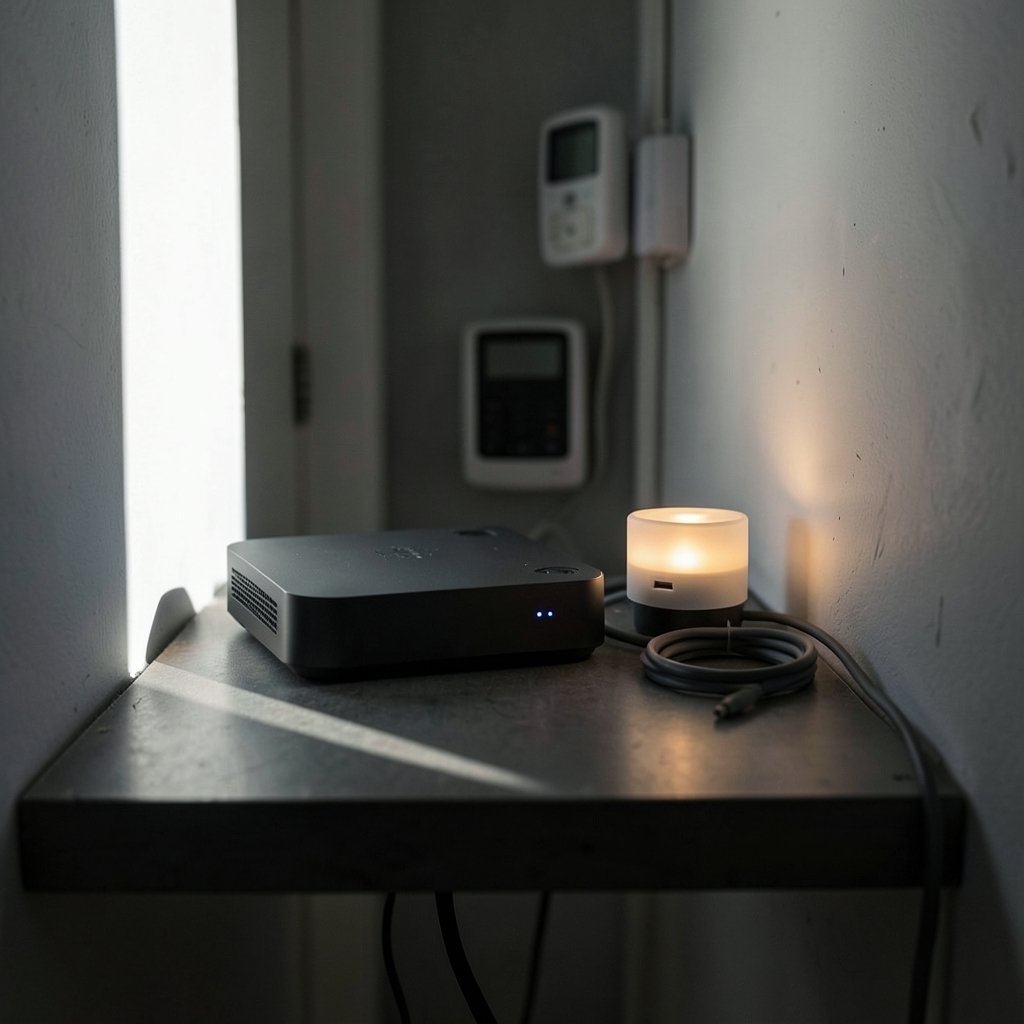
Lighting and scenes
This is the category that has matured most. Lights respond quickly, dim smoothly, and follow schedules without drama. Scenes that combine several rooms fire reliably when triggered by a button, a time, or a motion sensor. The key change is that the logic often runs locally on a hub rather than in the cloud, so it keeps working when the internet drops.
Local control that survives an outage
This is the quiet hero of 2027. More systems now keep core automations on a local hub or server, so lights, locks, and heating still respond when the connection dies. If you have ever been locked out of your own routines by a router reboot, you know why this matters. The same principle applies to smaller gear: a smart plug scheduling without internet still works when wi is set up correctly, which is a good reminder that local fallbacks are worth designing in from day one.
Energy monitoring and device health
Appliances now report more than on and off. They track consumption, suggest schedules that dodge peak rates, and warn you before a filter clogs or a motor strains. This is one of the few features that pays for itself, because it turns invisible waste into a number you can act on.
Voice control, mostly
Voice has improved enough to be genuinely useful for simple commands: turn off the kitchen lights, set a timer, lower the blinds. It still struggles with compound requests and unusual phrasing, but for one-step jobs it is finally reliable enough to use daily.
What Still Breaks (and Why)
The retrofit problem
Hiding technology is easy in new drywall construction. It is much harder in older homes. In post-and-beam houses, the ceiling you see is often the roof itself, with no attic to fish a wire through and no cavity to recess anything into. The trend toward invisible tech assumes cavities that many homes simply do not have. If you live in an older property, plan for surface-mounted gear or accept that some devices will be visible.
Fragmented apps are not fully gone
Matter helped, but plenty of devices still ship with a manufacturer app for setup, firmware updates, or advanced features. You may end up with fewer apps than before, but rarely zero. Budget time for the initial setup slog, and keep a note of which app controls which device.
Networks buckle under load
A modern home can have dozens of connected devices, and many still run on the crowded 2.4 GHz band. Video doorbells, cameras, and streaming all compete for airtime. The fix is unglamorous: a decent router, a separate network for smart devices where possible, and fewer always-on cameras than you think you need.
Automation that ignores uncertainty
Most rules are brittle. If the motion sensor sees the cat, the lights come on. If a sensor drops offline, the routine silently fails. A newer approach treats uncertainty as normal rather than as an error, exposing how a system reaches a decision so problems can be traced. As one analysis of smart home AI in 2027 puts it, separating transport, computation, storage, and application state makes it possible to test where a delay or failure actually starts. For now, build in manual overrides and keep critical routines simple.
Interoperability gaps at the edges
The standard defines the basics well. Advanced features, like custom lighting effects or complex climate logic, still fall back to brand-specific tools. Expect the core to work everywhere and the extras to work only inside one brand’s tools.
Choosing the Right Hub for Your Home
The hub is the brain of the operation, and the wrong one will hold everything back. The best choice depends on how much you want to tinker. A best smart home hub 2027: six picks that actually fit breaks the field into options for renters, tinkerers, and people who just want it to work.
| Home type | What matters most | What to avoid |
|---|---|---|
| Renter, small flat | Local hub, easy setup, no wiring | Devices needing wall alterations |
| Family house | Strong network, local automation, energy monitoring | Cloud-only routines for security |
| Older property | Surface-mount options, wireless protocols | Anything requiring recessed cavities |
| Enthusiast | Open standards, local server support | Closed ecosystems with no export |
If you are building out a whole-home system, the guidance in smart home control actually works when you run whole house is worth reading before you buy a single device, because the order you buy things in matters more than the brands you pick.
Speakers and Sensors: The Small Devices That Make or Break It
Two categories quietly determine whether a home feels smart or stupid.
The first is the speaker. A good one becomes the main interface for the whole house, so it needs to hear you from across the room and play nicely with your hub. A rundown of the best smart speaker for multiple smart home devices 2027 covers how to match one to a multi-brand setup.
The second is the humble sensor. Humidity, motion, temperature, and door sensors are cheap and boring, and they are where most automations live or die. Bathrooms are a perfect example: a fan that runs on a timer wastes energy, while one tied to real moisture levels works properly. A bathroom humidity sensor switch actually works real homes explains the difference between a sensor that reacts to steam and one that reacts to a schedule.
Common Mistakes That Undermine a Smart Home
- Buying gadgets before a plan. A pile of devices with no hub or logic is just clutter. Decide what you want automated first, then buy.
- Skipping the network. The single most common cause of “my smart home is broken” is weak Wi-Fi. Fix that before anything else.
- Trusting cloud-only security. Locks and alarms should keep working without the internet. Test this by unplugging your router for an hour.
- Over-automating. A light that turns on for every passing shadow trains people to disable the system. Start with a handful of routines and add slowly.
- Ignoring firmware. Updates fix bugs and close security holes. Put a monthly reminder in your calendar.
- Forgetting the human override. Every routine needs a physical switch or button. Guests and family members will not learn your app.
The Professional Versus DIY Question
The gap between professional installs and DIY kits has narrowed, but it has not closed. A pro installation still earns its keep in complex homes with structured wiring, multi-room audio, and shades that need precise alignment. DIY wins for renters, small flats, and anyone who enjoys tinkering. The honest answer for most people is a hybrid: buy standard-compliant devices yourself, then pay a professional only for the parts that involve walls, mains wiring, or tricky calibration.
Industry planning for the near future keeps circling the same theme. The focus has shifted from technology alone to the people who design and maintain these systems, because a smart home is only as good as the plan behind it.
Where Local AI Fits In
Local AI is the next frontier. Instead of sending every decision to a distant server, more systems run pattern recognition on a hub in the house. That means faster responses, better privacy, and automations that keep working offline. It also means the system can learn routines, like when you actually leave for work, rather than relying on a fixed schedule.
The catch is cost and complexity. Local processing needs capable hardware, and the results are only as good as the data the sensors provide. Expect this to improve steadily, but treat marketing claims about “AI-powered” homes with healthy skepticism until you see the routines working in your own house.
Conclusion
The smart home in 2027 splits into two halves. Standards, local control, and better sensors have made the basics dependable: lights, scenes, energy monitoring, and voice commands now work well enough to forget about. The things that still break are the old familiar ones: retrofit wiring, crowded networks, brittle automations, and apps that refuse to disappear entirely.
The winning approach is unglamorous. Start with a solid network. Buy devices that speak open standards. Keep critical routines local and simple. Add a physical override to everything. Then expand slowly, one room at a time, and let the house earn your trust before you hand it more control. Do that, and 2027’s smart home can be the quiet, invisible helper it was always meant to be.
FAQ
What is the biggest reason smart homes fail in 2027?
Weak networking. Most “broken” smart homes are actually homes with poor Wi-Fi coverage or an overloaded 2.4 GHz band. Fixing the router and reducing always-on devices solves more problems than swapping hardware ever will.
Do I need a hub, or can I just use apps?
You can run a small setup on apps alone, but a hub pays off quickly. It runs automations locally, keeps routines working when the internet drops, and lets devices from different brands talk to each other. For anything beyond a few bulbs, a hub is worth it.
Will my devices still work if the internet goes down?
It depends on where the logic lives. Routines stored on a local hub usually keep working, while cloud-dependent ones stop. Test this yourself by unplugging your router for an hour and noting what still responds.
Is Matter worth waiting for before I buy?
Matter is already here and widely supported, so there is no reason to wait. Just check that a device lists standard support before buying. That single habit protects your purchase far better than delaying it.
How much automation is too much?
If people in the house start disabling routines or covering sensors, you have gone too far. Start with a handful of high-value automations, like lighting scenes and heating schedules, and add more only when the current ones feel invisible.
What should I automate first?
Lighting and heating. They deliver the most daily benefit, are easy to reverse, and rarely depend on complex logic. Security and shading come next, once you know your network and hub can handle them reliably.