

Nearly every TV on a store wall looks stunning when it’s playing a slow-motion nature clip of a waterfall. The real test comes at home, at night, when the credits roll and the screen should go completely dark. That’s where the OLED vs QLED decision stops being a spec-sheet argument and starts being something you notice every single evening.
Here’s the short version before the details: OLED pixels make their own light and switch off completely for true black. QLED is an LCD panel lit by a backlight, boosted by a quantum-dot layer. That one difference drives almost everything else, from contrast and viewing angles to brightness, burn-in risk, and price.
How the Two Technologies Actually Differ
An OLED (organic light-emitting diode) screen is built from millions of pixels that each produce their own light. When a pixel needs to show black, it simply turns off. No light leaks, no glow, no compromise.
A QLED is not a self-emissive display at all. It’s an LCD panel with a quantum-dot film that widens and improves color, plus a backlight behind the panel. Light has to pass through liquid crystals, which means black is really “the backlight dimmed as much as possible.” On sets with full-array local dimming, whole zones of the backlight can shut down, which gets impressively close to OLED black. But it’s zone-level, not pixel-level.
One terminology trap worth flagging: QD-OLED is a third thing entirely. It combines quantum dots with an OLED panel. It is not the same as QLED, even though the names look related. Retail listings blur this constantly.
| Feature | OLED | QLED |
|---|---|---|
| Light source | Self-emissive pixels | Backlight + quantum-dot film |
| Black level | Near-perfect, pixel-level | Very good with local dimming, zone-level |
| Peak brightness | Moderate to high | Typically higher, especially mini-LED |
| Viewing angles | Excellent | Mixed, often weaker on VA panels |
| Burn-in risk | Possible with static content | Not applicable |
| Price at same size | Usually higher | Usually lower, wider range |
| Best room | Dark, controlled light | Bright, sunny rooms |
Contrast and Black Levels: OLED’s Home Turf
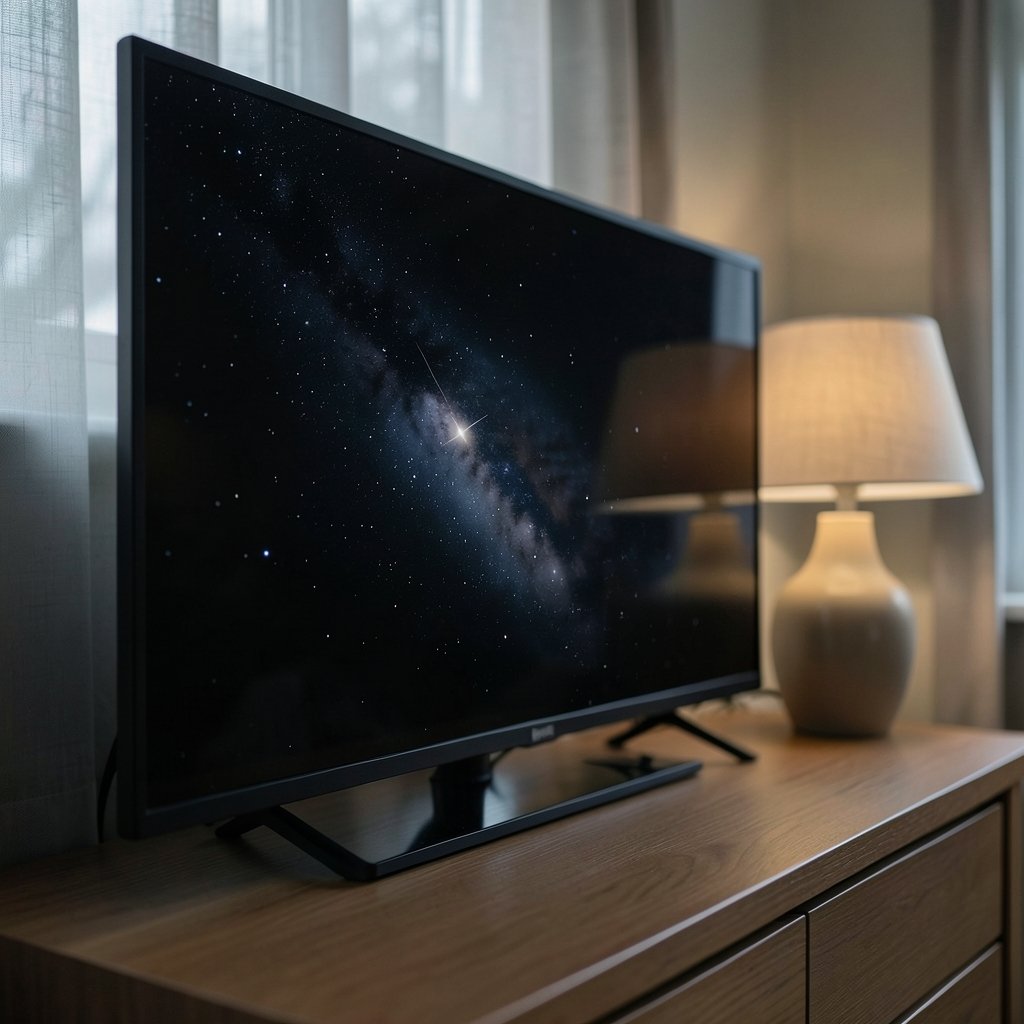
This is the category where OLED has historically been untouchable. A starfield looks like a starfield. Letterboxed movies show real black bars instead of dark gray ones. Subtle shadow detail in a dim scene stays visible instead of getting crushed.
QLED’s weakness here is blooming, sometimes called haloing. When a bright object sits against a dark background, like a subtitle or a streetlight at night, the dimming zone behind it lights up and creates a soft glow around the object. High-end mini-LED QLEDs have shrunk this problem dramatically by using thousands of tiny dimming zones, but it hasn’t vanished entirely.
Practical tip: if you mostly watch movies at night with the lights low, this single factor often settles the question. If you watch with blinds open and three lamps on, contrast differences get washed out by ambient light anyway.
Brightness: Where QLED Fights Back
QLED, particularly mini-LED QLED, usually reaches a higher peak brightness than OLED. That matters in two cases: a room with plenty of daylight, and HDR content where small bright areas, such as an explosion or sunlight reflecting off water, should stand out.
That said, brightness figures vary enormously between models and model years, and vendor numbers are measured in ways that don’t always match real viewing. A mid-range OLED can look brighter in a dark room than a brighter QLED looks in a bright one, because perceived contrast depends on the room. Don’t buy on a single nits number. Buy on your room.
A useful rule of thumb from years of display testing: match the panel to the room, not to the spec sheet. Sun-drenched living room with a wall of windows? QLED’s brightness headroom earns its keep. Basement theater or bedroom? OLED’s black level wins every night.
Burn-In: The Risk Nobody Should Ignore
Burn-in is permanent image retention, where a static element leaves a ghost on the panel. Think news channel tickers, sports scoreboards, game HUDs, or a paused menu left on for hours.
OLED panels can develop it. QLED panels are not susceptible in the same way because they don’t use organic light-emitting material per pixel. Modern OLEDs include mitigation features like pixel shifting, logo dimming, and screen refresh cycles, and the risk for normal mixed viewing is lower than early-generation panels. But it isn’t zero, and it rises with heavy static-content use.
If someone in the house leaves a 24-hour news channel running for six hours a day, that’s a genuine argument for QLED. If viewing is varied, movies, series, sports, gaming, the concern is manageable.
Gaming Performance
Both technologies support HDMI 2.1 features like 4K at 120Hz and variable refresh rate on many mid-range and high-end models, but support is model-specific, not category-wide. Check the exact set, not the badge.
Where OLED has an edge is pixel response. Each pixel switches almost instantly, so motion stays crisp with minimal blur. QLED’s advantage is brightness in HDR games and no burn-in worry from a persistent health bar or minimap.
For handheld and console buyers weighing portability against screen quality, the same trade-off logic applies in the ROG Ally X vs Steam Deck OLED comparison, and the Steam Deck OLED vs LCD breakdown shows how much a panel upgrade alone can change the experience. (OLED)
Viewing Angles and Room Layout
OLED holds color and contrast well when viewed off-axis. QLED is more of a mixed bag. Many QLEDs use VA-type LCD panels with strong native contrast but noticeable color shift and contrast loss from the sides. Some use IPS panels with better angles but weaker contrast.
If the sofa is centered and everyone sits in a tight arc, this barely matters. If the TV sits in a corner and people watch from a kitchen island or a side chair, OLED’s consistency is a real, daily quality-of-life difference.
Size, Price, and the Budget Reality
At a given screen size, OLED typically costs more than a comparable QLED, though the gap has narrowed considerably. QLED also covers a much wider range, including large budget sets where OLED simply doesn’t compete on price. (OLED vs QLED)
That means the honest answer often depends on budget math. A 65-inch QLED at a mid-range price can be a smarter buy than stretching thin for a smaller OLED. Conversely, if the budget reaches a good OLED at the size you want, it’s hard to argue against it for film-first viewing.
Size availability has shifted over the years, with OLED expanding into larger sizes and QLED dominating the very large budget segment. Verify the current lineup before assuming a size exists in your preferred technology.
A Step-by-Step Buying Process That Works
- Measure the room and the viewing distance first. Screen size decisions should come before technology decisions, because a too-small great TV is worse than a right-sized good one.
- Note the light. Count windows, lamps, and how often the room is bright during viewing hours.
- List what you actually watch. Mostly films and series at night? Mostly daytime sports and news? Mostly games?
- Check the exact model’s features. Confirm HDMI 2.1, VRR, and HDR support on the specific set, not the marketing family.
- Set a hard budget and compare within it. Compare OLED and QLED at the same size and price, not across tiers.
- Read independent lab measurements. Brightness, contrast, and burn-in testing from reputable testers beats any showroom demo.
- Buy from a retailer with a solid return window. Panel uniformity varies unit to unit, and a few days at home reveals everything.
Common Mistakes People Make
The biggest one is judging TVs in a store. Showroom lighting is brutal and identical for every set, and demo footage is cherry-picked. A TV that looks dull on a wall of 20 can look spectacular in a living room.
The second is over-buying brightness. People pay for peak brightness they’ll never use because they watch at night with the lights down.
The third is ignoring panel lottery. Uniformity, banding, and dirty screen effect vary between individual units. That’s why the return window matters more than the last five percent of spec advantage.
The fourth is forgetting audio and inputs. A gorgeous panel with weak speakers and two HDMI ports can ruin the experience faster than a slightly lower contrast ratio.
And if you’re also shopping for a phone this year, the same “match the device to your habits” logic applies in the iPhone 18 vs Galaxy S26 face-off, and the guide to the best iPhone to buy is a good example of why specific use cases beat generic rankings.
Who Should Buy Which
Buy OLED if: you watch movies and series in a dim or controllable room, you sit off-center sometimes, you game with varied content, and you want the best contrast available at your budget.
Buy QLED if: the room is bright all day, you watch a lot of static-content channels, you want the largest screen for the money, or you’re worried about long-term panel wear.
There’s no universal winner. There’s a winner for your room, your habits, and your budget, and those three things decide it far more reliably than any technology label.
FAQ
Is OLED always better than QLED?
No. OLED wins on black level, contrast, and viewing angles. QLED usually wins on peak brightness, large-size value, and immunity to burn-in. In a bright room or with heavy static-content viewing, QLED can be the better choice.
Does QLED have real black levels?
It can get close on sets with full-array local dimming or mini-LED backlights, but blacks are managed by dimming zones rather than individual pixels. Bright objects on dark backgrounds can still produce visible blooming, especially on cheaper edge-lit models.
Should I worry about OLED burn-in?
For varied, normal viewing, the risk is low on modern panels with mitigation features. It rises with hours of static logos, tickers, or game HUDs. If that describes your household, QLED removes the concern entirely.
Is QLED brighter than OLED?
Usually yes, particularly with mini-LED QLED. That helps in bright rooms and with bright HDR details. Brightness figures vary widely by model and year, so compare specific sets rather than technology categories.
Is QD-OLED the same as QLED?
No. QLED is an LCD panel with a quantum-dot film and a backlight. QD-OLED combines quantum dots with self-emissive OLED pixels. They’re different technologies that happen to share a marketing syllable.
Which lasts longer, OLED or QLED?
QLED has no organic per-pixel material to wear unevenly, so it avoids burn-in. OLED panels have improved substantially, and most failures in either technology come from power or mainboard issues rather than the panel itself. Real-world longevity depends more on usage patterns than the label.
Conclusion
The OLED vs QLED question has a clean answer once you stop asking which technology is better and start asking which one fits your room. OLED delivers the deepest blacks, the best contrast, and the most consistent picture from any seat, which makes it the film lover’s pick in a controlled-light space. QLED brings higher brightness, bigger screens for the money, and zero burn-in anxiety, which makes it the practical choice for sunny living rooms and news-heavy households.
Measure the room, count the windows, list what you actually watch, then compare specific models at the same size and price. Do that, and the right TV stops being a debate and becomes an obvious purchase.



