
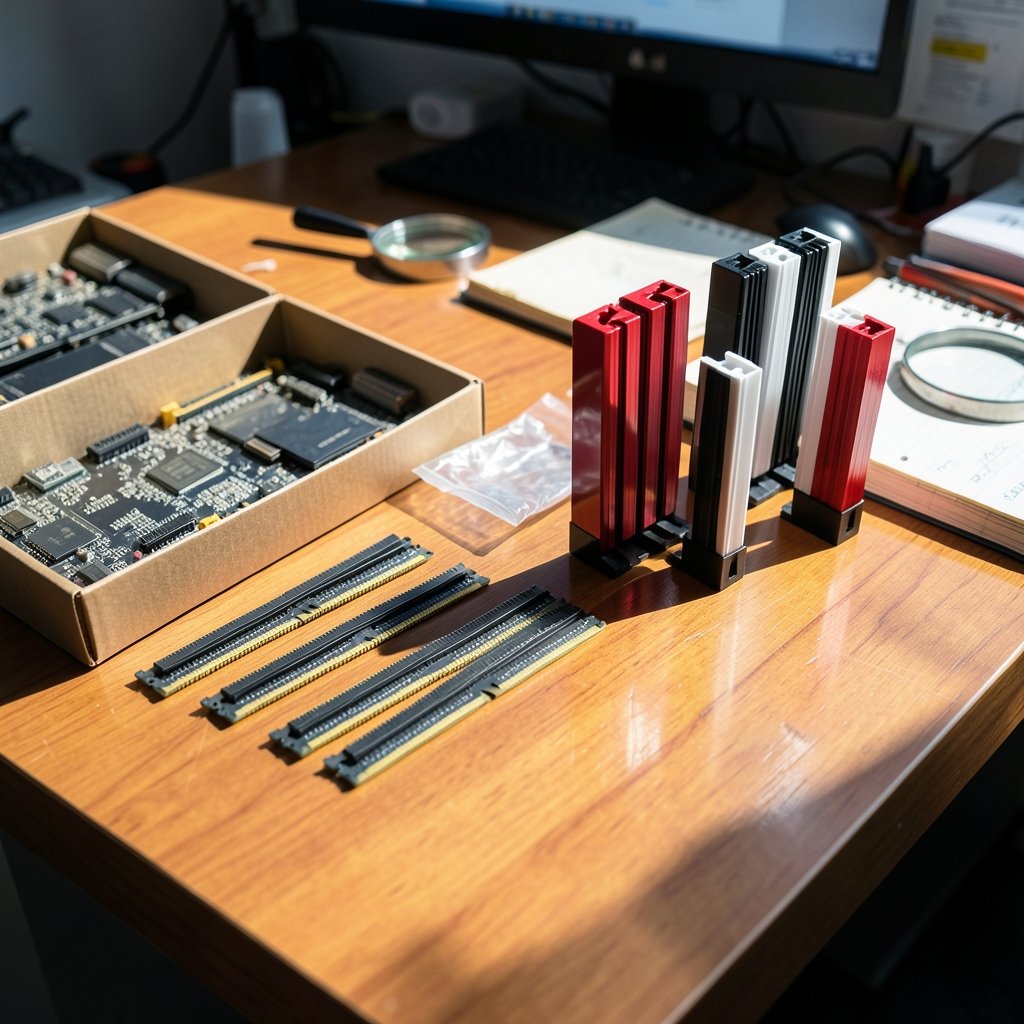
Quick Answer: How do I choose gaming RAM kits?
Match the memory type to the motherboard first, because DDR4 and DDR5 use different slots and cannot be swapped. Then pick a capacity that fits the games and apps in use, a speed the CPU and board actually support, and a two-stick kit that runs in dual-channel mode. In the BIOS, enable the XMP or EXPO profile to run the memory at its advertised speed.
Capacity, speed, latency, and physical height are the four levers, and each one trades off against cost. A slower 32 GB kit usually beats a faster 16 GB kit for modern AAA titles. Before buying, check the memory generation, capacity, rated speed, CAS latency, stick count, module height, and whether the kit appears on the motherboard’s qualified vendor list.
Why RAM Feels Like the Hardest Part to Get Right
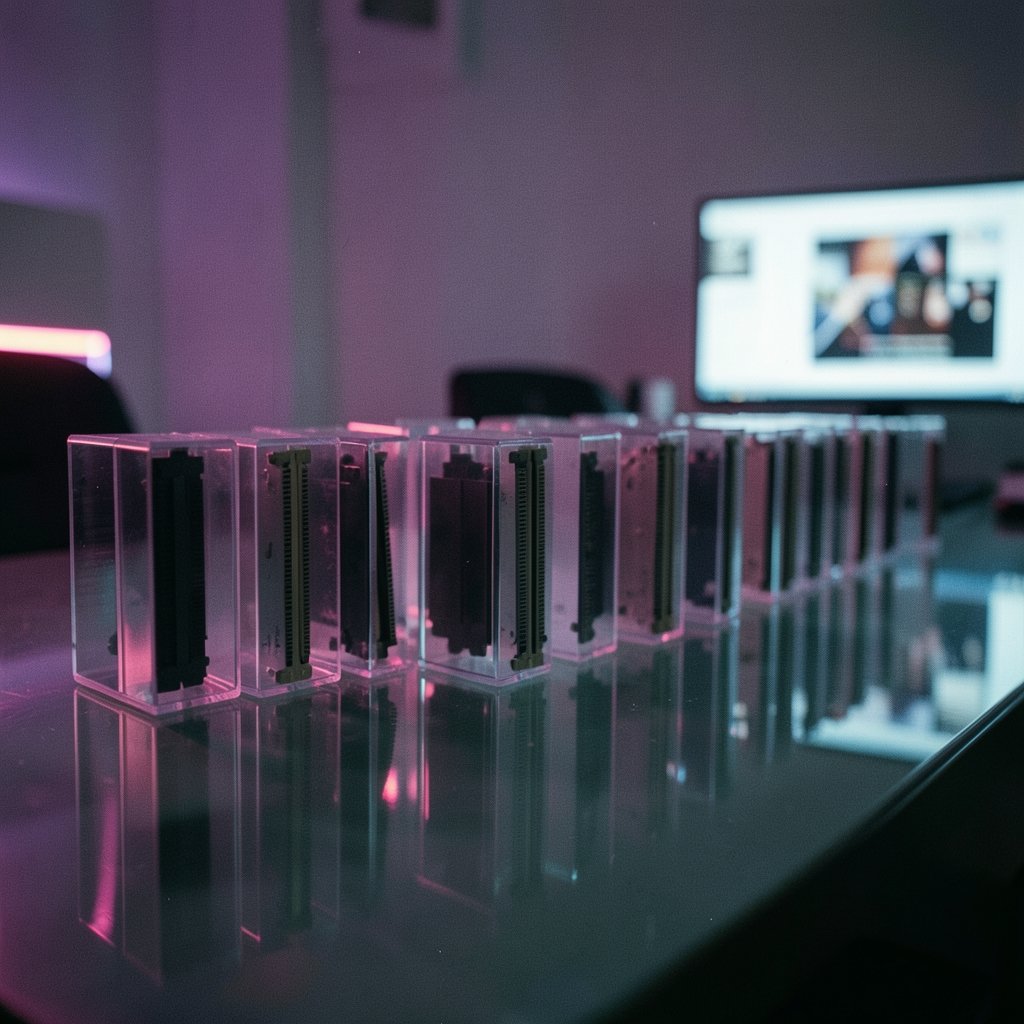
Walk down any PC parts aisle, physical or online, and the memory section looks like a wall of near-identical sticks with wildly different prices. One kit costs $60, another costs $220, and both say “gaming” on the box. What gives?
Here’s the thing: RAM is one of the few components where spending more can genuinely make zero difference to your frame rate. It is also one of the few where a cheap-looking choice can quietly cost you 10 to 15 percent of performance because a setting was never turned on. The gap between a smart purchase and a careless one is mostly knowledge, not budget.
This guide walks through the decisions in the order that actually matters, from the slot on the motherboard outward. Along the way, it covers the traps that catch first-time builders and the myths that catch experienced ones.
Start With the Motherboard, Not the Marketing
The single most common mistake is buying RAM before confirming what the board accepts. DDR4 and DDR5 modules use different keying and are not cross-compatible. A DDR5 stick will not physically fit a DDR4 slot, and no BIOS update changes that. The motherboard decides the generation, full stop.
This matters more than ever because both standards are still on shelves. Budget builds often use DDR4, while newer platforms are DDR5-only. Before anything else, look up the exact board model and check its memory support page.
Two more board-level details deserve a look:
Slot count and layout. Most consumer boards have four slots, but the CPU only talks to two channels. That is why the manual almost always tells you to populate slots two and four, not one and two. Dual-channel operation roughly doubles memory bandwidth compared to a single stick, and on many games that difference is measurable, not theoretical.
Maximum capacity per slot. This is rarely a limit for gamers, but it is worth a glance if you plan to add sticks later rather than buy a full kit now.
A quick sanity check: if a RAM kit costs less than everything else in the build combined, double-check the generation before celebrating.
How Much Capacity Do You Actually Need?
Capacity is where most buyers overspend or underspend, and the answer depends on what “gaming” means for you.
| Capacity | Best for | Trade-off |
|---|---|---|
| 16 GB | Esports titles, older games, tight budgets | Background apps and newer AAA titles can push it to the limit |
| 32 GB | Modern AAA gaming, streaming, browser tabs, light editing | Costs more; rarely fully used in esports titles |
| 64 GB+ | Heavy simulation, large mod packs, video work, virtual machines | Expensive; little to no gain in most games |
For years, 16 GB was the comfortable answer. It still works for competitive shooters and older libraries. But newer titles have grown hungrier, and having a browser, Discord, and a capture tool open at the same time eats into headroom fast. For a full breakdown of where the extra capacity pays off and where it does not, this guide on 16gb vs 32gb ram gaming where 32gb helps where it doesnt digs into the specifics.
If you want a broader framework for matching capacity to your habits, this practical guide on much ram do you need gaming practical guide picking right covers the decision from the angle of real workloads rather than spec sheets.
The practical rule: buy for the heaviest thing you do regularly, not the heaviest thing you might do someday. A 32 GB kit that fits the budget today beats a 64 GB kit that forces a weaker GPU.
Speed: Where the Sweet Spot Actually Lives
Speed, measured in MT/s (millions of transfers per second), is the number plastered largest on the box. It matters, but with heavy caveats.
DDR5 kits commonly ship between 4800 and 6400 MT/s, with faster bins above 7000 MT/s available at a premium. DDR4 kits typically land between 3200 and 3600 MT/s. Those figures are XMP or EXPO profiles, not the default speed. JEDEC’s base DDR5 speed is 4800 MT/s, and without enabling the profile in BIOS, many kits will run there regardless of what the label claims.
That last point is the quiet performance killer. A builder buys a 6000 MT/s kit, installs it, never opens the BIOS, and runs at 4800 the whole time. The fix takes thirty seconds: enter the UEFI, enable XMP on an Intel board or EXPO on an AMD board, save, and reboot. Then verify the speed in a monitoring tool.
On the question of which speed to buy, the honest answer is that returns flatten quickly. Enthusiast communities widely repeat that DDR5-6000 with a low CAS latency is a sweet spot for current AMD platforms, though this is guidance rather than an official requirement, and Intel platforms often scale a bit further with faster kits. Above a certain point, the money buys benchmark numbers rather than smoother gameplay.
One real-world caveat: high-speed kits may need a BIOS update to hit their rated speed, and some CPU and board combinations simply will not reach it. That is not a defect. It is the nature of overclock profiles.
Latency: The Number Nobody Reads
CAS latency, written as CL16 or CL30, tells you how many clock cycles the memory waits before responding. Because clock cycles get shorter as speed rises, you cannot compare CL numbers across different speeds directly.
The conversion is simple arithmetic. Real latency in nanoseconds equals CL divided by half the MT/s, multiplied by 1000. Run the numbers and something interesting appears: a CL30 DDR5-6000 kit and a CL16 DDR4-3200 kit land at roughly the same absolute latency, around 10 nanoseconds. They are not as far apart as the raw numbers suggest.
What does this mean for buying? Within the same speed bin, a lower CL is worth a modest premium. Across different speeds, do the math before paying extra. And do not chase latency at the expense of capacity. A tight-timed 16 GB kit will still stutter when it runs out of room.
Two Sticks Beat One, Almost Always
A single 32 GB stick looks tidy. It also halves your memory bandwidth on a typical consumer platform, because only one channel is populated. Two 16 GB sticks of the same total capacity will generally outperform it in games.
Buy kits, not individual sticks. A matched pair is tested to run together at the rated profile, which avoids the compatibility roulette of mixing modules bought months apart. If you must add memory later, match the model number exactly, and accept that the combined set may need to run at a lower speed than either stick alone could manage.
Clearance, Height, and the Cooler Collision
This one bites people on assembly day. Tall heat spreaders with dramatic fins look great in photos and can collide with a large air cooler. Low-profile kits are the safer choice for big tower coolers.
Check the cooler’s published RAM clearance figure before ordering, and remember that clearance is measured from the slot, so a cooler that overhangs slot one may be fine over slot two. If the build uses a liquid cooler with a pump block, height is rarely an issue.
While planning the build, it is worth thinking about the whole desk setup rather than parts in isolation. A guide on how to choose gaming monitor match panel you actually play helps align the display with the kind of games you play, and pairing a fast machine with a mismatched screen is its own kind of waste. The same logic applies to input: a piece on mechanical vs membrane keyboard gaming judge everyday weighs where the upgrade actually changes the experience.
The Qualified Vendor List, Explained Sensibly
Most motherboard makers publish a QVL, a list of memory kits they have tested on that specific board. It is a useful starting point, not a law of physics.
Absence from the list does not mean a kit will fail. It means the board maker did not test that exact combination. Given how many kits exist, most are not on any list. Use the QVL to confirm a candidate works, and use community reports and retailer reviews to fill the gaps. If a kit is on the list, that is a small bonus, not a requirement.
What About On-Die ECC and Other DDR5 Jargon?
DDR5 modules include on-module power management and on-die error correction. The second feature sounds reassuring, but it is not the same as full system ECC memory. Do not buy consumer DDR5 expecting server-grade error correction; the on-die version handles internal reliability, not system-wide protection.
Other terms worth knowing: single-rank versus dual-rank describes how the memory chips are organized, and dual-rank kits can offer a small performance edge at the cost of being harder to run at very high speeds. For most buyers, this is a footnote, not a deciding factor.
Common Mistakes That Cost Real Money
A short list of traps, drawn from the patterns that show up again and again in build threads:
- Buying before checking the board’s memory generation. DDR4 and DDR5 do not mix.
- Forgetting to enable XMP or EXPO. The most expensive mistake because it is free to fix.
- Buying one stick to “upgrade later.” Dual-channel performance is lost in the meantime.
- Overspending on speed while underspending on capacity. Modern games punish the second far more.
- Ignoring cooler clearance. A great kit that will not fit is not a great kit.
- Mixing kits from different batches. Matched kits exist for a reason.
A Simple Buying Checklist
Before clicking buy, run through this sequence:
- Confirm the motherboard’s memory generation and supported speeds.
- Pick capacity based on the heaviest regular workload, not aspirations.
- Choose a two-stick kit in the target capacity.
- Select a speed within the board and CPU’s supported range, with a sensible CAS latency.
- Check module height against the CPU cooler’s clearance.
- Cross-reference the QVL if convenient, and read recent buyer reports.
- After assembly, enable XMP or EXPO and verify the speed.
That is the whole process. It takes maybe twenty minutes and saves both money and frustration.
Conclusion
Choosing gaming RAM is less about chasing the biggest number on the box and more about matching four things to your build: the right generation for the board, enough capacity for real workloads, a speed the platform can actually run, and a physical size that fits under the cooler. Get those right and enable the memory profile, and the difference between a $90 kit and a $200 kit often disappears on screen.
The best kit is not the fastest or the cheapest. It is the one that fits the board, fits the cooler, fits the budget, and runs at its rated speed because someone remembered to open the BIOS.
Frequently Asked Questions
Is 16 GB of RAM still enough for gaming?
For esports titles and older games, yes. For newer AAA releases with a browser and chat apps running in the background, 16 GB is increasingly tight. Many builders now treat 32 GB as the safer default for a machine meant to last several years.
Does faster RAM actually improve frame rates?
It can, especially on CPUs that lean heavily on memory performance, but the gains flatten quickly above the mid-range. Going from a slow default speed to a properly enabled mid-range profile often matters more than paying for the fastest bin available.
Why does my RAM show a lower speed than the box says?
The advertised speed is an overclock profile stored on the module. Until XMP (Intel) or EXPO (AMD) is enabled in the BIOS, the memory runs at a slower default speed. Enabling the profile and rebooting usually resolves it.
Can I mix two different RAM kits?
It may work, but it is a gamble. Mixing kits can force lower speeds or cause instability, even when the specs look identical. Matched kits are tested together, which is why buying a single two-stick kit is the safer path.
Is DDR5 always better than DDR4 for gaming?
Not automatically. DDR5 offers more bandwidth, but a well-chosen DDR4 kit on a DDR4 platform can still deliver excellent gaming performance. The generation is decided by the motherboard, so the real question is which platform the build uses.
Do I need RAM with heatsinks for gaming?
Most gaming memory comes with heat spreaders, and they are fine for normal use. The practical concern is height, not cooling. Tall spreaders can block large air coolers, so low-profile kits are worth considering for compact or air-cooled builds.



