
Here’s a number that surprises a lot of people: a SATA III drive tops out around 550 MB/s, while a modern PCIe 4.0 NVMe drive can hit 7,000 MB/s. That’s roughly twelve times the raw bandwidth. So surely games load twelve times faster on NVMe, right? Not even close. In many side-by-side game loading tests, the two drive types finish within a second or two of each other. That gap between the spec sheet and the actual gaming experience is exactly what this article digs into. (Solid-state drive)
The Short Answer Before the Long Explanation
For pure frame rates, the drive you pick barely matters. Once a game is running and its assets are in memory, the SSD isn’t doing much heavy lifting. Where storage does matter is load times, level streaming, and how quickly big open-world games swap assets in and out as you move.
The honest summary: a good SATA SSD is still perfectly fine for most gaming in 2026, and an NVMe drive mainly earns its keep through faster file transfers, snappier patching, and future-proofing as more games adopt modern streaming APIs. Anyone building fresh should probably go NVMe because the price gap has shrunk to almost nothing, not because SATA is suddenly bad.
What Actually Separates NVMe From SATA
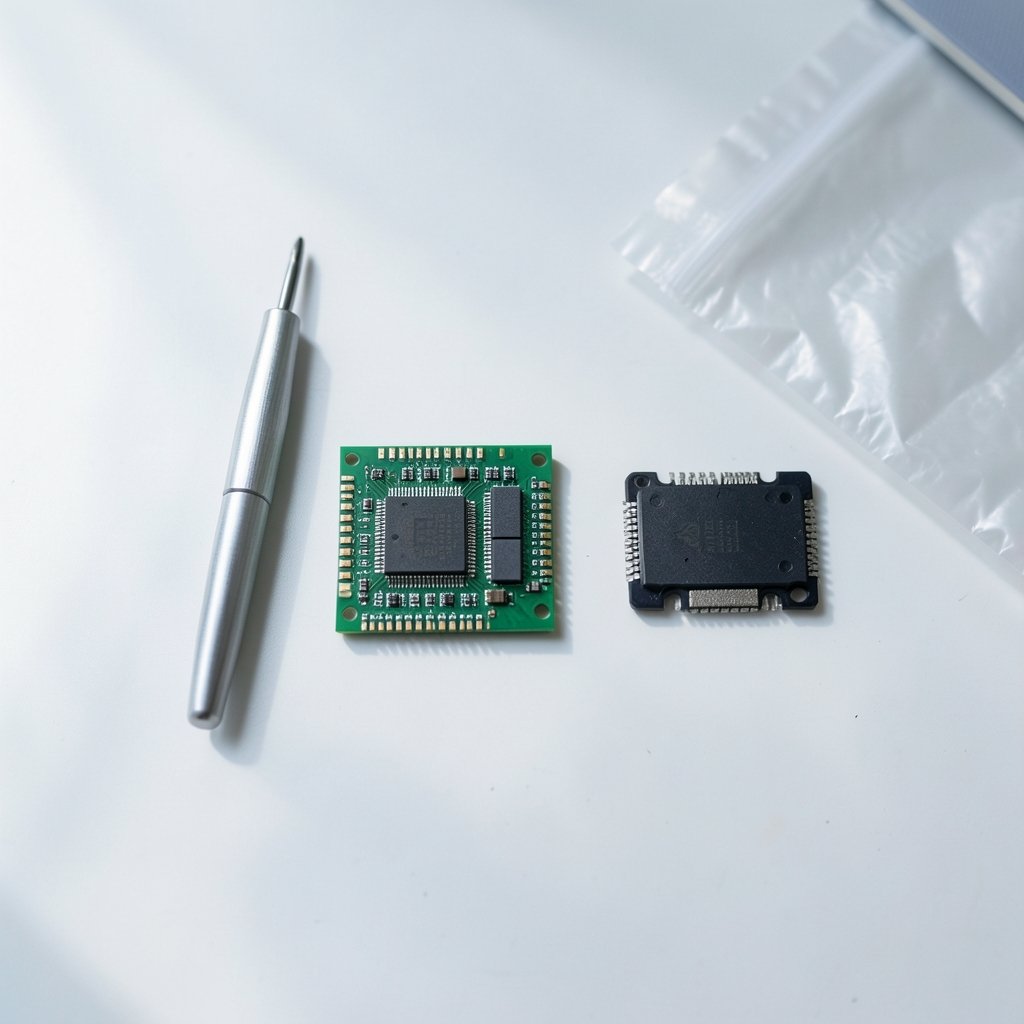
Both drive types use flash memory. The difference is the road the data travels on.
| Feature | SATA III SSD | NVMe SSD (PCIe 3.0 x4) | NVMe SSD (PCIe 4.0/5.0 x4) |
|---|---|---|---|
| Interface ceiling | ~6 Gb/s (~550–600 MB/s real) | ~3,000–3,500 MB/s | ~7,000 MB/s (Gen4), 10,000+ MB/s (Gen5) |
| Queue depth support | 1 queue, 32 commands | 64K queues, 64K commands each | Same as Gen3, more lanes of bandwidth |
| Typical form factor | 2.5-inch or M.2 | M.2 | M.2 (often needs a heatsink) |
| Heat output | Low | Moderate | High on Gen5 |
| Best fit | Older boards, budget builds, secondary storage | Most gaming builds | Enthusiast builds, large file work |
The queue depth row is the one people skip past, but it’s the most interesting. SATA was designed in an era of spinning disks and was built around one command queue. NVMe was designed for flash from the ground up and can juggle tens of thousands of queues at once. That architecture is what makes NVMe feel responsive under heavy multitasking, even when sequential speeds aren’t the bottleneck.
Why Game Load Times Don’t Scale With Bandwidth
Game loading is mostly a random-read problem. Engines pull thousands of small files, decompress them, and stitch them together. Sequential bandwidth, the big number on the box, describes reading one giant file in a straight line. Games rarely do that.
Most of the load-time benefit comes from random read latency and IOPS at low queue depths, not from peak sequential throughput. That’s the core reason a SATA SSD and an NVMe drive often land within a second or two on the same game. The engine hits a CPU or decompression ceiling before the drive hits its own ceiling.
This is also why vendor sequential-speed claims deserve skepticism. A drive advertised at 7,000 MB/s is quoting a best-case sequential figure. Real gaming performance lives in the random 4K QD1–QD4 range, where the spread between drives is far narrower than the marketing suggests.
Where NVMe Genuinely Pulls Ahead
None of this means NVMe is pointless. It wins in several real scenarios:
- Large file operations. Moving a 100 GB game library, copying footage, or restoring a backup is much faster. This is the most visible everyday difference.
- Game patching and installation. Big updates unpack and rewrite many files. Faster drives shave real minutes off large patches over time.
- Level streaming in specific titles. Some engines stream assets aggressively during play. A handful of games show measurable reductions in streaming stutter on faster drives, though results vary wildly by title and engine.
- DirectStorage-enabled games. Microsoft’s DirectStorage API, which shipped to PC developers in 2022, lets games use NVMe parallelism to cut load times and decompress assets on the GPU. The API works on SATA too, but NVMe allows more parallelism. Benefits depend entirely on whether a given game supports it and how well it’s implemented.
- Future-proofing. As more titles adopt modern streaming pipelines, headroom helps.
If you’re weighing a storage upgrade against other parts, it’s worth reading up on how a clone hard drive to SSD in 2026 migration actually works before you commit, since moving an existing Windows install is often the cheapest meaningful speed boost available. (The SSD Market in 2021)
The Console Caveat People Misapply to PCs
Sony’s PS5 requires an expansion M.2 drive to be PCIe 4.0 NVMe with read speeds of at least 5,500 MB/s. That requirement gets quoted constantly in PC discussions, and it’s misleading there. The PS5’s storage architecture was purpose-built around a specific decompression pipeline, so Sony set a hard floor for compatibility. A Windows PC has no equivalent blanket requirement. A SATA SSD will boot Windows and run games on a desktop just fine.
The lesson isn’t “PCs need 5,500 MB/s.” The lesson is that console and PC storage pipelines are engineered differently, and console specs don’t transfer cleanly to desktop buying advice.
Real-World Feel: What Gamers Actually Notice
Ask people who’ve upgraded from SATA to NVMe what changed, and the honest answers cluster around a few things. Boot times improve a little. Big game installs finish noticeably sooner. Loading screens in some games get shorter, in others you’d struggle to notice without a stopwatch.
What almost nobody reports is a jump in average FPS. Frame rates are governed by the GPU and CPU. Storage feeds the pipeline; it doesn’t render frames. If someone claims an SSD upgrade added 30 FPS, something else changed.
The other thing people notice, sometimes unhappily, is heat. High-end PCIe 4.0 and 5.0 drives can throttle without a heatsink and draw more power than SATA drives. In a laptop or a small-form-factor build, that matters. A Gen4 drive crammed into a tight case with no airflow may run slower than its rating under sustained load.
Common Mistakes When Buying a Gaming SSD
A few traps come up again and again:
- Paying for Gen5 without the workload. Gen5 drives are fast and hot. For gaming alone, the extra sequential bandwidth rarely shows up in load times. Put that money toward a better GPU or more RAM instead.
- Ignoring the motherboard’s lane sharing. On many boards, populating an M.2 slot disables SATA ports or cuts the GPU’s PCIe lanes. Check the manual before assuming every slot is free real estate.
- Skipping the heatsink. If your board doesn’t include M.2 heatsinks, buy a drive that ships with one, especially for Gen4 and up.
- Buying DRAM-less drives for a primary game drive. DRAM-less drives can slow down noticeably during sustained writes. They’re fine as secondary storage, less ideal as your only drive.
- Forgetting the rest of the chain. A great SSD on a weak platform still feels slow. If you’re building around a budget, the best gaming PC under 1000 roundups usually balance storage against GPU and CPU rather than maxing one part.
Matching the Drive to the Rest of Your Build
Storage doesn’t exist in a vacuum. If you’re putting together a system, the best motherboard for gaming determines which PCIe generation you can actually use. A Gen4 drive on a Gen3 slot runs at Gen3 speeds, which is still plenty for gaming but worth knowing before you pay a premium.
For laptops and consoles where internal space is tight, an best external SSD is a practical way to carry a game library. Just remember that external drives over USB are capped by the USB interface, so don’t expect internal NVMe speeds from a portable enclosure.
And if you’re chasing smoother online play, storage is the wrong lever entirely. Latency in multiplayer comes from your connection, which is why guides on the best internet for gaming and the best ethernet cable for gaming matter far more than drive speed. A wired connection beats Wi-Fi for stability, and understanding what a DDoS attack means in gaming helps you tell the difference between a network problem and a slow PC.
Peripherals round out the picture. A fast drive won’t fix audio lag or a cramped headset, so it’s worth checking the best wireless gaming headsets in 2026 if voice chat and positional audio matter to you.
How to Decide Without Overthinking It
A simple decision path works for most people:
- Building new in 2026: Buy an NVMe drive, Gen3 or Gen4, with DRAM and a heatsink. The price premium over SATA is small enough that it’s not worth agonizing over.
- Upgrading an older PC with a spare M.2 slot: A Gen3 NVMe drive is a sensible, cheap improvement. You’ll notice it most in file transfers and installs.
- Laptop or small-form-factor build: Prioritize a drive with good thermal behavior over peak sequential numbers.
- Tight budget: A quality SATA SSD is still a legitimate gaming drive. Spend the savings on GPU or RAM, where the returns are larger.
- Secondary storage: SATA is perfectly fine here. Bulk game libraries don’t need Gen4 speeds.
The pattern is consistent: match the drive to the workload, not to the biggest number on the box.
Conclusion
The NVMe vs SATA question for gaming has a satisfyingly boring answer. Raw bandwidth numbers suggest a canyon between the two, but games mostly care about random reads and latency, which narrows the gap to something you’d need a stopwatch to measure in many titles. NVMe earns its place through faster transfers, quicker patching, thermal headroom on modern platforms, and readiness for streaming APIs that are still maturing. SATA remains a perfectly respectable choice for budget builds and secondary drives.
Buy the drive that fits your board, your budget, and your actual habits. If you spend more time moving game libraries than staring at loading screens, NVMe pays off. If you just want to play, either type will get you there. The frame rate you see on screen will be decided somewhere else entirely.
FAQ
Is NVMe noticeably faster than SATA for game loading?
Sometimes, but less than the specs imply. Many games load within a second or two on both drive types because the engine hits CPU or decompression limits before the drive maxes out. A handful of titles with aggressive asset streaming show clearer differences, but results vary by engine and implementation.
Does NVMe increase FPS in games?
No, not meaningfully. Frame rates are determined by the GPU and CPU. Storage affects load times, streaming, and how quickly assets arrive, not how many frames get rendered. Any claim of a large FPS jump from an SSD upgrade usually points to something else changing in the system.
Do I need a PCIe 4.0 drive for gaming?
No. PCIe 3.0 NVMe drives already deliver far more bandwidth than most games use. Gen4 helps with large file transfers and gives headroom for future streaming tech, but it isn’t a gaming requirement. Gen5 drives are overkill for gaming alone and run hotter.
Is DirectStorage worth buying a faster SSD for?
Only if you play games that support it and are well optimized for it. The API shipped to PC developers in 2022 and can cut load times and move decompression to the GPU, but benefits depend heavily on game support. It also works on SATA drives, just with less parallelism available.
Will a SATA SSD bottleneck a modern gaming PC?
For gaming, no. A SATA SSD boots Windows quickly and loads games competently. It’s slower for huge file operations and large game installs, which is where you’d notice the difference. As a primary drive in a budget build, it’s still a sound choice.
Do NVMe drives run hotter, and does that matter?
Yes, especially PCIe 4.0 and 5.0 models. High-end drives can throttle without a heatsink and draw more power than SATA drives. In laptops and small-form-factor builds, thermal behavior can matter more than peak speed, so pick a drive with a heatsink or good efficiency.



